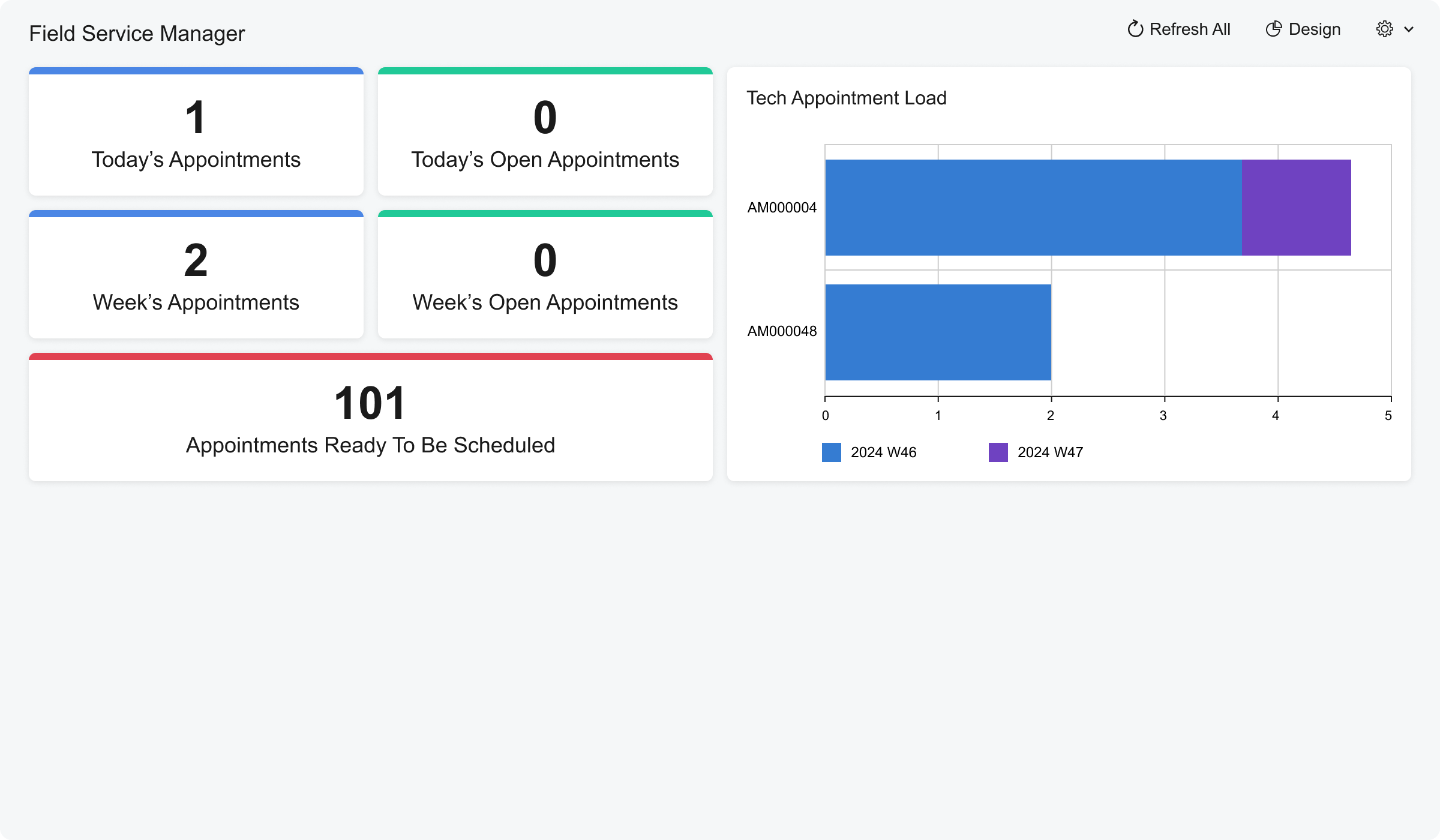
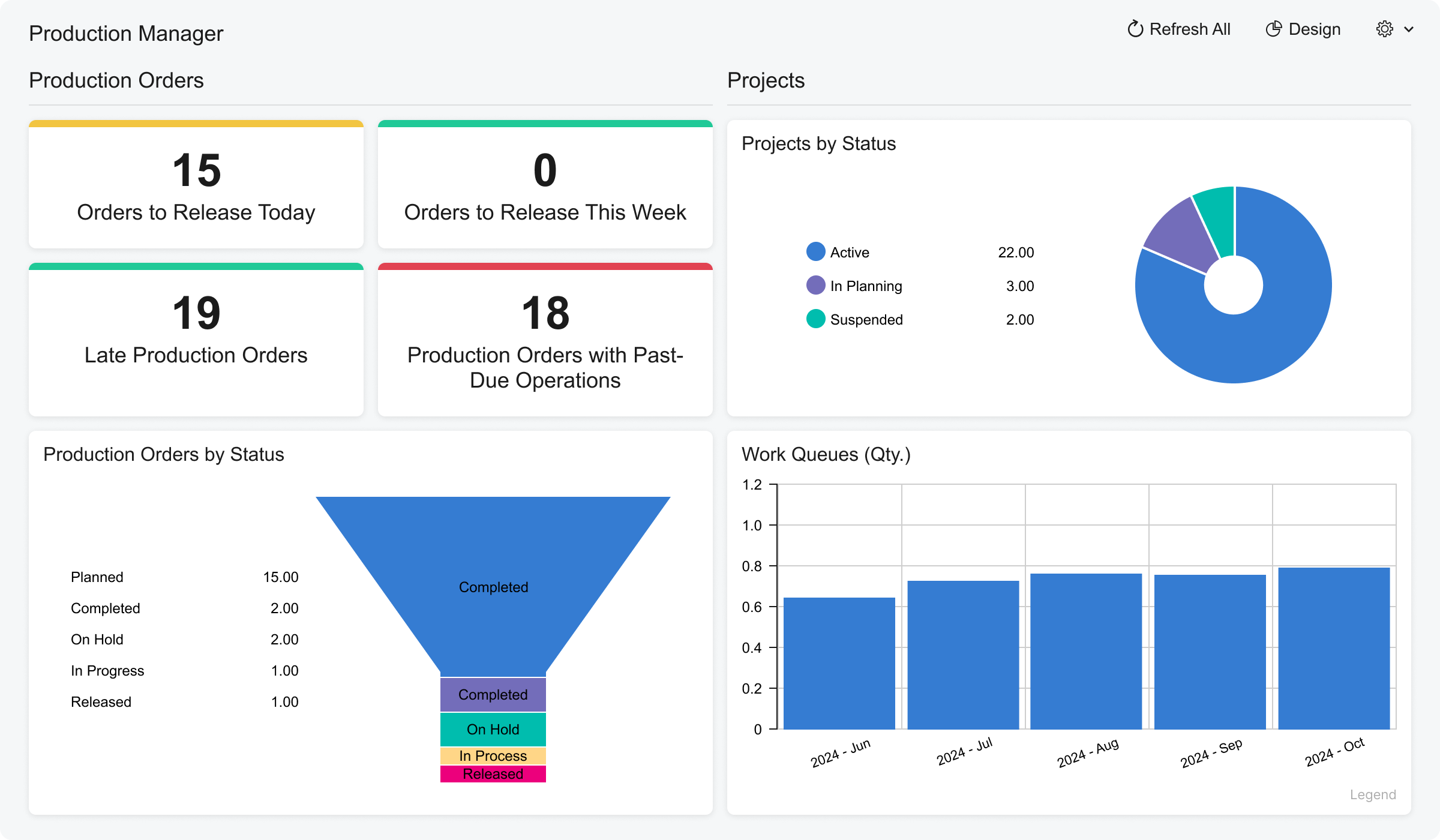
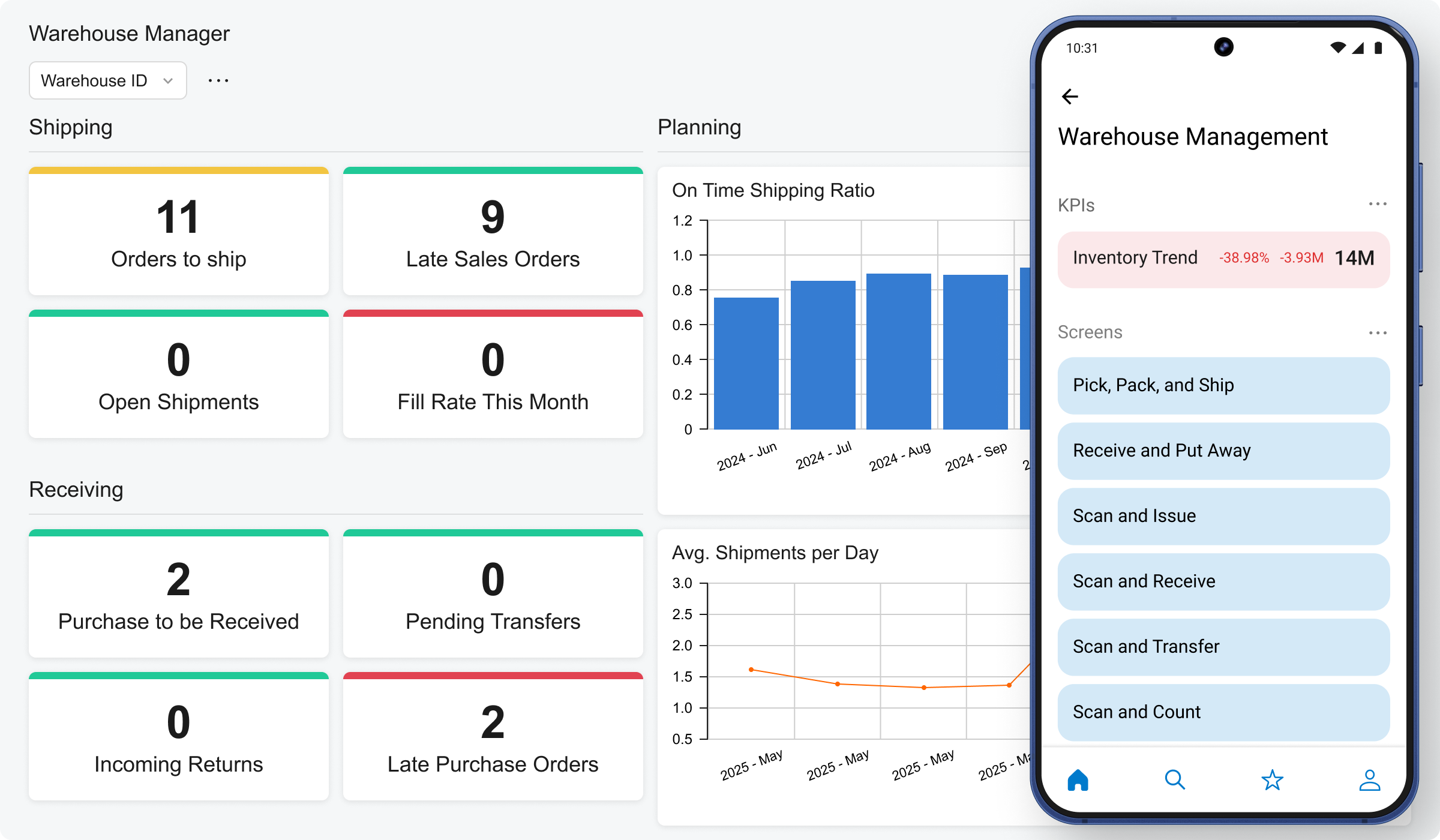
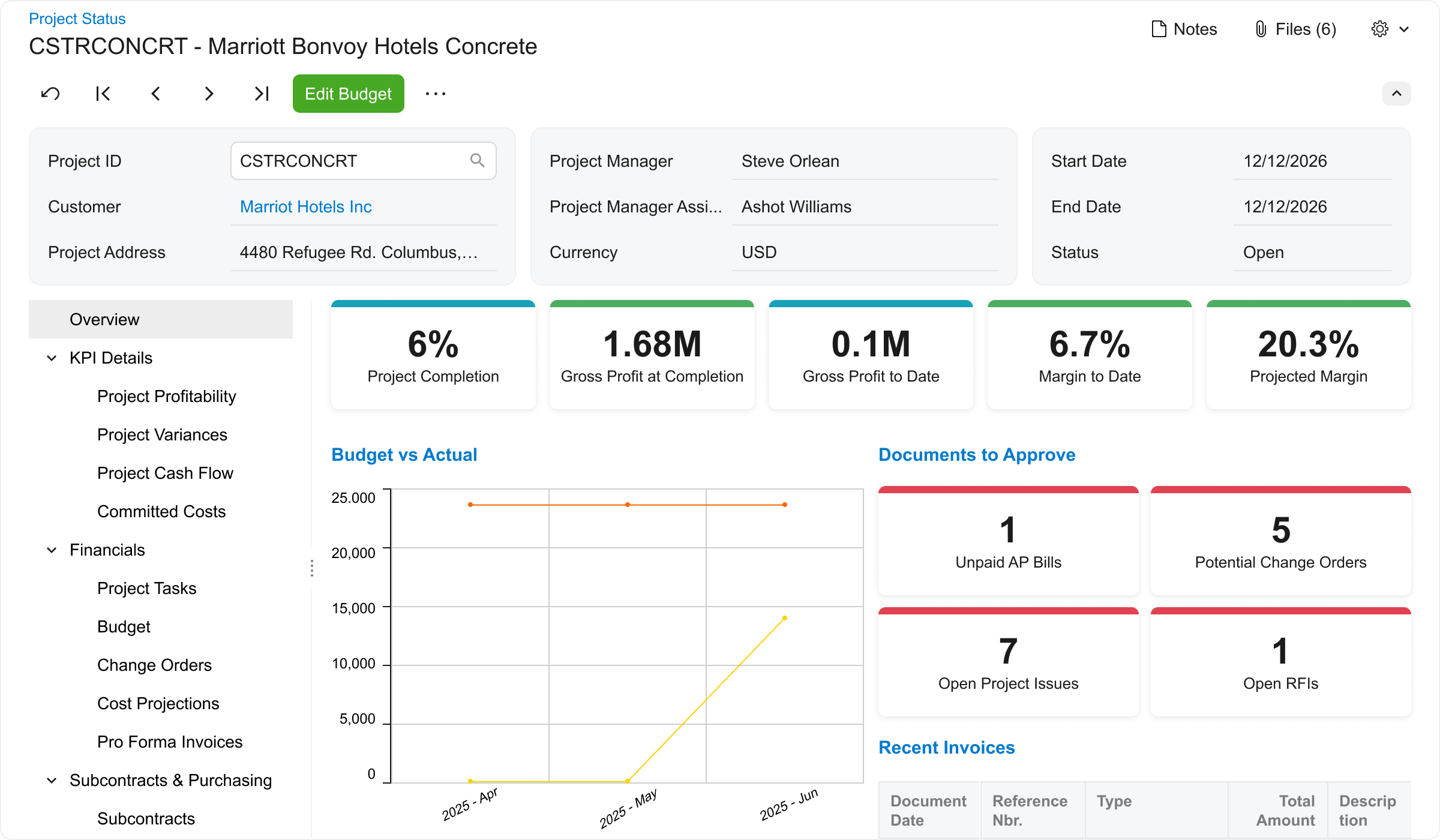
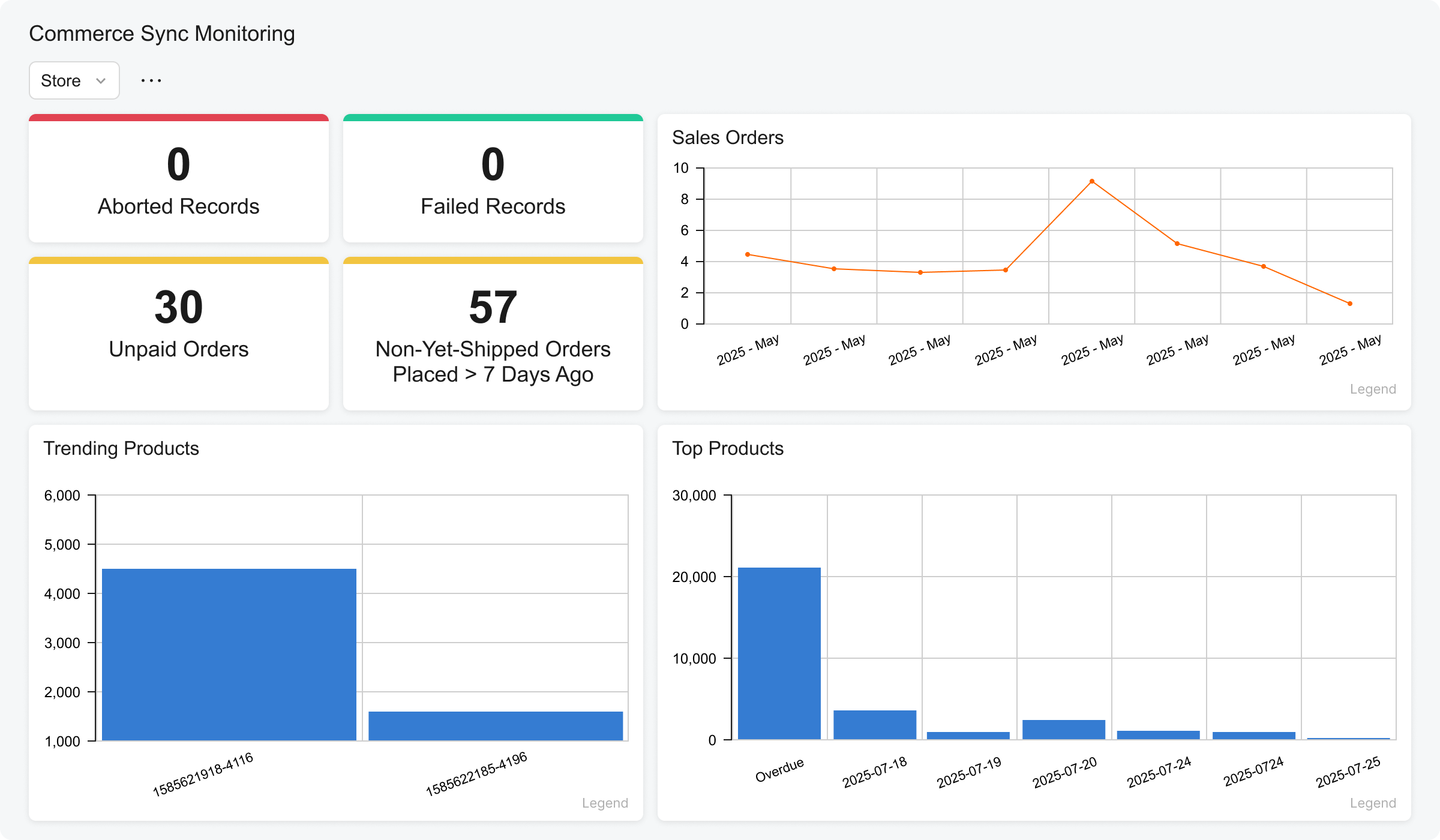
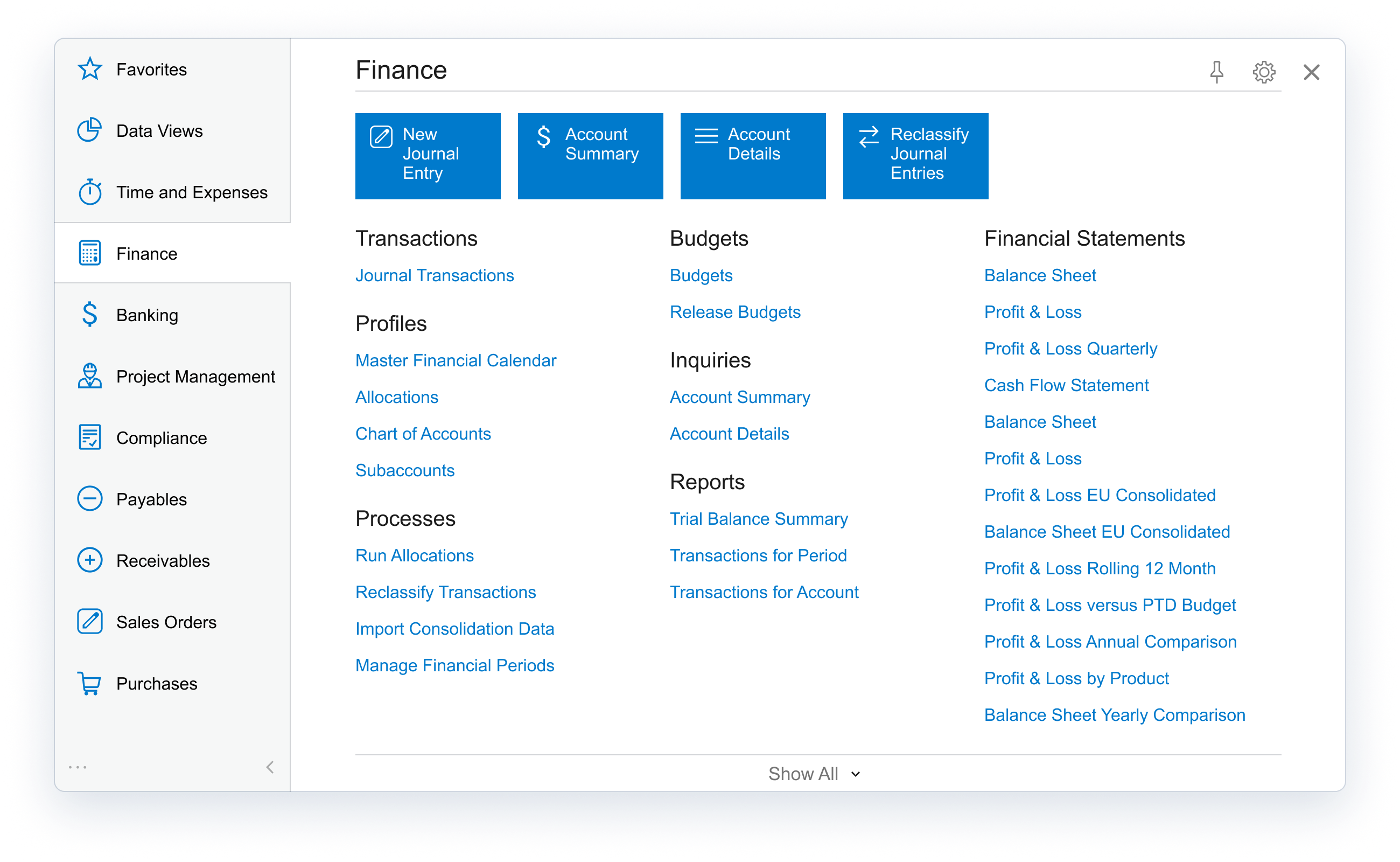
Acumatica delivers a set of cloud-based business software applications with dashboards, reporting tools, integrated document management, centralized security, and customization tools.
N/A
Sage 50
Score 8.3 out of 10
Small Businesses (1-50 employees)
Sage 50cloud Accounting (formerly Sage 50 Accounting) is accounting software designed for small businesses. Sage 50cloud Accounting (formerly Sage 50, and formerly Peachtree) lets businesses invoice customers, pay bills, manage inventory, control costs, and pay employees. The solution includes high-level dashboards and in-depth reports.
$61.92
per month
Pricing
Acumatica
Sage 50
Editions & Modules
No answers on this topic
Sage 50 Pro Accounting
$61.92
per month
Sage 50 Premium Accounting
$103.92
per month per user
Sage 50 Quantum Accounting 3 User
$177.17
per month per user
Offerings
Pricing Offerings
Acumatica
Sage 50
Free Trial
No
Yes
Free/Freemium Version
No
No
Premium Consulting/Integration Services
No
No
Entry-level Setup Fee
No setup fee
No setup fee
Additional Details
Pricing is always consumption-based with no five-year lock-ins or termination penalties.
The Acumatica ERP pricing structure allows adding casual users, suppliers, and customers without paying for additional licenses.
The cost is based on the features and resources utilized, not on the number of users who access the system. An Acumatica partner works with users to understand specific requirements, determine the proper resources and modules for the company, and presents a price for the license.
Annual billing plans also available for all products.
It is well suited because it appears to have been designed to work across multiple industries, and we've kind of seen that it works well for the construction industry. Still, we've been here at the Acumatica Summit and have seen a lot of other industries being able to use the same product, so they have designed it well.
Sage is great for portability and exchange with external accountants as it is widely used and people will be able to read your data in. It's a very good and complete solution for a little business where one person can handle all of the accounting. I doubt that it scales well to large companies with several in-house accountants working at the same time.
Banking reconciliation: Quick, easy to understand and easy to follow to see where you left off
Clearly displaying just enough data to answer questions without forcing us to work through copious amounts of detail or extracting data into other programs to get answers
Billing and payment receipt is particularly helpful in the way that the data transfers into the banking section and is exported
I like the automated guides to set up complex features of payroll formulas.
The business intelligence reporting seems very comprehensive, so that one could really "crunch the data" and analyze different aspects of their business.
Sage annually improves the performance and features of their program.
The out of the box reports are not appealing and take a bit to clean up during the end of the month. The set up of the reports can be quite tedious and not very intuitive. They need to do a better job of adding the drop and drag tool in a more visible way so that it is easy for the end user.
Sage needs to add the ability for the users (in a controlled environment) to manipulate the look and feel of the input screens. It gives you minimal options to add fields to certain areas.
The help feature does not have the "google" type of intelligence that allows you to search on phrases. If it is not exact, it does not do a very good job of filtering through items that you really don not need. I have used more of the internet searches to figure out my problem because it wasn't easy to pull up the help option in Sage.
Because Acumatica keeps updating every year and adapting to all the changes especially with AI capabilities, User interface, interactive assistant and many more. Not only that, there are so many ISVs and VARs that support and integrate with Acumatica that provides you alot of options to innovate your business needs.
I use this rating simply because I have a thriving Sage 50 consulting practice and will continue to keep my expertise in the product. I have consulted on both Sage 50 and QuickBooks for over 25 years so I have to maintain expertise in the solution as well as accounting and verticals.
I would give this rating because Accumatica is super easy to use. When I on boarded to work it was so easy to move through the various screens. In no time I was able to perform my daily required tasks with ease
I think Sage 50 is a trusted product and is reliable from a product delivery and support perspective. They have deep domain expertise in the non-profit space and should be a consideration for new non-profit startups or existing non-profits looking to migrate from other platforms. Overall, I believe that Sage 50 does many things well with few limitations.
We used Acumatica Support directly for the first year or so. Overall it's pretty good, but sometimes the support staff wasn't educated on the customizations we had, nor was I as the Customer as I couldn't remember which things were customized and which things were out of the box, so when there was an error, there were some misunderstandings.
The support from Sage is quick, easy to understand and always relevant. They are very responsive to queries and this enables us to have very little down time if the product does fail for whatever reason. Having someone on the end of the phone who can solve your issues is invaluable.
I'd say the partner selection is critically important. I think the software is very easy to implement. It's very customizable to your business. Finding a partner that will work with you to understand your business and your needs is the critical piece to make sure that the system goes along with it.
Sage 50 is a strong accounting software package. It will work efficiently if it is installed correctly. If one puts garbage in, one will get garbage out. Also it is important to train the staff to use Sage 50 properly. It is also important to set up security for each user.
The basic difference between Acumatica and similar solutions is their complexity and usability. It is less complex and easier to learn, and it is also based on a low-code platform, which makes it more convenient for the end user.
Sage Accounting is better suited for smaller organisations with fewer transactions. The invoicing system of this piece of software is a superior tool, however. Sage HR is more commonly used for employees to access payslips and record things such as annual leave or overtime. Sage Intacct is likely a more practical solution for a larger organisation with a higher volume of transactions.
From my understanding, the P.O. module is not very robust, at least the last time I inquired about it. At the time, it had a one-to-one match, with one invoice for one P.O. and that isn't practical for many businesses. I don't believe it would be an easy system to use for sending out invoices, if we had thousands of retail utility customers. We do a small number of invoices because we sell wholesale power, not retail, so we only Invoice the municipality. Not each utility customer.
I define scalable from two perspectives; 1) the scalability to handle more bookkeepers/accountants using the product, and 2) the scalability to handle increasing customer/vendor/employee and transactional data. Sage 50 does a good job on both fronts. From the single users operating a micro-business accounting for customer invoices and bill payments only, to the multi-staff, multi-location, multi-departmental complex transactional operation. Although Sage 50 is quite expensive for that smallest user, it is quite inexpensive for the larger business entity. So, for the new enterprise expecting rapid growth, Sage 50 is the application of choice.
It has allowed for more emphasis on sales than data entry which has allowed the Wholesale division to grow
The "On Screen" credit status on the Sales Order feature has given the capability to free up inventory for paying Customers which increased Turnover, while keeping Past Due to a minimum
The Reporting has allowed for yearly, prior year and Budget Variance Reporting for the Sales Reps so they can stay or target
The Inventory Reporting and Receiving keeps a grasp on damaged based on Lots received which helps to notify the Parent company of production issues and monitor shrinkage
The Credit with Job and RGA capability give a clear view of which Customer are having warehouse issues or if we are having Freight Carrier issues