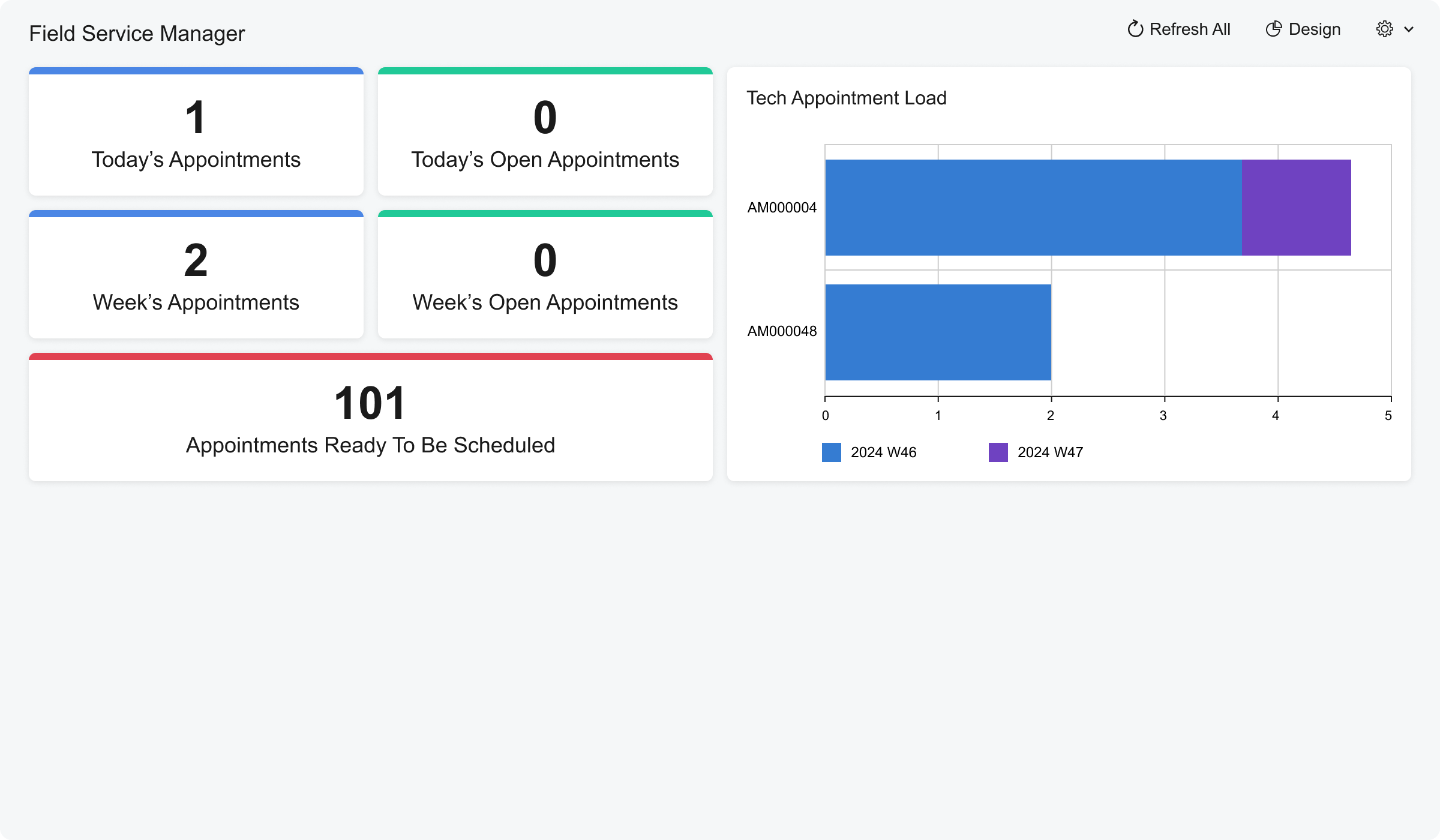
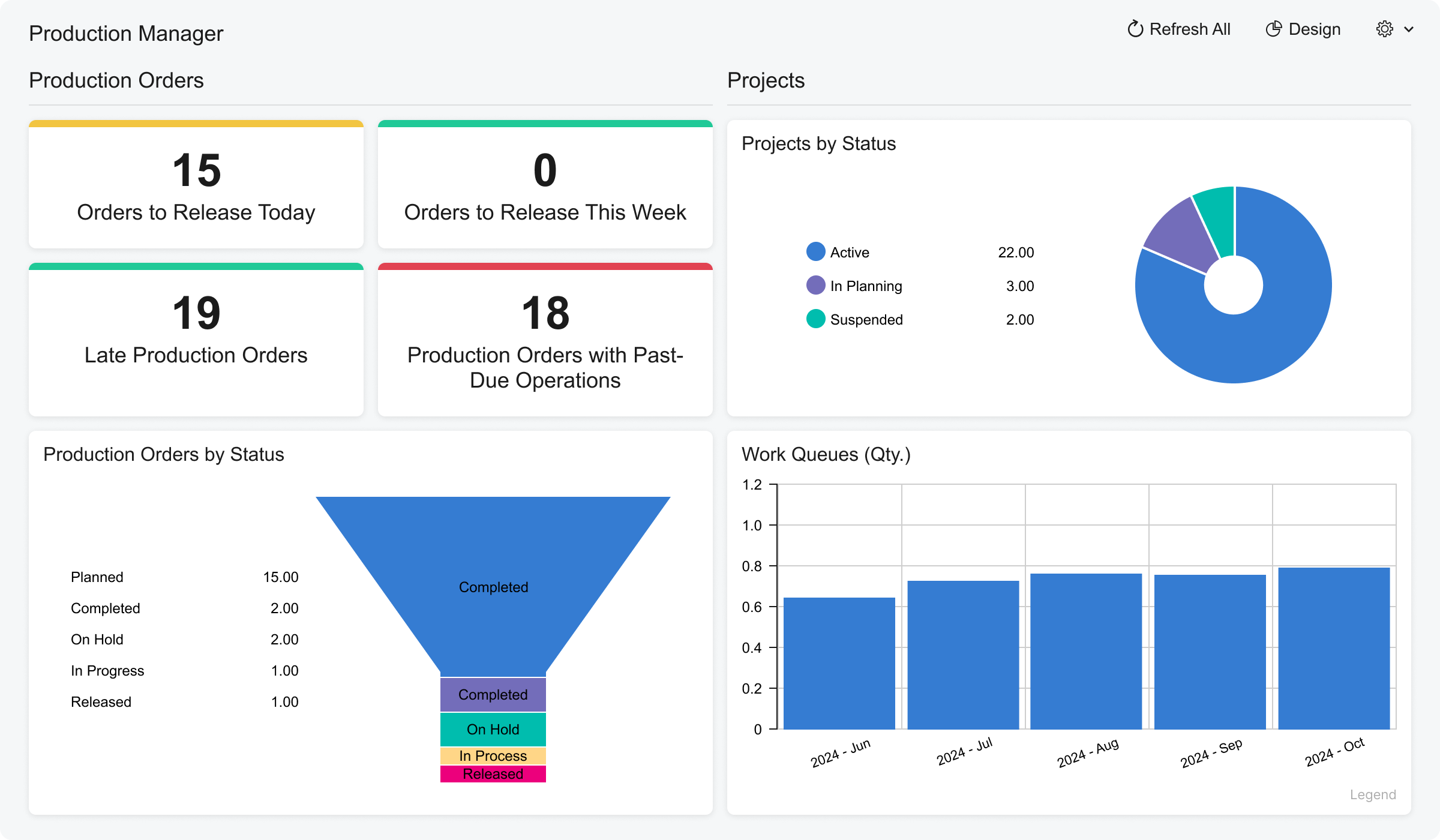
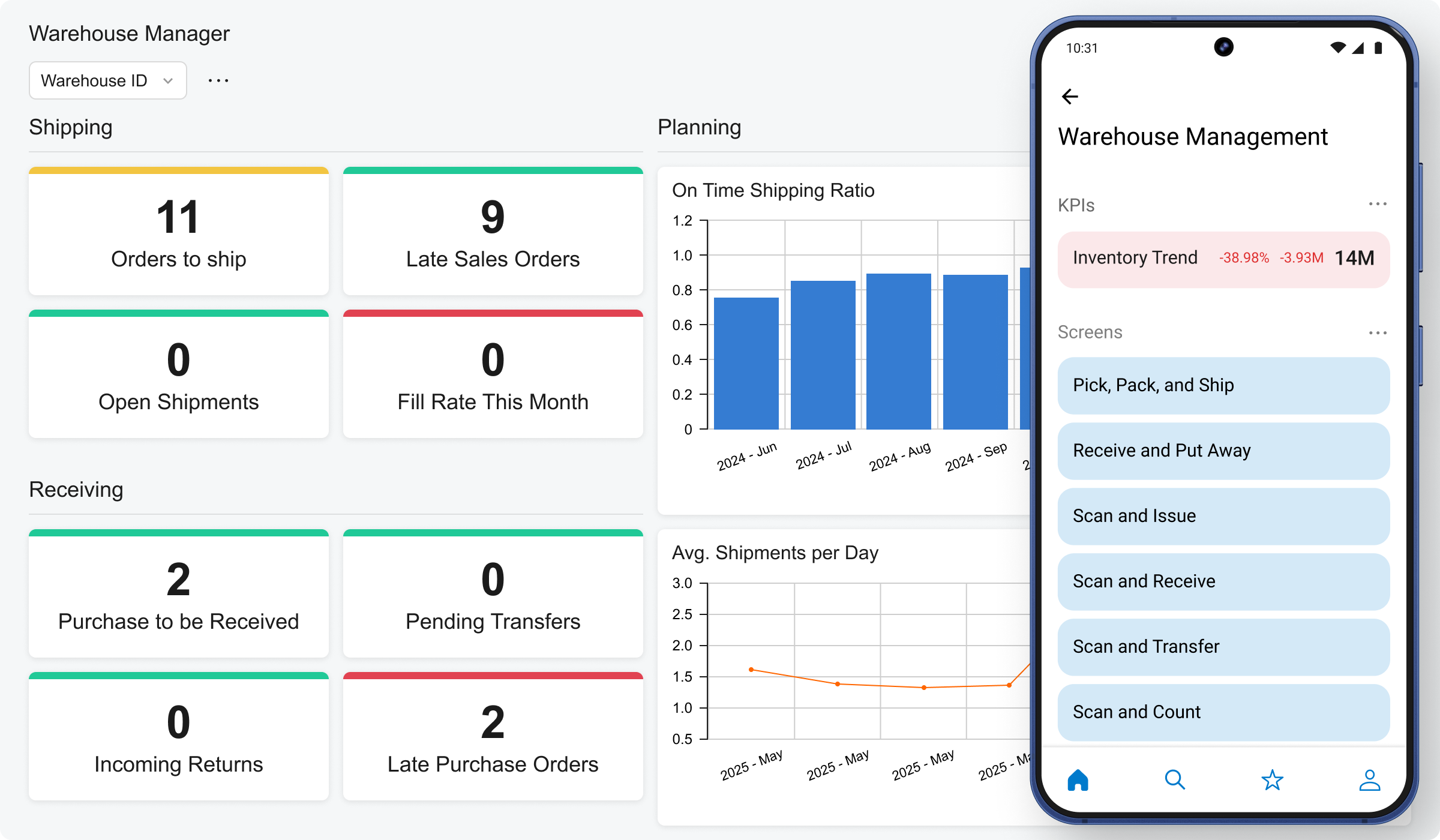
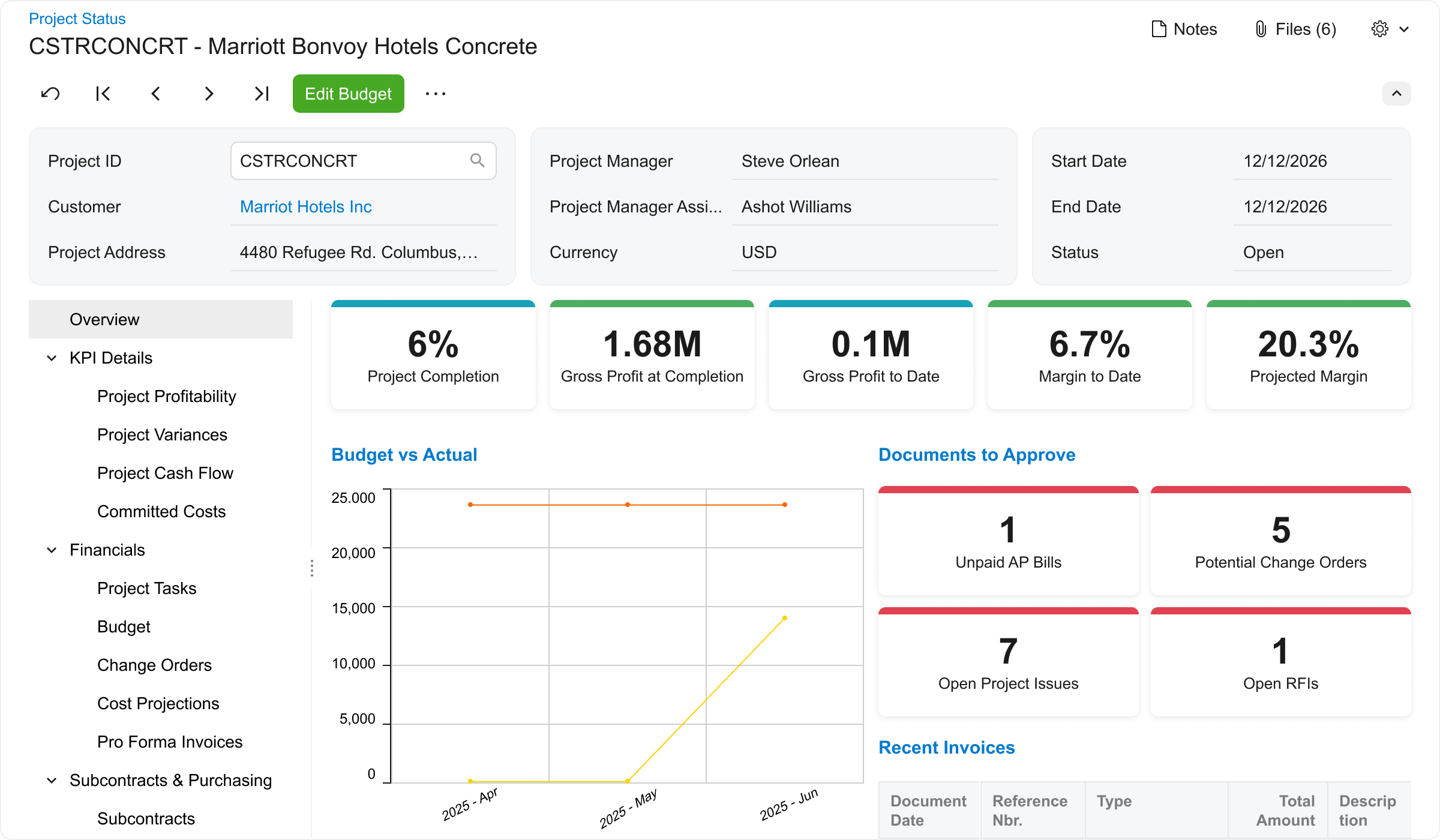
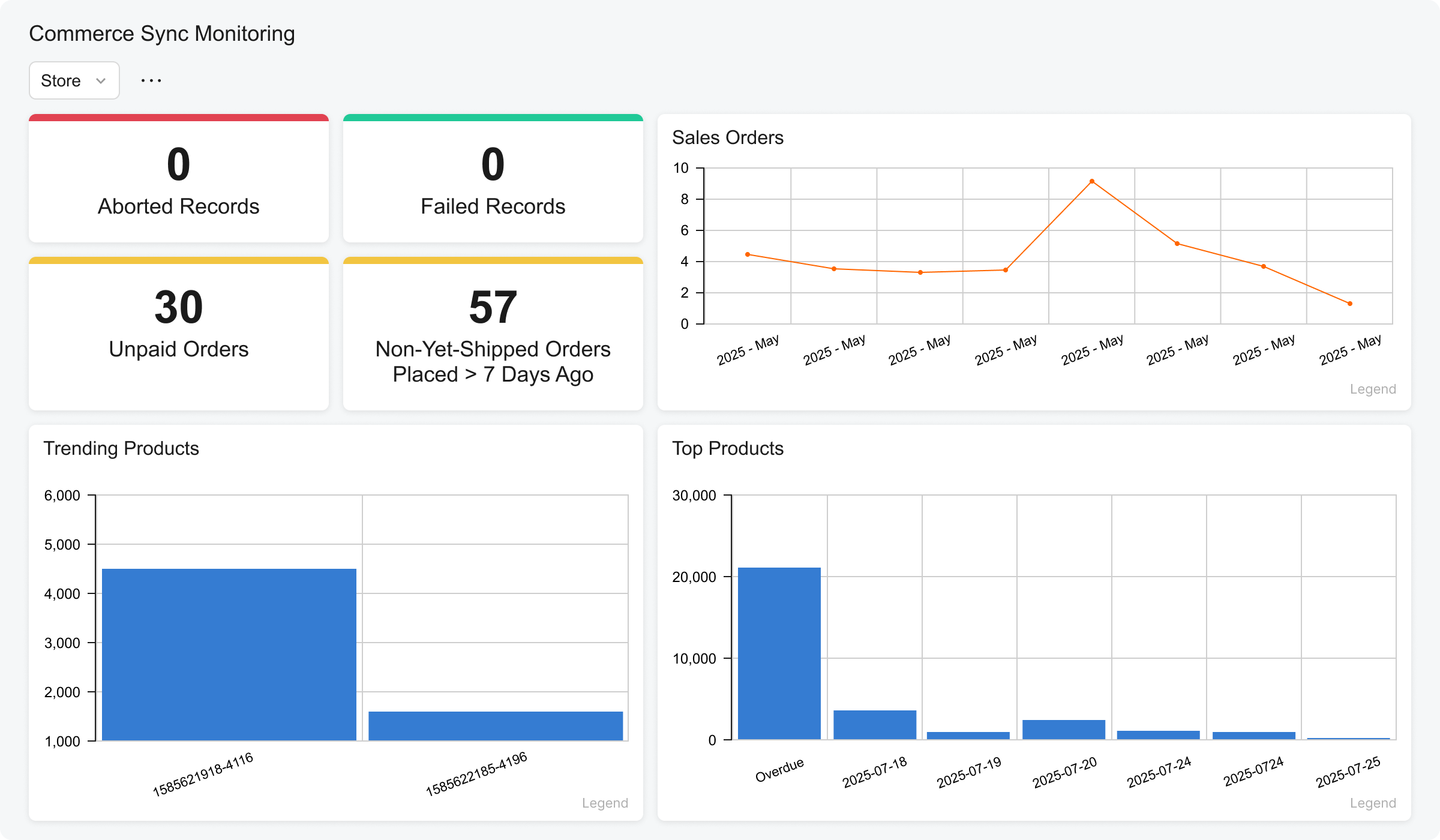
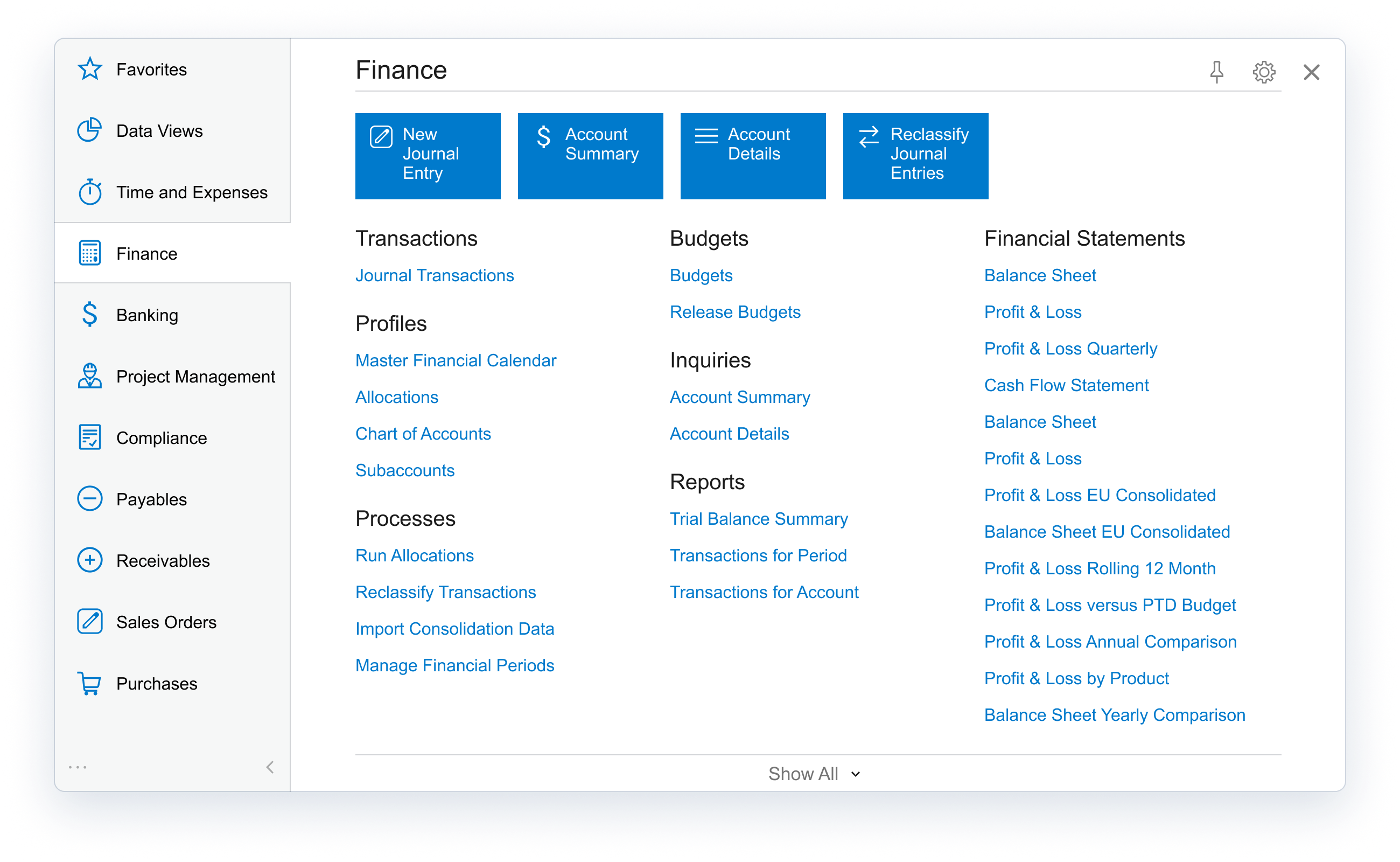
Acumatica delivers a set of cloud-based business software applications with dashboards, reporting tools, integrated document management, centralized security, and customization tools.
N/A
Infor VISUAL
Score 8.0 out of 10
N/A
Infor VISUAL is an ERP software focused on manufacturing companies with business intelligence, planning and scheduling, and pricing, quoting, and estimating capabilities, among others.
N/A
Pricing
Acumatica
Infor VISUAL
Editions & Modules
No answers on this topic
No answers on this topic
Offerings
Pricing Offerings
Acumatica
Infor VISUAL
Free Trial
No
No
Free/Freemium Version
No
No
Premium Consulting/Integration Services
No
No
Entry-level Setup Fee
No setup fee
No setup fee
Additional Details
Pricing is always consumption-based with no five-year lock-ins or termination penalties.
The Acumatica ERP pricing structure allows adding casual users, suppliers, and customers without paying for additional licenses.
The cost is based on the features and resources utilized, not on the number of users who access the system. An Acumatica partner works with users to understand specific requirements, determine the proper resources and modules for the company, and presents a price for the license.
It is well suited because it appears to have been designed to work across multiple industries, and we've kind of seen that it works well for the construction industry. Still, we've been here at the Acumatica Summit and have seen a lot of other industries being able to use the same product, so they have designed it well.
The original version of Visual Manufacturing (Lilly Software) was intended for mechanical manufacturing. It was adapted at our facility (we were not the first) to accomodate electronic manufacturing. For electronic manufacturing process control it is not ideal when referencing in-line or custom processes used to build product. For material control it is excellent unless a modification to a standard product is required (and we did this on 60% of product going out the door). The co-product feature that removes material from an assembly requires the creator of the work order to calculate the percentage of cost the removed items are from the completed product. On the business operations side regional tax reports were difficult to extract and an external module to go into the data base and extract that had to be created. The system itself was stable for the most part. Occasional "data collisions" corrupted transactions at times. The accounting procedures in place found them by the end of the month .where they were corrected. For a small business with less formal processes Infor Visual can be used with little training for the operators. If the processes need a higher level of accountability and control the processes can be formalized with workflow scripts to ensure that higher level of control.
Banking reconciliation: Quick, easy to understand and easy to follow to see where you left off
Clearly displaying just enough data to answer questions without forcing us to work through copious amounts of detail or extracting data into other programs to get answers
Billing and payment receipt is particularly helpful in the way that the data transfers into the banking section and is exported
At times a "shadow part" is necessary in the manufacturing process. This shadow part does not require an inventory transaction but is made a as a separate process - sometimes out of sequence to the general process flow. Infor Visual ver 6.3.5 does not have that capability.
When generating forms for business and manufacturing operations Infor Visual ver 6.3.5 has a limited number of options. To change or add forms requires an unsupported editor. When the stock and custom options are depleted an outside programming module is required as well as programmers to develop the forms.
While free software upgrades to the main operations modules have been part of the maintenance agreement. One upgrade required database and hardware support not justifiable for the current business model. The system was frozen at the current version at that time.
There is no easy way to differentiate between engineering documentation and production documentation.
Because Acumatica keeps updating every year and adapting to all the changes especially with AI capabilities, User interface, interactive assistant and many more. Not only that, there are so many ISVs and VARs that support and integrate with Acumatica that provides you alot of options to innovate your business needs.
Good Technical and Customer Support during and after implementation tasks. Good Project Plan and Management support for implementation and post implementation. Financial functionality could be more comprehensive particularly with Budgeting and Cash Management. Inventory Management capability was adequate but could be more comprehensive as well. "Out of the Box" functionality was adequate but requested add-ons and enhancements seemed to be a bit pricey.
I would give this rating because Accumatica is super easy to use. When I on boarded to work it was so easy to move through the various screens. In no time I was able to perform my daily required tasks with ease
We used Acumatica Support directly for the first year or so. Overall it's pretty good, but sometimes the support staff wasn't educated on the customizations we had, nor was I as the Customer as I couldn't remember which things were customized and which things were out of the box, so when there was an error, there were some misunderstandings.
I'd say the partner selection is critically important. I think the software is very easy to implement. It's very customizable to your business. Finding a partner that will work with you to understand your business and your needs is the critical piece to make sure that the system goes along with it.
Could have used more hands-on approach. There are multiple webinars and information sessions but until you actually use the system, these are not very helpful.
The basic difference between Acumatica and similar solutions is their complexity and usability. It is less complex and easier to learn, and it is also based on a low-code platform, which makes it more convenient for the end user.
We unfortunately did not evaluate any other ERP software. VISUAL was a legacy system and we determined that changing systems would be too difficult, and not cost effective. We reached out to our local VISUAL rep who knew how the software functioned, but not how to apply it more appropriately to our business model, so we continued on with what we had rather than looking elsewhere.
From my understanding, the P.O. module is not very robust, at least the last time I inquired about it. At the time, it had a one-to-one match, with one invoice for one P.O. and that isn't practical for many businesses. I don't believe it would be an easy system to use for sending out invoices, if we had thousands of retail utility customers. We do a small number of invoices because we sell wholesale power, not retail, so we only Invoice the municipality. Not each utility customer.