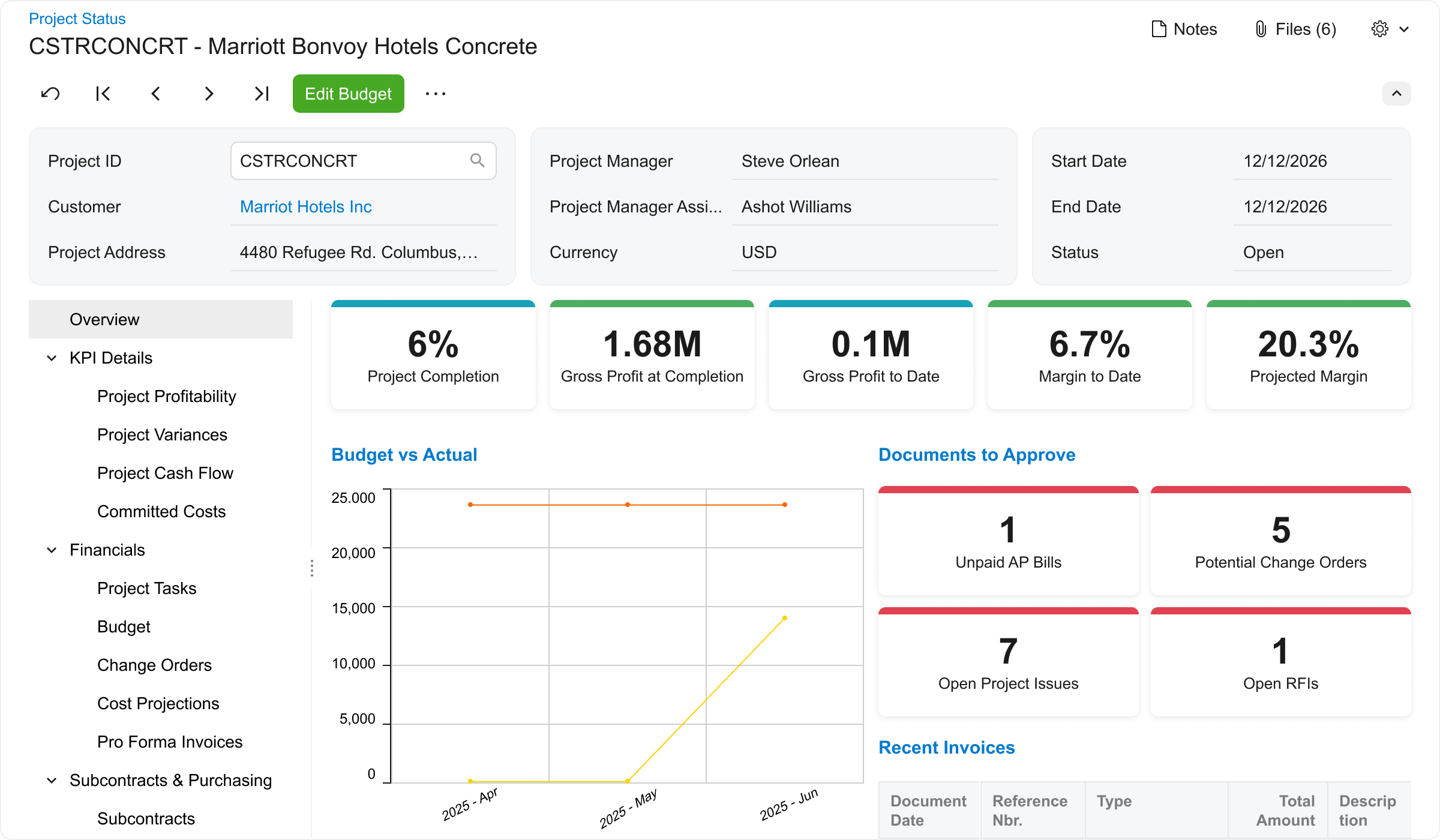
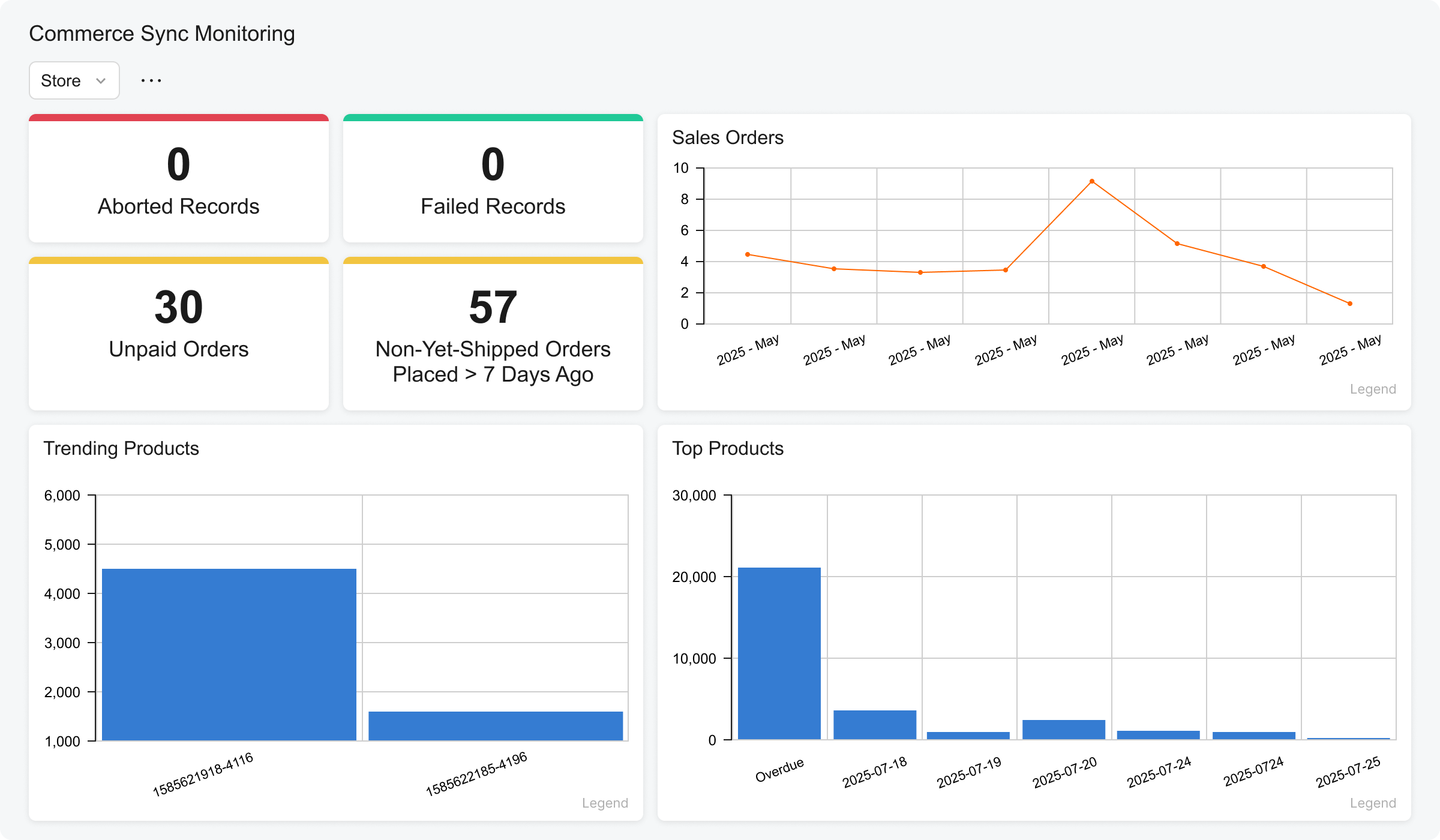
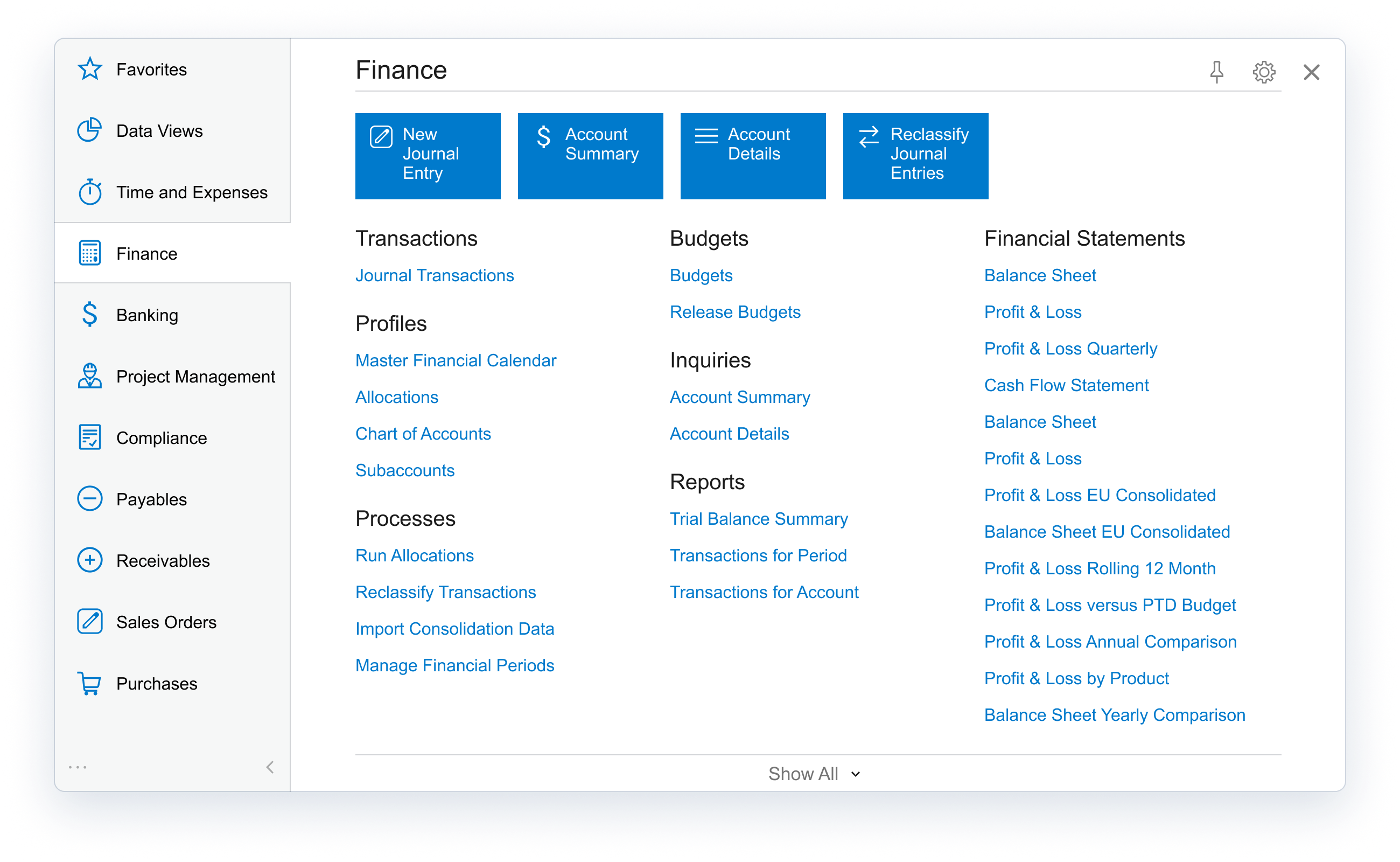
Acumatica delivers a set of cloud-based business software applications with dashboards, reporting tools, integrated document management, centralized security, and customization tools.
N/A
FreshBooks
Score 8.6 out of 10
Small Businesses (1-50 employees)
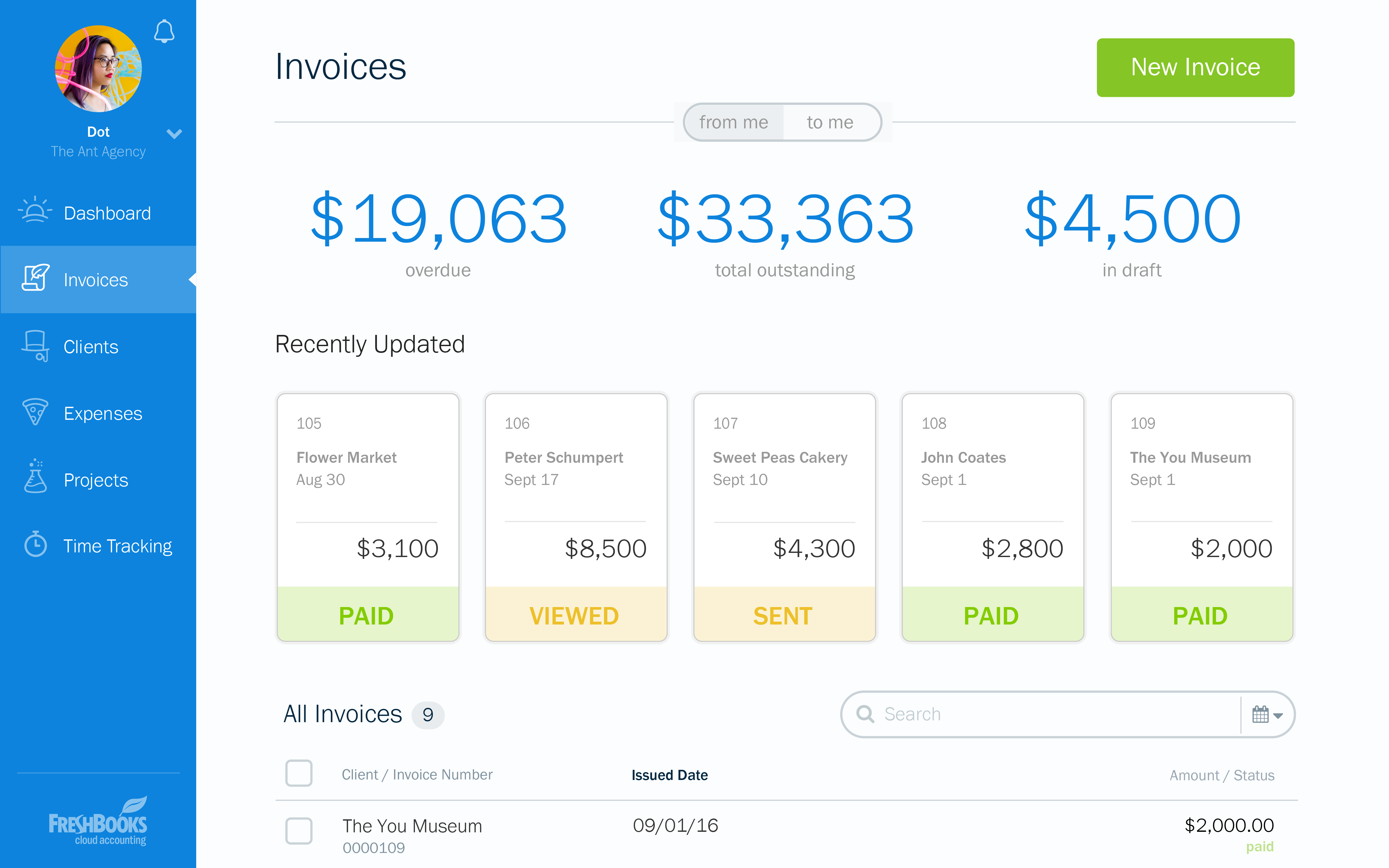
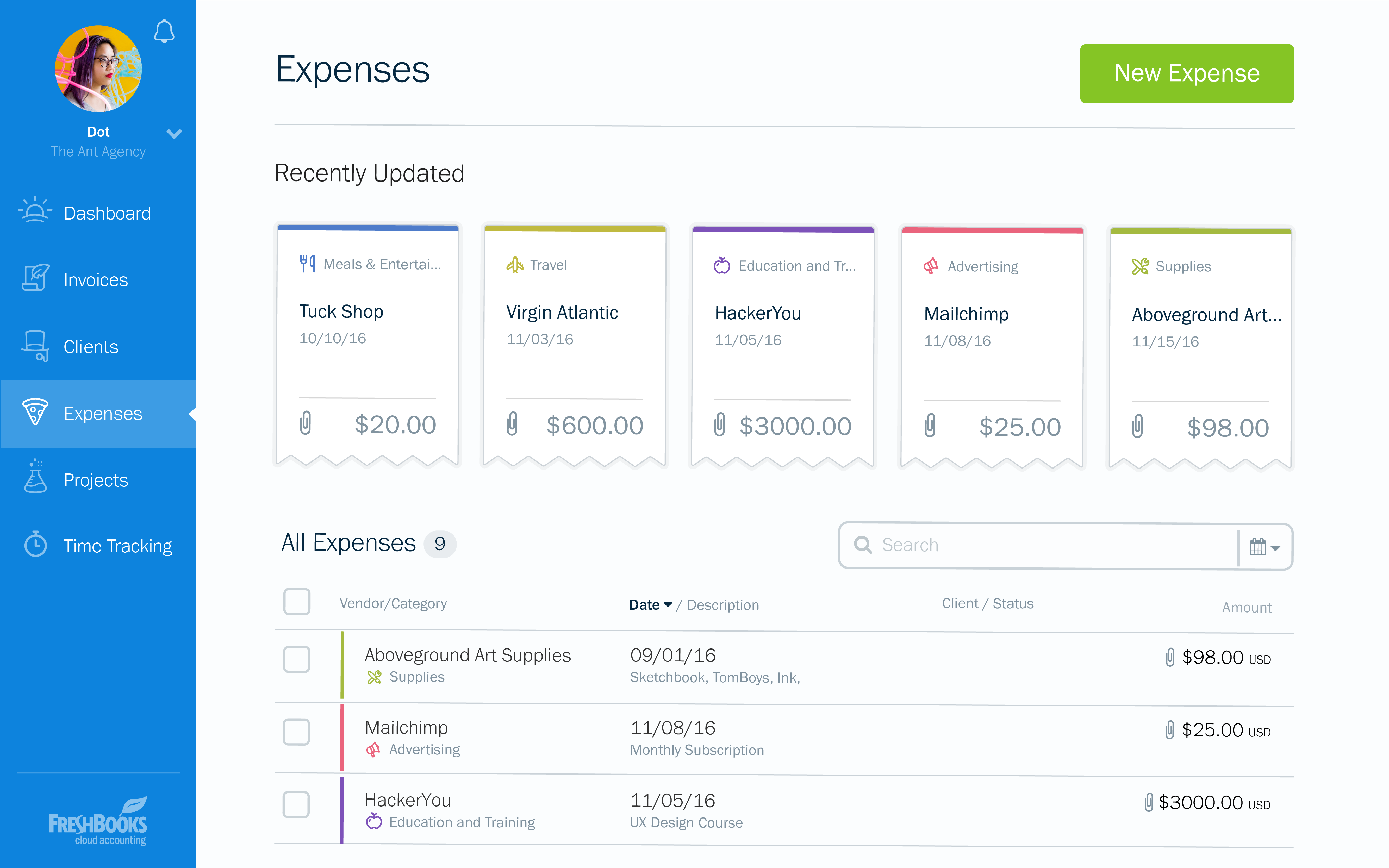
FreshBooks is an accounting service for small businesses. The solution enables users to send and manage invoices, track billable time and collect online payments. The vendor’s value proposition this that their solution provides a straightforward service that simplifies the billing process.
$21
per month
Pricing
Acumatica
FreshBooks
Editions & Modules
No answers on this topic
Lite
$21
per month
Plus
$38
per month
Premium
$65
per month
Select
Custom Pricing
Offerings
Pricing Offerings
Acumatica
FreshBooks
Free Trial
No
Yes
Free/Freemium Version
No
Yes
Premium Consulting/Integration Services
No
No
Entry-level Setup Fee
No setup fee
No setup fee
Additional Details
Pricing is always consumption-based with no five-year lock-ins or termination penalties.
The Acumatica ERP pricing structure allows adding casual users, suppliers, and customers without paying for additional licenses.
The cost is based on the features and resources utilized, not on the number of users who access the system. An Acumatica partner works with users to understand specific requirements, determine the proper resources and modules for the company, and presents a price for the license.
It is well suited because it appears to have been designed to work across multiple industries, and we've kind of seen that it works well for the construction industry. Still, we've been here at the Acumatica Summit and have seen a lot of other industries being able to use the same product, so they have designed it well.
FreshBooks is the perfect tool for businesses who have hundreds of clients and customers whom they invoice regularly. It removes the need to manually send invoices to clients and customers, by streamlining inputted information to create an automated invoicing system which keeps clients and customers up to date with their bills. It is also a great tool for managing expenses, especially for companies with different teams working on varying projects, ensuring these teams do not exceed the budget ceiling.
Banking reconciliation: Quick, easy to understand and easy to follow to see where you left off
Clearly displaying just enough data to answer questions without forcing us to work through copious amounts of detail or extracting data into other programs to get answers
Billing and payment receipt is particularly helpful in the way that the data transfers into the banking section and is exported
FreshBooks is pretty intuitive to use. I did have some questions when I first started using the system, but it wasn't a long learning curve.
FreshBooks provides more capability than other billing applications such as PaySimple or BlinkSale. FreshBooks does provide an easy invoicing function. It's easy to create invoices that can be sent via email or snail mail to one or more individuals (for example, the decision-maker and the accounting dept). Clients can pay online or send a check and then I note that the payment has been received. If paid by credit card, the system automatically marks the invoice paid. Your business accounts such as bank accounts can be linked to FreshBooks. Then, the system can automatically draw in expenses and will create simple P&L reports, overdue invoices, client history, etc. If you don't have inventory and complex payroll, etc. FreshBooks provides just the right level of capability to make financial tracking simple.
FreshBooks integrates with a number of credit card companies. I use Stripe, which has fees similar to Paypal, but much more reliable processing. I can accept all credit cards, including American Express, for a reasonable fee.
Pricing structure is very poor for us. $10/user per month when we have staff that comes and goes. And it's impossible to change a free contractor to a paid staff and vice-versa. This is my biggest complaint.
They only allow one admin owner user. Emails must come from that account. This is annoying, as other staff cannot log in with the same power.
The user interface is quite dated. I've made recommendations to improve it and all have been ignored. It's skinny and not fluid. Also, there is no way to link between invoices and clients.
Because Acumatica keeps updating every year and adapting to all the changes especially with AI capabilities, User interface, interactive assistant and many more. Not only that, there are so many ISVs and VARs that support and integrate with Acumatica that provides you alot of options to innovate your business needs.
At the current needs of our business, FreshBooks suits us perfectly - it allows online access by our accountant to the system for GST purposes, easy input of expenses and tracking of Profit and Loss statements. FreshBooks customer service is great as well - very understanding and accommodating.
I would give this rating because Accumatica is super easy to use. When I on boarded to work it was so easy to move through the various screens. In no time I was able to perform my daily required tasks with ease
It is well-built software with no significant drawbacks. It offers all the necessary futures expected from online software. However, it is not yet up there with Xero and QuickBooks regarding connections with other software and advanced reporting features. The developers work closely with accountants, and therefore, I expect further development of the software.
We used Acumatica Support directly for the first year or so. Overall it's pretty good, but sometimes the support staff wasn't educated on the customizations we had, nor was I as the Customer as I couldn't remember which things were customized and which things were out of the box, so when there was an error, there were some misunderstandings.
I think the support level for FreshBooks is on par with a 6 because the folks behind this application do a fairly good job at providing support for their customer base. I still don't think they are at an elite level when it comes to supporting but are getting there although too slow in my opinion.
I'd say the partner selection is critically important. I think the software is very easy to implement. It's very customizable to your business. Finding a partner that will work with you to understand your business and your needs is the critical piece to make sure that the system goes along with it.
The basic difference between Acumatica and similar solutions is their complexity and usability. It is less complex and easier to learn, and it is also based on a low-code platform, which makes it more convenient for the end user.
There is no fluff and feature overload with FreshBooks. I can get to what I need quickly and easily. I don't have to deal with unnecessary features and fields the system considers essential. The payment features are streamlined and have lots of flexibility when receiving payments. I love FreshBooks support, and it is 100 more customer-friendly and easier to work with than its primary competitors from my experience.
From my understanding, the P.O. module is not very robust, at least the last time I inquired about it. At the time, it had a one-to-one match, with one invoice for one P.O. and that isn't practical for many businesses. I don't believe it would be an easy system to use for sending out invoices, if we had thousands of retail utility customers. We do a small number of invoices because we sell wholesale power, not retail, so we only Invoice the municipality. Not each utility customer.
Since implementing FreshBrooks, 80% of invoices created are paid in less than 30 days from the time the invoice is sent via email to the client. Prior to FreshBooks, we were mailing or hand-delivering our invoices and payment on those invoices was in the 45-90 day range.
Time tracking is done directly in FreshBooks (or through a plugin that's connected directly to FreshBooks) and is very easy to use. With this feature we're much better able to track all business activities. This has helped us to quantify the time we're spending on non-billable business-related work in addition to our billable client hours. We've been able to adjust our pricing accordingly, as well as being more efficient with our non-billable activities.
When FreshBooks online payments is set-up in your account, payments made with this method are automatically sent to your bank account. We choose between FreshBooks payments and PayPal payments in order to manage how much money stays in the PayPal account for online expenses vs. how much is transferred directly to the bank account.