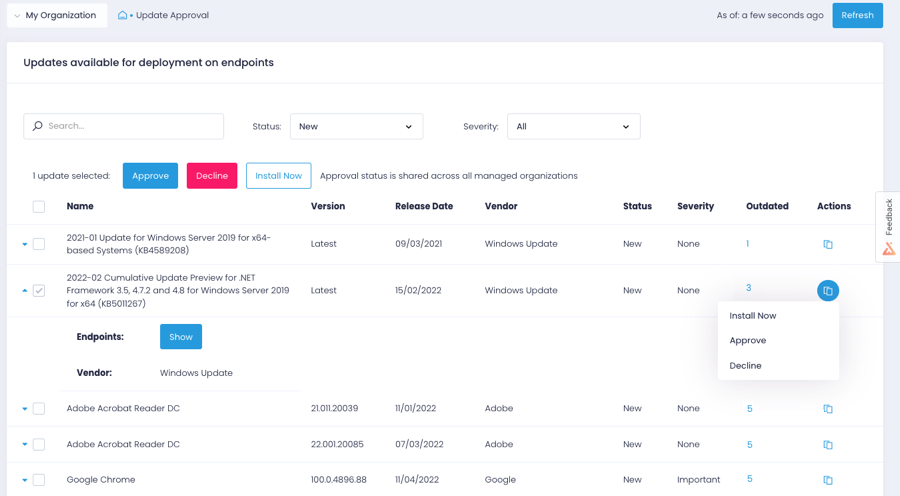
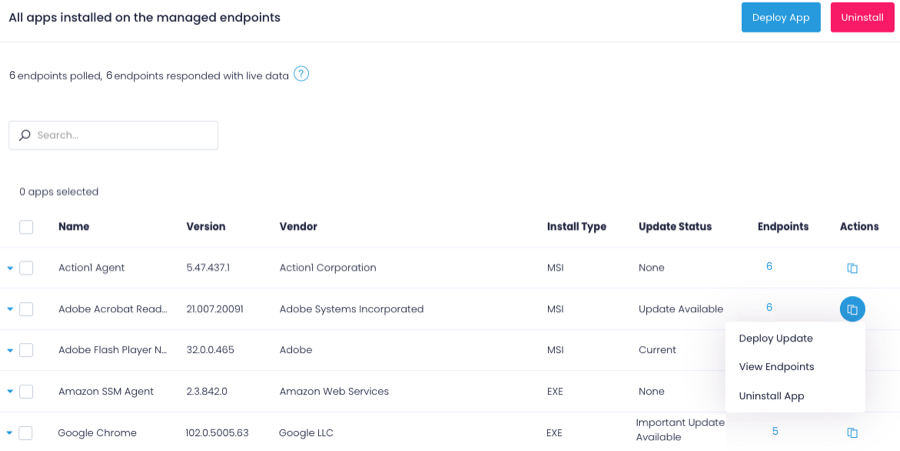
Action1 is an autonomous endpoint management platform that is cloud-native, scalable, and configurable in 5 minutes. It is free for the first 200 endpoints, with no functional limits. By pioneering autonomous OS and third-party patching - AEM’s foundational use case - through peer-to-peer patch distribution and real-time vulnerability assessment without needing a VPN, it eliminates costly, time-consuming routine labor, preempts ransomware and security risks, and protects the digital…
N/A
Syncro
Score 9.6 out of 10
N/A
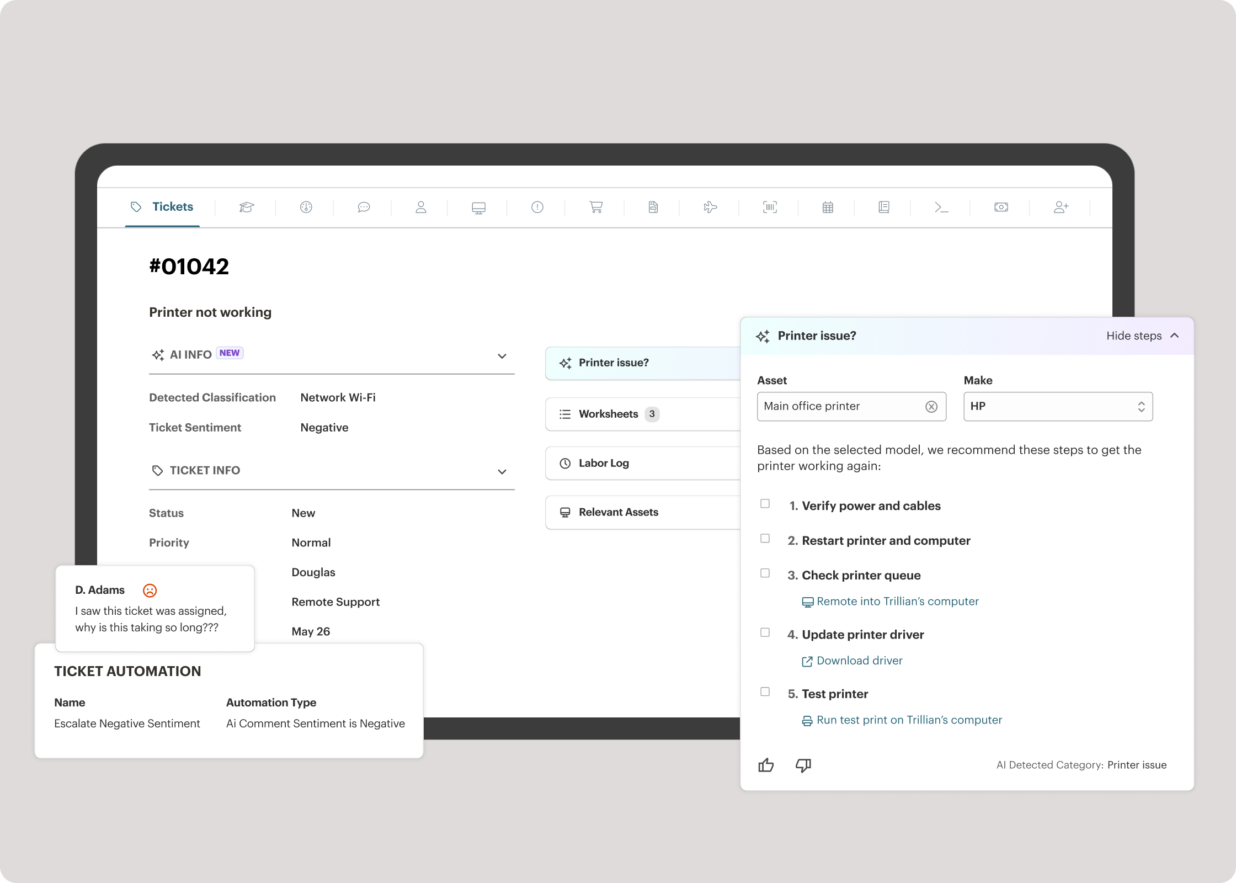
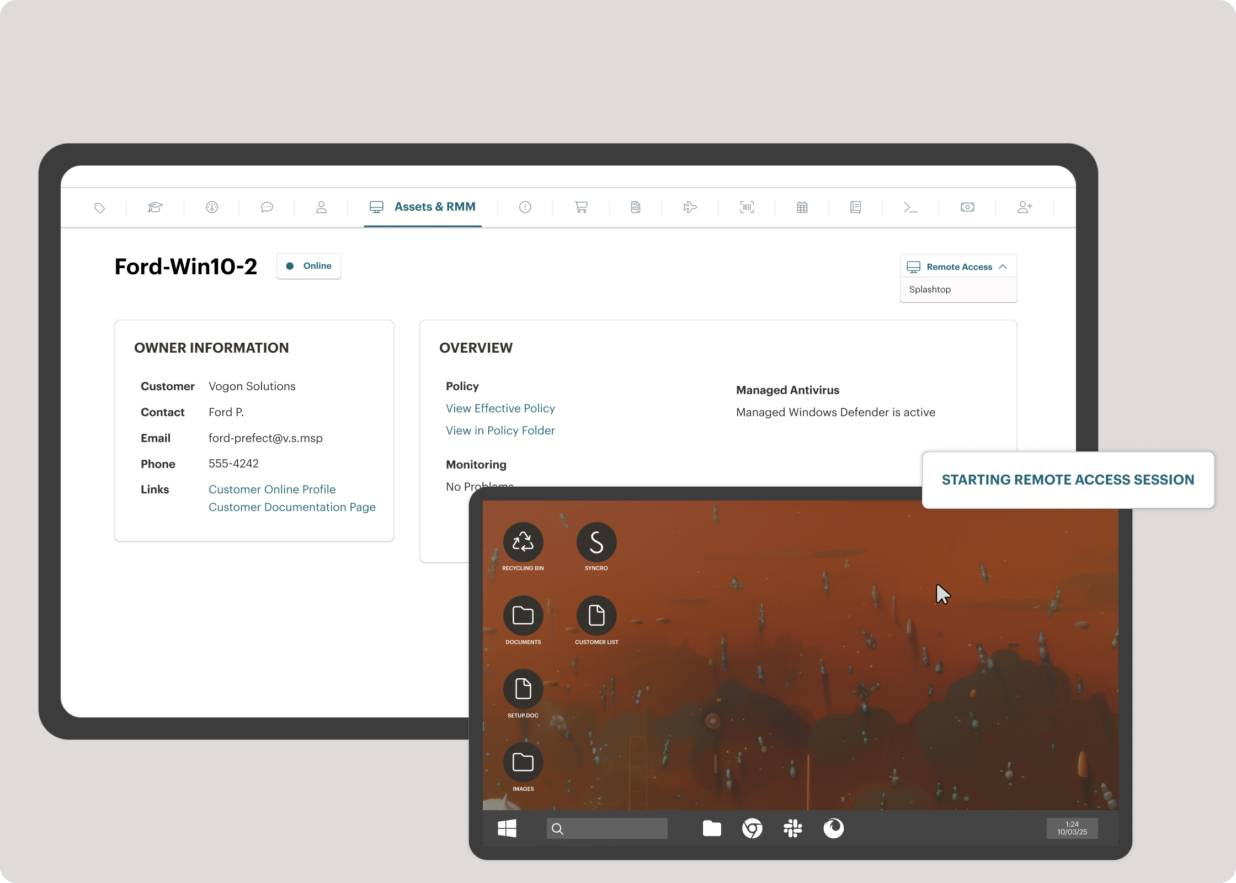
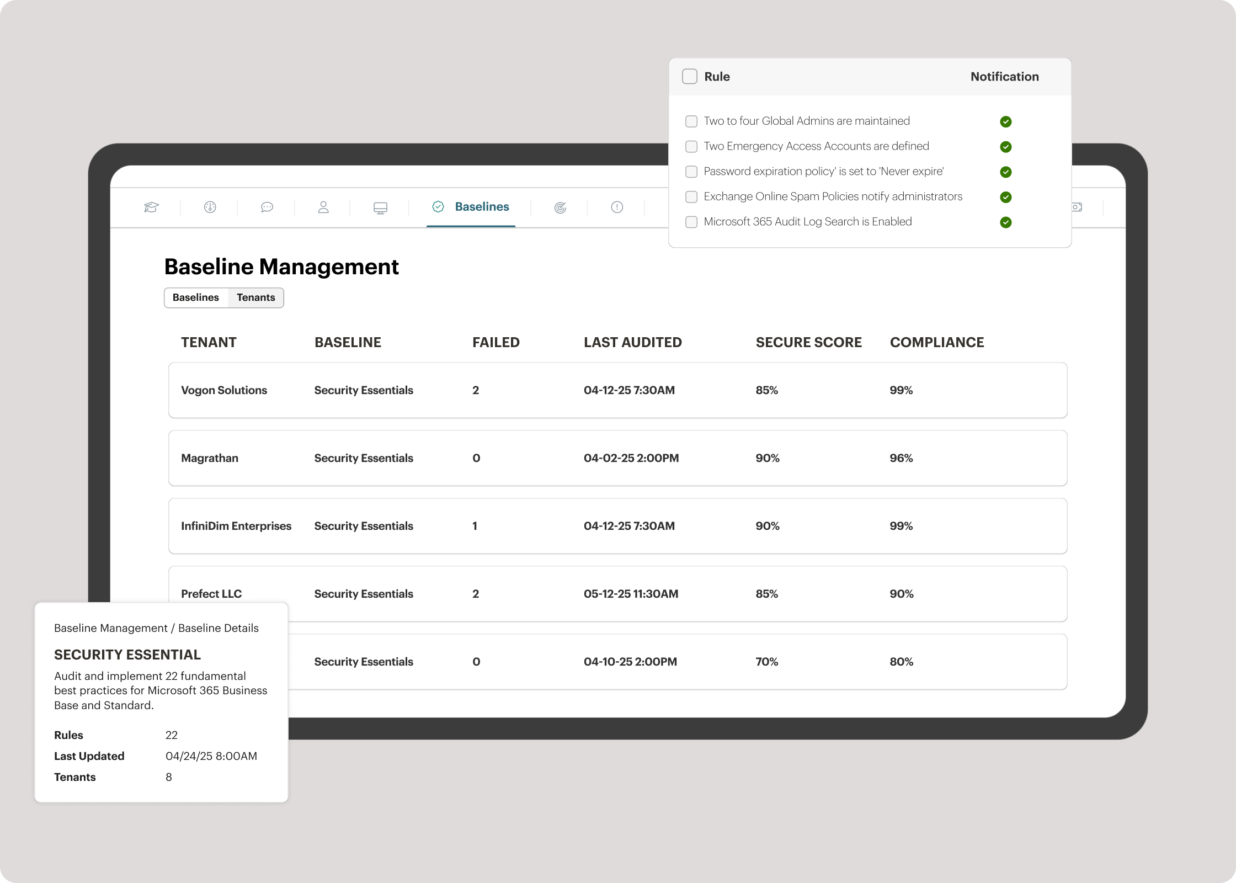
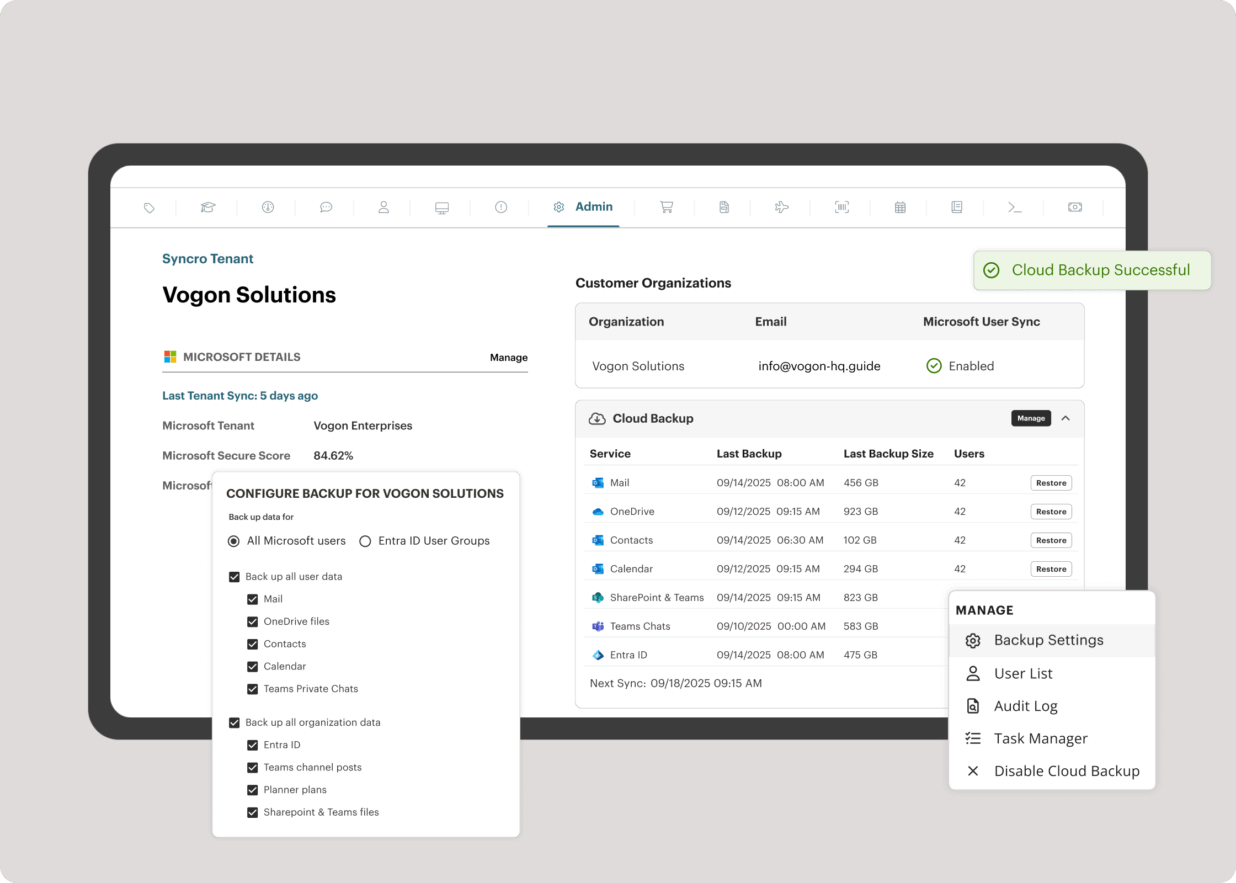
Syncro offers an Extended Monitoring and Management (XMM) platform for midsized MSPs and internal IT teams. The platform integrates RMM (endpoint management), professional services automation (PSA), and Microsoft 365 multi-tenant management to help organizations simplify operations, strengthen security, and scale.
$139
per month per user
Pricing
Action1
Syncro
Editions & Modules
No answers on this topic
Core
$139
per month per user
Team
$189
per month per user
Offerings
Pricing Offerings
Action1
Syncro
Free Trial
No
Yes
Free/Freemium Version
Yes
No
Premium Consulting/Integration Services
No
No
Entry-level Setup Fee
Optional
No setup fee
Additional Details
—
Discount available for annual payment.
More Pricing Information
Community Pulse
Action1
Syncro
Features
Action1
Syncro
Application Performance Management
Comparison of Application Performance Management features of Product A and Product B
Action1
-
Ratings
Syncro
8.0
Ratings
9% above category average
Virtualization monitoring
00 Ratings
7.00 Ratings
IT Asset Discovery
00 Ratings
9.00 Ratings
Monitoring Tasks
Comparison of Monitoring Tasks features of Product A and Product B
Action1
-
Ratings
Syncro
6.7
Ratings
10% below category average
Remote monitoring
00 Ratings
9.00 Ratings
Network device monitoring
00 Ratings
7.00 Ratings
Activity Monitoring
00 Ratings
4.00 Ratings
Management Tasks
Comparison of Management Tasks features of Product A and Product B
Action1
-
Ratings
Syncro
9.0
Ratings
19% above category average
Patch Management
00 Ratings
9.00 Ratings
Policy-based automation
00 Ratings
9.00 Ratings
Remote Access
Comparison of Remote Access features of Product A and Product B
For small teams having to deal with significant ammount of devices, I can't express how useful Action1 is. With very small effort, you can easily keep track of your devices, keep them up to date, deploy new software to your users, create recurring reports/alerts and so on. Initially, the 100 endpoints for free was also a nice touch. Now, even better since they increased to 200. For the forseeable future, I have not to worry about costs and still can't believe it's a full solution for free, not those freeware stuff where what you really desire is behind a cost.
The good is pretty good when it comes to Syncro. Window patching works well. They add features often. No hidden fees and good pricing. The bad, are inconvenient when it comes to Syncro but could be worse. Reporting does not look good. Support only through email. There are no forums or network scanning/SNMP
Lots of times Action1 will identify a program that needs to be patched, but then not really have a path laid out to get that done...so they just remain as they are, but are tagged as such.
Really wants to replace the windows update mechanism. Resists (or did at least) you if you try to keep updates as they are and update occasionally from Action1
Could develop the scripts section a bit more, looked pretty sparse last time I checked it out.
Ticketing. Whilst the ticketing system works, it is fairly basic compared to specific ticketing solutions. Some improvements here would be great.
Remote Management - granular options on accounts. You are unable to have some clients or systems which do not require a password for remote access, whilst having this set for other clients/accounts. This makes it a problem if you want to use the remote management component on servers where there is no one available to approve access
Better "built in" remote access software. Whilst the base remote access software works and that the system integrates with larger remote management vendors, some improvements to the remote management component would be beneficial
Agent deployment is simple (and silent) - once that is done, you're good to go. Everything is simple, centralized and very easy to work with. There isn't one aspect of this platform that requires crawling over forums and Google, it just works!
The overall value of Syncro is good due to cost of software and the things that it does do well. However, there are some limitations that will be frustrating and may require extra software or time to complete or format in other platforms. So, can cause some setbacks to some organizations but be work well for others, based on their needs
After looking at different solutions, Action1 [Cloud Remote Monitoring and Management Solution] was the perfect fit for us that delivered all of the features we wanted without being as costly as some of the others alternatives we've looked at. There was no minimum endpoint count and they even offer up to 50 endpoints for free, which is really great for a small organization like us to help us lower our starting costs and still allows us to grow at our pace without having to commit to a defined amount of endpoints to start.
Syncro does not have every bell or whistle (especially when compared with Kaseya VSA). However from a cost versus feature perspective, Syncro wins hands down. Syncro versus Atera - they are very similar products and also use the per agent pricing. This was a big driver for us and Syncro came out at cheaper priced option. Atera does have more features and is a more mature product - however the features that we required were perfect in SyncroMSP
Saved hours per week on patching and able to ensure a 100% patching success rate.
Able to create custom alerting on potential problems as well as able to create some automation to automatically address problems.
Improved support to our remote locations and users.
Custom deployments allow us to have a mechanism to deploy custom applications we build as well as other third party applications we need to distribute.