TrustRadius: an HG Insights company

Read&Write

Score9.3 out of 10

81 Reviews and Ratings

What is Read&Write?

Read&Write is a literacy support tool that helps individuals of all abilities read, write, and express themselves with confidence. For education and the workplace, its assistive features include text-to-speech, word prediction, and research tools for users with diverse learning needs.

Media

Screenshot of Translator
Screenshot of Text-to-speech
Screenshot of Similar Word Checker
Screenshot of Screen Masking
Screenshot of Scan
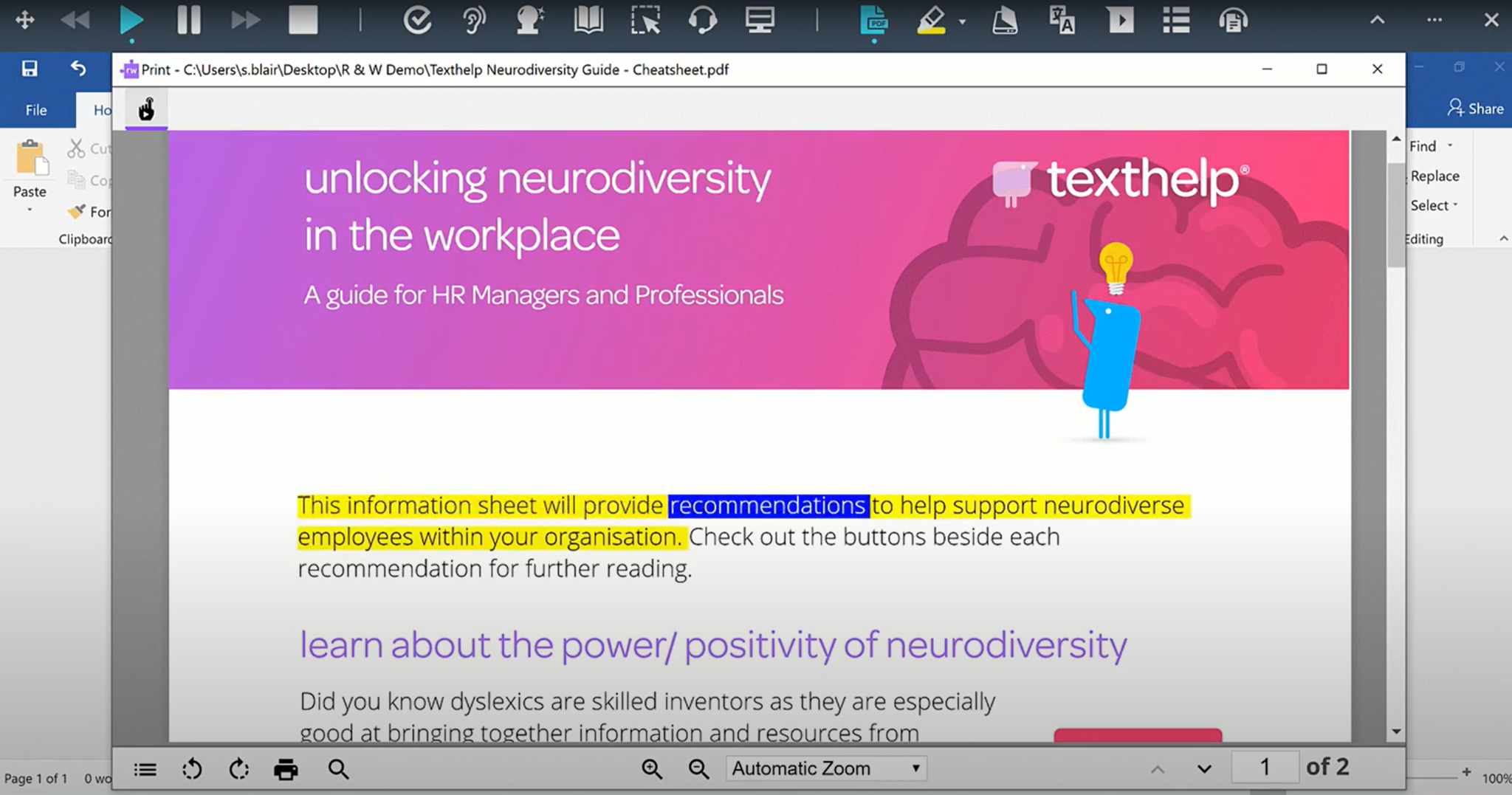
Screenshot of PDF Reader
Screenshot of Dictionary
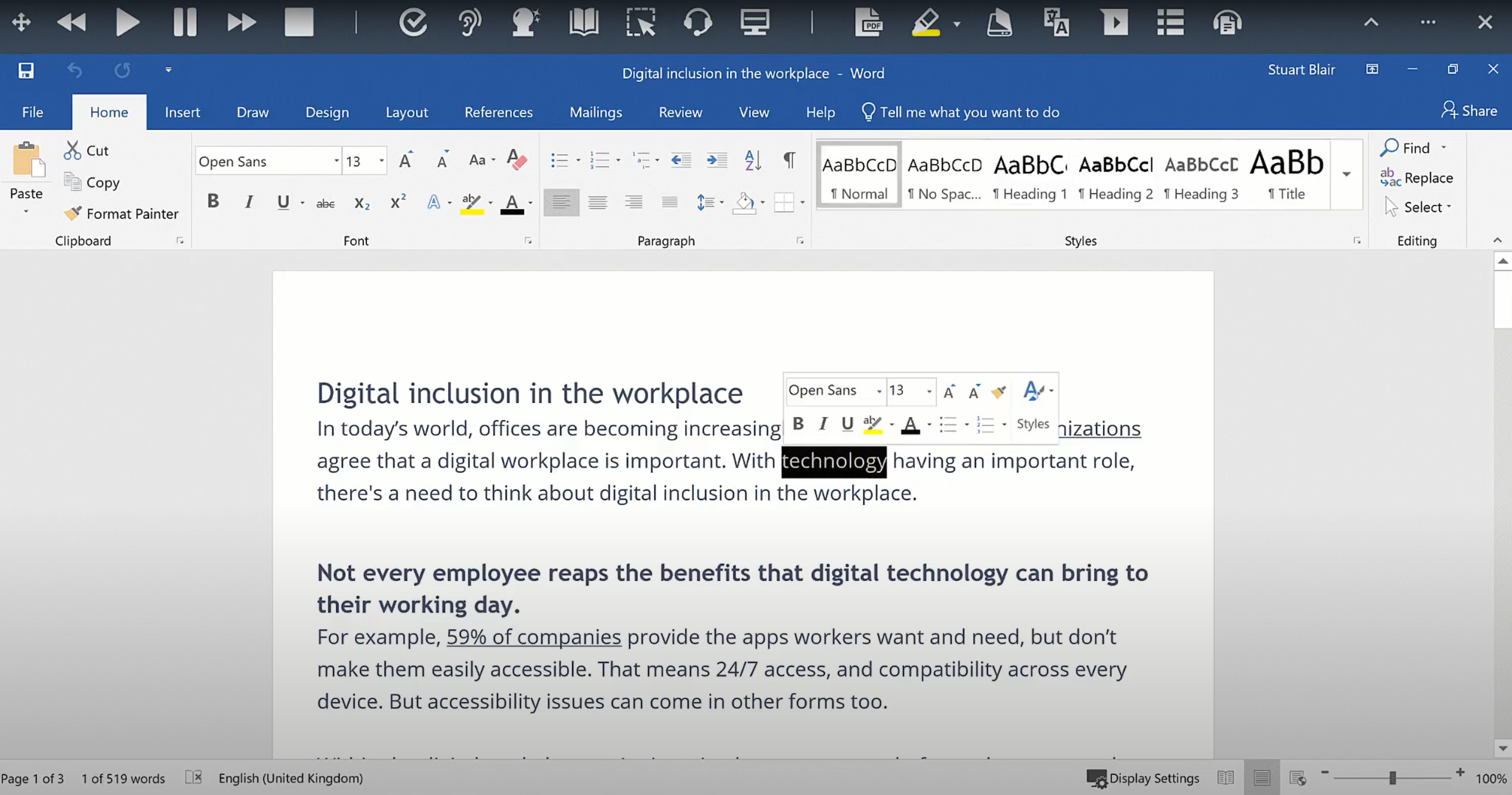
Screenshot of Check It

1 / 8

Screenshot of Translator

Top Performing Features

  • Highlighters

    A tool that enables users to highlight sections of text for future reference or citation.

    Category average: 9.7

  • Dictionary

    Built-in dictionary tool that enables users to visualize the meaning of specific words.

    Category average: 9.7

  • Speech-to-Text

    Automated text production based on speech.

    Category average: 9.4

Areas for Improvement

  • Spelling and grammar check

    The software checks writing for spelling and grammar errors and suggests how to fix them.

    Category average: 7.2

  • Integrations

    Integrations are available with software users might write with, such as word processors, email clients, and content management systems.

    Category average: 6.8

  • Audio maker

    Converts text to audio files that can be shared and accessed remotely.

    Category average: 6.8

School Based OT Read&Write review

Use Cases and Deployment Scope

I use Read&Write in a school based setting. I use it with my students from grades 4 to high school to use mainly speech to text, word prediction, and playback. I love some of the tools that simplify reading materials and highlight tools. My favorite is simplify page.

Pros

  • Speech to text
  • Word prediction
  • Simple, non obtrusive toolbar
  • Simplify page
  • Highlight and picture dictionary features

Cons

  • More natural voice for writing playback
  • More use of AI tools for grading up or down text
  • Improve ability for the tech to know when to add punctuation when students are using speech to text

Return on Investment

  • Improves accessibility for students with disabilities
  • Improves learning and comprehension for students

Other Software Used

OrbitNote

Fabulous for the classroom

Use Cases and Deployment Scope

I am a teacher and I use this programme with all of the students in my class, especially with the ones who are dyslexic (or have dyslexic tendencies). It supports them in a wide range of tasks within their learning (e.g. researching, writing and reading). It helps them to complete their work independently and to a higher standard.

Pros

  • Provide tutorials to assist with using Read&Write effectively.
  • Can transfer across tabs (e.g. can take information from one page and automatically transfer it to a Google Doc).
  • Really clear, easy-to-understand symbols for each feature.

Cons

  • Being able to play (and listen to) one section of a text (e.g. highlight the one sentence that you want read, rather than it going through the whole page until you stop it).
  • One or two more highlighting colours.

Wonderful accessibility tool

Use Cases and Deployment Scope

Our network of K-8 schools uses Read&Write to help make curriculum more accessible to all students. Read&Write helps remove barriers for students who struggle to read or comprehend text as well as provides flexibility to aid students in their writing with features such as word prediction and Talk & Type (speech-to-text). We make it universally accessible to all students in the network.

Pros

  • Screenshot Reader's OCR text recognition makes inaccessible text accessible quickly
  • Customizable toolbar
  • Collecting highlighted text makes quoting text evidence easy
  • Collecting highlighted words to create a vocabulary list with visual support quickly

Cons

  • The translation tools that are available aren't quite as helpful as those that Co:Writer offered. Being able to translate another spoken language into written English particularly is a helpful feature.

Return on Investment

  • Improved access to text: Text to speech was used 66,000 times this school year.
  • Increased student written responses: Word prediction was used 56,000 times this school year.
  • Increased student written responses: Speech to text was used 12,000 times this school year.

Other Software Used

OrbitNote, Beep, Inc.

Educational Uses

Use Cases and Deployment Scope

I use Read&Write with students who struggle with reading skills or executive functioning skills, or both! The features give students independence when completing tasks. They no longer need an adult or another student to read the test to them. They can use the word prediction feature to assist with spelling and vocabulary development. I also encourage students to use Read&Write to read their written work back to them as a form of proofreading.

Pros

  • Talk and type is amazing for brainstorming and composition
  • word prediction is great for expanding vocabulary
  • The interface is very user friendly

Cons

  • using the highlight tools on a device with a touch pad can be difficult. Read&Write is best when used on a device with a mouse.

Return on Investment

  • It has improved the inclusion success for struggling readers and writers
  • Once students become proficient, they begin to use it automatically, thus completing tasks faster.

Excellent suite of helpful tools to increase productivity and access for all.

Use Cases and Deployment Scope

Our district use Read&Write for Google Chrome to support students in reading and writing. We have a district wide license which supports a large variety of purposes including: supporting our students who struggle with reading and writing, our EL students and students who want to use productivity tools to make their reading and writing more expedient and efficient.

Pros

  • Excellent customer support.
  • Works well within the Google Suite.
  • Tools are customizable to meet a wide variety of needs.
  • Quality of voices for TTS.

Cons

  • The only tool that is sometimes difficult is the screenshot reader tool. It freezes at times, but this has been happening less often.

Return on Investment

  • When I began this position 11 years ago, we had another product installed on only 5 laptops in the entire school district. Students never wanted to use those 5 laptops (they looked different), and the support tool that was installed had a sharp learning curve that allowed them to understand how to use it. Whereas last week I trained our entire 8th grade on how to use the tools. Students were excited to learn how to use speech-to-text to help with productivity, spelling, and text-to-speech to help with reading when needed. The Read&Write tools are widely used by ALL students including those targeted users: students who have print based disabilities and students for whom english is a second language. We have improved our AT delivery exponentially as a result.

Alternatives Considered

NaturalReader and Kurzweil 3000

Other Software Used

Canva, Screencastify

Usability
