TrustRadius: an HG Insights company

Firework by Startpack

Score9.5 out of 10

3 Reviews and Ratings

What is Firework by Startpack?

Firework is a program for turning web applications and websites into desktop apps, so that applications created in Firework look and function like regular programs. The vendor states applications will launch quickly and can be kept on the Taskbar or System Tray.

Firework is useful for everyday web applications such as CRM systems or text editors, and Firework can be used for everyday web applications such as CRM systems or text editors. Users can customize icons and colors of apps, navigate through applications with hotkeys, get notifications, shares apps with a colleagues. In Firework, the user can build his own set of applications, which he will never lose among the browser tabs. Firework's core mission is to provide more productivity and mental comfort for users.

When will Firework be useful?

  • If the user does not want to wait tens of times a day for the page of the online service to load.
  • The online service does not have its own client program. Firework allows you to create a client program for any site in 2 clicks.
  • The client program of the online service has an unusual interface or is slow.
  • The user does not want to install a dozen client programs that work in isolation and clog up the computer.
  • It is necessary to simultaneously work with one site from under different accounts.

Categories & Use Cases

Media

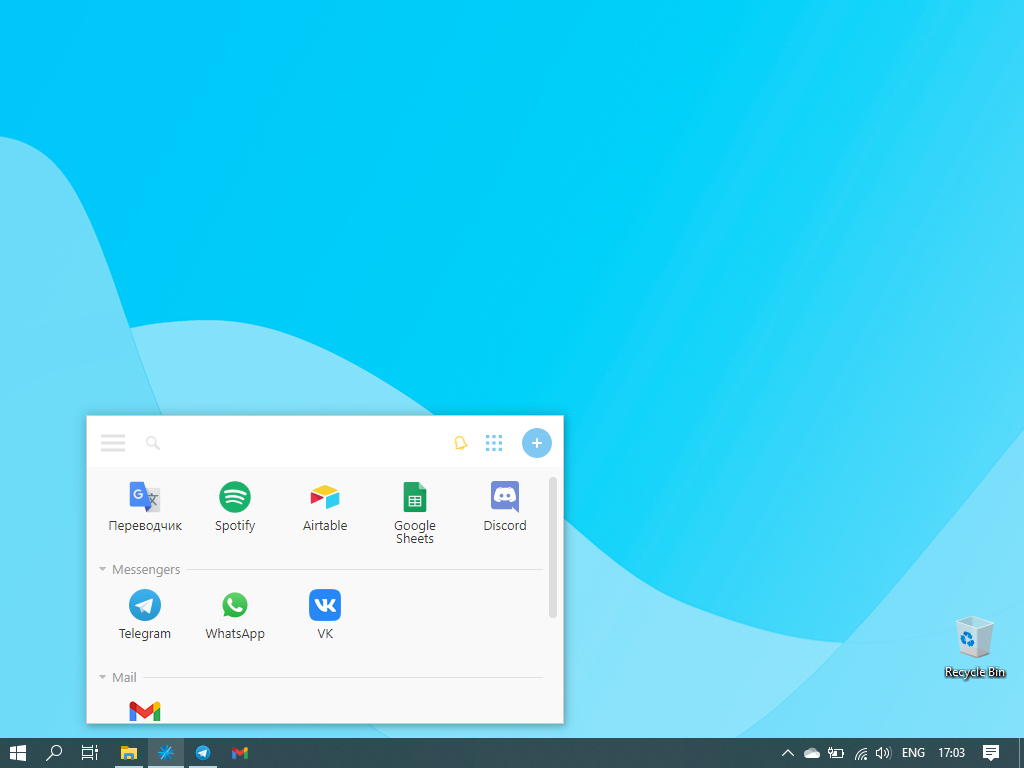
Firework's launch window
Adding applications
Application created by Firework
App setings
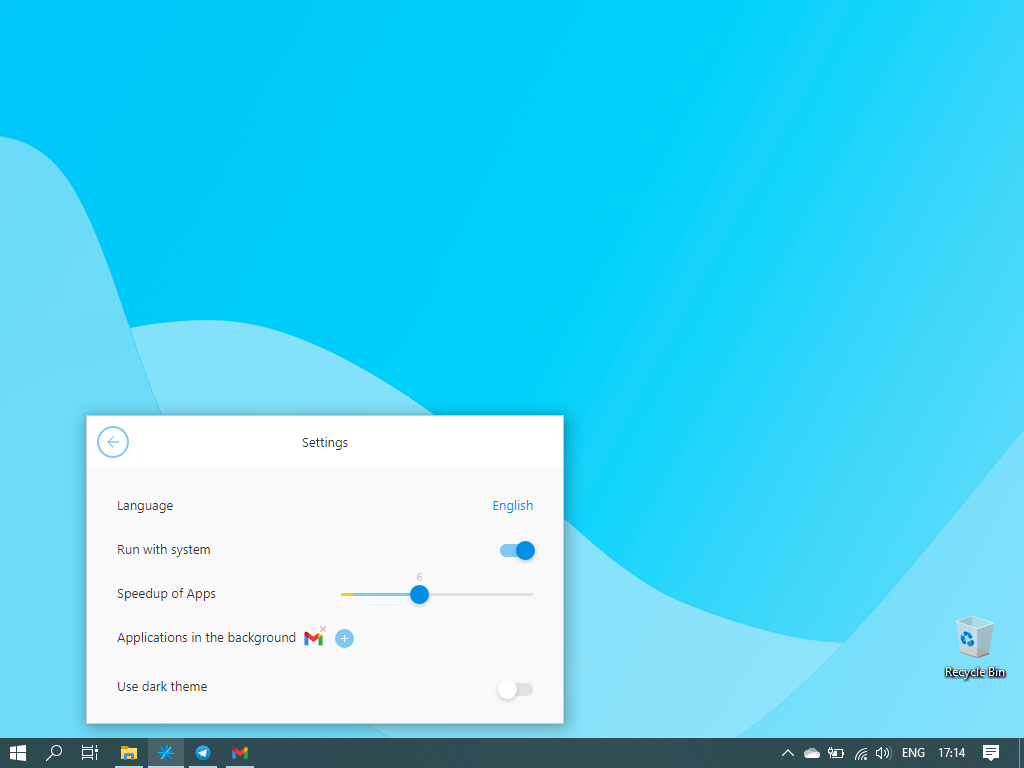
Firework's settings
Icons customization

1 / 6

Great time saver

Pros

  • Works fast with most services
  • Uses less RAM than most browsers
  • Stores the passwords, so there's no need to log in every time
  • Has mostly everything that a browser might have (ad-block, spell checker, etc.)

Cons

  • You have to pay for the most useful features
  • Lack of extensions (there are basic things like ad-block, but if you need something specific you'll have a hard time)
  • It's not clear how and where exactly the passwords are stored

Most Important Features

  • Switching seamlessly between different accounts in one service
  • Faster loading speed
  • Saves space on hard drive

Return on Investment

  • Works faster than a browser, therefore your time is being used better
  • It's perfect for people who like keeping their files/apps organized

Other Software Used

Google Drive, Zoom, Figma, Slack, Telegram

Easy-to-use productivity tool

Pros

  • It's really easy to use; I don't know of any other software that's this easy and convenient
  • UI is very straightforward and simple
  • It speeds up work process, as you no longer need to waste time switching tabs in order to find some crucial information
  • Helps declutter your work PC
  • It usually launches way faster than a browser

Cons

  • It's a bit pricey if you have to pay for it from your own pocket
  • Spell-check doesn't work sometimes

Return on Investment

  • You're way more productive when all of your tools are easily accessible
  • Health benefits! It prevents your mental state from deteriorating, it saves at least 10-15 minutes per day, and there's no need to be anxious while trying to remember the password from your work email again

Other Software Used

Slack, Xero, QuickBooks Online