
Firework by Startpack vs. WebCatalog
| Product | Rating | Most Used By | Product Summary | Starting Price |
|---|---|---|---|---|
 Firework by Startpack | Score9.5 out of 10 | N/A | Firework is a program for turning web applications and websites into desktop apps, so that applications created in Firework look and function like regular programs. The vendor states applications will launch quickly and can be kept on the Taskbar or System Tray. Firework is useful for everyday web applications such as CRM systems or text editors, and Firework can be used for everyday web applications such as CRM systems or text editors. Users can customize icons and colors of apps,… | $2.99 per month |
 WebCatalog | N/A | N/A | WebCatalog is a technology company that develops cross-platform software for desktop and mobile devices with a portfolio of products spanning across macOS, Windows, Linux, Android, iOS and iPadOS. Their eponymous product WebCatalog turns websites into desktop apps and organizes apps into collections, for convenience. | $40 one-time fee |
| Firework by Startpack | WebCatalog | |||||||||||||||
|---|---|---|---|---|---|---|---|---|---|---|---|---|---|---|---|---|
| Editions & Modules |
|
| ||||||||||||||
| Offerings |
| |||||||||||||||
| Entry-level Setup Fee | $2.99 per user | No setup fee | ||||||||||||||
| Additional Details | — | — | ||||||||||||||
| More Pricing Information | ||||||||||||||||
| Firework by Startpack | WebCatalog | |
|---|---|---|
| Small Businesses |  Parallels Desktop for Mac Score9.8 out of 10 | No answers on this topic |
| Medium-sized Companies | Parallels Desktop for Mac Score9.8 out of 10 | No answers on this topic |
| Enterprises | Parallels Desktop for Mac Score9.8 out of 10 | No answers on this topic |
| All Alternatives | View all alternatives | View all alternatives |
| Firework by Startpack | WebCatalog | |
|---|---|---|
| Likelihood to Recommend | 9.6 | - |
| Firework by Startpack | WebCatalog | |
|---|---|---|
| Likelihood to Recommend |
| No answers on this topic |
| Pros |
| No answers on this topic |
| Cons |
| No answers on this topic |
| Return on Investment |
| No answers on this topic |
| ScreenShots | Firework by Startpack Screenshots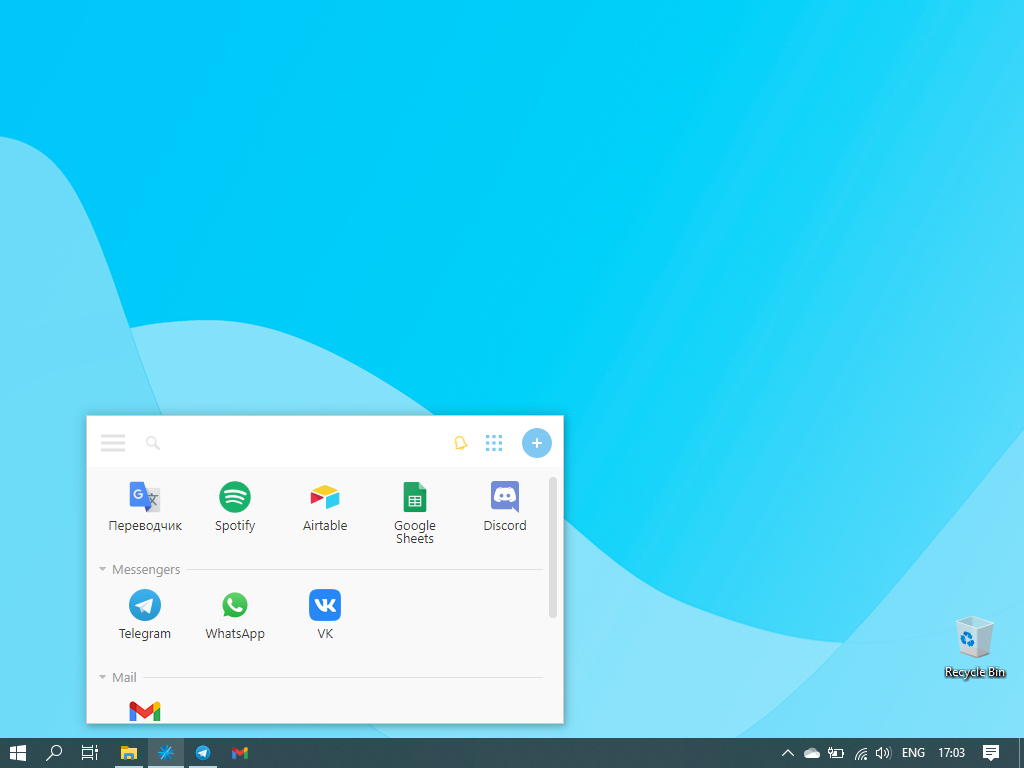    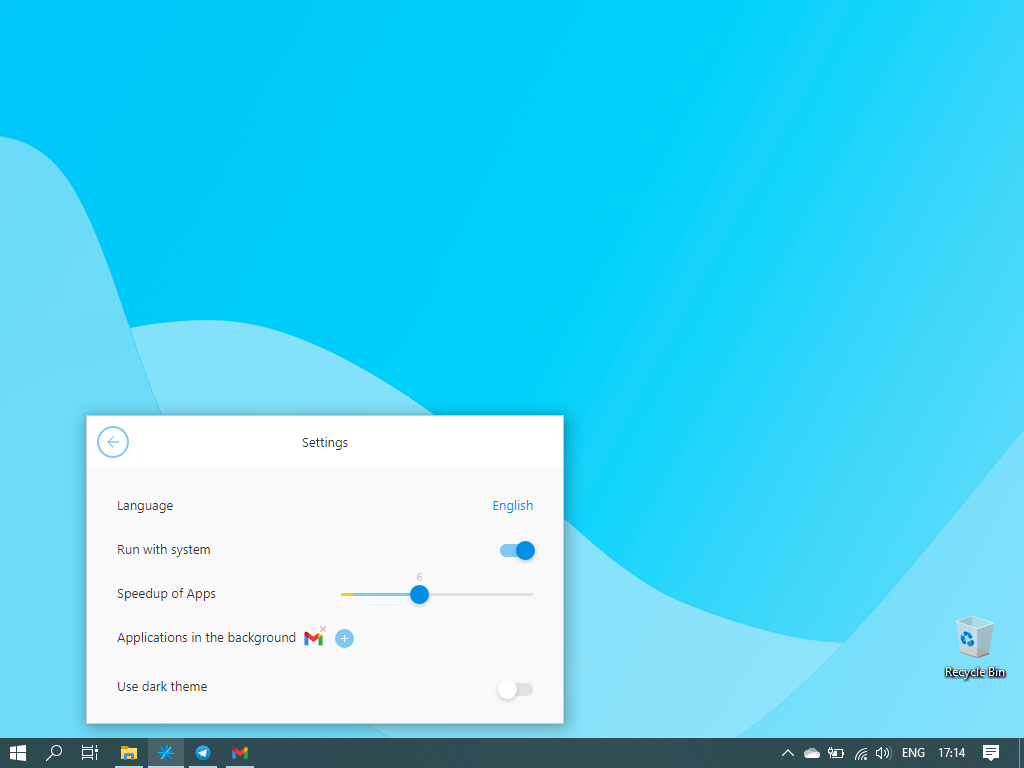  |