

What is Serverless360?
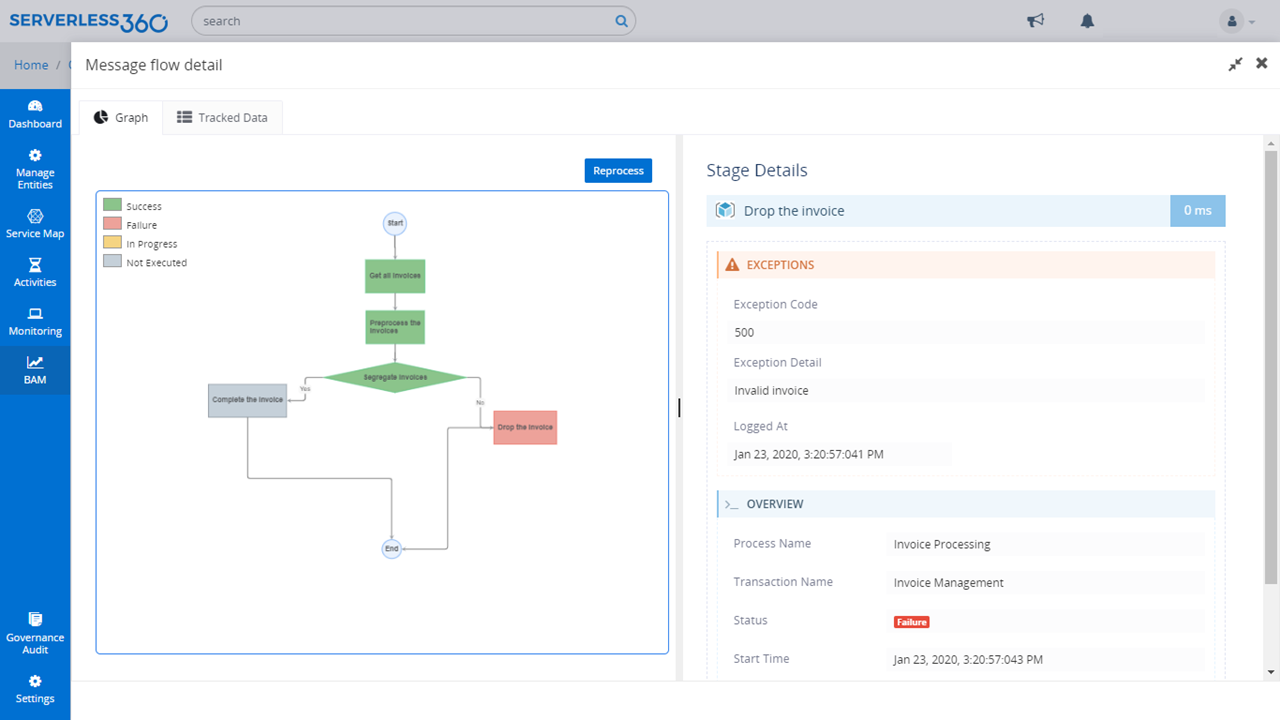
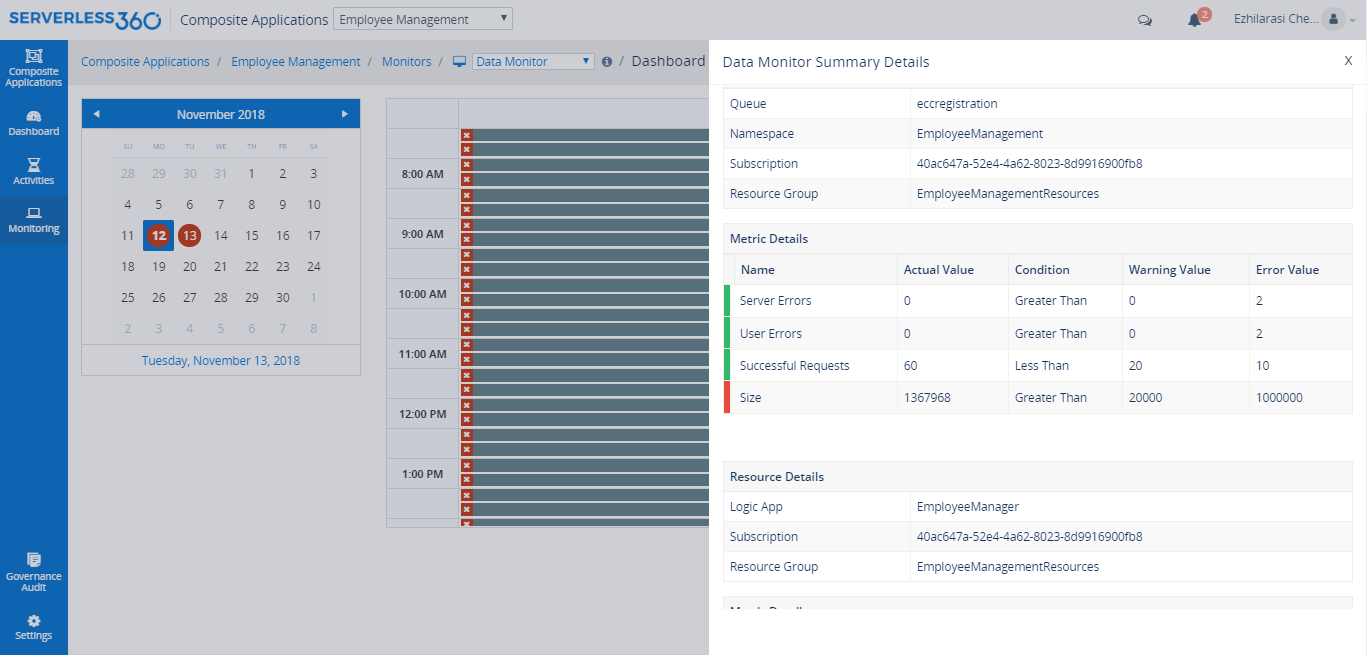
Serverless360 is a platform to manage and monitor Azure Serverless components related to enterprise integration. In a real-time scenario, the integrated cloud applications are not built with a single technology stack, it typically involves at least 3 or 4 different Azure Services. Currently, Azure Portal is designed more on vertical technology silos and it's difficult to visualize and manage such connected solutions. So Serverless360 is presented by the vendor as a tool that users can depend on to manage and monitor all distributed Azure Serverless components.
With Serverless360 you can;
1. Manage Serverless Applications
2. Get in-depth tooling support
3. Monitor distributed Azure Services
4. Maintain high-level Security
5. Get governance and audit reports
6. Choose your hosting model - SaaS and Private Hosting
With Serverless360 you can;
1. Manage Serverless Applications
2. Get in-depth tooling support
3. Monitor distributed Azure Services
4. Maintain high-level Security
5. Get governance and audit reports
6. Choose your hosting model - SaaS and Private Hosting
Categories & Use Cases
Media




1 / 7
Top Performing Features
Cost Management
Provision of tools for cloud instance rightsizing and user chargeback and billing
Category average: 8.4
Cloud Management Performance Monitoring
Monitoring of storage, network and application performance metrics to achieve business service levels
Category average: 8.5
Governance and Compliance
Risk assessment analysis, audits and resource governance capabilities
Category average: 8.6
Areas for Improvement
Resource Management
Ability to manage and deliver cloud resources such as resource discovery and tagging, asset and license management and cloud-to-cloud migration
Category average: 8.8
Systems Integration
Integration of internal and external systems to support multi-cloud management
Category average: 8.3


