TrustRadius: an HG Insights company

Schoox

Score10 out of 10

65 Reviews and Ratings

What is Schoox?

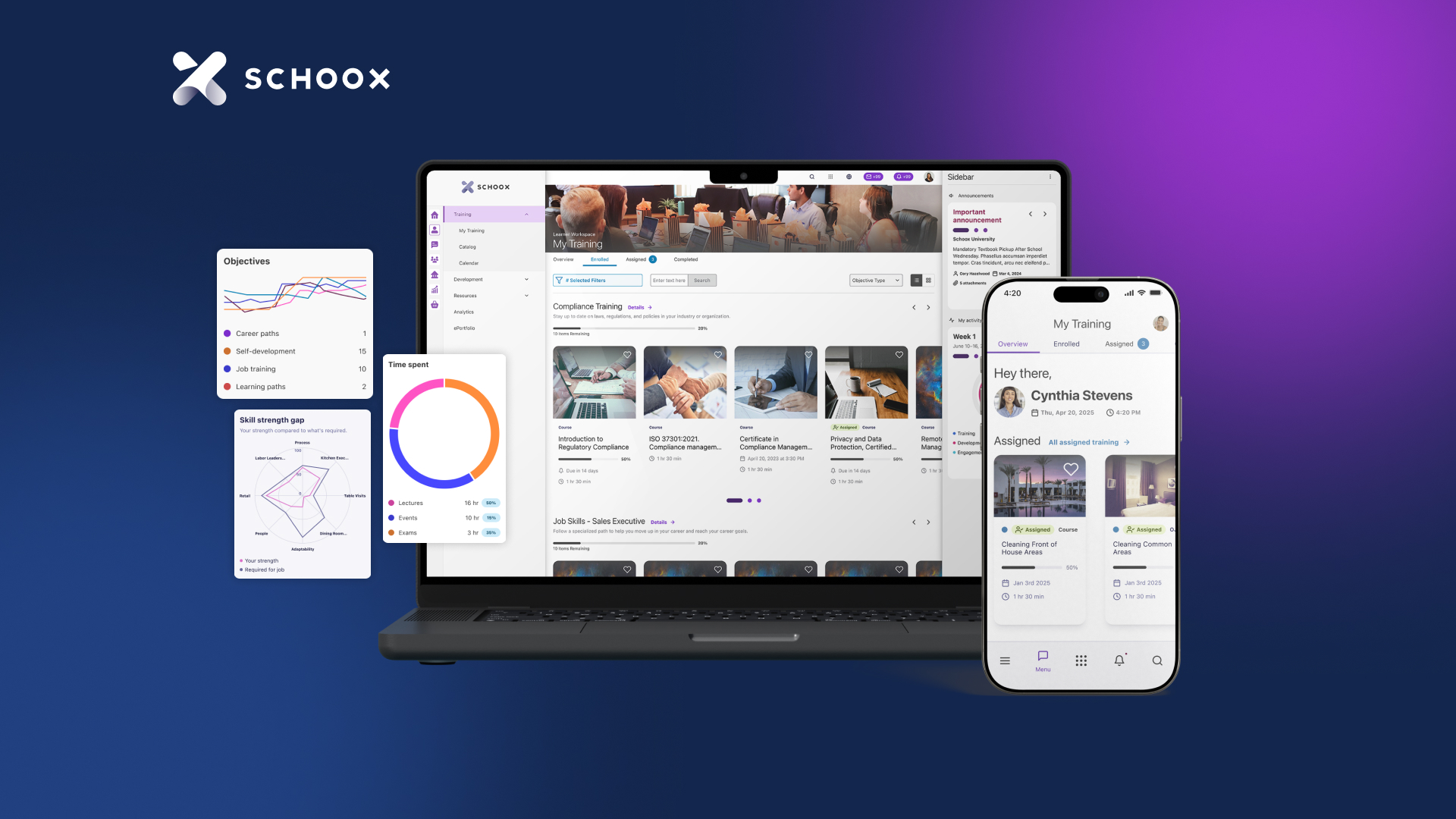
Schoox provides employee talent development, from new hire training to manager development programs, deliver the right content and courses to every employee in a social platform that keeps them engaged.

Categories & Use Cases

Media

1 / 2

Top Performing Features

  • Mobile friendly

    Students or employees can access content from mobile devices. Course authors can develop responsive learning content.

    Category average: 7.4

  • Learning reporting & analytics

    Provides insights into course completion, engagement with learning content, etc.

    Category average: 8.1

  • Social learning

    Includes features for collaboration and knowledge sharing among peers.

    Category average: 7

Areas for Improvement

  • Course authoring

    Users can develop and assemble online learning content.

    Category average: 8.5

  • Compliance management

    Users can identify potential risks and ensure that requirements are met and that certifications are up to date.

    Category average: 8.4

  • Gamification

    Presents course material in a game-like format to increase engagement and enjoyment.

    Category average: 7.2

As an internal library, Schoox is a good choice

Use Cases and Deployment Scope

Schoox serves as a resource for in-house training and development. Schoox is a repository for training/orientation and professional development programs. They may then be accessible by everyone in the team for further education. It is possible to keep track of which courses have been finished and which ones need to be completed using Schoox, an online platform. It is also used to track tests that indicate students' comprehension of the course material.

Pros

  • Effective tests may be created quickly and easily thanks to the use of this template.
  • For uploading documents or adding connections to websites, it is easy to use.
  • There are already a slew of useful training films included.

Cons

  • The website was upgraded, but it's hard to navigate. None existed.
  • I believe you can't duplicate tests between classes. If I wish to use an exam from one course in another, I must make it again.
  • Most of the videos are confusing. They should be concise. Too many distract employees.

Return on Investment

  • It has made it possible for all workers to take part in fruitful and efficient training.
  • Referral and instruction provided by employers and coworkers. Every member of the team and trainer can access it at any given moment in time.
  • Suitable for all training tests once again.

Alternatives Considered

Udemy for Business

Other Software Used

Udemy for Business, AWS Backup, LinkedIn Talent Hub

Grow business by learning with Schoox.

Use Cases and Deployment Scope

At school I used Schoox to help them transform perceptions of learning and talent development from a traditional compliance checklist to a holistic business growth process. Schoox has been a talent development platform for me. Schoox helped solve business problems with intelligent data flow, holistic approach, Disruptive Design and Integration with third-party apps. Schoox was greeted with interest by other teachers at the school.

Pros

  • Employee performance data can drive personalized course recommendations, learning path recommendations for career advancement, or succession planning recommendations.
  • By providing educational content and enabling employees and administrators to collaborate within the platform, it improves the school's knowledge sharing capabilities and increases development opportunities.
  • With Schoox, data from different modules flows automatically and intelligently throughout the entire system, creating surprising and innovative synergies.

Cons

  • Suggestions can be added to make content preparation easier.
  • schoox user theme may contain more customizable elements.
  • A longer time can be set for the demo.

Return on Investment

  • collaboration increased.
  • Our organization has gained a more technological and quality appearance.
  • Different organizations wondered what we were doing. so we became more well known.

Alternatives Considered

360Learning

Other Software Used

KEA, Microsoft 365, Canva

Learning? Use schoox!

Use Cases and Deployment Scope

Schoox is used as an internal learning library. Training/orientation modules, as well as professional development, are uploaded to Schoox. They are then easily accessed by all teammates for continued learning. Schoox is a platform that we can use to track and review which modules have been completed and which ones need to be completed. We also use Schoox to track quizzes that demonstrate our understanding of the learning topics.

Pros

  • Schoox organizes learning modules in an efficient way
  • It allows us to track what we've completed and what needs to be done.
  • It stores all information in an easy and accessible platform.

Cons

  • Schoox can be hard to navigate at times.

Return on Investment

  • It has allowed all employees to engage in meaningful and effective learning.

Other Software Used

AwsQuality Salesforce Services, Jira Service Management (Jira Service Desk), athenaOne

The search is over for the perfect training software

Use Cases and Deployment Scope

Currently HotSchedules Train powered by Schoox is being utilized by our entire organization. We currently have 6 restaurants in our group and every single employee is on Schoox. Schoox will be used 100% for our new hire training program for all positions (server, host, bartender, line cook, prep cook, dishwasher, managers). The number one business problem that Schoox addresses is consistency. With Schoox, we can nearly guarantee that every single new hire is seeing all of the material because it can be tracked, and quite easily I may add.

Pros

  • Ease of use - this product is so easy to use! Building courses, curriculum, tracking, etc.
  • Tracking - we FINALLY have a way to track tests and completion of courses! An absolute LIFESAVER.
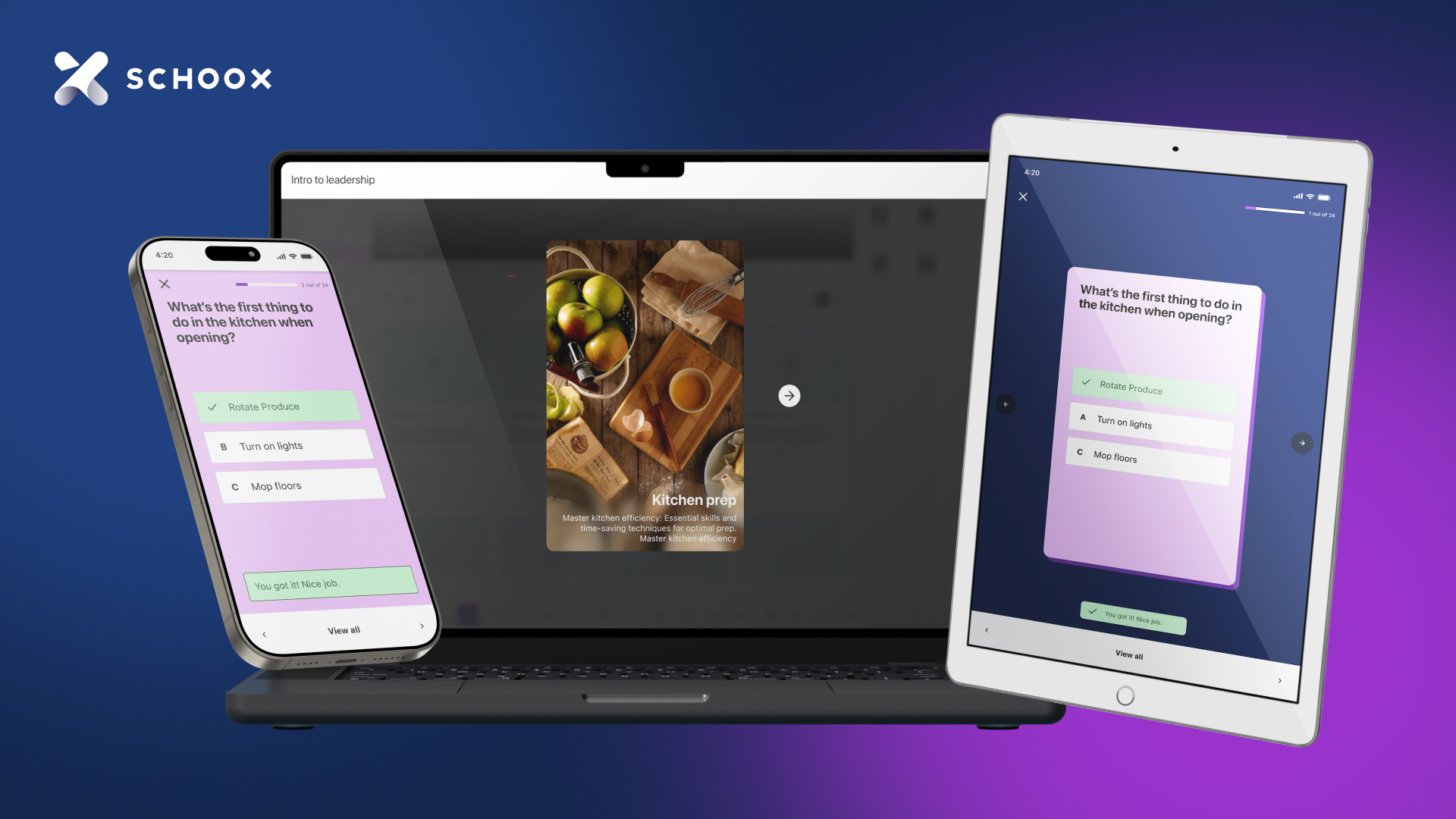
  • Accessibility - it seamlessly works on all platforms (iPads, computers, cell phones).

Cons

  • Syncing - I have run into some errors with employees not syncing over from HotSchedules.

Alternatives Considered

HotSchedules

Usability

SchooX Review

Use Cases and Deployment Scope

HotSchedules Train is used by our entire organization. This is the system we use to train everyone in our company from hourly team members, to general managers and minor additions to our menu or a new system being implemented in our company. We use almost every aspect of this training tool minus a few. It is my job to create and upload our training into the system as well as maintain its accuracy.

Pros

  • Testing: The testing that HotSchedules Train provides is great because it allows you to create your own questions and answers providing multiple different types of questions.
  • Organized: The organization of this training system is very well put together. Being able to break down your training into curricula, course, lecture, on the job training. The system also allows you to create different categories for different curricula.
  • Reporting: At Hickory Tavern we are big into the reporting this system offers. We can view reporting any way we would like to. By location, job code, individual, course, curricula, you name it. This makes it easy for the training department to see where our training lacks.

Cons

  • User accounts: HotSchedules Train has each user in the system by first and last name which is a great tool but this becomes a problem when you have more than one person in your company with the same first and last name. Maybe they should identify by email instead of name so accounts of users with the same name do not merge together.
  • Copying Course or Test: Throughout the system you see the option to copy a course or a test but then the only place you can "paste" is within that same course or test. If I am creating two different courses or test that are similar it would be easy to use this function if it were designed a little better. Instead to "copy" a quiz you need to add all questions to a pool. In order to "copy" a course you would need to just create a new one from scratch.

Alternatives Considered

Blackboard

Usability