
TrustRadius: an HG Insights company

Really Simple Systems

Score7.6 out of 10

43 Reviews and Ratings

What is Really Simple Systems?

Really Simple Systems is a customer relationship management (CRM) software deployed via cloud with built-in features like email marketing, pipeline management, and case management.

Media

Accounts Page
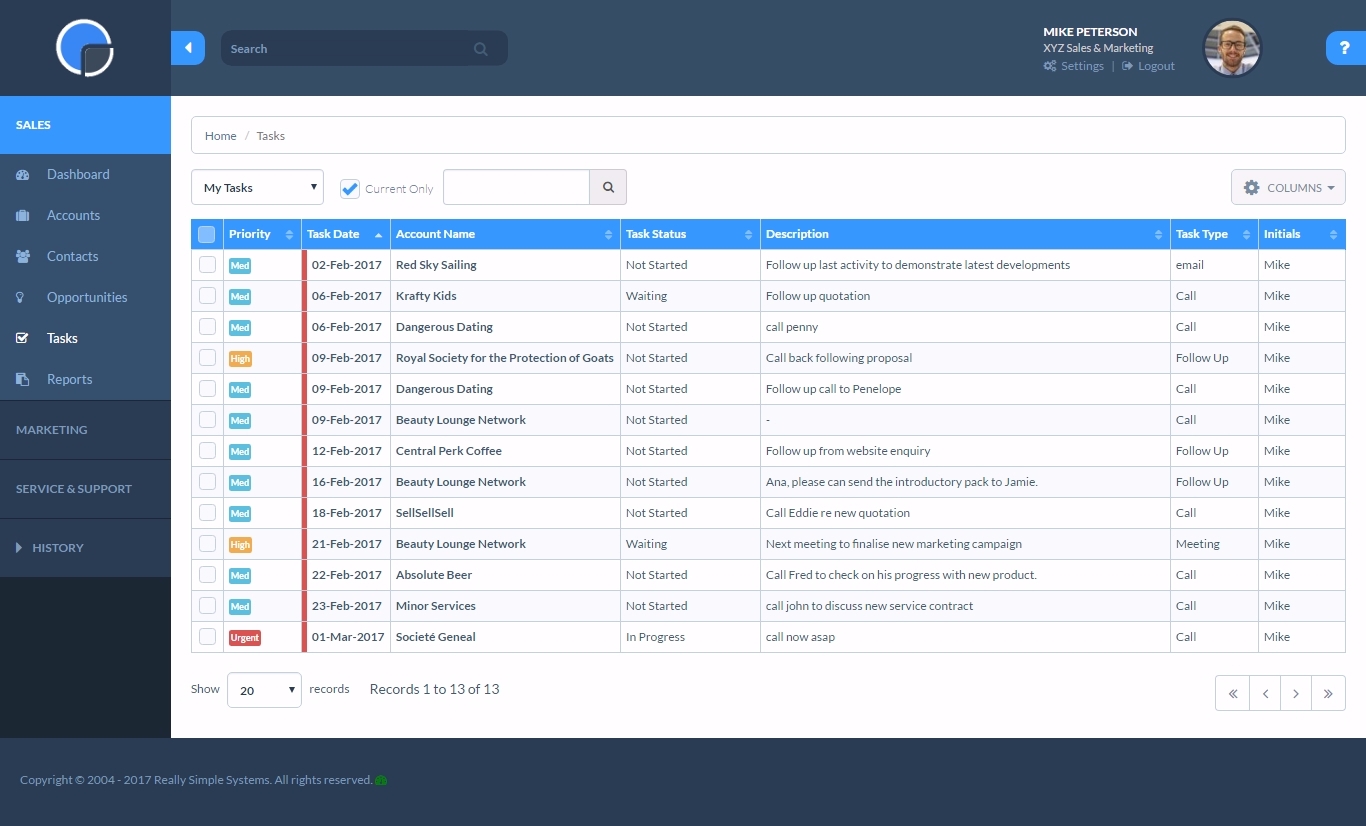
Tasks Page
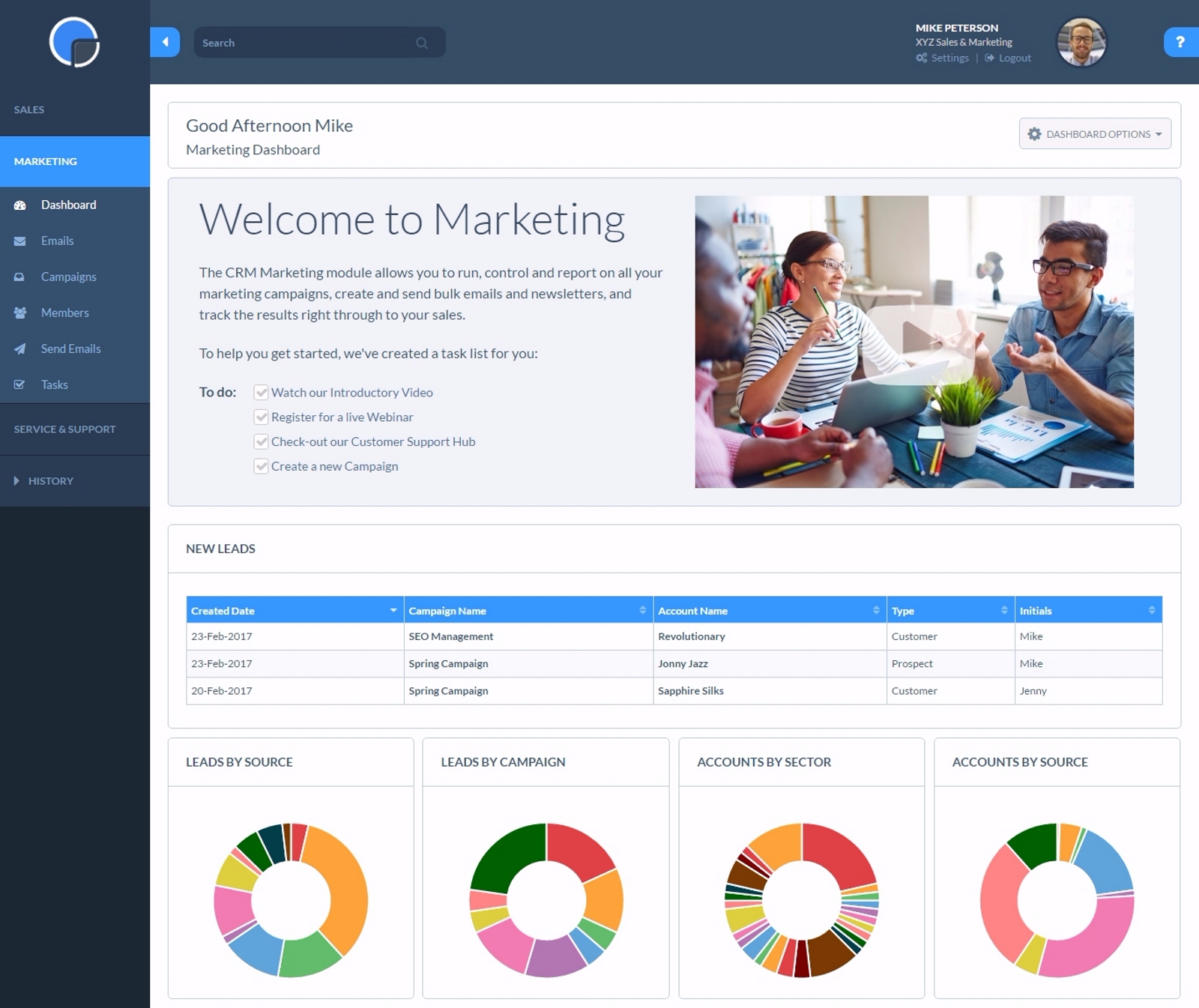
Marketing Dashboard

1 / 3

Top Performing Features

  • Customer data management / contact management

    The software acts as a single source for all customer data and enables users to access that data efficiently.

    Category average: 8.5

  • Opportunity management

    Users can track deals and create quotes.

    Category average: 8.1

  • Role-based user permissions

    Permissions to perform actions or access or modify data are assigned to roles, which are then assigned to users, reducing complexity of administration.

    Category average: 8

Areas for Improvement

  • Integration with email client (e.g., Outlook or Gmail)

    Users can perform tasks within their inbox, such as logging emails, creating contacts, and creating events.

    Category average: 7.8

  • Forecasting

    The software helps users accurately forecast sales based on volume and conversion metrics.

    Category average: 7.5

  • Pipeline visualization

    Users can visualize the entire sales pipeline to identify trends, determine the effectiveness of the sales funnel, and optimize.

    Category average: 7.6

Simple to use

Use Cases and Deployment Scope

In our business, we use Really Simple Systems as a Customer Relationship Management tracker. Any new customers get added to the system and Really Simple Systems helps to keep track of jobs for each specific customer and what the next step is and allows reminders to be set. Everyone in the office has a [log-in].

Pros

  • [Organization]
  • System Training
  • Up to date features

Cons

  • Accessibility could be a little better[.]
  • Auto save
  • A number of our jibs have disappeared after being input[.]

Return on Investment

  • Increased customer management[.]
  • Increased follow ups[.]

Alternatives Considered

Zoho CRM

Other Software Used

Xero

Usability

Effective and simple

Use Cases and Deployment Scope

I personally use it to manage our marketing emails to our database, creating and sending an email a month to a database of 2500 prospects. Our sales director uses it as a CRM system to monitor and manage progress with prospects.

Pros

  • Marketing emails
  • Tracking sales activity
  • Database management

Cons

  • Resends - I would like a simple [one-click] function to resend email campaigns to [non-openers.]
  • [Emails] that have been created but not sent or attached to a campaign I would like to see a place that they could be in [the] draft so I can come back to them at a later date without them appearing on the email list[.]

Return on Investment

  • Difficult to put numbers to it as we are using our e-shots to drive traffic to our website and as an [top-of-funnel] activity our sales process is a slow burn - so no real ROI but we get reasonable [click-through] and open rates.

Other Software Used

Canva, Adobe Acrobat Reader DC, Google Analytics

Usability

Really Simple Systems - Great for Pipeline Reports

Use Cases and Deployment Scope

I use really simple systems on a daily basis to manage the conversations I'm having with prospective clients and how they're influencing individual opportunities. The main problem the product addresses is pipeline reviews for management, where I can easily display each opportunity I'm working on. From this, we can quickly run through what my next action will be to progress the opportunity, streamlining the review process.

Pros

  • Pipeline Reviews
  • Mail out campaigns
  • Listing contacts and their details[.]

Cons

  • Limited [customization] in reporting[.]
  • Notes can be difficult to read and locate at times[.]
  • Hard to bulk upload without duplicating contacts[.]

Return on Investment

  • Helped show [management] our activity[.]
  • Easy to show the board our predicted pipeline which assisted in further funding[.]
  • Some leads where missed on marketing campaigns[.]

Usability

Fantastic system

Use Cases and Deployment Scope

I use really simple systems as a database to log companies to approach for M&A purposes.

Pros

  • Easy system to use[.]
  • The help back up is really useful with quick response times[.]
  • The system is easy to modify to accommodate our business needs[.]

Cons

  • Reporting could be made more user friendly[.]
  • Perhaps some of the seminars could be done before 12 noon as I am not always in the office at 4 pm [.]

Return on Investment

  • Ease of use[.]
  • Easy to modify for specific use[.]
  • Marketing section difficult to use[.]

Other Software Used

Lusha Extension, LinkedIn Premium Business

Usability

RSS, a great customer management product for our small company

Use Cases and Deployment Scope

This system has made our job a breeze. It has been very customizable, easy to use and learn[,] and has saved a ton of trees. We used to write everything on paper and file [it] away when done but as we began using this system it has freed us up to travel and work because all of our [clients'] information is right at our fingertips! I highly recommend this software. Also, the customer support has been great.

Pros

  • Customer Data organized like we like it[.]
  • Great reports[.]
  • Easy to contact Customer Support

Cons

  • Organizing Account Data Fields

Return on Investment

  • Time-saving
  • Paper Saving
  • Mobility Access

Alternatives Considered

HubSpot CMS Hub

Other Software Used

QuickBooks Online

Usability