TrustRadius: an HG Insights company

Powerslide

Score9.5 out of 10

2 Reviews and Ratings

What is Powerslide?

Created in 2019, Powerslide is a data storytelling and data visualization solution. This software helps business users to create usages around data. Powerslide is a solution for data analysis, visualization and presentation. Interactive and collaborative, Powerslide aims to answer data issues in a simple, practical and design interface, and help users simplify the analysis and communication of data.

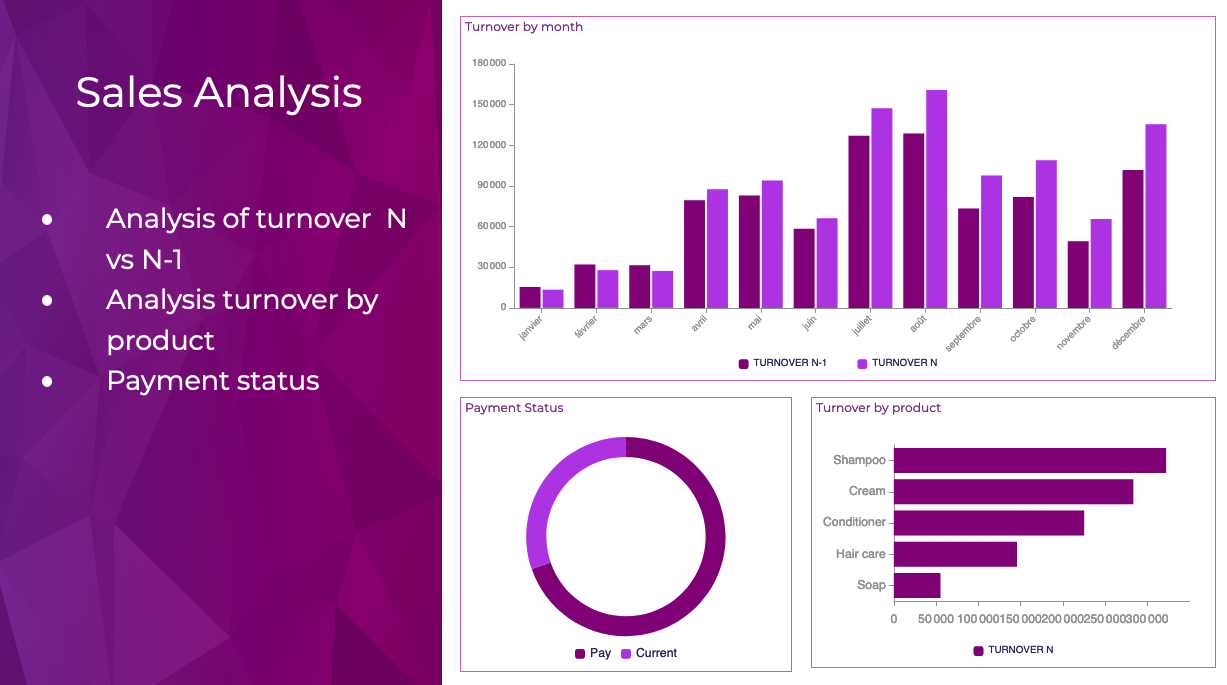
With Powerslide, users can create KPIs and data visualizations, to stage them through a report, a dashboard, or an infographic to make them easier to understand.

Powerslide features:
- An interface designed for business
- A wide choice of data visualisations
- A collaborative mode
- Automated updates
- Several connectors: CSV, Excel, Denodo, Snowflake, Google Sheets, API Rest, Zapier, Oracle, SQL Server, PostgreSQL, MySQL, Clickhouse…

Powerslide is a mix of a presentation tool and a data visualization solution. The tool is designed to be easy to use, with most actions being done using drag and drop. Collaborative mode provides flexibility and allows users to work seamlessly and securely with collaborators.

The user can continue to leverage existing investments by connecting existing databases to Powerslide, and benefit from automatically updated data.

Media

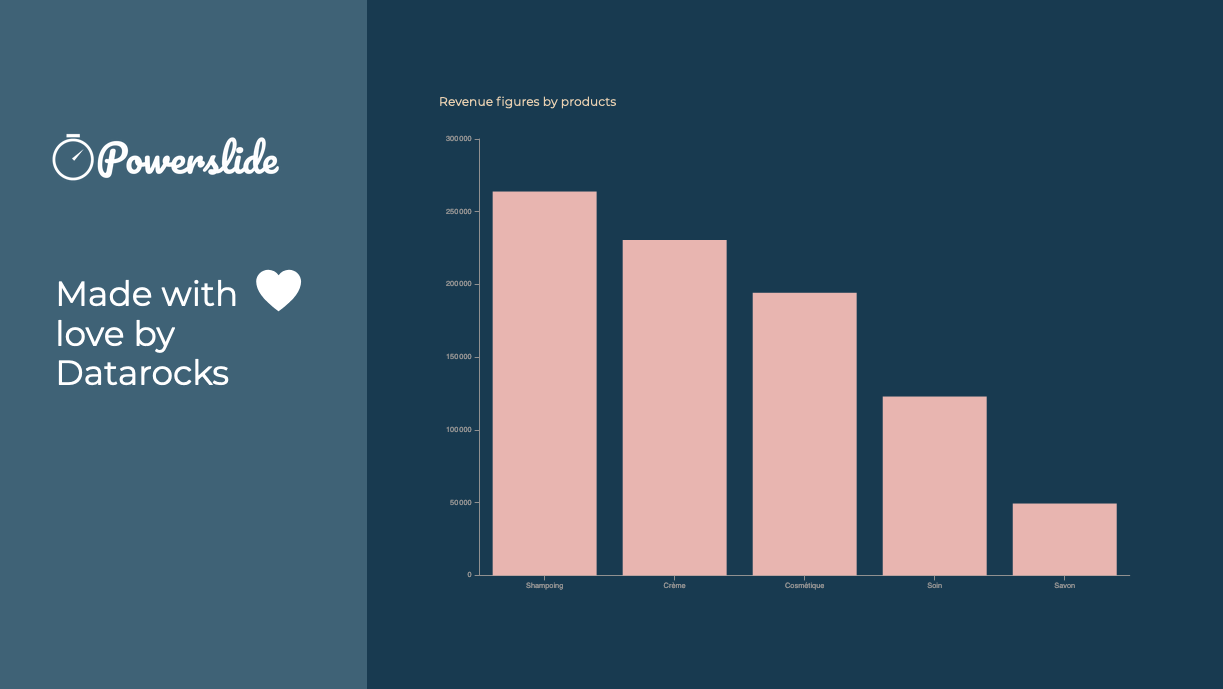
Reporting and dashboards have never been easier to achieve. Interactive, Powerslide takes you to the heart of your data and helps you take better decisions. Simple to use, you can build your graphics in seconds with drag-and-drop and let our suggestion algorithms guide you.
Powerslide complies to your graphic chart. Define your color palette and Powerslide takes care of the rest.
Powerslide is THE solution provided with love by Datarocks
Take advantage of real-time collaboration to work as a team on the same project. Time-saving and flexibility await you !

1 / 4

Top Performing Features

  • Drill-down analysis

    Drill down analysis is the ability to get to a further level of detail by going deeper into the hierarchy.

    Category average: 8.7

  • Report sharing and collaboration

    Report sharing and collaboration is the ability to easily share reports with others.

    Category average: 8.5

  • Publish to PDF

    Category average: 8.9

Areas for Improvement

  • Report Versioning

    Report versioning is the assignment of version numbers to each version of a report to help in tracking.

    Category average: 8.3

  • Location Analytics / Geographic Visualization

    Location analytics is the visualization of geographical or spatial data.

    Category average: 8.9

  • Pixel Perfect reports

    Pixel Perfect reports are highly-formatted reports with graphics and ability to preview the report before printing.

    Category average: 7.2

Effective tool.

Use Cases and Deployment Scope

I and my team were trying to keep our customer's presentations up to date using Excel and Powerpoint but they were not that effective. So we thought to try Powerslide and it tackled this problem in a much more effective way. There are lots of features which are really very helpful.

Pros

  • Collaborative fractures helped a lot.
  • Dashboards are really unique.

Cons

  • Minor bugs in some features.

Most Important Features

  • Dashboards
  • Collaborative functions.
  • Unique features.

Return on Investment

  • Minor bugs.
  • Needs regular updates.

Simply awesome

Use Cases and Deployment Scope

It makes it easier to display the information of our organization's data to our collaborators and potential clients, since it presents them in a friendly way, with good design and great organization.

Pros

  • Variety of templates
  • Allows you to organize as needed
  • Its page is easy to use and understand

Cons

  • Increase the variety of fonts
  • Make templates less serious or business

Most Important Features

  • Allows collaboration
  • We can use it in many devices
  • It's interactive and not boring to use

Return on Investment

  • Our collaborators do not get bored in meetings and even if it is a lot of information, seeing it in an interesting design makes them pay attention and like to be informed of the numbers they manage to obtain with their work.

Alternatives Considered

Arbisoft Software Development Services

Other Software Used

Microsoft Access, Adobe Illustrator CC, Adobe PhotoShop, Canva