TrustRadius: an HG Insights company

PDF Studio

Score9.1 out of 10

4 Reviews and Ratings

What is PDF Studio?

PDF Studio is a PDF editor that aims to provides all PDF features needed at a low cost. PDF Studio maintains full compatibility with the PDF Standard.

Users can:

  • Create PDFs from Scan, MS Word, Text and Images
  • Annotate PDFs with Comments & Text Markups
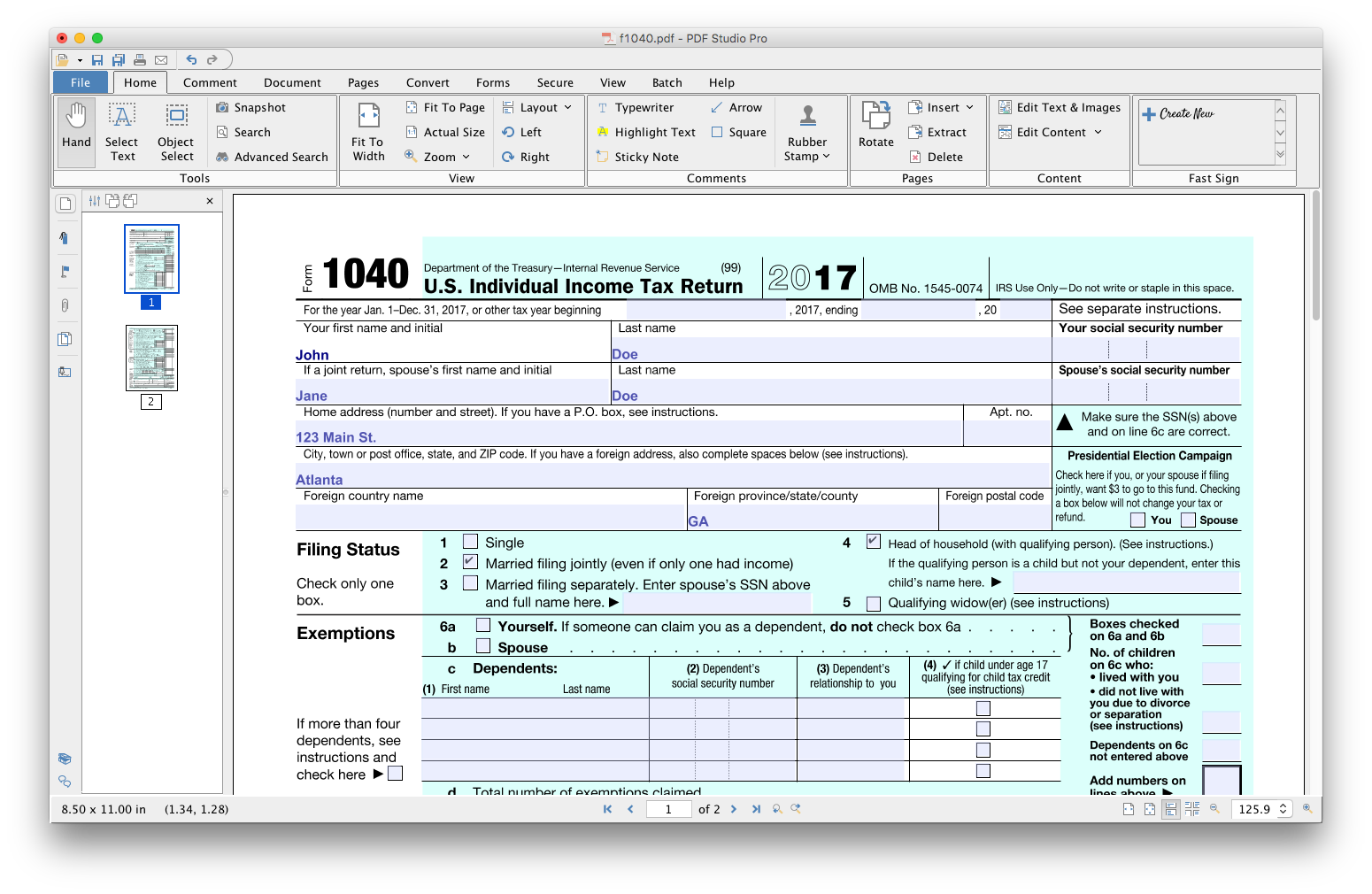
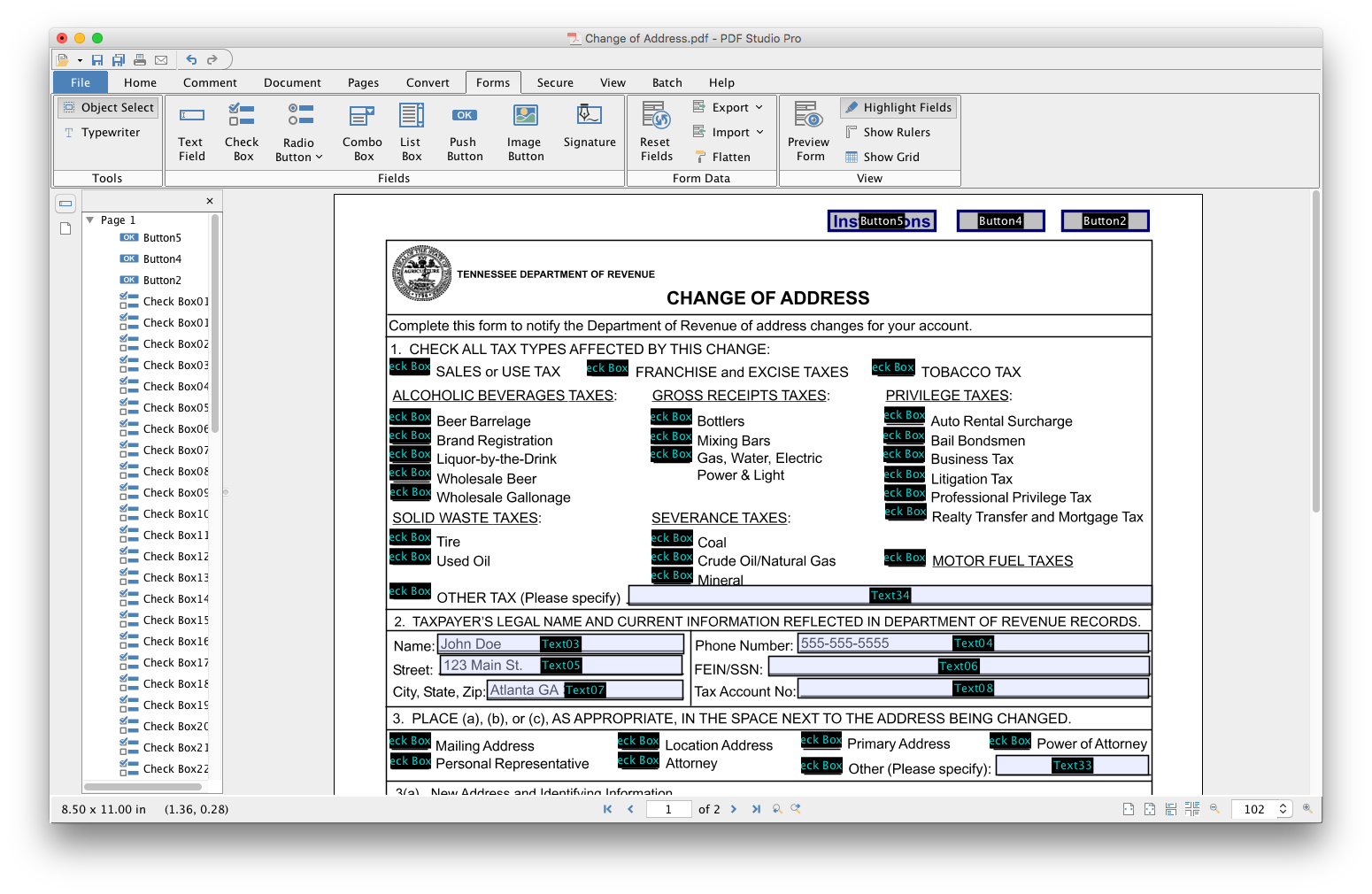
  • Create, Fill In & Save PDF Forms
  • Secure Documents with Passwords and Permissions
  • Merge, Split & Assemble Documents
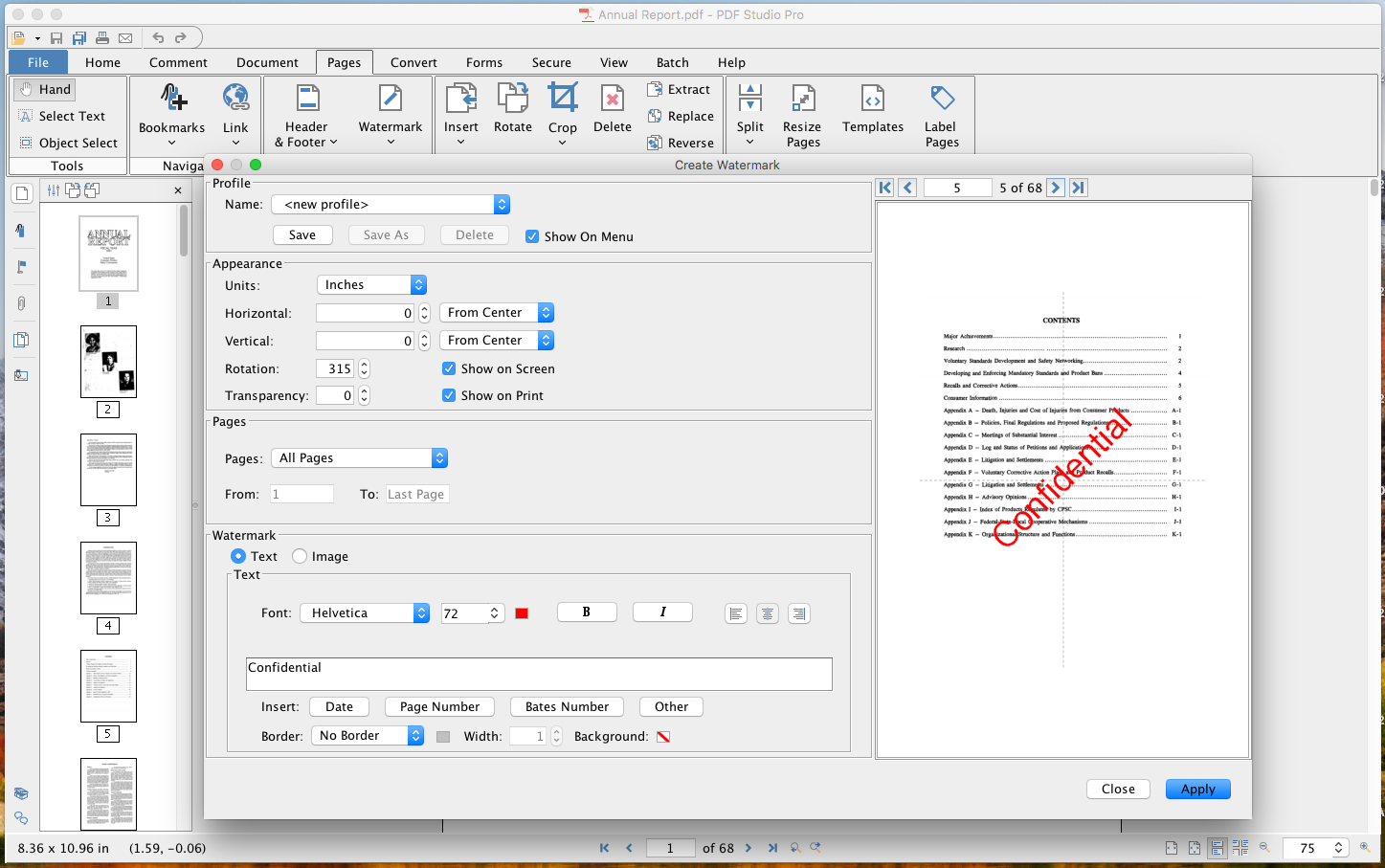
  • Apply Watermarks, Headers and Footers
  • Create Bookmarks / Table of Contents
  • Advanced Viewing Experience: Loupe, Pan & Zoom, Rulers & Grid
  • OCR (Text Recognition)
  • Content Editing (Text, Images, Shapes)
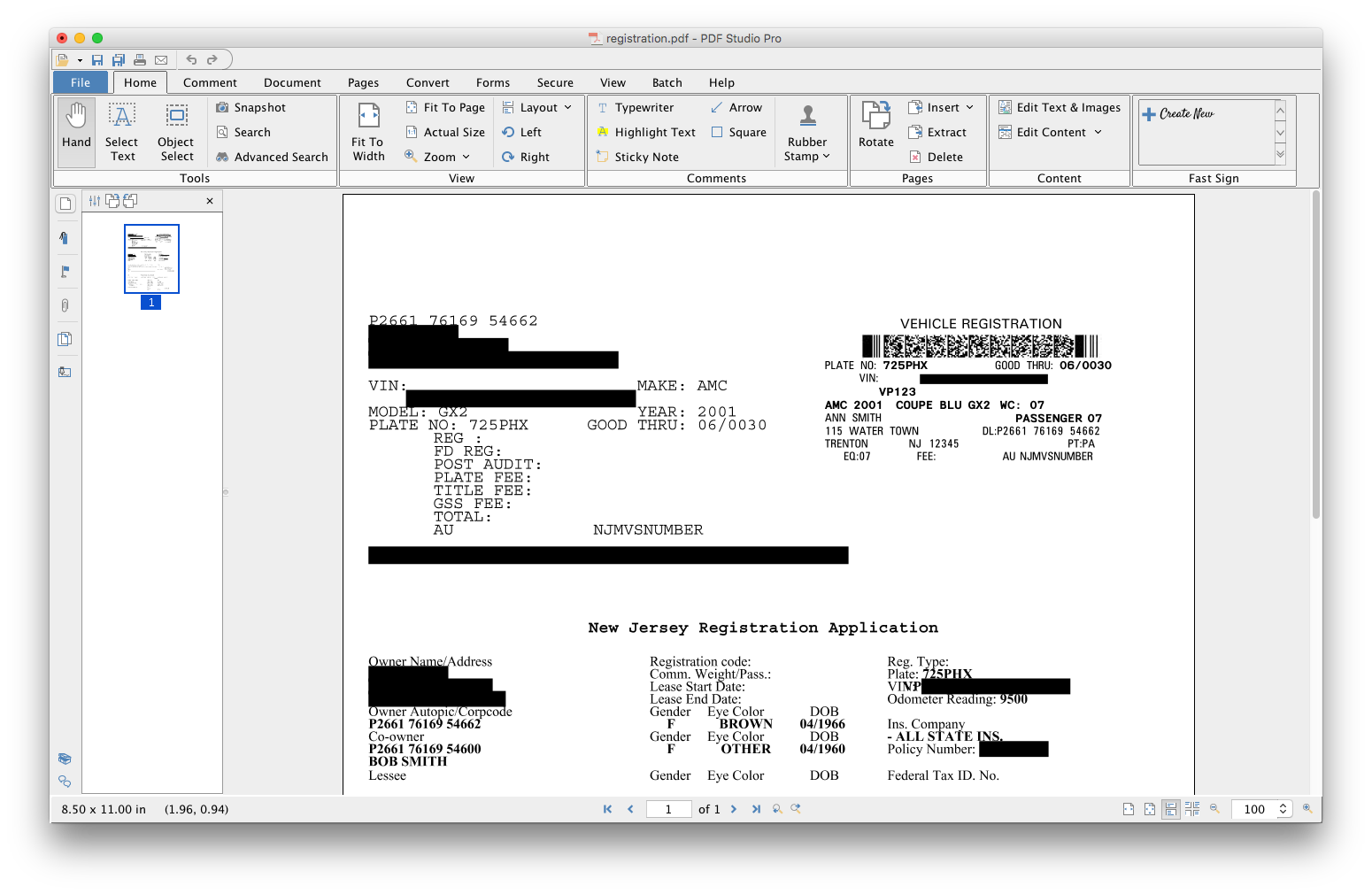
  • Permanent Redaction
  • Compare PDFs
  • Optimize PDFs
  • Digitally Sign PDFs
  • Batch Process Multiple PDFs
  • Precision Measuring Tools
  • PDF/A Validation / Conversion

Categories & Use Cases

Media

1 / 11

My PDF Studio Review

Pros

  • Text recognition.
  • Edit/fill PDF forms.

Cons

  • I would like to be able to generate indexes of the documents that I am adding to a file.
  • To be able to scan a file and convert it from a PDF simply having the scan parameters.

Return on Investment

  • Not having to move the files to a windows PC and have to edit a PDF.
  • Have access to a simple way to generate and edit PDF files.

Usability

Other Software Used

Ubuntu Linux, WPS Office, GIMP

Best Alternative PDF Editor

Use Cases and Deployment Scope

Produce and sign technical reports. It is a feature-rich product without a cluttered user interface that allows me to read/review/sign documents without any distractions. It is a wonderful product at a good price.

Pros

  • Digital signatures
  • Page organization
  • Stamps
  • Review and comments

Cons

  • More themes

Return on Investment

  • Great value

Alternatives Considered

Adobe Acrobat, Foxit PDF Editor (FoxitPhantom) and PDF Xchange Viewer and Editor

Other Software Used

Foxit PDF Editor (FoxitPhantom), Adobe Acrobat, PDF Xchange Viewer and Editor

PDF Studio is just what was needed to edit and organize my PDFs!

Pros

  • Editing PDF pages easily.
  • Organizing PDF pages quickly.
  • Adding comments to particular items within a PDF.

Cons

  • Boot Time is inconsistent (very rare).
  • Different color schemes.
  • Keyboard shortcut adjustments in preferences.

Return on Investment

  • Allowed me to get a customer a quote faster.
  • Won business proposition due to the ability to organize and sort through customer documentation quickly.

Alternatives Considered

Adobe Acrobat DC and FoxitPhantom PDF

Other Software Used

Microsoft Office 365, Google Drive, TeamViewer
