Bluebeam vs. PDF Studio

Overview
ProductRatingMost Used ByProduct SummaryStarting Price
Bluebeam
Score 9.1 out of 10
N/A
Bluebeam Revu is a PDF management, control, and editing tool. It enables collaboration and markup within shared documents across projects’ life cycles and has takeoff and bid creation capabilities.
$349
per seat
PDF Studio
Score 9.1 out of 10
N/A
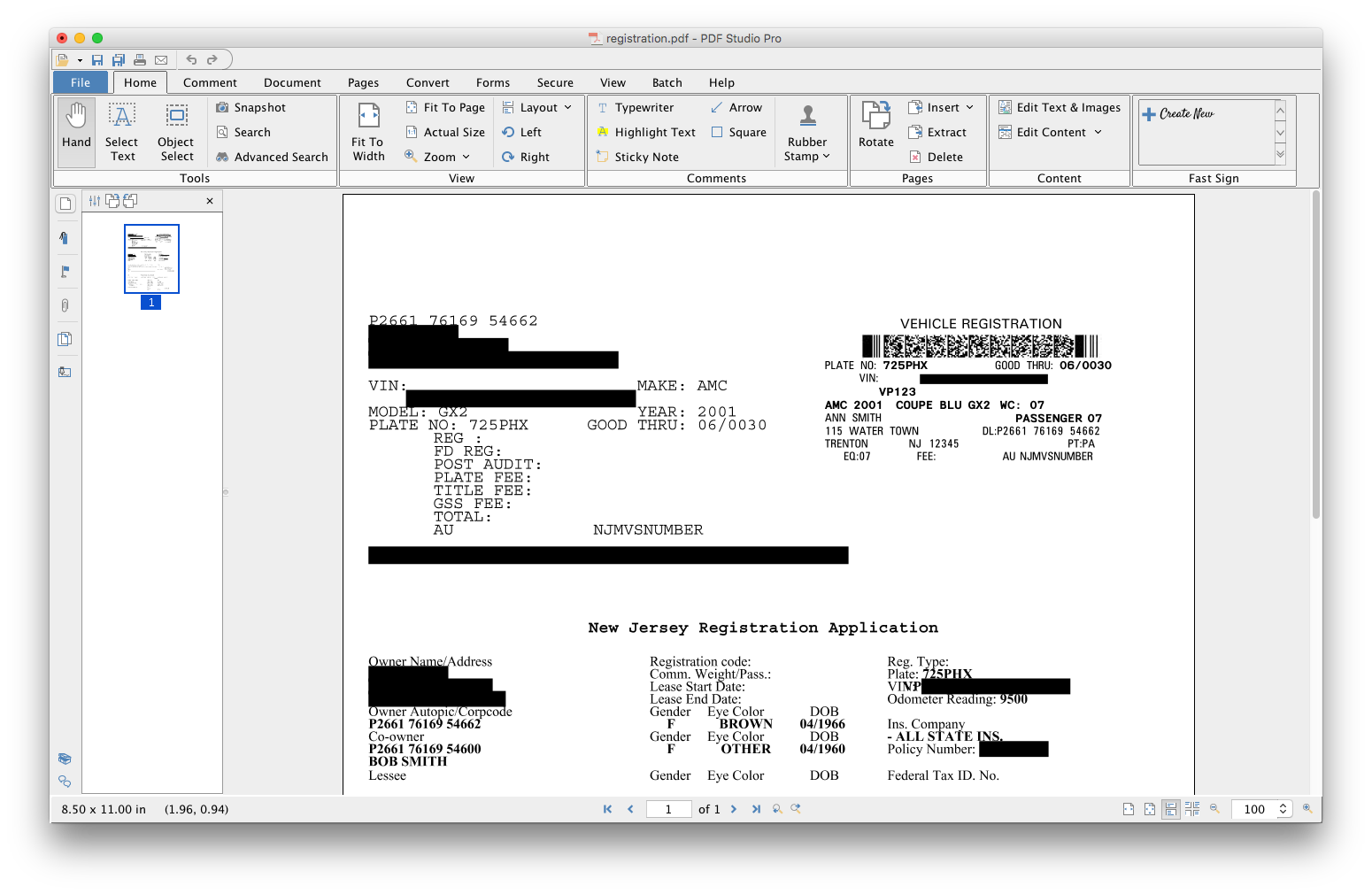
PDF Studio is a PDF editor that aims to provides all PDF features needed at a low cost. PDF Studio maintains full compatibility with the PDF Standard. Users can: Create PDFs from Scan, MS Word, Text and Images Annotate PDFs with Comments & Text Markups Create, Fill In & Save PDF Forms Secure Documents with Passwords and Permissions Merge, Split & Assemble Documents Apply Watermarks, Headers and Footers Create Bookmarks / Table…N/A
Pricing
BluebeamPDF Studio
Editions & Modules
Revu Standard
$349
per seat
Revu CAD
$449
per seat
Revu eXtreme
$599
per seat
No answers on this topic
Offerings
Pricing Offerings
BluebeamPDF Studio
Free Trial
YesYes
Free/Freemium Version
NoNo
Premium Consulting/Integration Services
NoNo
Entry-level Setup FeeNo setup feeNo setup fee
Additional DetailsEach user license key can be used on 2 computers (for the same user) on any of the supported operating system (Windows, Mac, Linux). Each user license is perpetual and allows to continue using this major version of our software (version 2018) as long as it works on your operating system. Payment is a one-time fee, with no monthly or yearly subscription or commitment. Any upgrade to future major versions is optional.
More Pricing Information
Community Pulse
BluebeamPDF Studio
Features
BluebeamPDF Studio
Reporting & Analytics
Comparison of Reporting & Analytics features of Product A and Product B
Bluebeam
8.7
Ratings
13% above category average
PDF Studio
-
Ratings
Standard reports9.00 Ratings00 Ratings
Custom reports8.00 Ratings00 Ratings
Data exportability9.00 Ratings00 Ratings
Construction Project & Field Management
Comparison of Construction Project & Field Management features of Product A and Product B
Bluebeam
8.9
Ratings
16% above category average
PDF Studio
-
Ratings
Plan distribution & viewing8.90 Ratings00 Ratings
Plan markups & sharing9.20 Ratings00 Ratings
Issue tracking & punchlists8.50 Ratings00 Ratings
Photo documentation8.70 Ratings00 Ratings
Jobsite reports9.00 Ratings00 Ratings
Document sharing9.30 Ratings00 Ratings
RFI tools9.00 Ratings00 Ratings
Collaboration & approvals9.00 Ratings00 Ratings
As-built drawings8.90 Ratings00 Ratings
Mobile app7.90 Ratings00 Ratings
Submittal design and management8.90 Ratings00 Ratings
Checklists9.50 Ratings00 Ratings
Change orders9.00 Ratings00 Ratings
Estimating
Comparison of Estimating features of Product A and Product B
Bluebeam
9.1
Ratings
13% above category average
PDF Studio
-
Ratings
Takeoff tools7.90 Ratings00 Ratings
Job costing8.40 Ratings00 Ratings
Cost databases10.00 Ratings00 Ratings
Cost calculator10.00 Ratings00 Ratings
Bid creation9.00 Ratings00 Ratings
User Ratings
BluebeamPDF Studio
Likelihood to Recommend
9.5
(0 ratings)
9.1
(0 ratings)
Likelihood to Renew
1.0
(0 ratings)
-
(0 ratings)
Usability
8.0
(0 ratings)
8.2
(0 ratings)
Support Rating
1.0
(0 ratings)
8.5
(0 ratings)
User Testimonials
BluebeamPDF Studio
Likelihood to Recommend
As stated before, the mobile application is a great companion to the desktop version. Either one works great in viewing, editing and saving documents. While the measurement tool is handy to have, we have found the precision to be lacking when measuring scaled drawings (construction design drawings). While it is a good rough place to start for measurements, we wouldn't recommend relying on the precision of the measurements taken on something with a very large scale.
Read full review
PDF Studio is great for slimming down documents when a customer sends a large PDF (RFQ). Often time when performing a task at my job customers will send a request for quotes and the document sent will not be sorted and will just have all of the information they have been given by their customer with no particular order. Being able to easily search PDFs for certain words helps in speeding up my response time to the customer.
Read full review
Pros
  • Overlaying pdf drawings to identify changes made by architects.
  • Scaling dimensions when the architect has not provided required dimensions to proceed with work in the field.
  • Hyperlinking construction documents with required information makes it much easier to look through multiple sheets in less time.
Read full review
  • Digital signatures
  • Page organization
  • Stamps
  • Review and comments
Read full review
Cons
  • If you have several tabs open and you try to drag one out for a side by side view then you do not have all the modification options and you have to combine them back together.
  • There is a lag time when hitting the print option.
  • There is also a lag time when opening files, sometimes I think the window is frozen.
  • I wish the basic version also had basic file editing, as in editing a document as Adobe does.
Read full review
  • Boot Time is inconsistent (very rare).
  • Different color schemes.
  • Keyboard shortcut adjustments in preferences.
Read full review
Likelihood to Renew
Bluebeam is a powerful PDF viewer and mark-up tool. We are more familiar with it than Adobe Acrobat Pro or other viewers, and it has more features geared towards construction document managers than Acrobat Pro does.
Read full review
No answers on this topic
Usability
I'm constantly finding that Bluebeam Revu does more than I knew it could. And when I find something that it can't do, I've found that Bluebeam truly listens to its user base and will work to incorporate any good suggestion when feasible.
Read full review
As I answered before, the graphical interface is the best developed of the options that exist for Linux.
Read full review
Support Rating
Its hard for me to give a rating on this one as we rarely have to use the support feature for Bluebeam. However, when we have used it, they have been ultra supportive in helping us get exactly what we needed. I know another engineer was trying to figure out a feature and the rep gave a detailed tutorial on how to complete the task
Read full review
Anytime I have had questions they have been able to be found in the forums of PDF Studio.
Read full review
Alternatives Considered
Bluebeam is a diverse program with many functions and tools, whereas competitive programs only specialize in one or few tasks. Although there are many tools within the program, users can still quickly learn how to use the program to best fit their needs. There is always a help tab for any assistance needed.
Read full review
For Linux, the user interface and its tools are very well developed and it is the most complete option.
Read full review
Return on Investment
  • A major positive aspect is being able to take your computer home without taking the entire set of paper drawings. They have made it so easy to navigate a set of drawings that I can work at home using only the digital drawings.
  • Collaboration with owners and architects has been a great feature. Setting up a Bluebeam studio and having everyone get in and mark things up, then having the architect be able to go in and see what markups have been added, has made the constructability review process much much better.
  • Even when not working on drawings, Bluebeam is a very good tool for working with standard PDF documents. The markup tools are very easy to use.
  • The negative aspect is the takeoff function because some people would like estimators to use the Bluebeam takeoff because it would make their job easier down the road; however, the actual act of doing a full scale takeoff in Bluebeam would require much more time.
Read full review
  • Not having to move the files to a windows PC and have to edit a PDF.
  • Have access to a simple way to generate and edit PDF files.
Read full review
ScreenShots

Bluebeam Screenshots

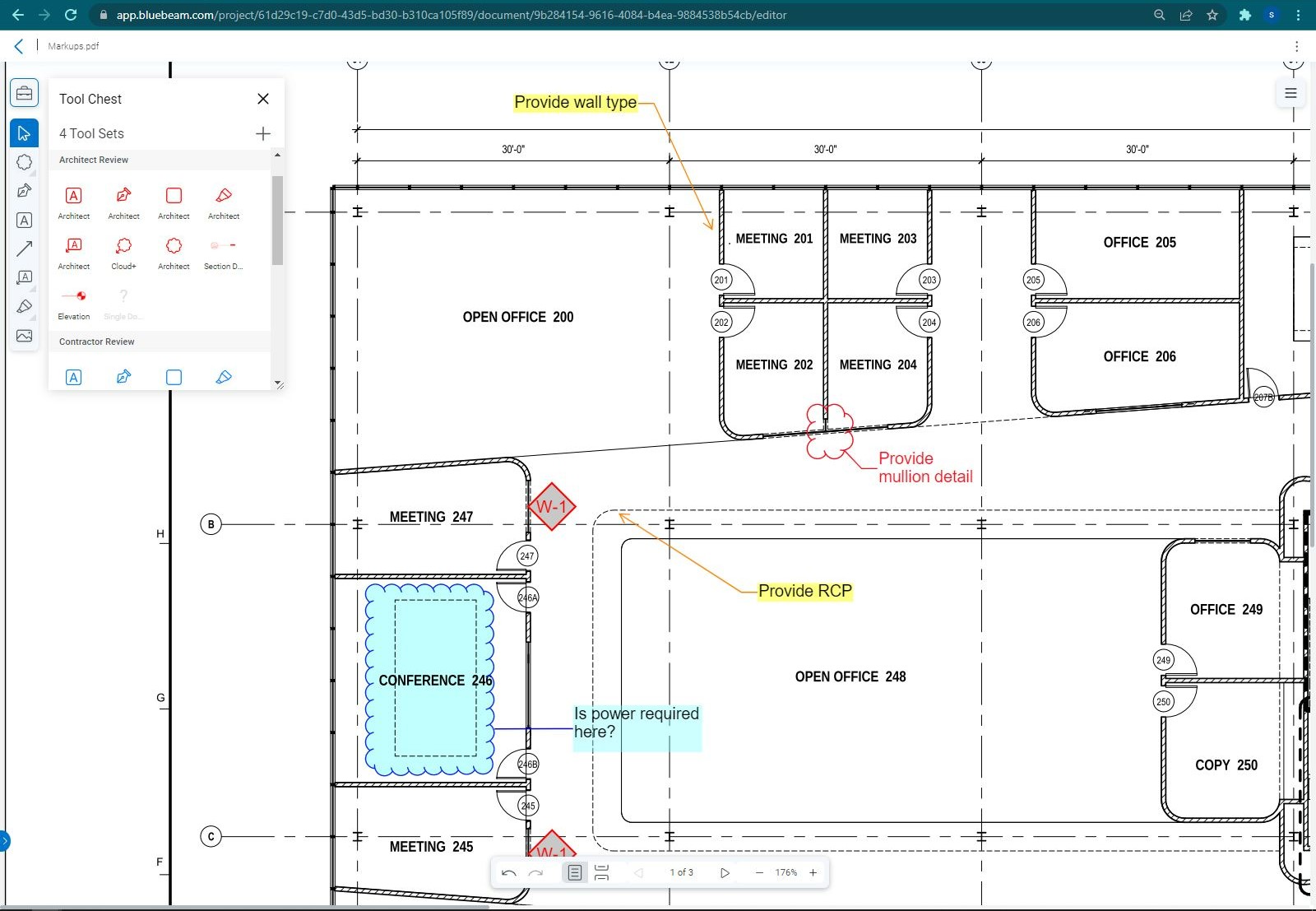
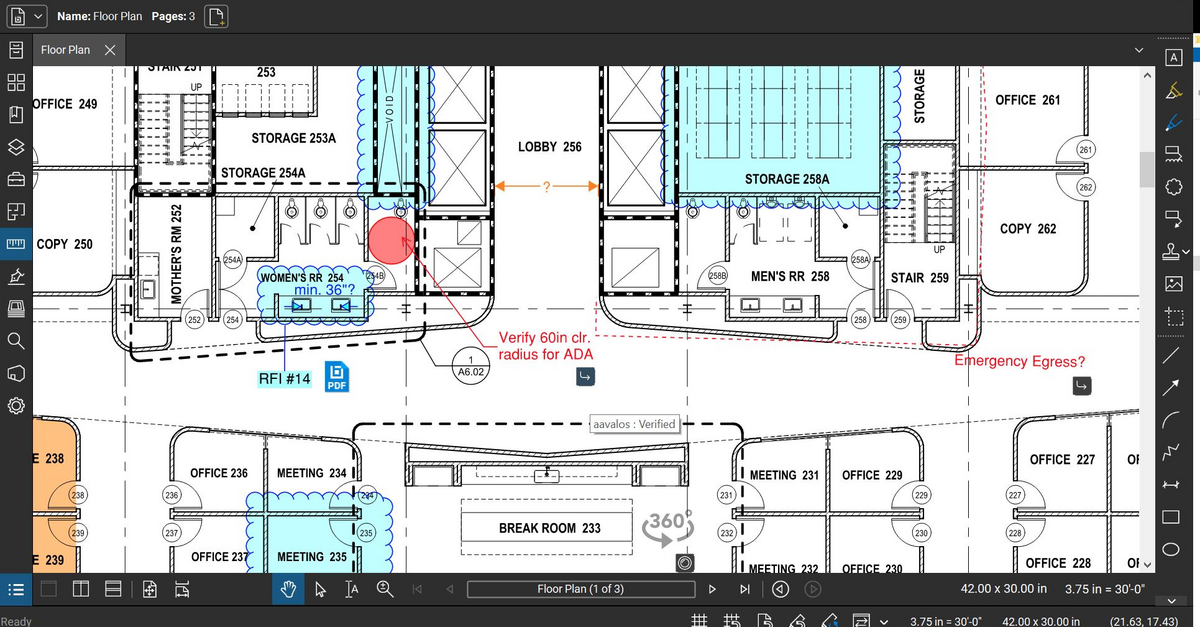
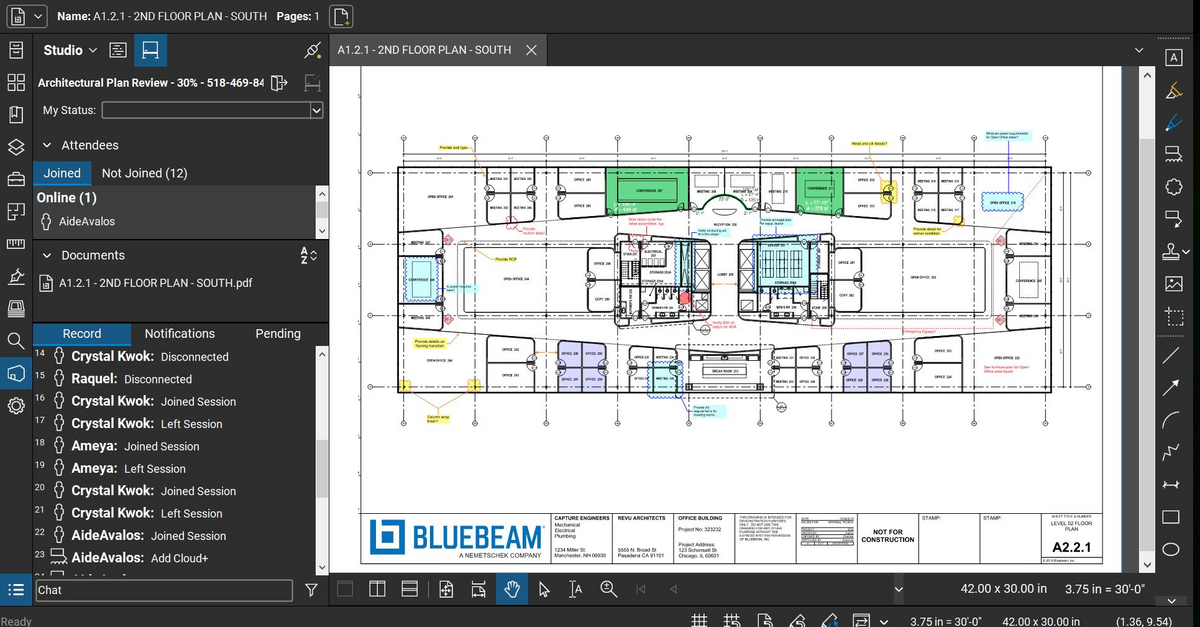
Screenshot of Bluebeam Cloud with Markup ListScreenshot of Bluebeam Cloud with Tool ChestScreenshot of Bluebeam Revu MarkupScreenshot of Bluebeam Revu Studio Session

PDF Studio Screenshots

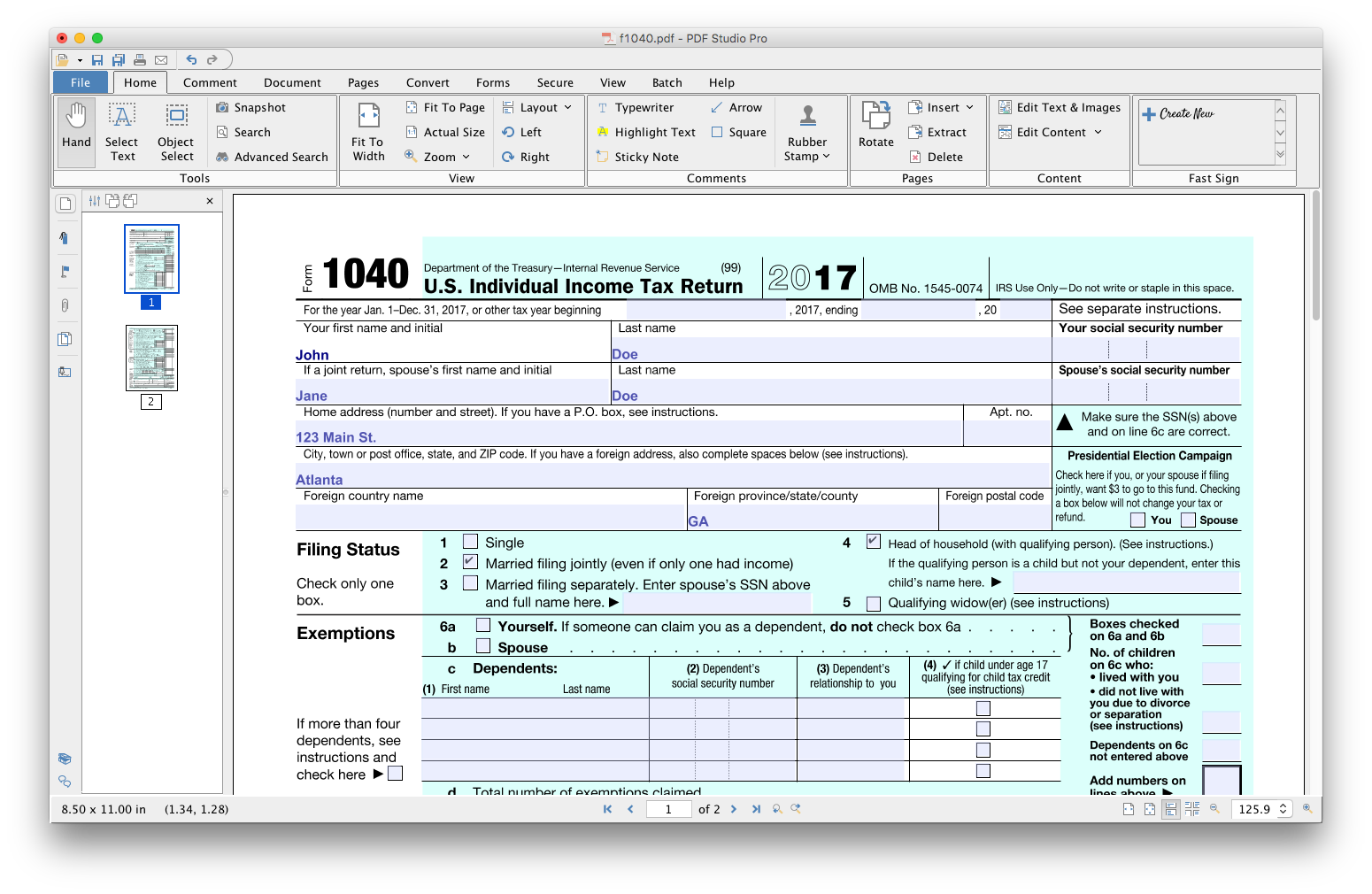
Screenshot of Screenshot of Screenshot of Screenshot of Screenshot of Screenshot of