
A de minimis incentive was given to thank the reviewer for their time. The incentive was not used to bias or drive a particular response, nor was the incentive contingent on a positive endorsement. More Info
Project Engineer at Okland Construction (501-1000 employees employees)
Pros
The biggest thing for me is that it is so easy to use, which allows it to be used widely throughout our organization without a lot of intense training.
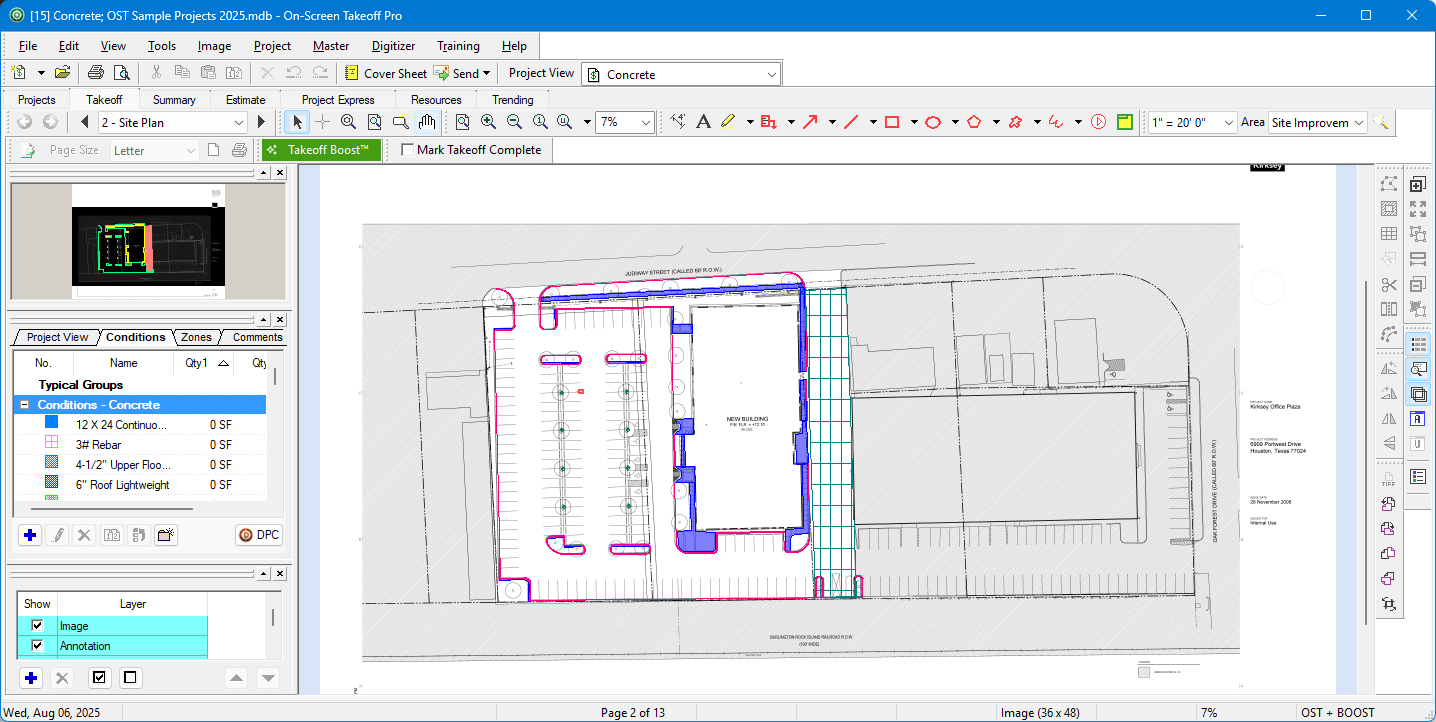
Another great thing is that it does not matter how big or little the scope of the take off may be, it works just as well for a whole 12 story building take off as it does for a stretch of sidewalk.
Cons
I think it would be great if it could work on a file from a shared central location rather than from the local computer's files.
I would also like to see some more options for how I can export data to excel or other files for analysis and reporting.
Return on Investment
The main benefit for using this software is that our estimating takeoff productivity has gone way up from where it was before allowing us to compile bids and estimates in a quicker and more accurate way.
The ease of use has allowed us to reduce the time and investment we have had to put into training new hires on the software.
Alternatives Considered
Bluebeam Revu and Navisworks
Other Software Used
Procore, Bluebeam Revu, AutoCAD, Navisworks, Microsoft Power BI
A de minimis incentive was given to thank the reviewer for their time. The incentive was not used to bias or drive a particular response, nor was the incentive contingent on a positive endorsement. More Info
Verified User
Employee in Sales (11-50 employees employees)
Use Cases and Deployment Scope
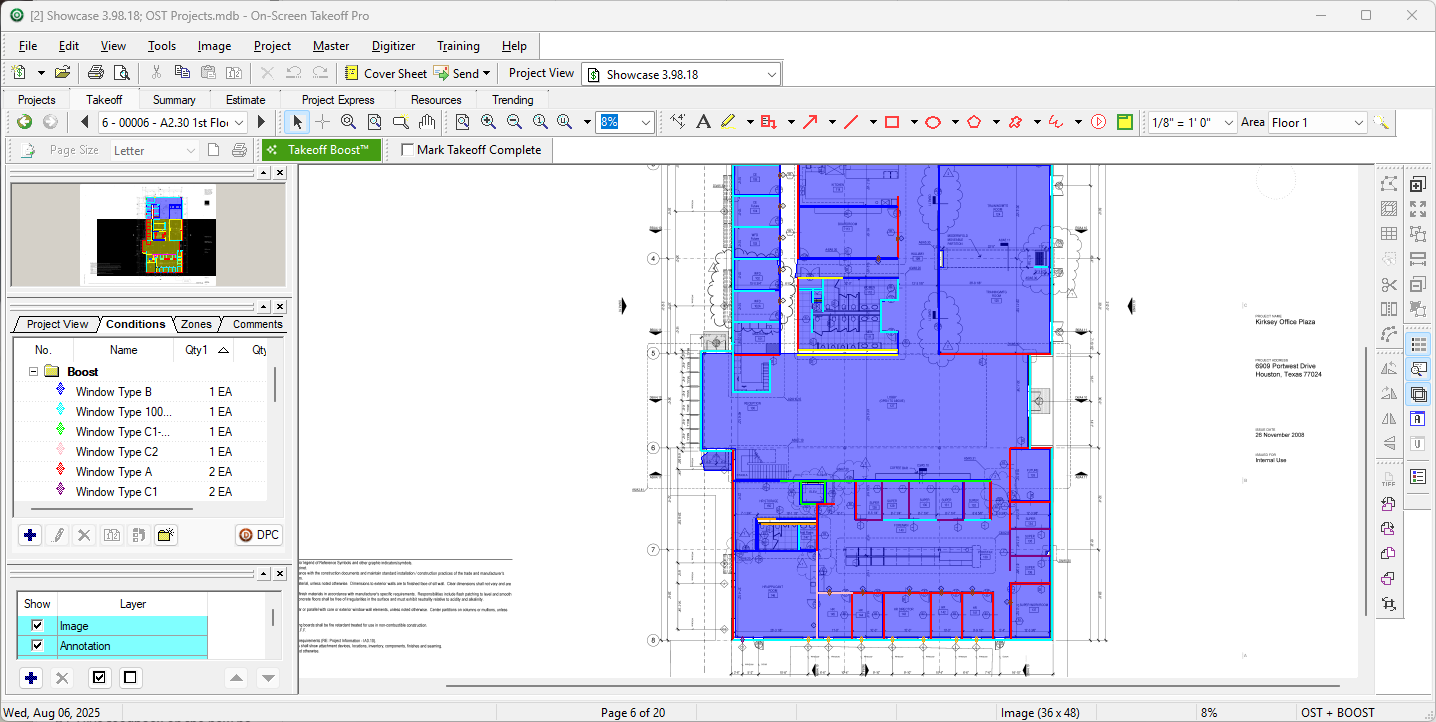
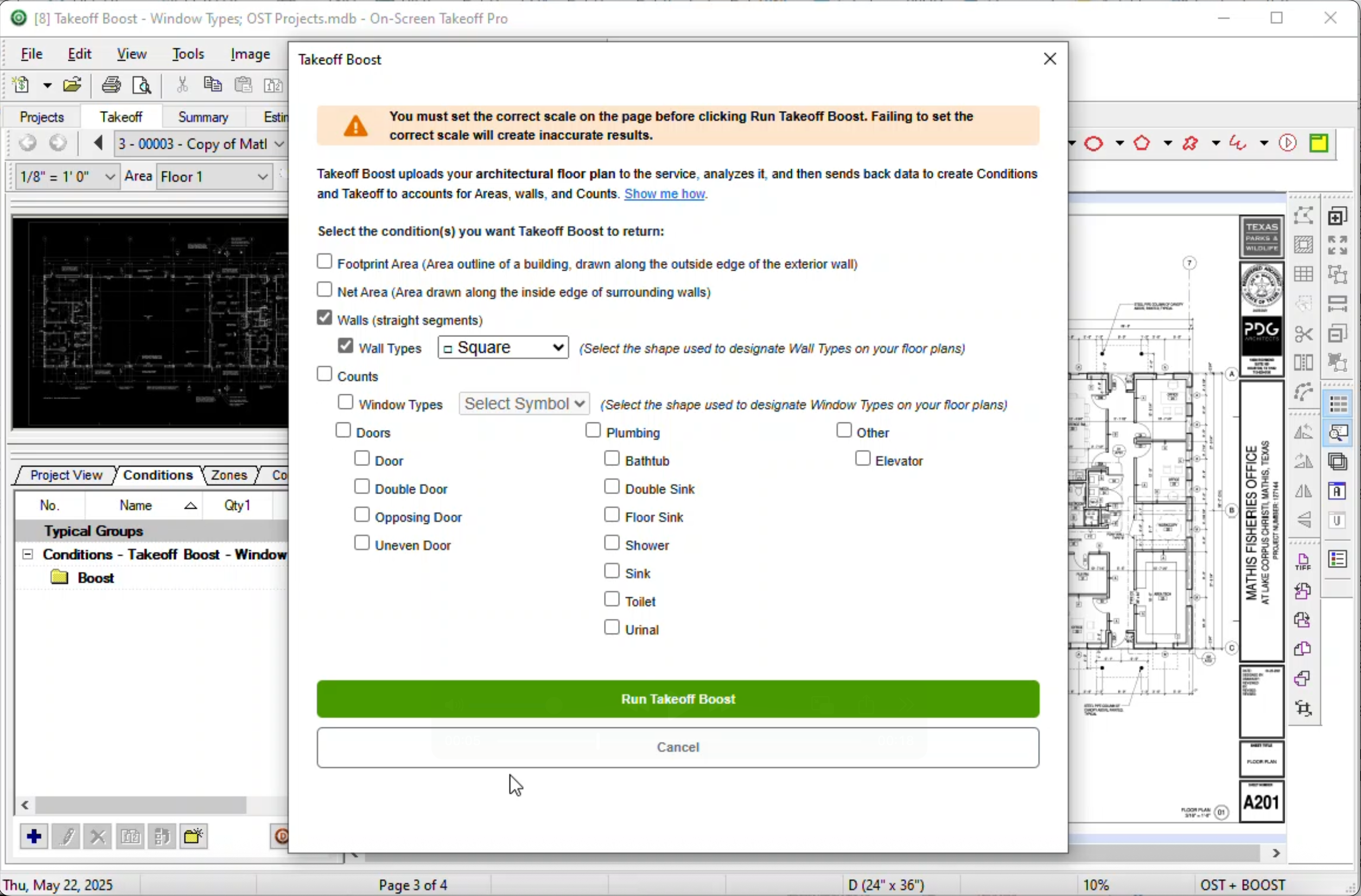
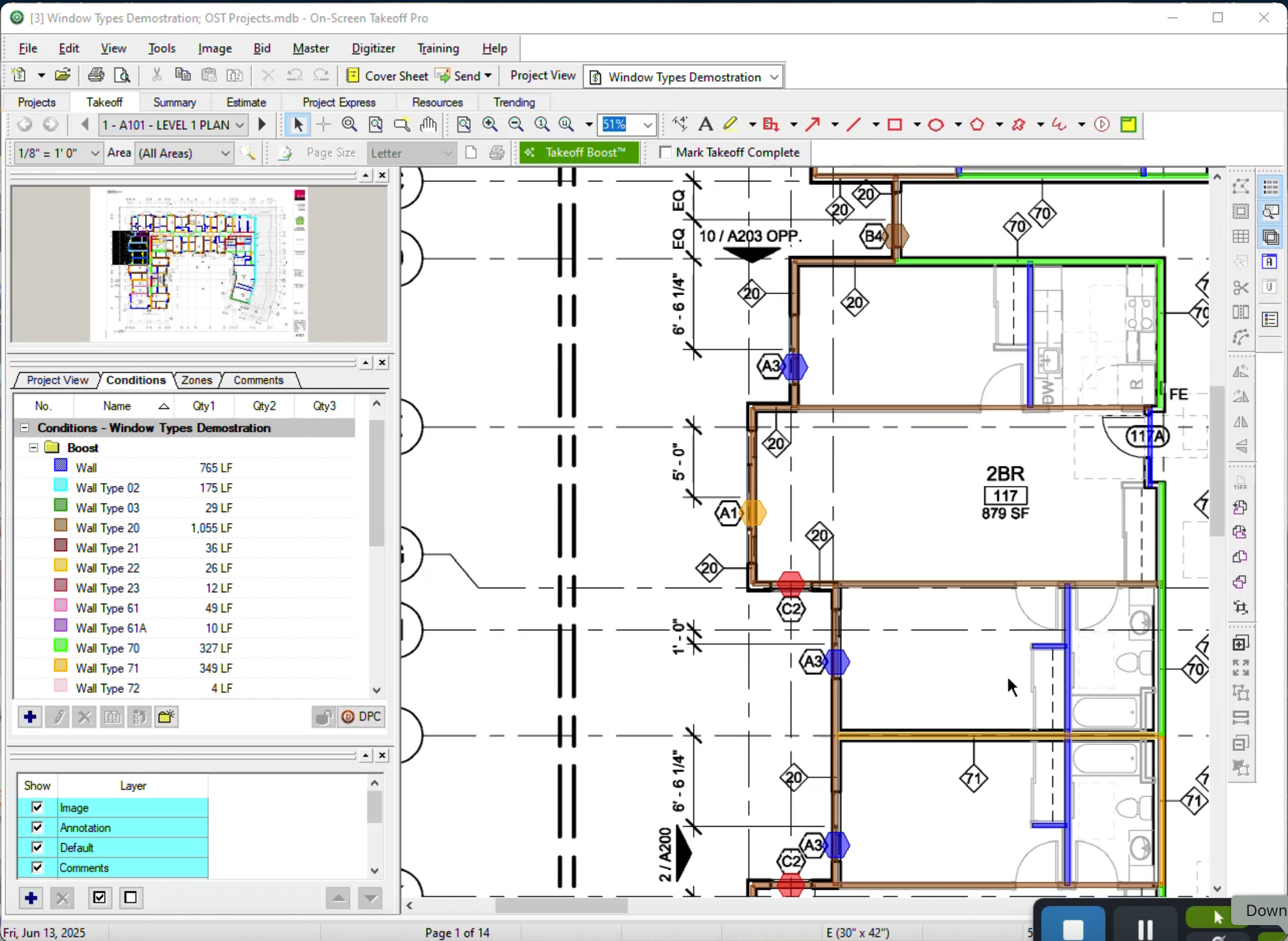
Our use of On-Screen Takeoff allows us to accurately and effectively put together estimates and cross check subcontractor values. With On-Screen Takeoff our pre-construction process can fill in holes that would otherwise be guesses. Not only can we dial in the quantity values, but we can then communicate these values to our subcontractors as needed. The ability to combine multiple takeoff functions into a single takeoff condition also speeds up the process enabling us to meet accelerated timeframes.
Pros
Quantity Takeoff
Organization
Visual representation of project
Cons
User interface is dated
The functionality is intuitive to a point, but advanced features required digging and training.
Return on Investment
On-Screen Takeoff has provided us with a speedy and effective way to quantify projects.
This software enables us to provide detailed takeoff sheets to owners, communicating scope carried on a visual medium.
Alternatives Considered
Bluebeam Revu, eTakeoff and PlanSwift
Other Software Used
Bluebeam Revu, BuildingConnected, an Autodesk product, BidClerk
A de minimis incentive was given to thank the reviewer for their time. The incentive was not used to bias or drive a particular response, nor was the incentive contingent on a positive endorsement. More Info