
TrustRadius: an HG Insights company

Nconnect

Score8.5 out of 10

5 Reviews and Ratings

What is Nconnect?

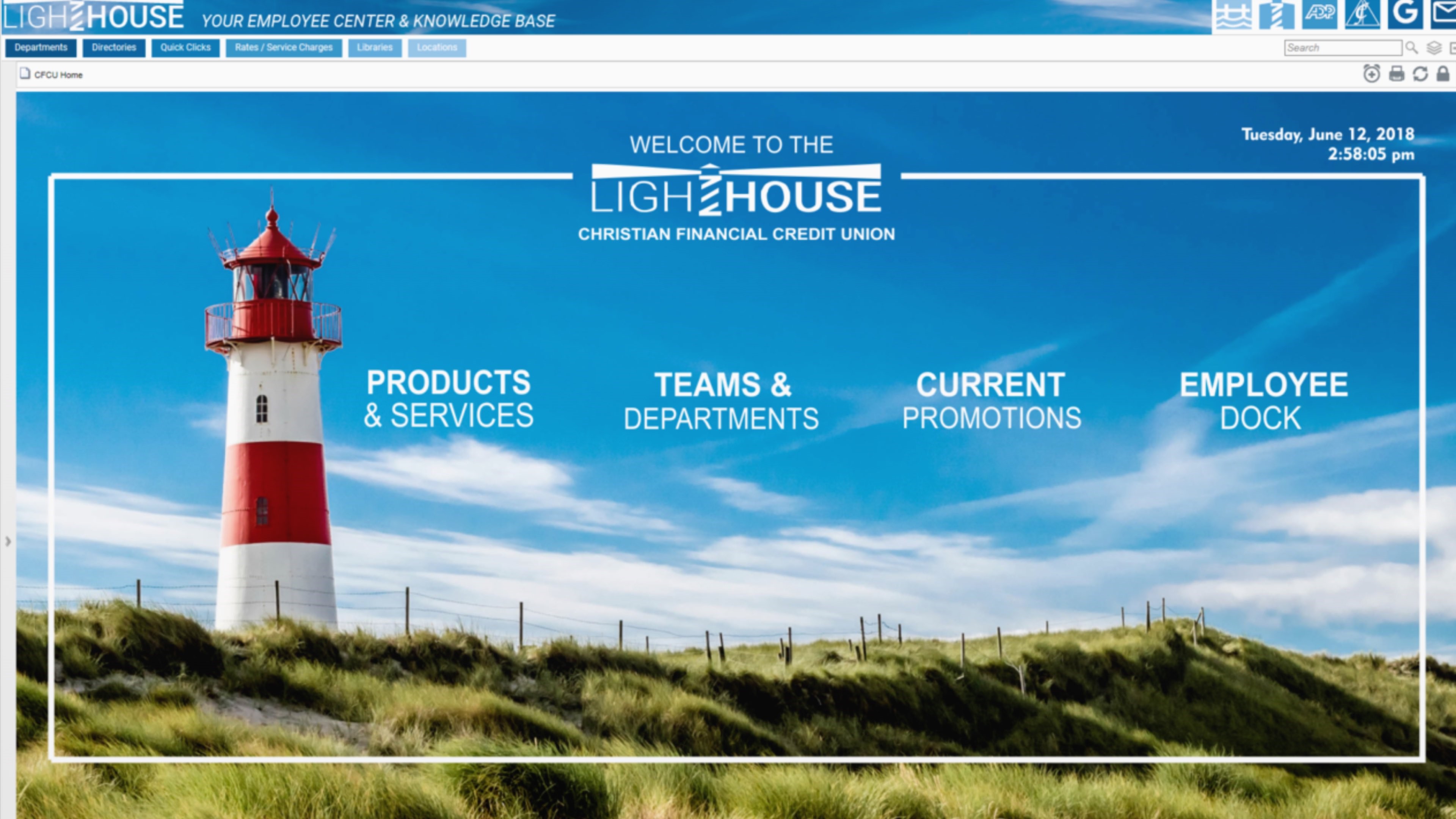
Nconnect (formerly OnSemble Intranet) is an mployee intranet that keeps everyone connected, a digital workplace to make employees feel valued. It is designed to keep remote teams engaged, and acts as the culture champion for the organization.

Media

OnSemble connects your entire workplace to the central hub of truth, builds your culture, and inspires employee engagement.
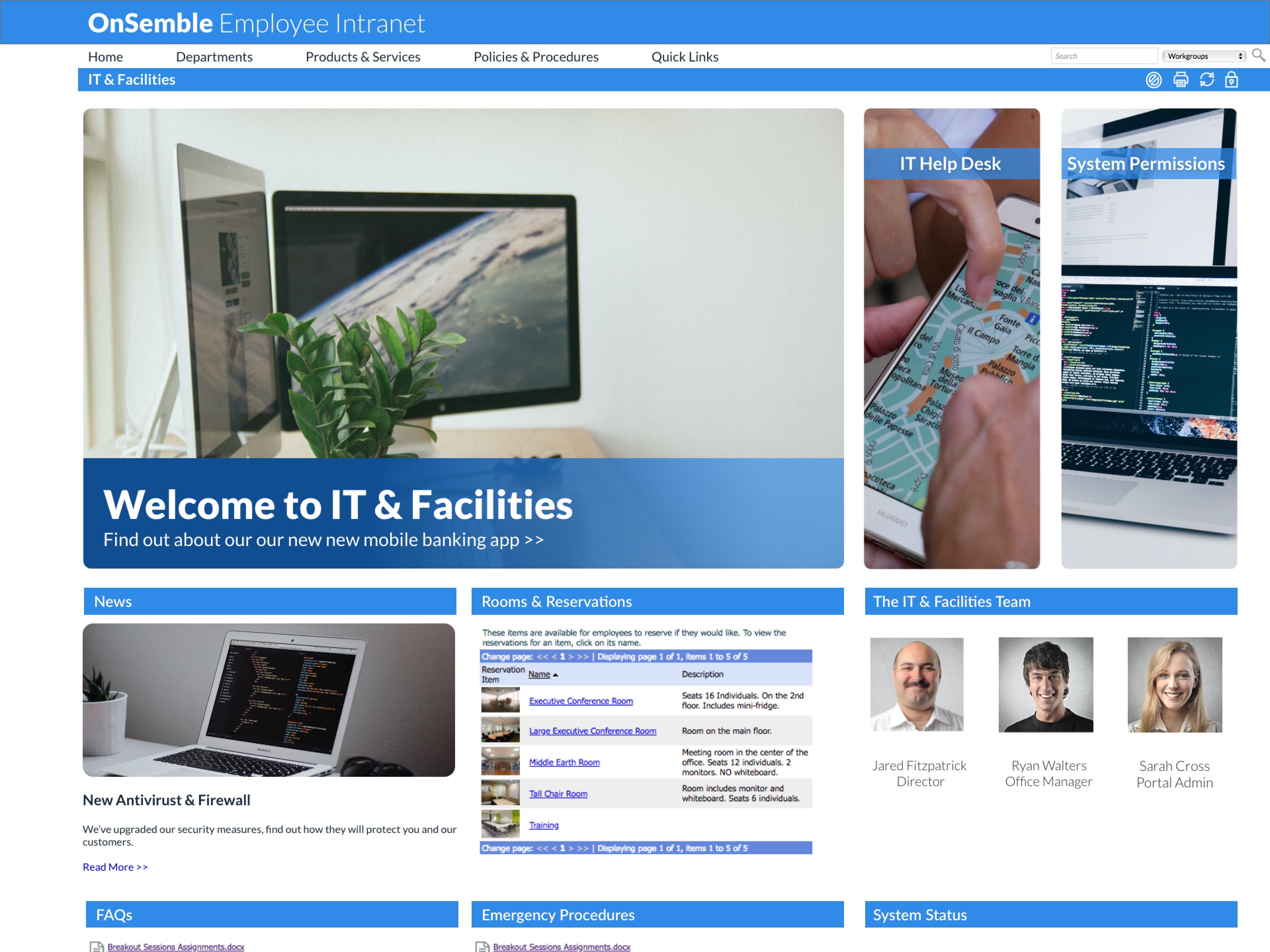
Every HR manager knows getting new employees started off on the right foot is mission critical. That's why OnSemble leverages role-based permission management system to control access to your software, files, and your critical digital infrastructure.
In-house or hosted, we cover your full stack security and IT requirements. OnSemble is fast, flexible, and scales with your organization so that you have time to focus on more pressing work.
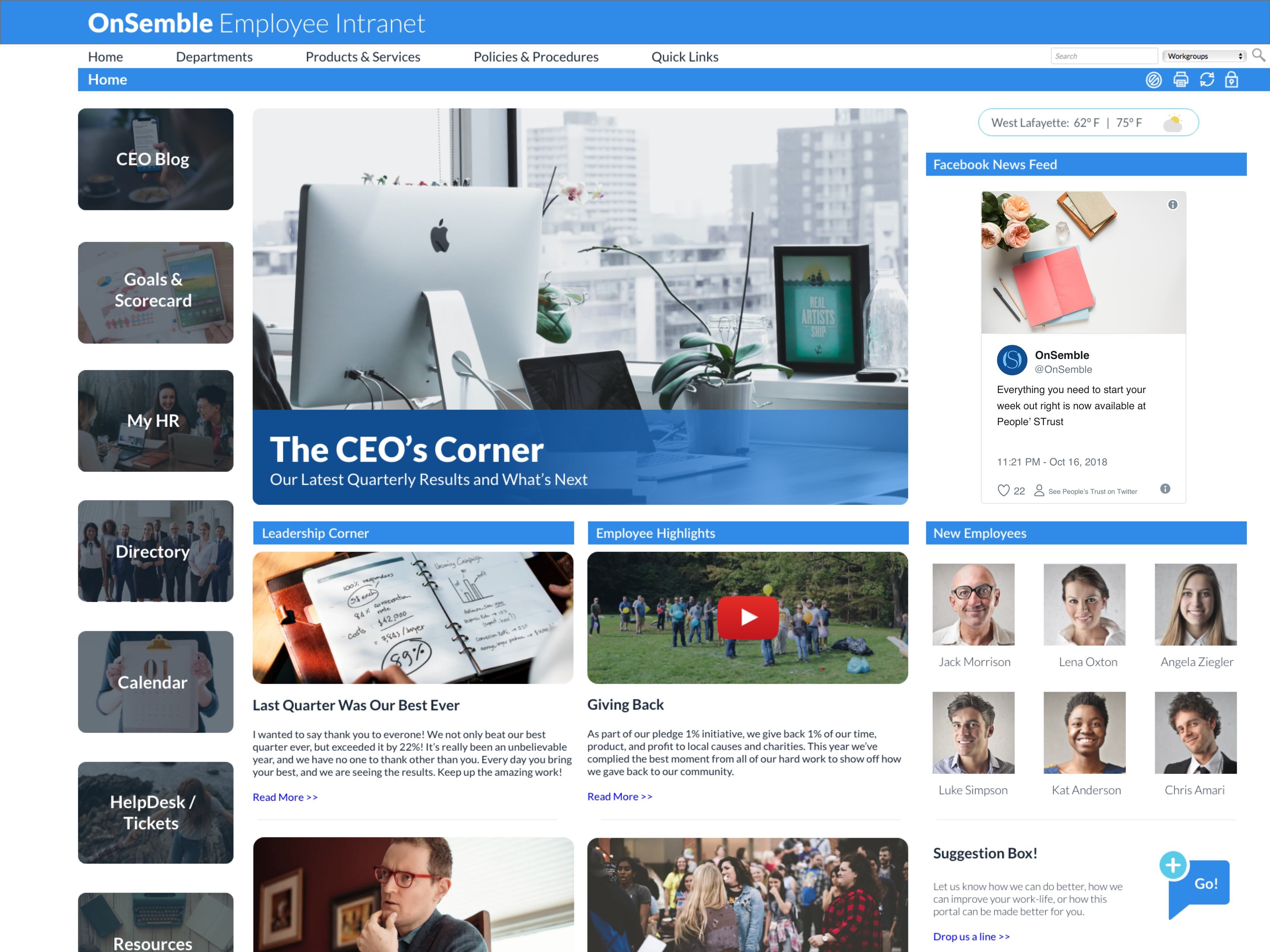
OnSemble has everything a marketing team needs to put their culture front and center. Your portal is the first place employees see when they boot up their PC in the morning – make it reflect your organization's values, your branding, and your charm.
OnSemble connects your entire workplace to the central hub of truth, builds your culture, and inspires employee engagement.

1 / 5

My OnSemble

Use Cases and Deployment Scope

OnSemble is the Employee Intranet in use. It answers the problem of enterprise document sharing, company news and just keeping in touch with the day-to-day employee information (reimbursement/expense submission, morale news, help desks, and directory). Educational links are also present for employee consumption as well as resource reservations.

Pros

  • powerful, yet simple to use, document management for sharing
  • custom help desk form creation/submission with targeted audience
  • integration friendly with document types (e.g., xls, pdf, doc, etc.)

Cons

  • continuing to improve, it's not "all at once", so some things are "coming soon"
  • more WYSIWYG capabilities for content development
  • easier data integration to API, email, messaging (e.g., Teams)

Most Important Features

  • file repository/document (form) sharing
  • corporate directory
  • help desk

Return on Investment

  • Having the proper, current form readily available is paramount since many are guided by regulatory dictates.
  • The corporate directory provides a pix, hire anniversary date, and birthdate (sans year), along with the usual location and contact information. So besides being a tremendous convenience when needing to contact someone, we can meet new people and celebrate life events with one another.
  • Having "controlled" and "guided" help desks helps manage the extreme variety of information [that] may come in. It helps translate the user's interpretation of the issue into something more understandable.

Other Software Used

Adobe Acrobat Reader DC, Microsoft SQL Server, KeePass

OnSemble is the answer to our communication problems!

Pros

  • It is completely customizable. I think it would be very difficult to find two portals that look similar. They guide you through the process of figuring out what works for you while providing examples, but it's really easy to make it fit your organization's vision.
  • The training was excellent. Instead of watching someone click around on a screen and then having to remember how to do it yourself, they put you in the driver's seat. You do the clicking while the guide (or correct when you misclick!), so it's easier to go back and recreate the process because you've already done it once.
  • There are so many options that it can really help you achieve just about any business/organizational goal necessary. You get to decide and build what you need - you're not given a cookie-cutter solution. They provide the tools and you build the house that works best for your org.

Cons

  • Now that we're customers, the support function is not as strong. If we have a question, we are pointed towards articles so we can "self serve". Sometimes it is important to pick up the phone and talk to someone, which is a service that they've eliminated. Everything is self-help or email ticketing.
  • When creating the portal, we didn't know what we didn't know. There were some instances that if we hadn't asked a question, we never would have been told about a product/feature that we didn't know we had access to. Our banner almost wasn't implemented in time because the person in charge of it left the company and we didn't know that we needed to follow up on that.
  • While being able to completely customize the portal is a HUGE strength and not a problem since our implementation team consisted of marketing professionals with design experience, it is also a weakness. If you are tasked with creating the portal but don't have design capabilities, I highly recommend looping in someone who does.

Return on Investment

  • Communication readership: We now KNOW for a fact that 2/3s of our employees are reading communications. It used to be a blind process.
  • Employee engagement: We can easily see who is leading the charge, who is participating, and the content that resonates.
  • Culture enhancement: We are able to reinforce our culture and encourage recognition every time someone comes to the portal.

Usability

OnSemble keeps us on track!

Pros

  • Ease of Use - with limited html or design experience, I was able to pick up building and updating in our OnSemble portal with minimal struggles.
  • Customer Service and Support - Passageways employees are hands down the best, always willing to take extra time to dig in, troubleshoot, and resolve any issues in an extremely timely manner. They are always pleasant and super helpful.
  • Customization - the available site of modules offered allow for a "site" that is suited for the differing needs of each business OnSemble is being used by. From calendars, to document repository, to creating content pages for staff, the possibilities for customization are almost limitless.

Cons

  • Permissions - granting permissions at different levels for users is tedious - would like to see permissions simplified.

Return on Investment

  • Streamlined documentation - positive impact.
  • Convenient calendar and access to timeclock - positive impact.
  • Hub for staff to gather everything they may need to successfully assist our members - positive impact.

Other Software Used

Adobe PhotoShop, Adobe InDesign, Hootsuite, Delivra, WordPress, Microsoft 365 (formerly Office 365)

Usability

An easy-to-use tool for your intranet needs

Use Cases and Deployment Scope

We were previously using an intranet page that was implemented by one of our other vendors. The tools were barebones and just out of date. OnSemble gives us the power we need to design our pages how we want them to look (with some guidance from our graphic designer, of course)

Pros

  • Modular
  • Island tools
  • Customization

Cons

  • Use of JavaScript
  • Some islands tend to overlap
  • A search bar for tools would be nice

Most Important Features

  • Document uploads
  • Staff directory
  • Admin features

Return on Investment

  • Announcements are more than just an email now
  • Staff directory allows you to put a face to the name
  • Providing a page with common sites used by different departments allow staff to get to things more quickly instead of writing down and bookmarking sites

Fantastic Intranet Software

Use Cases and Deployment Scope

We currently use OnSemble for an intranet. It allows each department within the company to post messages, documents, etc - all at easy reach. It allows us to set up sections for each department. OnSemble is easy to use, set-up, and add information to. It takes just minutes to get new information up.

Pros

  • Easy to create sections for each department.
  • Ability to link to files and share reports.
  • Easy access to visibility within other departments.
  • Easy to disperse company wide messages.

Cons

  • Add additional templates for customization.
  • Webinars on how other companies use this software.
  • Ongoing best practices on how to use the software.

Return on Investment

  • Transparency within departments.
  • Easy to communicate messages across the company.
  • Easy access to forms and links you need on a daily basis.