TrustRadius: an HG Insights company

MicroStrategy Mobile

Score8 out of 10

18 Reviews and Ratings

What is MicroStrategy Mobile?

MicroStrategy Mobile enables users to bring analytics, transactions, mapping, multimedia, and business workflows to life in custom mobile apps, personalized for any industry or any role. Users can convert any information system or web application into a user-friendly, highly-performant native mobile app—optimized for both iOS and Android. Users can scale to the most demanding enterprise needs in terms of user numbers and data volume. With multi-factor and biometric security built in, users can confidently deploy highly sensitive information to their mobile workforce and revolutionize how people work.

Media

Monitor operational KPIs wherever, whenever
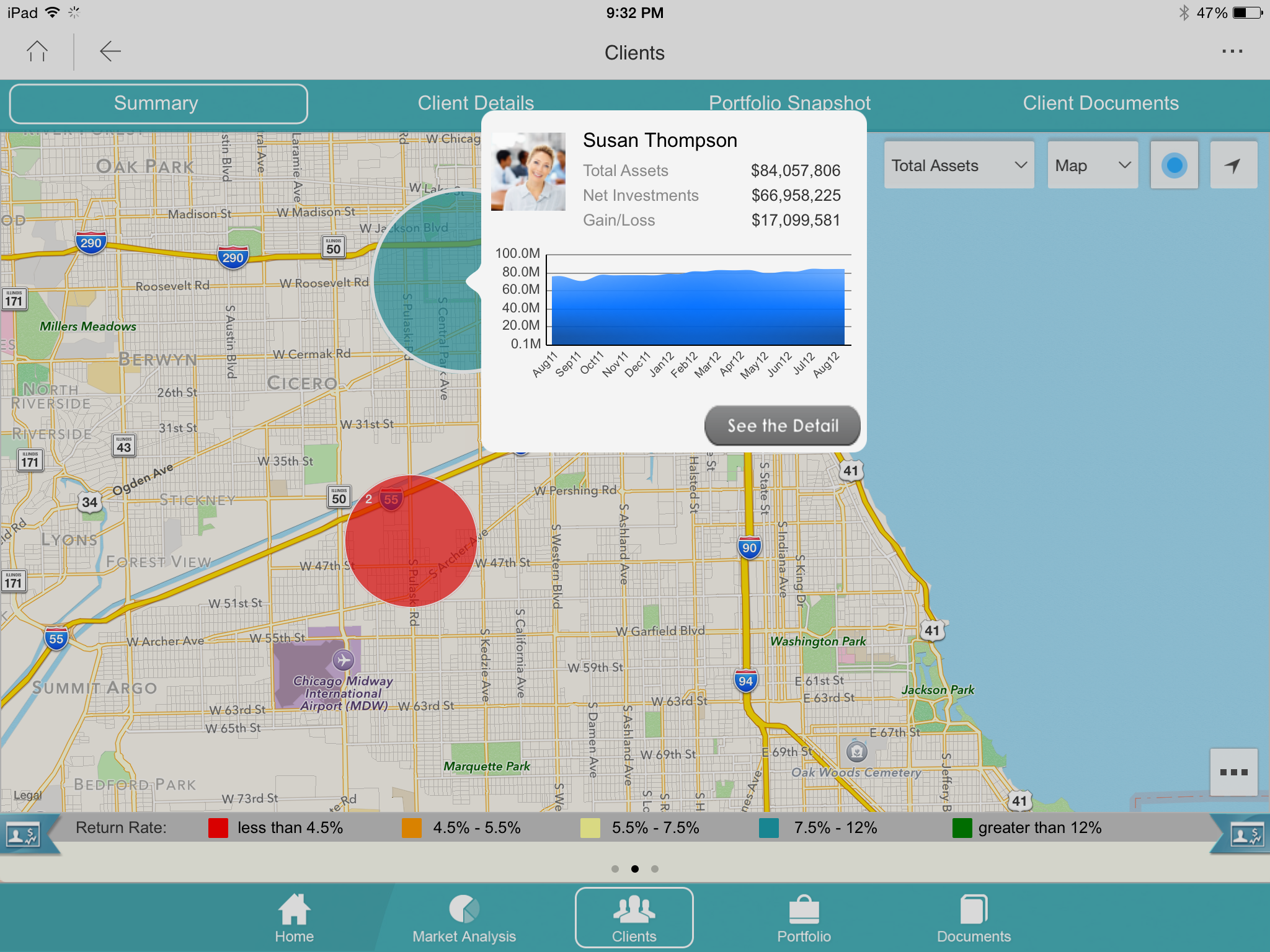
Look up detailed customer information while out in the field
Log touchpoints or update CRM information
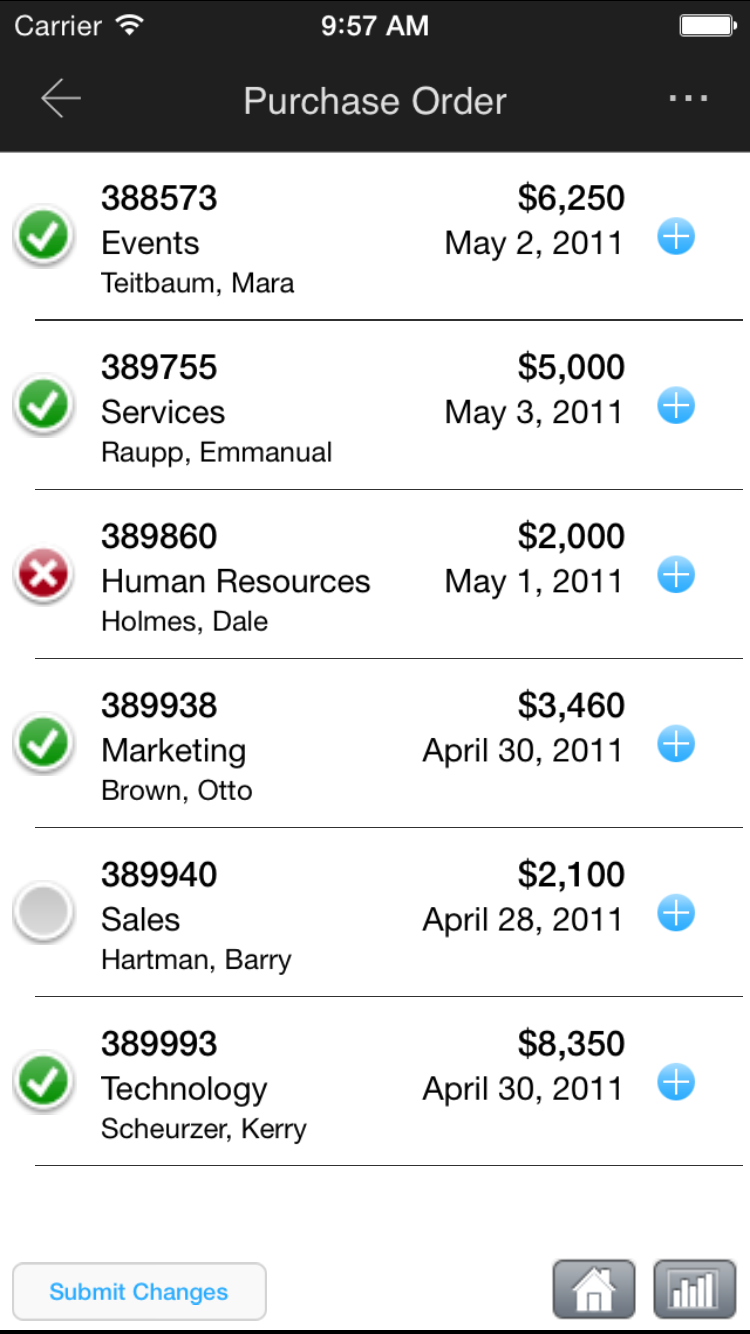
Approve or deny corporate requests
View customer buying trends and capture notes
View performance and ranking

1 / 6

MicroStrategy Mobile Review

Pros

  • MicroStrategy has widgets that allow you to display data using elaborate and complex graphs such as maps, microcharts, thermometers, etc.
  • The same dashboards can also be viewed on the web by users who don't have mobile devices.
  • For mobile, MicroStrategy has created unique selectors that are more suited for smartphones and tablets.
  • MicroStrategy uses the features of mobile devices such as accelerometers to select different views and change the display when the device is tilted or rotated. In addition you can use inputs such as the camera to read barcode data and enter inventory data into the database.

Cons

  • Can't think of any cons. They have invested a great deal in their mobile and are definitely the best at it.

Alternatives Considered

Tableau Desktop

Other Software Used

Microsoft Access, Microsoft BI, Microsoft Azure

MicroStrategy: The best BI tool out there.

Pros

  • It is a stable platform (it does not generate errors or allow the user to go into an 'outside road') when using the application. It also provides very appealing and interactive ways to use the information. It leverages iOS functionality.
  • Web-based function allowing for flexibility and ease of access from varying locations.
  • Most of our experience is with iPad and it does a good job there, it gives us a lot of opportunity to WOW our internal leaders. The platform flexibility is a good selling point. Allows us to make changes without having to recompile and go to Apple every time we have an update.

Cons

  • More documentation of communication between the layers of the infrastructure so security discussions can better be facilitated.
  • Reloading the data when you reboot the server takes time depending on the infrastructure.
  • It can also be a bit slow due to the amount of data we have, but that's more of a data problem.
  • I have not been able to figure out how I can control table joins within reports, so I have to create free form SQL reports, which is messy to upkeep.

Other Software Used

SAP HANA, Salesforce Analytics Cloud

MIcroStrategy Mobile Review

Pros

  • Flexibility.
  • Excellent visualization.
  • High definition graphics which are readable for any user.

Cons

  • Pop-ups.
  • Refresh rate.

Alternatives Considered

IBM Cognos

Other Software Used

IBM Cognos, Tableau Online