TrustRadius: an HG Insights company

Jira Service Management

Score7.9 out of 10

671 Reviews and Ratings

What is Jira Service Management?

Jira Service Management (formerly Jira Service Desk, now including features from the former Mindville Insight, acquired by Atlassian in June 2020) is a service desk software that is purpose-built for IT, service, and support teams. The software provides everything IT and support teams need out-of-the-box for service request, incident, problem and change management. Jira Service Management integrates seamlessly with Jira Software so that IT and development teams can work better together. Users can connect service desk tickets to Jira Software issues and get to the root cause of problems before they escalate.

Media

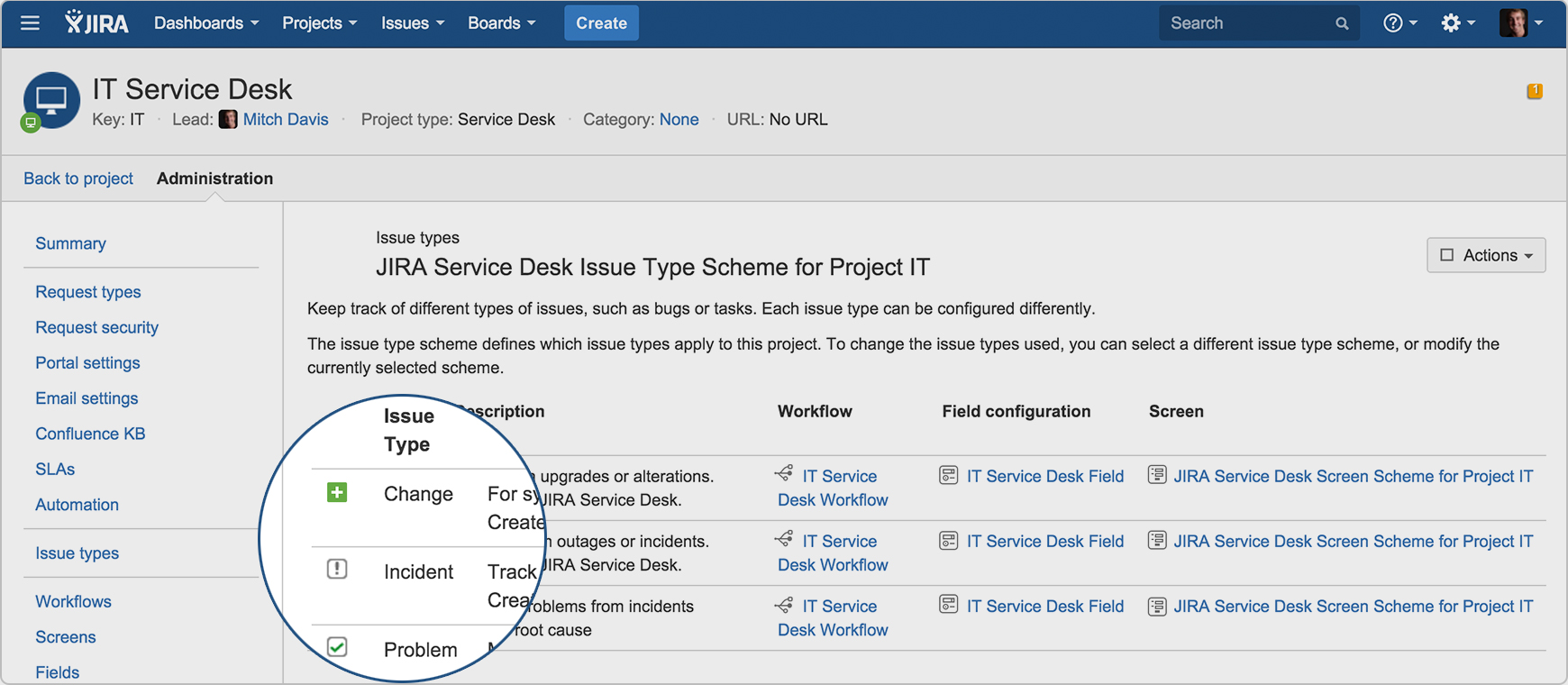
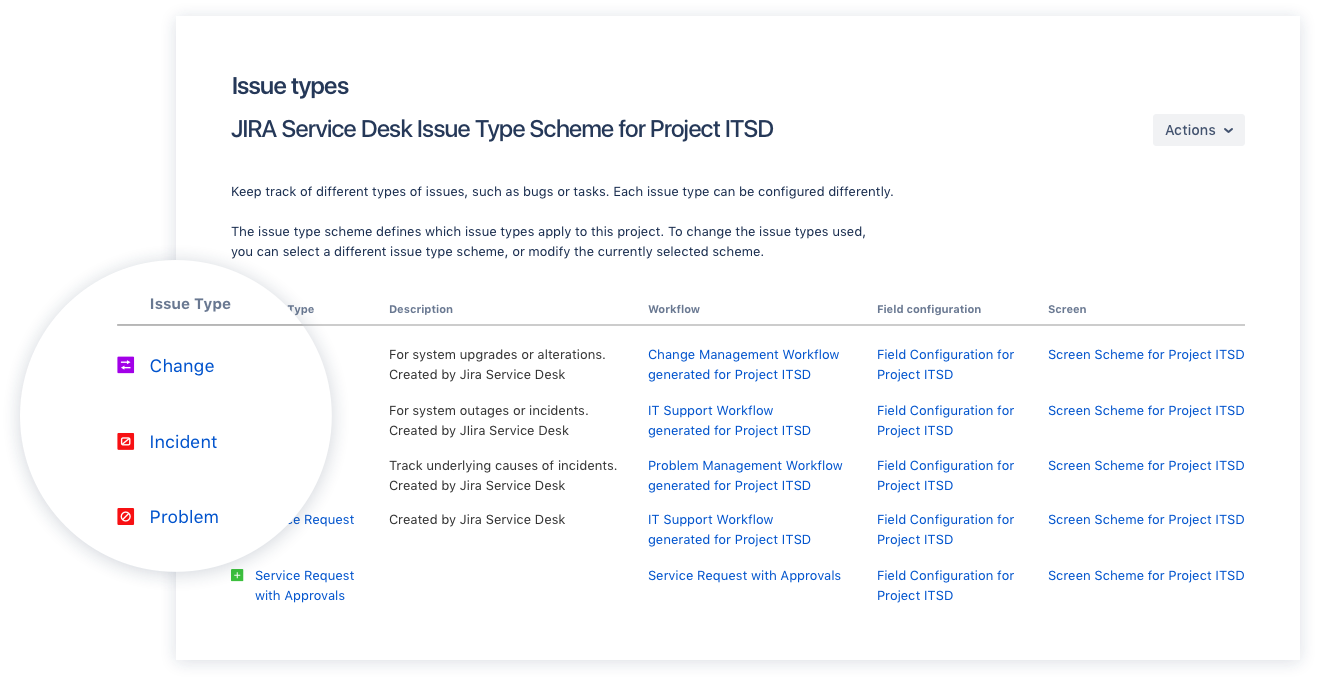
Drive IT best practices with ITIL-ready templates. Get everything your IT teams need out of the box for service request, incident, problem, and change management.
Get an ITIL certified service desk. Everything your IT teams need out-of-the-box for service request, incident, problem, and change management. Jira Service Desk is PinkVERIFY™ certified.
Deliver a better service experience. Customers or employees can submit requests with an easy-to-use help center and add Confluence to Jira Service Desk to get an integrated knowledge base. Machine learning intelligently recommends the right service and learns from every interaction, so answers are easy to find.
Stay in the loop with developers. y linking Jira Service Desk with Jira Software, IT and developer teams can collaborate on one platform to fix incidents faster and push changes with confidence.
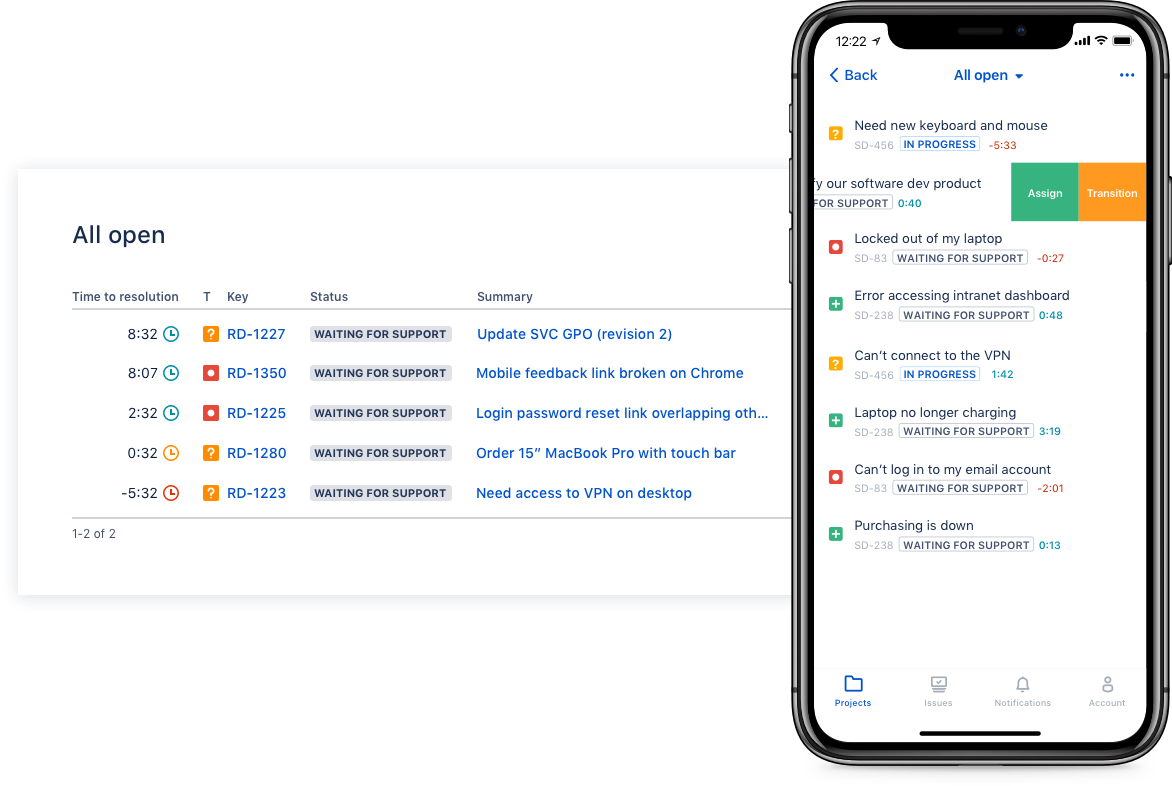
Deliver on SLA's. Nail your Service Level Agreements, every time. Your agents get a simple queue so they get the important things done first. Configure and get going in minutes.
Automate those repetitive tasks. Is your team stuck in gear with repetitive tasks or missing priority requests? Setup automations so your agents can focus on solving the important stuff and help lighten the workload.
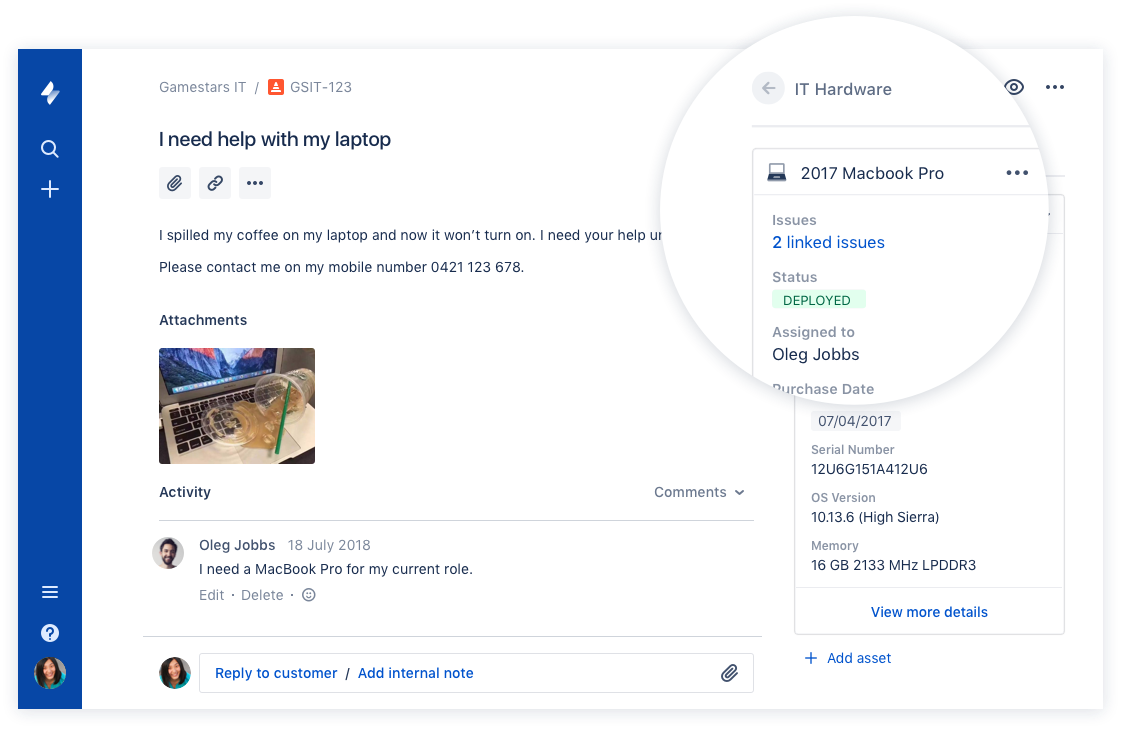
Gain complete control over your assets. Connect your favorite asset management tool to reference, track, and tie requests with assets directly from Jira Service Desk. Provide end-to-end service with just a few clicks.

1 / 7

Top Performing Features

  • Subscription-based notifications

    Users subscribe to notifications for ticket updates

    Category average: 8.5

  • Configuration mangement

    Database for tracking and reporting all business assets

    Category average: 8.6

  • Asset management dashboard

    Dashboard showing organization's software portfolio

    Category average: 8.1

Areas for Improvement

  • Self-service tools

    Repository of information documenting common issues and known resolutions which can be accessed directly by users

    Category average: 8.3

  • ITSM collaboration and documentation

    Issue resolution through collaboration mechanisms like discussion threads, social tools; agents can attach notes, files, etc. to tickets in order to maintain a record of all interactions related to the case.

    Category average: 8.3

  • Change calendar

    Calendar showing change schedule to stakeholders

    Category average: 8.4

Best project management software.

Use Cases and Deployment Scope

In my company, we use Jira for project management. We use it to track work progress, bug tracking, and project management. We use it every day for tracking purposes. Our company follows biweekly sprints to manage project goals, so we use Jira to track sprints and capture goals to complete the objectives of the sprint.

Pros

  • Project management.
  • Sprint tracking.
  • Task progress.

Cons

  • Sometimes the description are not updated properly.
  • Sometimes it takes a bit of time to update the status.
  • Sometimes the jira tasks are not loaded properly.

Return on Investment

  • We are able integrate Jira with our softwares successfully without any issues.
  • It has helped a lot in project management.
  • It has also helped in task tracking.

Usability

Other Software Used

Atlassian Confluence, Atlassian Bitbucket, GitHub, greytHR, New Relic

JSM is the go to help desk platform.

Use Cases and Deployment Scope

We use JSM as the internal ticketing system. It's the only ticketing system we use in our organization. It's used for tasks such as requesting IT services or submitting employee requests to HR. JSM has been suitable for our needs, as it's part of the Atlassian suite, which allows us to keep documentation in Confluence and manage projects within Jira.

Pros

  • Customizability
  • Adaptability
  • Automations

Cons

  • Ease of sharing forms externally (for those not in the org).
  • The ability to customize the issue collector better.
  • Increase functions of automations.

Return on Investment

  • Customers are able to track their tickets so it's more organized.
  • Increased accountability for those fulfilling the request.
  • Ease of documenting tickets for audit purposes which is important.

Usability

Alternatives Considered

Asana, Notion and Zendesk Suite

Other Software Used

Atlassian Confluence, Asana, Gong

Great tool for tasks management

Use Cases and Deployment Scope

We use Jira to report, track and test bugs and new features in our software. We from customer service report it to the devs, the devs fix or improve the features, and then the tasks come back to us so that we can test the efficiency again. We can accept them or reopen them accordingly

Pros

  • Report bugs
  • test bugs
  • reopen or accept tasks

Cons

  • the new interface is cute but a little harder to understand

Usability

Alternatives Considered

Case Management System

Other Software Used

Slack, Intercom, Chargebee

Powerful and solid tool with room for growth and improvements.

Use Cases and Deployment Scope

We use it to handle all our Service Requests, Incidents and Changes. We use this for our Internal Customers (collegues who can report issues, or onboarding of collegues e.g.), but also for our external Customers who can raise tickets through the portal we provided them. We use the Asset feature for Asset Management as well.

Pros

  • Out of the box Service Management.
  • A lot of customizations are possible.
  • Offering a portal to customers is easy to do.
  • User Management (for Customers) is easy.

Cons

  • Automatic reporting (for Service Reports) could be alot better.
  • Backend user management is complicated.
  • Assets functionality is not very elaborated.
  • Some features you would expect, such as enforcing MFA, are not included; you have to pay extra.

Return on Investment

  • Keeping track of SLA's and make this visible has been easier, also reporting this.
  • There are some nice options to notify before running out of resolution times, and thus acting in a timely manner.
  • A lot of customers also use this, so if needed, it's quite easy to connect our Jira to a customer's Jira.

Usability

Alternatives Considered

TOPdesk, ServiceNow Customer Service Management and Zendesk Suite

Other Software Used

Microsoft Azure, ChatGPT

Jira Service Management facts

Use Cases and Deployment Scope

We are using as service desk tool plus SDLC life cycle management also we use it as business process management

Pros

  • Project management
  • Business process management
  • send webhook requests

Cons

  • Delegation of approvals
  • SLA and OLA reporting
  • Assignment Groups and its view permissions
  • Built in Dashboards

Return on Investment

  • Jira Service Management budget is suitable for low and Medium org so the ROI is high
  • Jira Service Management and it's automation module increase customer satisfaction and facilities day to day operations

Usability

Alternatives Considered

OpenText Service Manager

Other Software Used

OpenText Service Manager, BMC Helix ITSM