TrustRadius: an HG Insights company

ConceptDraw MINDMAP

Score4.1 out of 10

8 Reviews and Ratings

What is ConceptDraw MINDMAP?

ConceptDraw MINDMAP is l mind mapping software application that can also resolve tasks for project management.

According to the vendor, multiple shortcuts help users create new topics, re-arrange them and highlight important points, and export to various file formats.

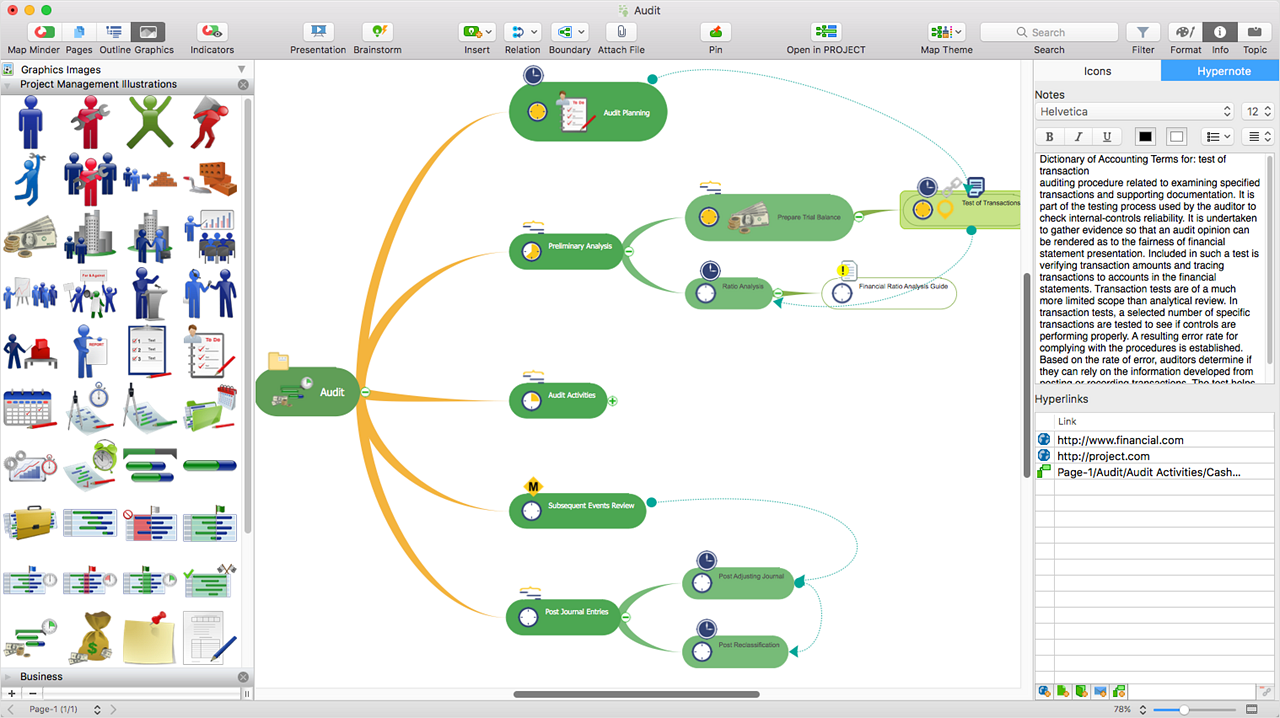
Enrich your mind map with in-built visual elements from different fields:
  • Advertising
  • Business
  • Communications
  • Management
  • Marketing Shapes
  • Resources&Energy
  • Scrum
  • Transport, etc.
The tool is all about structuring ideas so options such as auto-numeration, ordering clockwise or counterclockwise are available.

Relations between topics can be set up in 4 ways:
  • Finish to Start
  • Start to Start
  • Start to Finish
  • Finish to Finish
Converting your mind map into a project is possible which technically allows you to set start and end dates for a task along with completeness and work resources.

Categories & Use Cases

Media

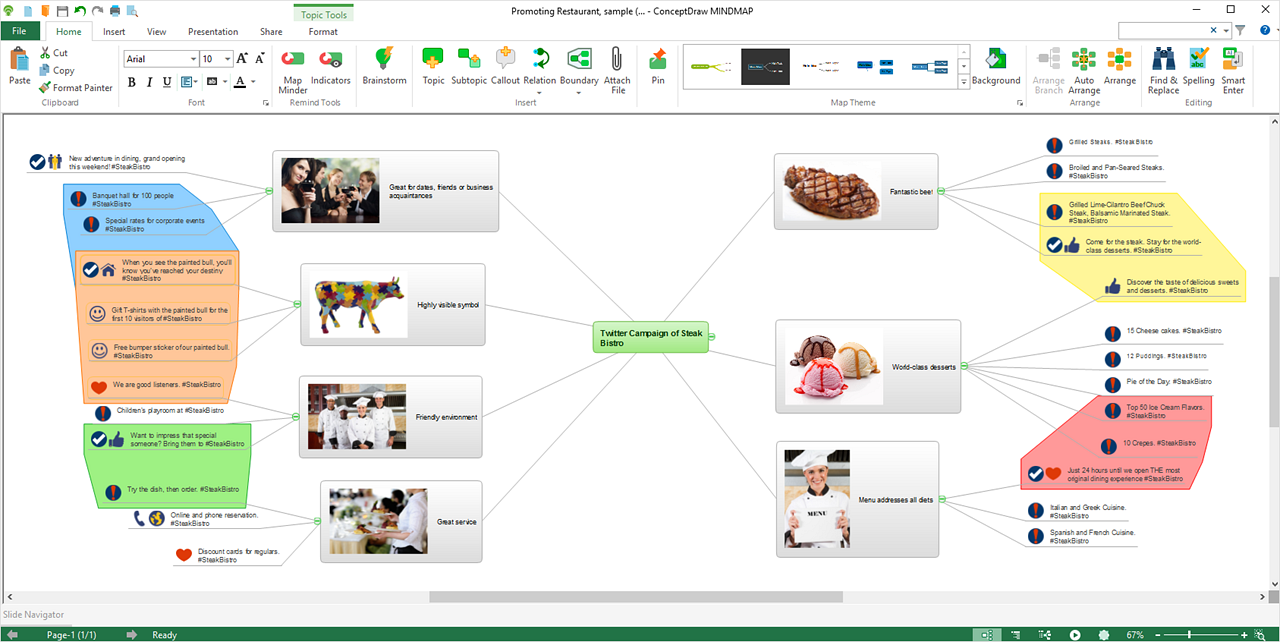
ConceptDraw MIDMAP v10 is perfect for brainstorming, project planning, meeting management, note taking, and much more.
Data Exchange
Presentation Mode
ConceptDraw OFFICE Integration
In-built Graphics
Hypernotes
Outline and Map views
Boundaries
Map Minder Tool
Agile Software Development
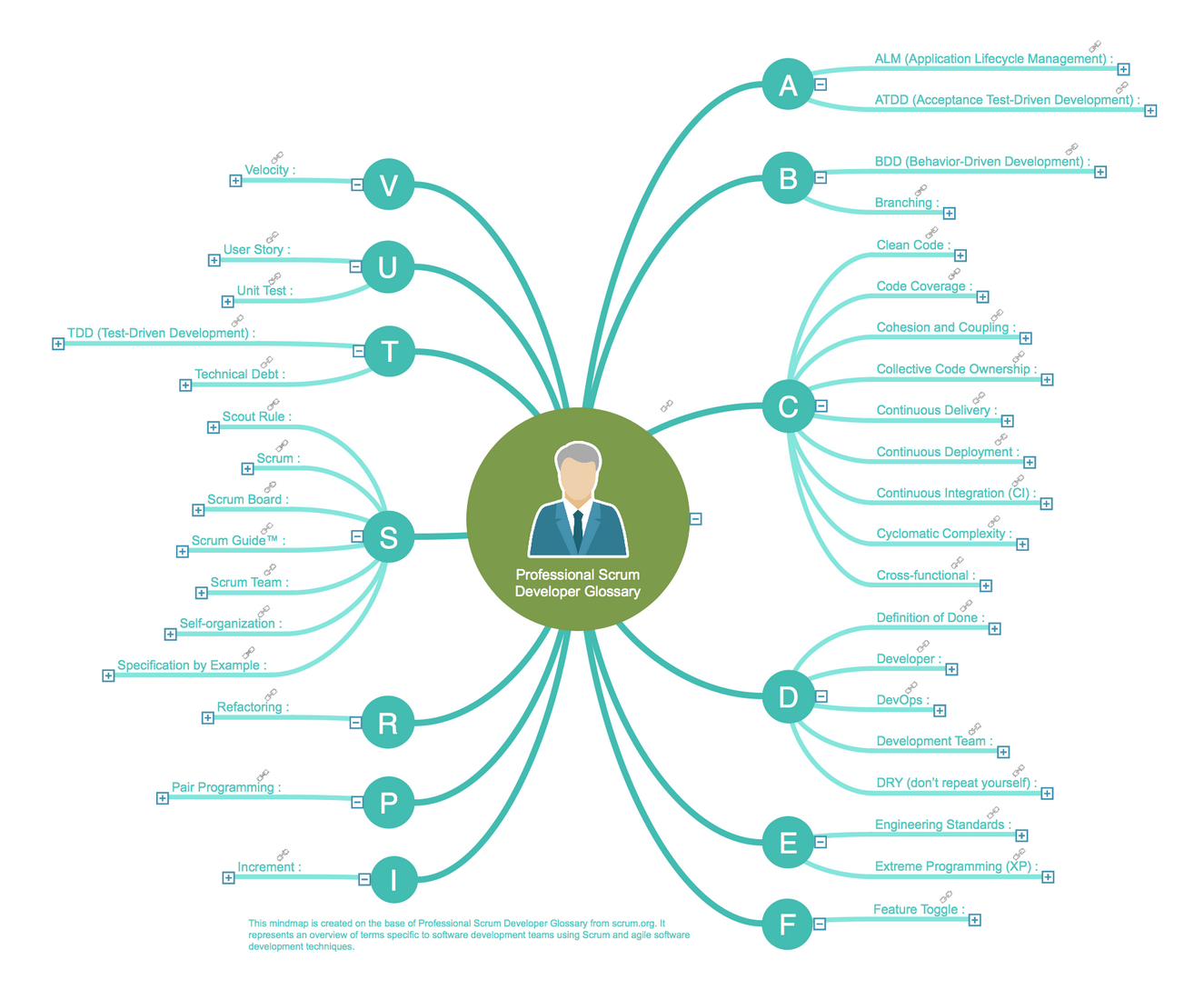
Scrum Developer Glossary
Scrum Roles
Completed Tasks
List of Materials
Project Team
8-Step Problem Solving
Six Sigma
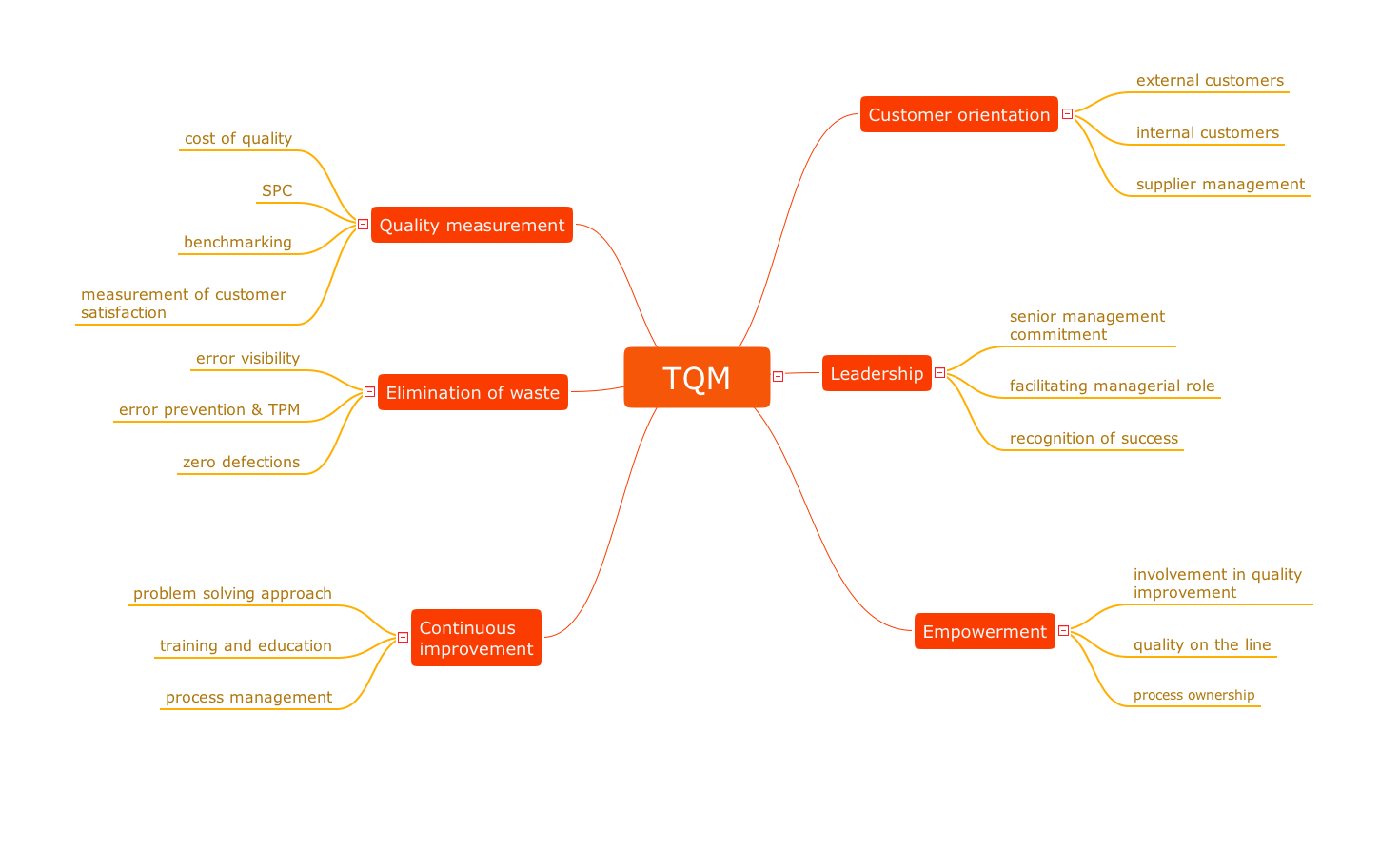
TQM Mind Map
Quality Presentation

1 / 19

ConceptDraw MINDMAP in flight safety environment.

Use Cases and Deployment Scope

Our organisation provides consulting in safety management systems for air operation. Proactive aviation safety is done, among other things, by using Threat and Error Management or TEM. The concept is to try to list the potential threats and errors and to think of processes to mitigate them. We were doing that during brain storming sessions with the crew members and operational personnel of our customers. ConceptDraw MINDMAP was the instrument used to collect and organise the inputs from the participants.

Pros

  • It's easy to represent graphically topics , subtopics and their relations.
  • Exporting the MindMap in various format is just a few clicks away.
  • The templates provide help starting to discover the various use and presentations available.

Cons

  • Having a ConceptDraw Mindmap app running on the iPad would be fantastic.

Most Important Features

  • The easy way to build relations between topics, subtopics and to modify them "on the fly" during brainstorming sessions.
  • Designing good looking charts for distribution.
  • Building projects out of the mindmaps .

Return on Investment

  • Using ConceptDraw MINDMAP during brainstorming sessions with customers representatives was useful and well appreciated.
  • Designing efficient graphics of sessions results and adding them in our safety audit or accident investigations reports made those reports well accepted and appreciated.

Alternatives Considered

ConceptDraw MINDMAP

Other Software Used

ConceptDraw PROJECT, ConceptDraw DIAGRAM, Apple Numbers, Apple Keynote, ForeFlight, Telegram

Best way to make your idea to a complete product

Pros

  • For an idea, put whatever comes to your mind and organize with ConceptDraw MINDMAP.
  • Easily create slideshows for a business presentation of your idea without going for any other tool.
  • Easily export the work to PDF, PowerPoint and any image format for quick share.
  • Best note taking application which we can connect to our existing work.

Cons

  • Using old UI template for software. Same template as Microsoft Office.
  • For a single person, the product is awesome but for shared ideas and concurrent user changes is not supported.
  • It took sometime for us to understand the great product on own. Having video tutorials with all feature set could have made life much easy for learning.

Return on Investment

  • Saved lot of time in terms of brainstorm an idea and gathering information.
  • Connecting all the discussions notes and mapping those to idea made easy with MINDMAP.
  • Presenting the idea in quick time using visualized approach. No need to spend time on MS PowerPoint to redraw.

Alternatives Considered

draw.io, Microsoft Powerpoint and MindManager

Other Software Used

ConceptDraw PROJECT, ConceptDraw DIAGRAM, Microsoft Office 365

A good tool to add to your toolbox

Use Cases and Deployment Scope

MINDMAP allows our company to engage colleagues from many locations and enable them to share ideas, understand project progress, propose solutions to problems and visually lay out thoughts, concepts, ideas etc

Pros

  • sharing ideas
  • working on project concepts
  • understanding processes

Cons

  • Limited drawing tools with the free version
  • initially seemed a bit fiddly to navigate
  • the interface was a bit 'busy'

Most Important Features

  • Easy to access
  • Allows for collaborative working
  • Can present professional or informal diagrams

Return on Investment

  • It allows collaborative working for colleagues working remotely

Alternatives Considered

MURAL and Miro

Other Software Used

Miro, MURAL, Microsoft Teams

Brainstorming Without a Whiteboard

Pros

  • Brainstorming
  • Documenting hierarchies

Cons

  • Interface can be a bit cluttered, takes some work to use efficiently for more than basic maps.

Return on Investment

  • More efficient brainstorming

Other Software Used

ConceptDraw DIAGRAM, ConceptDraw PROJECT