TrustRadius: an HG Insights company

Cincopa

Score9.8 out of 10

28 Reviews and Ratings

What is Cincopa?

Cincopa is a photo & video hosting platform, offering various designs for slideshows, photo-galleries, video players, private video hosting solutions and more.

Categories & Use Cases

Media

List of galleries
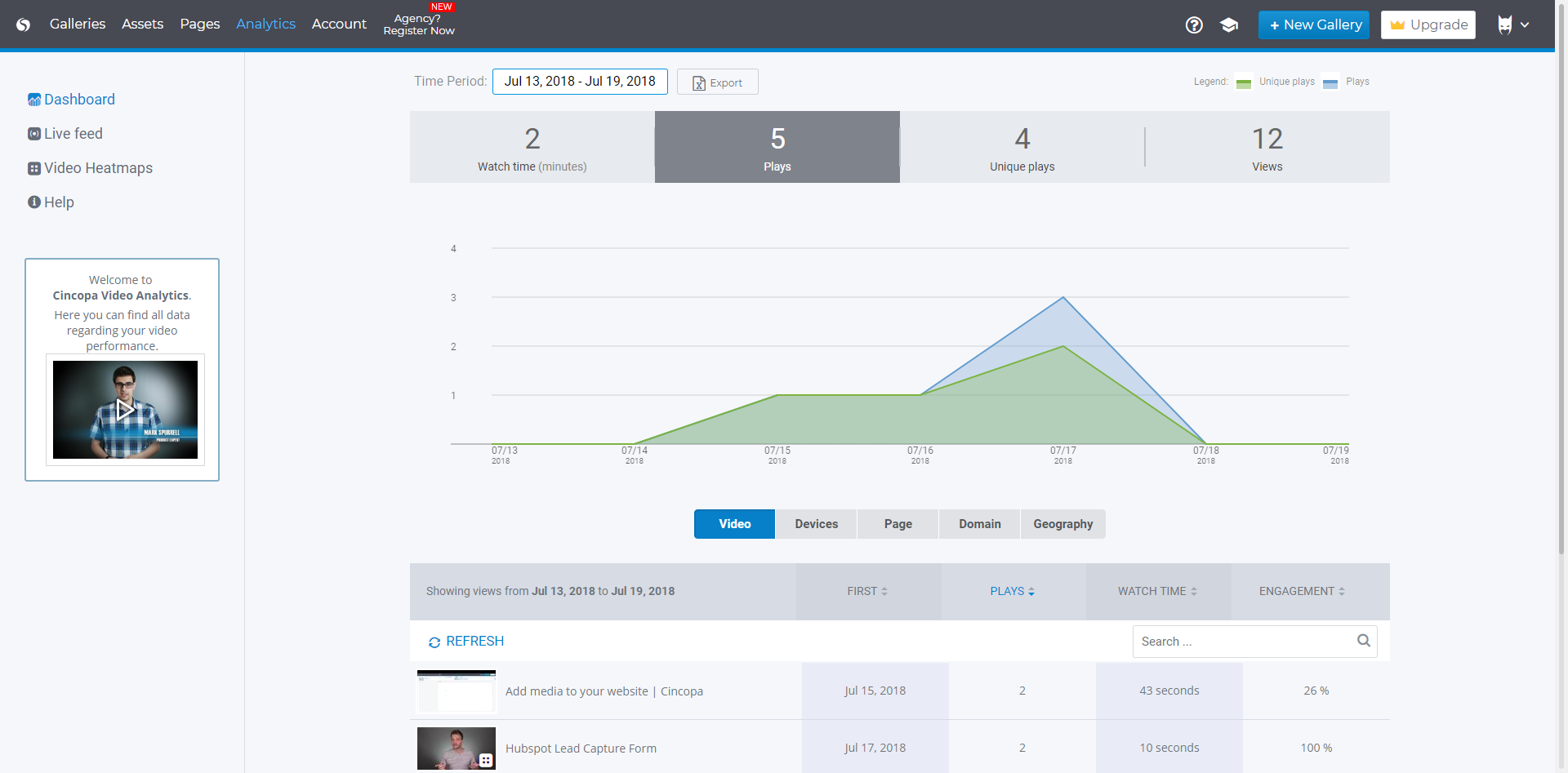
Analytics
Account info
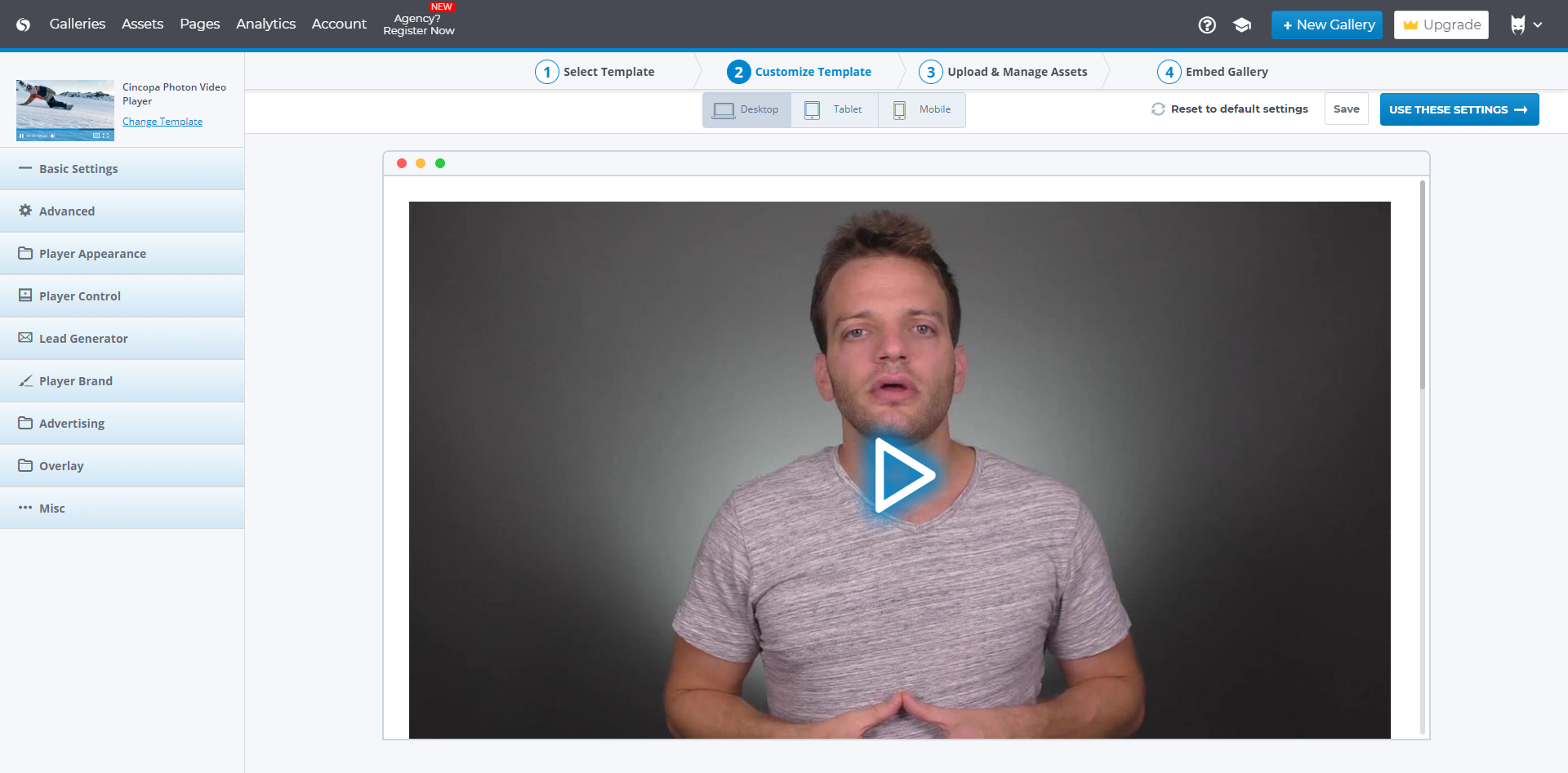
Video player customization

1 / 4

Top Performing Features

  • Per viewer tracking

    Tracks behavior of individual viewers as they engage with videos.

    Category average: 9.1

  • Video personalization

    Videos can be personalized based on unique details about the viewer, such as their name, company, photo, etc.

    Category average: 8.3

  • Video link sharing

    Allows users to generate hyperlinks for sharing individual videos or players.

    Category average: 9.7

Areas for Improvement

  • Video portal

    Users can create a portal to showcase or highlight certain videos, either by selecting a specific video or videos and placing it in a marquee position or using data-based criteria like viewer ratings to determine video placement.

    Category average: 8

  • Video comments

    Viewers can comment publicly on videos.

    Category average: 7.5

  • Lead generation

    Tools such as contact forms and embedded calls to action, for converting viewers into leads.

    Category average: 7.2

Cincopa has blown me away.

Use Cases and Deployment Scope

I've been surfing the internet for a video plugin that fits my website flawlessly, and then I stumbled upon Cincopa. It's not just another software, folks; it's an absolute game changer! Where to start? It's easy to use, swiftly embeds videos onto your, and best of all, it provides an exquisite brand presence to our clients! Highly recommend it for anyone looking to elevate their digital experience!

Pros

  • improve look and feel of my website
  • makes it easy to implement html code
  • almost WYSIWYG easy

Cons

  • I'd prefer one-time payment instead of subscription

Return on Investment

  • People are delighted about the results, when I use Cincopa on their site

Transforming A Brick-and-Mortar Business to Online using Cincopa

Use Cases and Deployment Scope

As a yoga studio owner who quickly adapted to teaching

online, Cincopa played a role in transforming LYFE Yoga into a virtual space

with the guidance of their tech expert, Wade Thiessen. I chose Cincopa because

they offer the essential tools my business needs to provide recorded live

stream classes to our loyal subscribers.

Pros

  • Editing Editing Editing - Cincopa allows video trimming without creating a new file.
  • Private galleries for students to access their own library of recorded classes.
  • Dropbox integration

Cons

  • Storage space
  • Sorting Videos within individual private libraries

Most Important Features

  • Editing
  • Dropbox Integration
  • Galleries
  • Video Player
  • Branding Options

Return on Investment

  • Dedicated Subscriber Base
  • Supported Customer Daily Practice
  • Supported my business transition from Studio to Online

Alternatives Considered

Vimeo

Other Software Used

Dropbox, HubSpot CRM, JustCall, Circle Community Platform

Cincopa Brings Quick, Easy Gallery Options to Any Platform

Pros

  • Set-Up: Setting up the galleries is mostly a drag-and-drop process that makes it easy for laymen (or interns) to easily format and put together, without a lot of coding knowledge or experience.
  • Integration: With multiple options for integration, Cincopa allows you to control how the calls are made. Since it is a script-based import with its own container, it actually makes it easy to drop into nearly any webpage with little to no additional fussing.
  • Options: Cincopa offers a great deal of gallery templates that can be used for images, videos, playlists, etc. The templates offer unique presentations and functions, and each template gives you additional control over the appearance of each gallery.

Cons

  • In my experience, the drag-and-drop functionality when re-ordering a gallery has a tendency to break. This is either a complicated lock-up (something to do with the visualization) or being treated as text and only highlighting instead of moving.
  • Many of the tool tips (?) don't explain the option well, often just repeating the available option. This isn't a major factor as some of the option effects can be figured out through trial and error, but it was something that I noticed during my first set-up.

Return on Investment

  • For the client, Cincopa offered a great way to add attractive mixed-media galleries that fit into a blog post. It also is easy enough for unskilled (or at least not highly skilled in JS, CSS, or HTML)
  • For my agency, it offered us a quick solution that integrated well into a website without additional coding or fussing. Cincopa allowed us to develop the site on a platform that didn't offer native galleries in the content sections. This saved plenty of time for the development team and reduced the cost of the overhead for the project management team.

Other Software Used

Google Ads (formerly AdWords), Google Analytics, Facebook for Business

Usability

Cincopa: User Friendly and Fantastic Options!

Pros

  • Cincopa has many templates to chose from. This allows me to chose exactly what I need for a particular gallery and I don't worry about all of my photo galleries looking the same and boring.
  • Cincopa offers responsive photo galleries that are easy to view on both desktop computers and on mobile devices
  • The customer service at Cincopa is fantastic. Someone is always there to help.

Cons

  • The website is a little difficult to navigate at first.

Return on Investment

  • Cincopa has allowed our members to see photos from events they attended or could not attend.
  • Cincopa has had a positive impact on the happiness of our members.
  • Cincopa has had a positive impact on the engagement of our members.

Alternatives Considered

Dropbox

Other Software Used

Adobe Photoshop, Adobe Illustrator CC, Adobe Acrobat DC

Cincopa Video Hosting

Pros

  • Customization: you can choose from a variety of player templates and change a lot of backend things like automatic playing, sizing, colors, etc.
  • Cincopa is really easy to use, and you don't have to know much about video hosting or adding them to your website to get how it works.
  • The customer service team is really responsive and contacts you as soon as you sign up to find out what your business goals are and how they can help.

Cons

  • I can't think of any areas of improvement that I would recommend.
  • I think the service is easy to use.
  • I haven't had any issues with video hosting so far!

Return on Investment

  • The video that we uploaded to our website will show prospects in the area around our apartment community and hopefully give them a good idea of how close they can be to work/school.
  • Our video will result in more apartments being rented which will have a positive impact on our ROI.
  • Our video will give residents and prospects a positive image of our community.

Alternatives Considered

Wistia

Other Software Used

Wix, Adobe Photoshop, Canva