

What is BuildBook?
BuildBook is an all-encompassing construction management software designed for residential home builders and remodelers. The software is designed to provide a simple, fast, and powerful solution that comes with every feature builders need to run projects smoothly and grow their businesses. It allows users to create public portfolios in minutes, showcasing their latest work and turning warm leads into paying clients. With its accurate estimates and stunning proposals that exceed client expectations, BuildBook empowers users to win more projects while creating exceptional customer experiences.
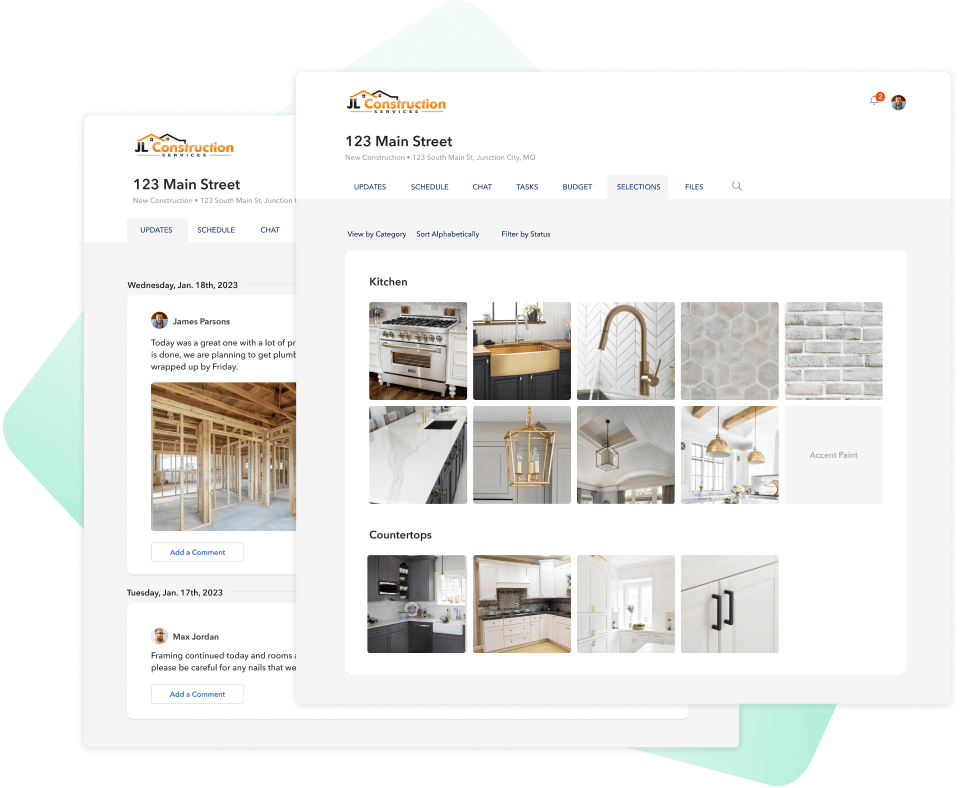
The software includes advanced features that enable efficient communication between team members, subs, and clients during projects via a simple messaging platform that keeps everyone informed on the status of ongoing tasks. Users can capture and organize photos, videos, docs by project to help keep everyone informed. Buildbook also provides tools such as Automated Lead Analysis which enables detailed lead tracking by email or physical address within the built-in CRM system where every contact can be tracked in one place - this ensures users never miss out on potential business opportunities. Additionally, Task tracking helps keep projects on track by monitoring changes made throughout each stage of project development from selection lists through punch lists so everyone knows what's next on the schedule whether it's for the following day or month ahead.
Categories & Use Cases
Media



1 / 5
Screenshot of Project Management Tools: For managing projects efficiently and delivering a better client experience in one platform.


