
TrustRadius: an HG Insights company

Articulate 360

Score9.3 out of 10

592 Reviews and Ratings

What is Articulate 360?

Articulate 360 is an e-learning platform for creating workplace training. Users can build engaging courses with AI-enhanced authoring, simplify collaboration, and quickly share content. A subscription includes robust onboarding resources and access to a community of 1.5M pros.

Categories & Use Cases

Media

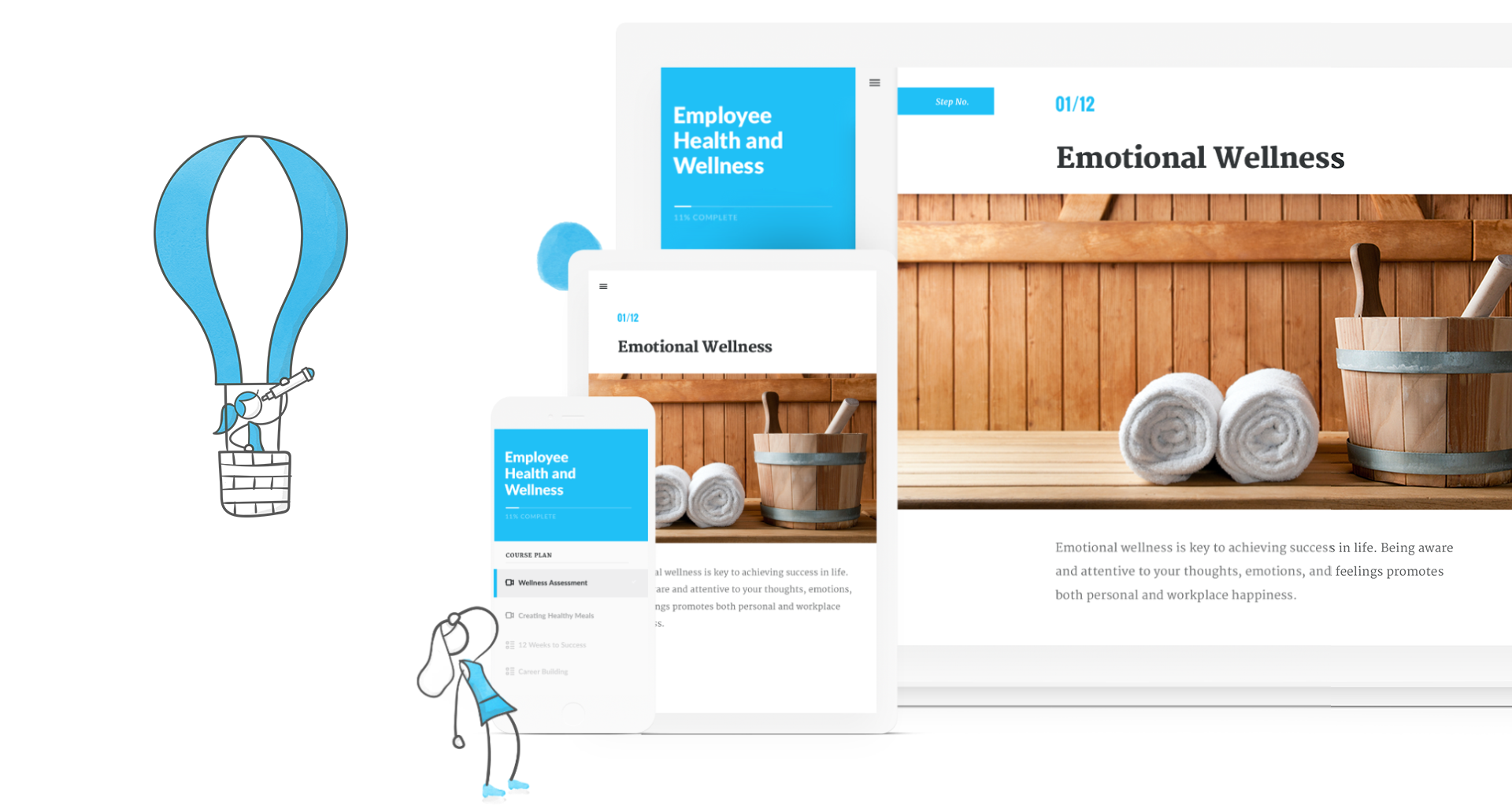
Creating a course in Rise
Articulate 360
Storyline 360
Rise 360
Content Library 360
Review 360
Articulate 360 Training

1 / 7

I use Articulate 360 Daily

Use Cases and Deployment Scope

I use Articulate 360 daily within my organization to create all of our online learning content. I primarily use Storyline 360 to create our courses, but within the last year have been developing more and more Rise courses as well. I then use Review to review the courses with my SME's for edits and re-writes prior to distributing through our LMS. I am the only user of the program within our facility.

Pros

  • Branching scenarios
  • Use of variables
  • Ability to create engaging content

Cons

  • Accessibility’s getting better
  • Review feature just had annotations added, but could use a bit more improvement

Return on Investment

  • We have been able to reduce training time
  • We have been able to make sure our courses are more universally accessible
  • We are able to easily add voice over to content with AI

Usability

Other Software Used

Adobe Illustrator CC, Microsoft Powerpoint, Snagit

Articulate 360 makes my online training module development easy

Use Cases and Deployment Scope

I manage and create our certification program that includes 58 training modules. I have used Articulate products for about 13 years and recently I moved all 58 modules from Storyline to Rise. I appreciate the ease of Rise and the ability to publish my scenarios from Storyline into Rise. I recently had an interview with Articulate employees on ideas and suggestions I have about the 360 suite. The review process and versions in Rise make tracking suggestions and changes easy.

Pros

  • AI text to speech
  • Branching
  • Publishing

Cons

  • AI character generation within Storyline would be great
  • AI text to speech -the ability to save advanced settings on most used voices
  • The ability to turn images within a scene into a video

Return on Investment

  • Ease of use and the built in accessibility features are awesome
  • Ability to create modules quickly and efficiently
  • Ability to share modules with our training committee via Review 360 has made tracking suggestions easy
  • The version tracking is Rise 360 makes it very easy to see changes over time.

Usability

Alternatives Considered

Lectora

Other Software Used

Canva

Articulate Rocks.

Use Cases and Deployment Scope

I use Articulate to generate interactive training modules. We address Safety, HR, and internal scopes. Our scope varies for each case. For instance, we just completed a course on defensive driving. Articulate allows me to generate high-quality interactive SCORM-compliant training. In this case, our company was in need of driving training that would be memorable. Articulate allowed me to generate high-quality videos that can be interactive as well.

Pros

  • Excellent object customization.
  • Easy trigger setup.
  • Beautiful video playback.

Cons

  • I would love to see Articulate release a Mac version.
  • Enhanced customizable animations.
  • Adding more characters to the asset library would be beneficial.

Return on Investment

  • Speed of development.
  • Ease of use reduced training time needed to begin developing.
  • The accessibility checker speeds up accessibility compliance.

Usability

Alternatives Considered

Adobe Captivate

Other Software Used

Adobe After Effects, Adobe PhotoShop, Adobe Premiere Pro, Handbrake Video Transcoder

A great software for engaging training.

Use Cases and Deployment Scope

Articulate was invaluable in converting old PowerPoints to self-paced computer-based training, which helped improve the efficiency and effectiveness of my training program. I was only able to use Storyline, but the ability to import slide decks into the software as a starting point for improvement was really useful. Many of the functions are easy to learn and use. The AI assistant and, in general, the AI functionality are easy to use and produce a really polished product with little need for modification.

Pros

  • Importing from other software.
  • Course creation.
  • Easy export to SCORM.

Cons

  • Training videos.
  • Automated Suggestions.
  • More import functionality

Return on Investment

  • Training effectiveness.
  • Training efficiency.
  • Course flexibility.

Usability

Alternatives Considered

Microsoft Powerpoint

Other Software Used

Microsoft Powerpoint, Microsoft Excel

Customizable and Responsive E-Learning Authoring Tools

Use Cases and Deployment Scope

I use Articulate 360, both Storyline and Rise, to create captivating, innovative, and interactive e-learning experiences. The product allows for customized asynchronous e-learning development. With Rise, the e-learning courses are fully responsive, which is key for today’s busy learners who value flexibility and mobility. I have used Articulate 360 to create learning for numerous industries and topics including transportation, animal training, technology, upskilling, customer service, manufacturing, agriculture, and many more.

Pros

  • Responsive platform with Rise
  • Full customization of e-learning features with Storyline
  • Fantastic AI integration which improves workflow and saves time
  • Great customer service

Cons

  • A trigger that resets all variables or a selection of variables would be useful.
  • Enabling objects to smoothly change their size along a motion path.
  • Adding the morph transition to layers.
  • Adding features form Maestro Mighty to Rise so they are native.
  • An auto-save function for Storyline.
  • A function in Rise that would allow for leaderboards or real-time feedback from participants if using for VILT or ILT.

Return on Investment

  • Improved customer service.
  • Responsive training.
  • Customized learning solutions including gamification.

Usability

Alternatives Considered

Adobe Captivate

Other Software Used

Adobe PhotoShop, Canva, Microsoft 365, Adobe Illustrator CC, Vyond, Camtasia