
TrustRadius: an HG Insights company

Adobe Express

Score8.8 out of 10

165 Reviews and Ratings

What is Adobe Express?

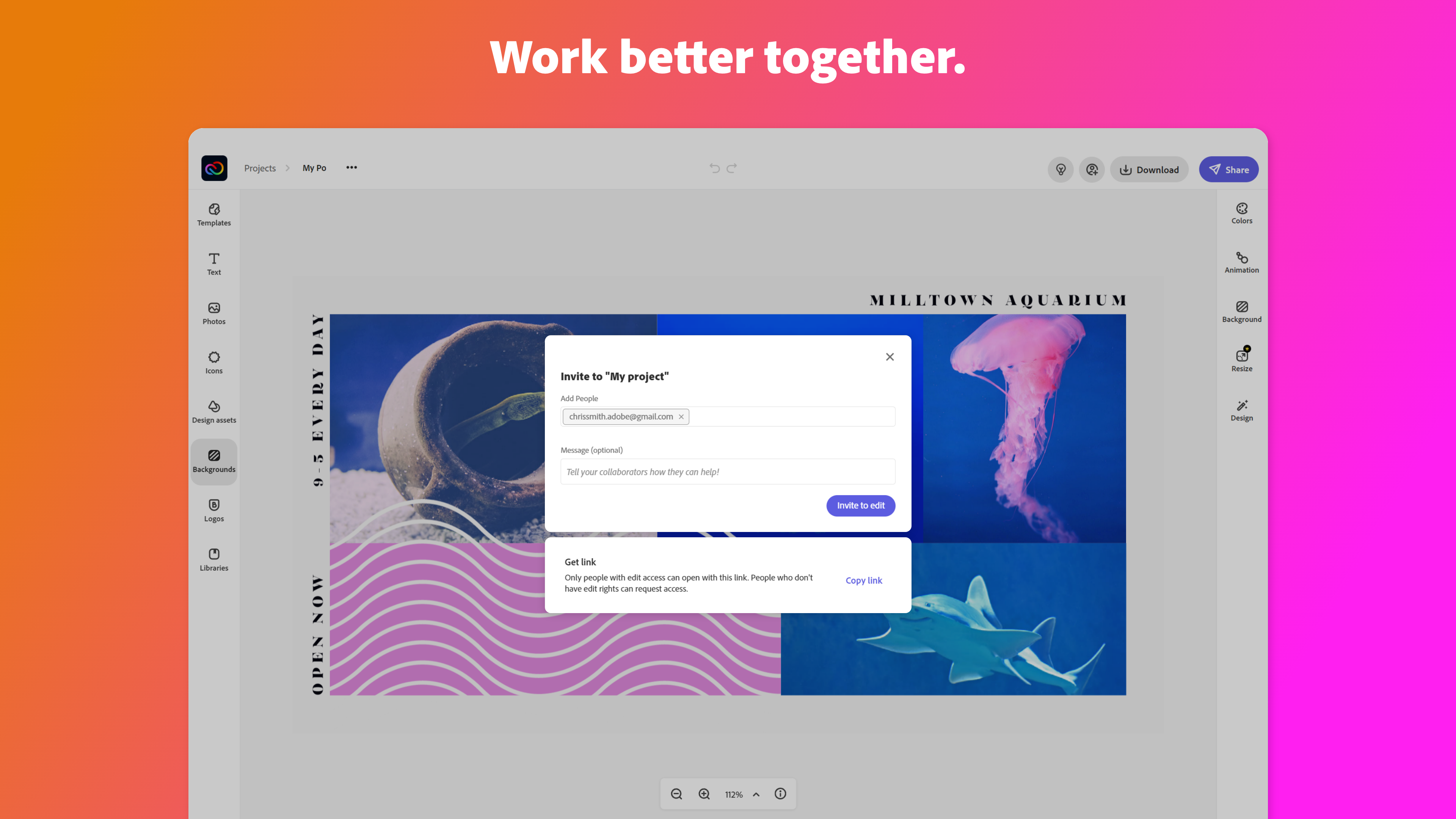
Adobe Creative Cloud Express (formerly Adobe Spark) is a task-based, web and mobile product used to create and share rich multimedia content – from social media posts and stories to invitations to marketing materials like logos, flyers and banners.

Media

1 / 9

Design made easy with polished templates a huge library and time-saving tools

Use Cases and Deployment Scope

I work as part of small marketing team. We have a full-time designer, but there are times when she gets bogged down with projects and I sometimes do some small-scale design projects myself. Adobe Express is handy for these types of projects and has helped me get more done while our designer is otherwise unavailable.

Pros

  • Event invitations - there are lots of different templates to choose from that fit a wide variety of styles to get you going quickly.
  • Social media graphics - lots of stock images and styles for inspiration
  • Social media ads - I love that they come pre-sized based on the type of ad you want to create.

Cons

  • I think this is true of all generative AI, but some of it can be hit-or-miss
  • You can make stuff for social quickly, but if you are wanting to do more detailed designs or edits, you're better off working in Photoshop, Illustrator or InDesign.
  • The UX is a little different than other Adobe products and can take some getting used to.

Return on Investment

  • You can crank social media content out more quickly with the Express tools.
  • The variety of functions - from IG carousels to clipmaking - makes Express a surprisingly flexible tool that fits well in today's content creator world.
  • The ease of design/output is helpful to my department because we don't get slowed down by bottlenecks. We can create more content, faster and keep things moving.

Alternatives Considered

Canva

Other Software Used

Instagram for Business, Meta Business Suite, Chatmeter, HubSpot Academy, HubSpot CRM, HubSpot Content Hub, HubSpot Marketing Hub, HubSpot Operations Hub

Adobe Express Use it to create whatever you can imagine

Use Cases and Deployment Scope

I use Adobe Express for EVERYTHING!!! I use it to create flyers and posters for upcoming safety training. I use it to create thumbnails for my videos on YouTube. I use it to create monthly or quarterly newsletters. I use it to create graphics to add to flyers, posters, thumbnails, newsletters, and emails.

It is so easy to use and they even have a huge variety of (free) templates for any of the above items I mentioned. Editing is a breeze and the learning curve is not as steep as say learning to use Photoshop, Illustrator, or other Adobe's more robust programs.

Obviously, there are many better templates in the paid version. But don't let the sway your thinking about Adobe Express. If you can think of it, Adobe Express can help you create it.

They even have an AI assist. You can start typing your prompt, and AE will give you 4 examples. Don't like what AE created? Add more specific details to your prompt to get better results.

Pros

  • Posters
  • Templates
  • Newsletters
  • Graphics
  • Cool text options at the click of a button
  • Easy to edit your creation or the templates provided
  • Easy to download or share your creations

Cons

  • Text manipulation (creating text on a curve or around a shape)
  • The video creation tool is a little clunky and needs improvement
  • The AI version is not as good as other AI graphic generating programs

Return on Investment

  • There are so many templates for whatever you want to create
  • Their text suggestion tool makes it easy to quickly change the font in any of your text boxes
  • The ability to add your own photos (or videos) to your creation is limitless
  • You don't have to have a degree in graphic design to create beautiful graphics

Alternatives Considered

Canva

Other Software Used

Adobe Premiere Pro, Microsoft Excel

We still need a graphic designer but not for easy tasks that Adobe Express tools solve in seconds.

Use Cases and Deployment Scope

We need to produce a wide range of visuals, and Adobe Express is a tool we appreciate because it is fast and offers a wealth of resources and templates. There are tasks that can be completed without a graphic designer, such as removing backgrounds. So, at least for the easy tasks, it's a handy tool without barriers (easy to start working right away).

Pros

  • Removing backgrounds for website graphics.
  • Templates for good design.
  • Premium offers videos that we use in our IG reels.

Cons

  • Organisation of files (sometimes I have trouble finding stuff: not sure what is a personal account within our business account).
  • Finding invoices? Horribly difficult.
  • Mobile app should be as smooth as - CapCut.

Return on Investment

  • Some workflows are faster.
  • With Adobe Express, we have some very good resources for simple graphic design.
  • It supports teamwork.

Alternatives Considered

Canva

Other Software Used

Adobe Acrobat Reader, Adobe Audition, Adobe Premiere Pro

Adobe Express for Genius Content Creation that Engages

Use Cases and Deployment Scope

We use it to create graphics and edit photos. This is mostly for presentations that are used in Town Halls, training, and engagement opportunities. These graphics and photos are edited to meet our Brand standards and align them with our colors, fonts, and themes. The photos are from stock and often need to be edited to align with Brand guidelines.

Pros

  • Easy interface
  • Edit graphics
  • edit photos

Cons

  • Better subscription rates

Return on Investment

  • All of the content we create is for internal so ROI doesn't really apply.
  • Powerful content creation gives us the edge we need to make engaging presentations.

Alternatives Considered

Canva

Other Software Used

Mural, Agility, Highspot

Adobe Express, A must have !

Use Cases and Deployment Scope

We use Adobe Express to create posters, signs and our online marketing, product imaging material and more. Its has likely been one of the best products that we have acquired since the opening of our business. I use it daily for various marketing uses. I highly recommend this product to anyone who manages their own social media and marketing.

Pros

  • Posters
  • Remove background on products
  • Signs
  • Social Media

Cons

  • Sometimes the remove background removes parts of the object
  • Sometimes when typing it'll type random letters and symbols

Return on Investment

  • Has helped social media reach
  • Has helped create content to print for customers

Alternatives Considered

Canva

Other Software Used

Adobe Acrobat, Adobe PhotoShop