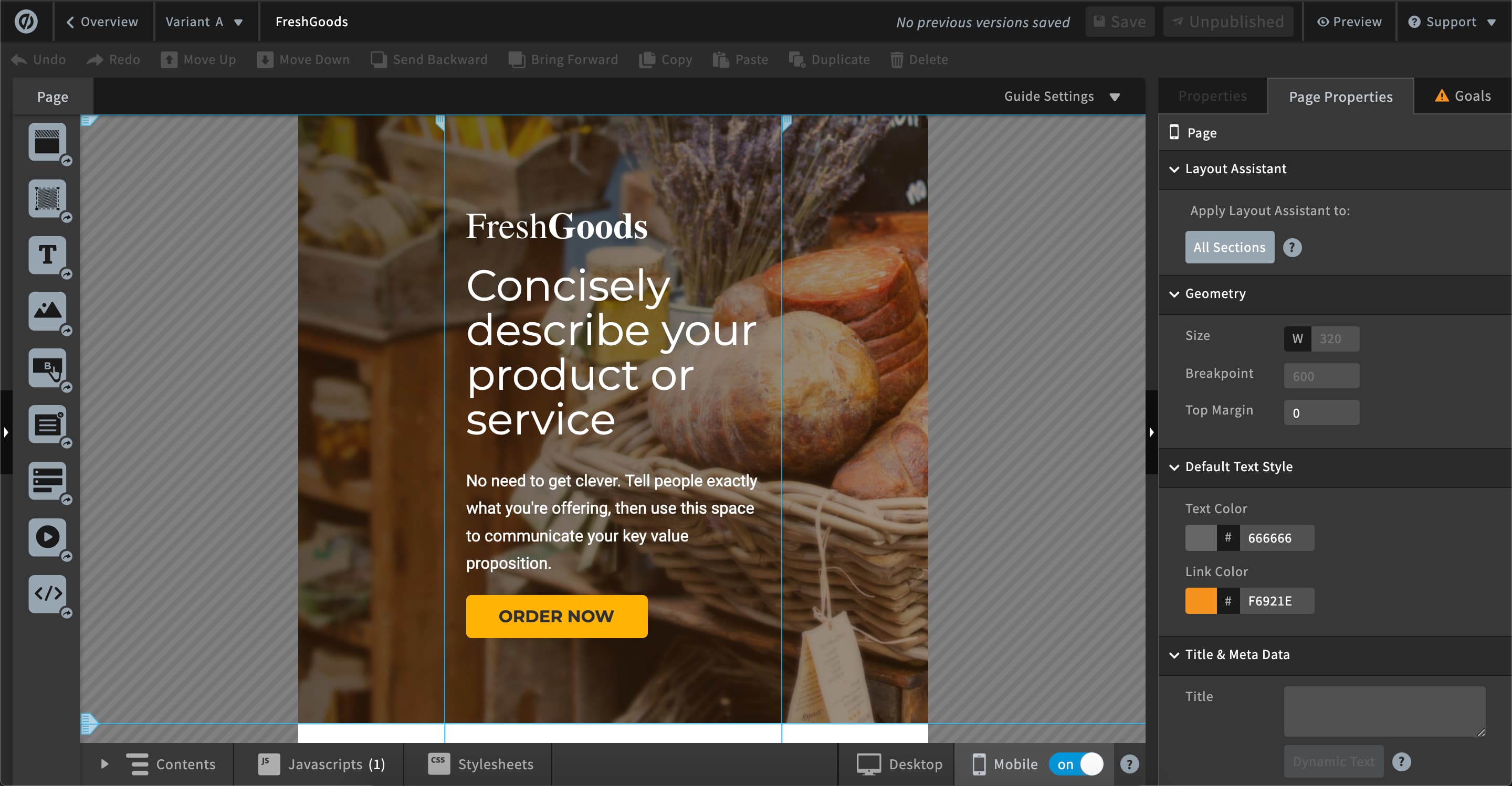
Unbounce is a landing page builder for marketers. Marketers can use the drag and drop platform to create customized, responsive landing pages for their marketing campaigns.
$99
per month
Zoho LandingPage
Score9.4 out of 10
N/A
Zoho LandingPage is a no-code solution that helps businesses and marketers create engaging post-click experiences for their audiences. This landing page builder offers integrated page analytics, app integrations, and a variety of features designed to maximize conversions. The software offers users a range of templates that can be customized to match their brands' identity and messaging. LandingPage includes a drag-and-drop interface, to make it easier to add and arrange text…
$29
per month
Pricing
Unbounce
Zoho LandingPage
Editions & Modules
Build
$99
per month
Experiment
$149
per month
Optimize
$249
per month
Agency
Contact Sales
Essentials
$29
per month
Professional
$37
per month
Enterprise
$59
per month
Offerings
Pricing Offerings
Unbounce
Zoho LandingPage
Free Trial
Yes
Yes
Free/Freemium Version
No
No
Premium Consulting/Integration Services
Yes
No
Entry-level Setup Fee
Optional
No setup fee
Additional Details
All plans include: Unlimited conversions, Unlimited subdomains, 1000+ integrations, Built-in AI copywriting, and Customer support. Discount available for annual pricing.
Founder in Marketing at ClicksDaily.io (Marketing & Advertising, 11-50 employees)
Chose Zoho LandingPage
Leadpages drag and drop builder is 'bulky' and not as user friendly as Zoho LandingPage and the sample pages all look the same while with unbounce, unbounce caps you at monthly site visitors, is a lot higher in cost per month and lacks advanced reporting for the entry level …
A de minimis incentive was given to thank the reviewer for their time. The incentive was not used to bias or drive a particular response, nor was the incentive contingent on a positive endorsement. More Info
As I am using this platform for a long time, I believe I am happy with the services I am getting from this outstanding software. It has made my landing page experience better than ever without any coding knowledge to apply. It has upgraded my business in a positive direction and I believe I am using this software for many years to come.
A de minimis incentive was given to thank the reviewer for their time. The incentive was not used to bias or drive a particular response, nor was the incentive contingent on a positive endorsement. More Info
Scenarios where Zoho LandingPage are best suited for: Testing market demand for new products, for book launches, for building email lists, for companies looking to test and expand into new territories, and an opportunity for companies that are 'money conscience' to build their own landing pages without paying an outsourcer to build landing pages for them.
AB testing is simple to set up. Clone a page make your changes and pit one or more against each other. Set the number of views and you're told the winner once the test is done. Simple
Tracking code is easy to add. Follow the straightforward instructions in the back end
Easy to add multiple domains to your account. So you can use the landing pages you build on numerous sites if you so desire
A de minimis incentive was given to thank the reviewer for their time. The incentive was not used to bias or drive a particular response, nor was the incentive contingent on a positive endorsement. More Info
A de minimis incentive was given to thank the reviewer for their time. The incentive was not used to bias or drive a particular response, nor was the incentive contingent on a positive endorsement. TR verified that a representative sample of customers was invited. More Info
One of the cons of Unbouncewas the learning curve. We are very familiar now with the ends and outs but in the beginning, it would have been super helpful to have some sore of learning up front.
The pricing structure is not great for our particular organization. We will never need unlimited page views but we do often need more landing pages we make it work but the pricing model could be improved.
The reporting could be a little better. We supplement with some of our own trackings but for the most part, the reporting from Unbounce is a basic level understanding of how the page is performing.
A de minimis incentive was given to thank the reviewer for their time. The incentive was not used to bias or drive a particular response, nor was the incentive contingent on a positive endorsement. More Info
The nonprofit discount makes it so affordable that my client was happy to continue their subscription all year round. They have used it to build landing pages to capture expressions of interest for their next recruitment window. It hasn't quite produced the sort of results we were hoping for, but I'm not sure that's Unbounce's fault.
A de minimis incentive was given to thank the reviewer for their time. The incentive was not used to bias or drive a particular response, nor was the incentive contingent on a positive endorsement. More Info
Unbounce made it easy for my team to build landing pages for website and email. We gained valuable A/B testing insights and gathered information from visitors effectively converting them to leads. The Editor is straight forward and I was able to learn to use it on my own without instruction. CRM integration was easy and consistently worked.
Unbounce customer support is very strong. We have been able to connect with them via email and telephone mediums. They are very knowledgeable and can effectively help resolve difficult problems that are slowing us down. Overall Unbounce customer support is very professional. Our wait times have always been small or at least reasonable.
A de minimis incentive was given to thank the reviewer for their time. The incentive was not used to bias or drive a particular response, nor was the incentive contingent on a positive endorsement. More Info
Choose a subdomain that is appropriate for multiple types of pages. You don't want to have to keep changing it. Think about using Google Tag Manager to manage your Google Analytics code and event tracking. Build one landing page to completion. Then make a copy of it if you need to create variant pages.
A de minimis incentive was given to thank the reviewer for their time. The incentive was not used to bias or drive a particular response, nor was the incentive contingent on a positive endorsement. More Info
Despite my review for unbounce being not the greatest review or score in the world, when stacked up against its two biggest competitors, I'd prefer Unbounce over Leadpages and Instapage. Leadpages drag and drop editor, integrations, and overall UI/UX is 10x worse than unbounce and unbounce really leads in the category of nice templates and quickness to a production landing page with much better options and integrations.
A de minimis incentive was given to thank the reviewer for their time. The incentive was not used to bias or drive a particular response, nor was the incentive contingent on a positive endorsement. More Info
Leadpages drag and drop builder is 'bulky' and not as user friendly as Zoho LandingPage and the sample pages all look the same while with unbounce, unbounce caps you at monthly site visitors, is a lot higher in cost per month and lacks advanced reporting for the entry level package.
Unbounce has positively impacted PPC Director's ability to provide clientele with the service of building informative, relevant, and high-converting landing pages. For instance, the traceable effectiveness of landing pages built by PPC Director in Unbounce remains directly correlated to long-term client retention.
A de minimis incentive was given to thank the reviewer for their time. The incentive was not used to bias or drive a particular response, nor was the incentive contingent on a positive endorsement. More Info
Many people I sent it to have seen the landing page, the fact that it is so clear makes everything easier to understand at a glance and with just a few seconds of observation.
Very well organized
Information well distributed thanks to the images that I was able to put and the graphics that the template allowed me to copy