Tipalti automates critical financial processes to drive efficiency, including accounts payable, mass payments, procurement, and expenses, all on one global finance automation platform that grows with the organization, automating, de-risking and simplifying finance.
$129
per month
Yooz
Score8.5 out of 10
Small Businesses (1-50 employees)
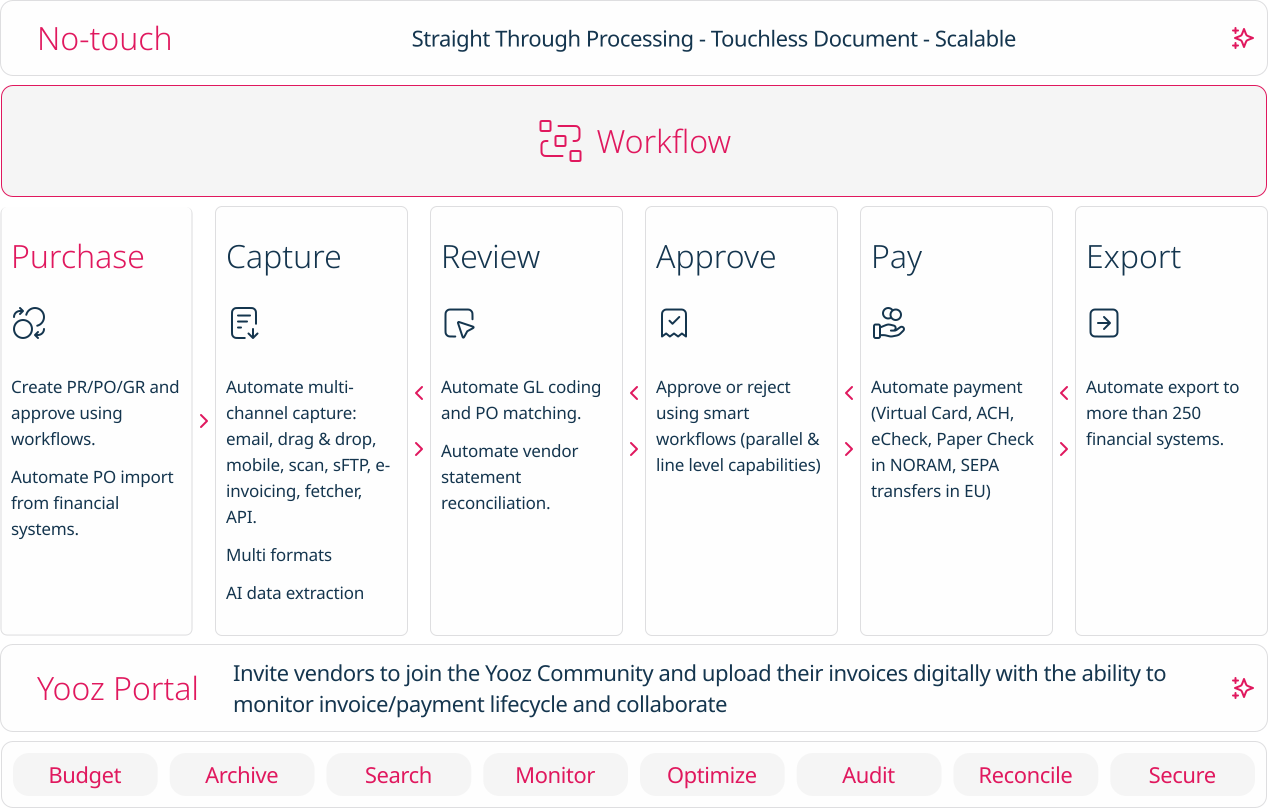
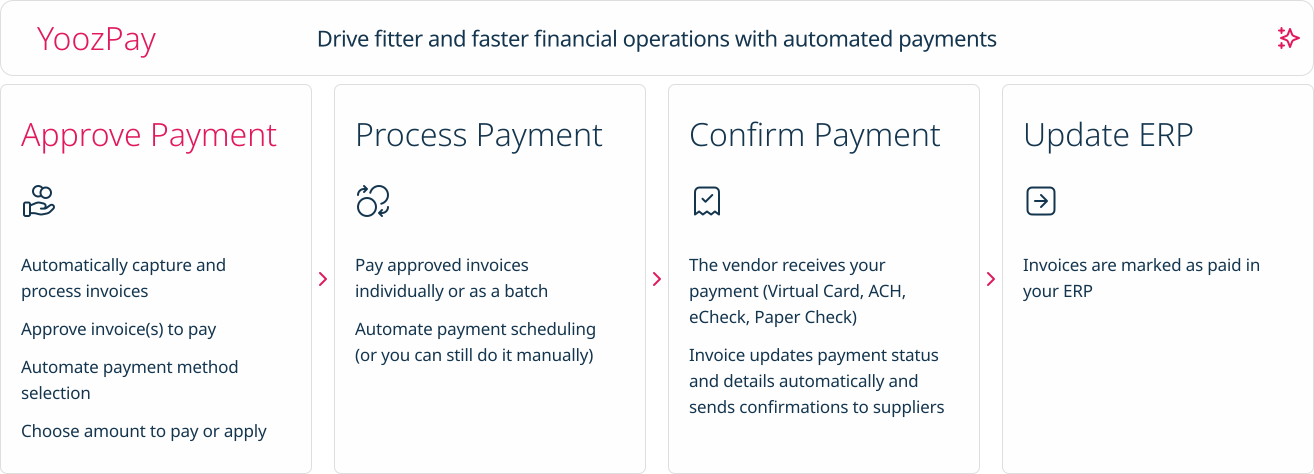
Yooz delivers intelligent financial operations automation that aims to reduce waste, mitigate risk, prevent fraud, and eliminate errors from the AP process. Yooz provides Lean Financial Operations™ for companies of all sizes, offering clarity and control in the most complex environments. The Yooz platform combines a workflow engine, real-time applied AI, and transparency, with advanced fraud detection. Boasting over 7,000 customers worldwide and processing more than 300 million…
N/A
Pricing
Tipalti
Yooz
Editions & Modules
No answers on this topic
No answers on this topic
Offerings
Pricing Offerings
Tipalti
Yooz
Free Trial
No
Yes
Free/Freemium Version
No
No
Premium Consulting/Integration Services
Yes
No
Entry-level Setup Fee
Required
No setup fee
Additional Details
Pricing starts at $149 per month for the platform fee. Users can upgrade to Tipalti's more advanced capabilities as their businesses gets more complex.
The Tipalti pricing model is designed to grow with the user's company. Advanced features such as W-8 tax forms, international tax IDs, or multi-entity payables are available as needed.
Subscription price based on the volume of documents processed. Unlimited number of users. 4 hours of complimentary service to start.
More Pricing Information
Community Pulse
Tipalti
Yooz
Considered Both Products
Tipalti
Verified User
Chose Tipalti
Better OCR, which is crucial: the ability to work from your email inbox without having to log in elsewhere.
A de minimis incentive was given to thank the reviewer for their time. The incentive was not used to bias or drive a particular response, nor was the incentive contingent on a positive endorsement. TR verified that a representative sample of customers was invited. More Info
Yooz is perfect for reoccurring invoices, such as utilities, as you can search by account# to show a list of entries allowing consistency across the board. Color coding can be used to differentiate between utilities or responsibilities. This also helps when exporting specific items. I can select one by one or by group.
A de minimis incentive was given to thank the reviewer for their time. The incentive was not used to bias or drive a particular response, nor was the incentive contingent on a positive endorsement. TR verified that a representative sample of customers was invited. More Info
A de minimis incentive was given to thank the reviewer for their time. The incentive was not used to bias or drive a particular response, nor was the incentive contingent on a positive endorsement. More Info
The report that provides the "Not payable" vendors does not work well for us, particularly because the sync to our ERP goes both ways, which means all of the employees also sync over to Tipalti and remain as Not Payable. So the list is very long, and I don't find a good use for it.
A de minimis incentive was given to thank the reviewer for their time. The incentive was not used to bias or drive a particular response, nor was the incentive contingent on a positive endorsement. TR verified that a representative sample of customers was invited. More Info
Solid system performance. Suits our needs and solution provider very inclined to accept feedback and involve users in developing the solution to serve both the provider and the ultimate user. Tipalti has streamlined our process that was previously very manual and prone to error. Now there is transparency of information and role.
A de minimis incentive was given to thank the reviewer for their time. The incentive was not used to bias or drive a particular response, nor was the incentive contingent on a positive endorsement. More Info
A de minimis incentive was given to thank the reviewer for their time. The incentive was not used to bias or drive a particular response, nor was the incentive contingent on a positive endorsement. More Info
Chrome River is slow and full of inconsistencies. Capturing invoices is confusing, as you have to assign approvers and coding at that time. No time to save it and research those details. It has multiple screens labeled inbox but are for different stages in the approval process that aren't specified unless you go into the invoice and review. When you go to exit the invoice, it takes you back to the main menu instead of the inbox you were currently working in. It is live, but the updates are every 10-15 minutes as opposed to immediately.
A de minimis incentive was given to thank the reviewer for their time. The incentive was not used to bias or drive a particular response, nor was the incentive contingent on a positive endorsement. TR verified that a representative sample of customers was invited. More Info
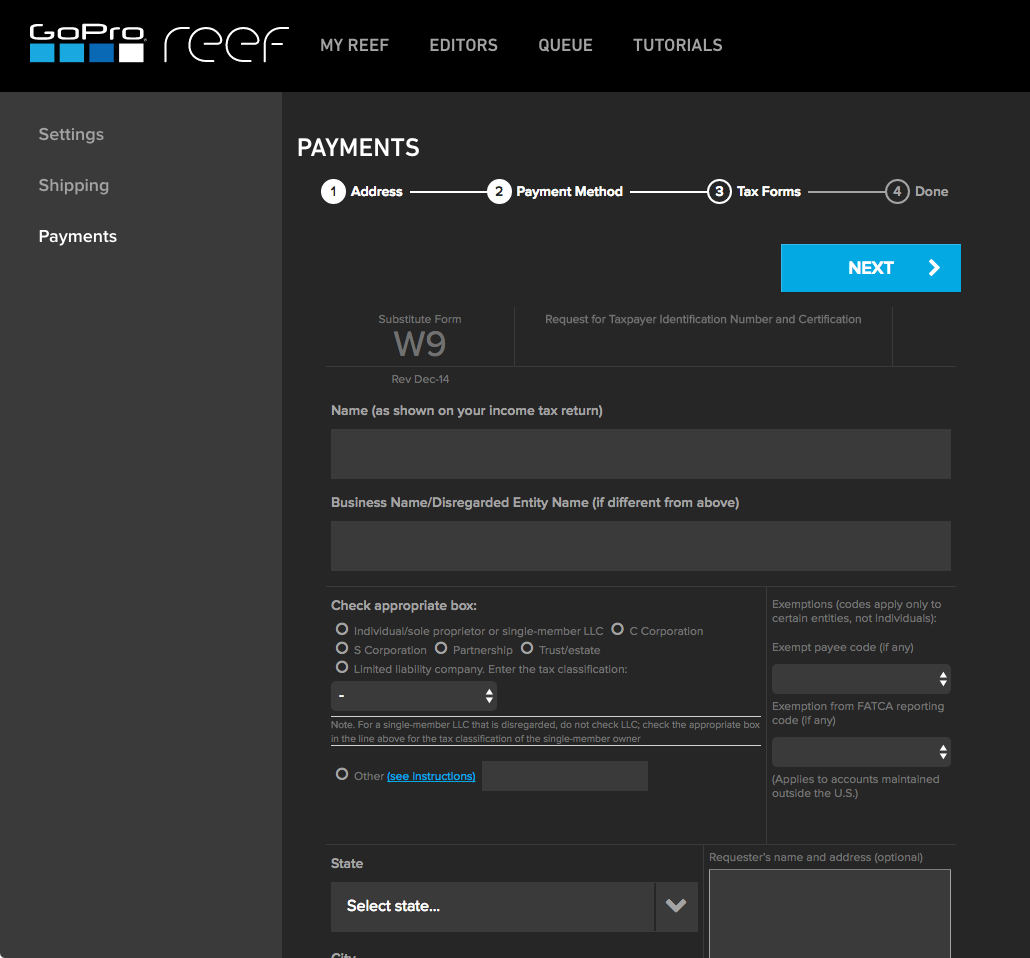
Vendor onboarding has taken the responsibility from one person to the Vendor directly. This provides the vendor with the ability to enter their own banking information for payments and upload their Federal W9 form.
Vendors can upload their own invoices to the system, taking the possibility that our AP team did not receive an emailed or mailed invoice to upload. This also increases payment efficiency as the vendor's invoice is processed in a more timely manner.
AP can review invoices for accuracy and concentrate on how to code an invoice, rather than be a paper pusher or a data entry clerk. AP doesn't spend time searching for invoices that might be a duplicate, the system will communicate this on the software review process and if AP has uploaded by email the same invoice multiple times, an email will be sent to AP to indicate that the invoice was not uploaded due to duplication.
A de minimis incentive was given to thank the reviewer for their time. The incentive was not used to bias or drive a particular response, nor was the incentive contingent on a positive endorsement. More Info