TrustRadius: an HG Insights company

Save this comparison

Save this comparison

Add Product

Recommended Comparisons

    Overview
    ProductRatingMost Used ByProduct SummaryStarting Price

    Basecamp

    Score8.2 out of 10
    N/ABasecamp is a web-based project-management tool. Basecamp offers features standard to project management platforms, as well as mobile accessibility, unlimited users, and 3rd party integrations. Basecamp is priced by space requirements and concurrent projects.

    $15

    per month per user

    Workzone

    Score9.9 out of 10
    N/AWorkzone is a web-based tool for project management and collaboration from Workzone in Norristown, PA, that contains a full array of the features needed for project management. It's hub is the project dashboard, which provides a platform for team communication and tracking tasks over time as they progress towards completion. An automated to-do list can be sent to each user. Alerts flag issues nearing a critical moment or events of which team members need be aware. Templates classify projects and…

    $24

    Per Month Per User

    Pricing
    BasecampWorkzone
    Editions & Modules
    Basecamp Plus
    $15
    per month per user
    Basecamp Pro Unlimited
    $299
    per month (billed annually)
    Basecamp Free
    Free
    Limited Capabilities
    Team
    $24.00
    Per Month Per User
    Professional
    $34.00
    Per Month Per User
    Enterprise
    $43.00
    Per Month Per User
    Offerings
    Pricing Offerings
    BasecampWorkzone
    Free Trial
    YesYes
    Free/Freemium Version
    YesNo
    Premium Consulting/Integration Services
    NoNo
    Entry-level Setup FeeNo setup feeNo setup fee
    Additional Details
    More Pricing Information
    Community Pulse
    BasecampWorkzone
    Considered Both Products
    37 Signals
    No answer on this topic
    Workzone
    Chose Workzone
    Our team researched multiple project management systems online, and ultimately demoed two systems: WorkZone and Basecamp. WorkZone seemed much easier to use and seemed to offer more amenities than Basecamp; after initial demos and trainings, our team felt more comfortable using …
    Chose Workzone
    I selected WorkZone based on several criteria: 1. It is web based 2. It has more robust reporting capabilities 3. the price was right 4. It was easy to use and easy to train people 5. Timelines are easy to update.
    Key User Insights
    Would buy again
    89%
    Would buy again
    49 Answers
    No answers on this topic
    Delivers good value for the price
    98%
    Delivers good value for the price
    44 Answers
    No answers on this topic
    Happy with the feature set
    85%
    Happy with the feature set
    47 Answers
    No answers on this topic
    Lived up to sales and marketing promises
    92%
    Lived up to sales and marketing promises
    36 Answers
    No answers on this topic
    Implementation went as expected
    95%
    Implementation went as expected
    42 Answers
    No answers on this topic
    Features
    BasecampWorkzone
    Project Management
    Comparison of Project Management features of Basecamp and Workzone
    Feature
    Basecamp
    7.9
    121 Ratings
    3% above category average
    Workzone
    8.5
    10 Ratings
    11% above category average
    Task Management9.4120 Ratings9.69 Ratings
    Resource Management8.4101 Ratings9.49 Ratings
    Gantt Charts2.041 Ratings9.36 Ratings
    Scheduling6.996 Ratings9.49 Ratings
    Workflow Automation7.071 Ratings8.69 Ratings
    Team Collaboration10.0120 Ratings9.29 Ratings
    Support for Agile Methodology6.950 Ratings8.01 Ratings
    Support for Waterfall Methodology6.946 Ratings9.04 Ratings
    Document Management9.7112 Ratings9.48 Ratings
    Email integration7.798 Ratings1.43 Ratings
    Mobile Access9.698 Ratings8.26 Ratings
    Timesheet Tracking10.046 Ratings9.46 Ratings
    Change request and Case Management8.956 Ratings10.02 Ratings
    Budget and Expense Management7.040 Ratings8.35 Ratings
    Professional Services Automation
    Comparison of Professional Services Automation features of Basecamp and Workzone
    Feature
    Basecamp
    6.8
    41 Ratings
    10% below category average
    Workzone
    6.0
    1 Ratings
    23% below category average
    Quotes/estimates8.329 Ratings00 Ratings
    Invoicing6.925 Ratings00 Ratings
    Project & financial reporting8.034 Ratings6.01 Ratings
    Integration with accounting software4.028 Ratings00 Ratings
    User Ratings
    BasecampWorkzone
    Likelihood to Recommend
    9.3
    (147 ratings)
    8.6
    (17 ratings)
    Likelihood to Renew
    10.0
    (26 ratings)
    1.4
    (8 ratings)
    Usability
    9.0
    (17 ratings)
    10.0
    (4 ratings)
    Availability
    10.0
    (5 ratings)
    9.0
    (1 ratings)
    Performance
    7.3
    (4 ratings)
    10.0
    (1 ratings)
    Support Rating
    8.8
    (28 ratings)
    10.0
    (2 ratings)
    Online Training
    5.0
    (1 ratings)
    10.0
    (1 ratings)
    Implementation Rating
    7.7
    (4 ratings)
    9.0
    (1 ratings)
    Configurability
    8.0
    (1 ratings)
    7.0
    (1 ratings)
    Product Scalability
    -
    (0 ratings)
    5.2
    (2 ratings)
    Vendor post-sale
    -
    (0 ratings)
    10.0
    (1 ratings)
    Vendor pre-sale
    -
    (0 ratings)
    10.0
    (1 ratings)
    User Testimonials
    BasecampWorkzone
    Likelihood to Recommend
    37 Signals
    Basecamp is a wonderful tool for teams of varying degrees of technical knowledge, teams managing lots of different types of "agifall" and waterfall projects, and teams that are remotely distributed. It's probably less useful for more strictly agile-focused development teams, compared to other more flexible software applications like Jira and Asana.
    Incentivized
    Read full review
    Workzone
    Workzone eliminates confusion and ensures that the team uses the latest version of files by organizing these files and adding version numbers as files are being revised. The team can share these files with other team members or with clients and even set file permissions to ensure individuals get access to those files that are only appropriate to them and avoid confidential information getting into the wrong hands. The system notifies the users of the progress of their tasks, comments or calendar events through alerts.
    Incentivized
    Read full review
    Pros
    37 Signals
    No answers on this topic
    Workzone
    No answers on this topic
    Cons
    37 Signals
    • High Learning Curve. It's true that it can be easy to use, but to use well and effectively takes some time to learn. It's recommended to have an agreed-upon system in your team of what tools to use and when.
    • Notification Overload. If people aren't careful they could send a notification to everyone when only a couple people were meant to be prompted. And since emails are sent by default, you could have your mailbox overloaded with unnecessary updates. This is where it takes a bit of training in your team to have an agreed-upon system.
    • Lack of organization with Archived Projects. I will often need to reference an archived project to make a new one, but there is only a list of archived projects in alphabetical order, with no way to organize by archive date, or even search.
    Incentivized
    Read full review
    Workzone
    • One of the reasons we left WorkZone was due to how videos/roughs were presented. While WorkZone does allow for a customizable and professional, clean looking interface; it did not offer everything we needed when it came to cross platform integration.
    • WorkZone was also a little more pricy compared to a few competitors. WorkZone is worth the price and we loved using it, but a competitor offered an added feature that WorkZone does not offer that tipped the scales.
    • There is no 'library'. As an AD Agency, we have worked on a lot of different spots for a lot of different clients. WorkZone did not offer a comprehensive library for us to upload content and use for presentations purposes. If WorkZone does add this feature later on down the road, it would be a great improvement and we would give serious thought about switching back.
    Read full review
    Likelihood to Renew
    37 Signals
    No answers on this topic
    Workzone
    No answers on this topic
    Usability
    37 Signals
    It is easy to use, even for clients who have no experience with the platform. It can only get a little cumbersome to ensure that a client can't see certain documents you might want to keep in the Docs & Files folders. And sometimes, getting a client to actually use an unfamiliar platform can be a challenge.
    Incentivized
    Read full review
    Workzone
    No answers on this topic
    Reliability and Availability
    37 Signals
    I've never experienced downtime while using Basecamp, or been unable to access it when I needed it. That's not to say they've never had downtime, but I've been lucky enough not to encounter any, and I work odd hours, including late nights when maintenance is often undertaken.
    Incentivized
    Read full review
    Workzone
    No answers on this topic
    Performance
    37 Signals
    No answers on this topic
    Workzone
    No answers on this topic
    Support Rating
    37 Signals
    For the many reasons I've given, Basecamp is a very strong program. There are a few features I can imagine that might make it even better, but I don't have a basis for comparison to be able to say that there is definitely a better one out there. I've noticed that Basecamp has evolved a bit from the time I started using it until now, so that makes me think that the producer of this program values it and believes in continuous improvement. If you could use the features offered by Basecamp, I would think you could use it with confidence.
    Incentivized
    Read full review
    Workzone
    No answers on this topic
    Online Training
    37 Signals
    No answers on this topic
    Workzone
    No answers on this topic
    Implementation Rating
    37 Signals
    Decide the process before implementation - i.e. when it's due 8/9 does that mean 8am, noon, 5pm, 11:59pm? Check your to-do list frequently Set-up templates - just not with the dates (they can be funky)
    Read full review
    Workzone
    No answers on this topic
    Alternatives Considered
    37 Signals
    Pretty good, but [Basecamp] has its drawbacks. Honestly I find the interface non-intuitive and sometimes have trouble figuring out how to change the status of a task. Perhaps it has something to do with the way it was originally set up by the admin, but I'm not sure. I liked Jira's drag and drop obvious functionality, but the project management side of the software was lacking. Smartsheet has excellent project management functionality, but the task management isn't as good.
    Incentivized
    Read full review
    Workzone
    I selected WorkZone based on several criteria: 1. It is web based 2. It has more robust reporting capabilities 3. the price was right 4. It was easy to use and easy to train people 5. Timelines are easy to update.
    Read full review
    Scalability
    37 Signals
    No answers on this topic
    Workzone
    No answers on this topic
    Return on Investment
    37 Signals
    • It has saved me time when having to get the same message out to multiple restaurants
    • It has helped us make smarter operational decisions because we can all collaborate on an answer in a shorter amount of time (instead of calling a meeting!!!)
    • The calendar function allows us to plot out our marketing agenda for the month and add/change it together as needed. The chef will post his recipe, the managers will cost it out, the social media manager will post pictures on it, and ultimately we will get that information out on an info sheet to the staff by printing the page.
    Incentivized
    Read full review
    Workzone
    • It has positively affected our workflow - keeping projects moving without requiring constant back and forth of emails and other communications.
    • It has helped our team to avoid missing crucial steps in project and client management.
    • We are definitely more efficient when WorkZone is being used and updated properly!
    Incentivized
    Read full review
    ScreenShots

    Workzone Screenshots

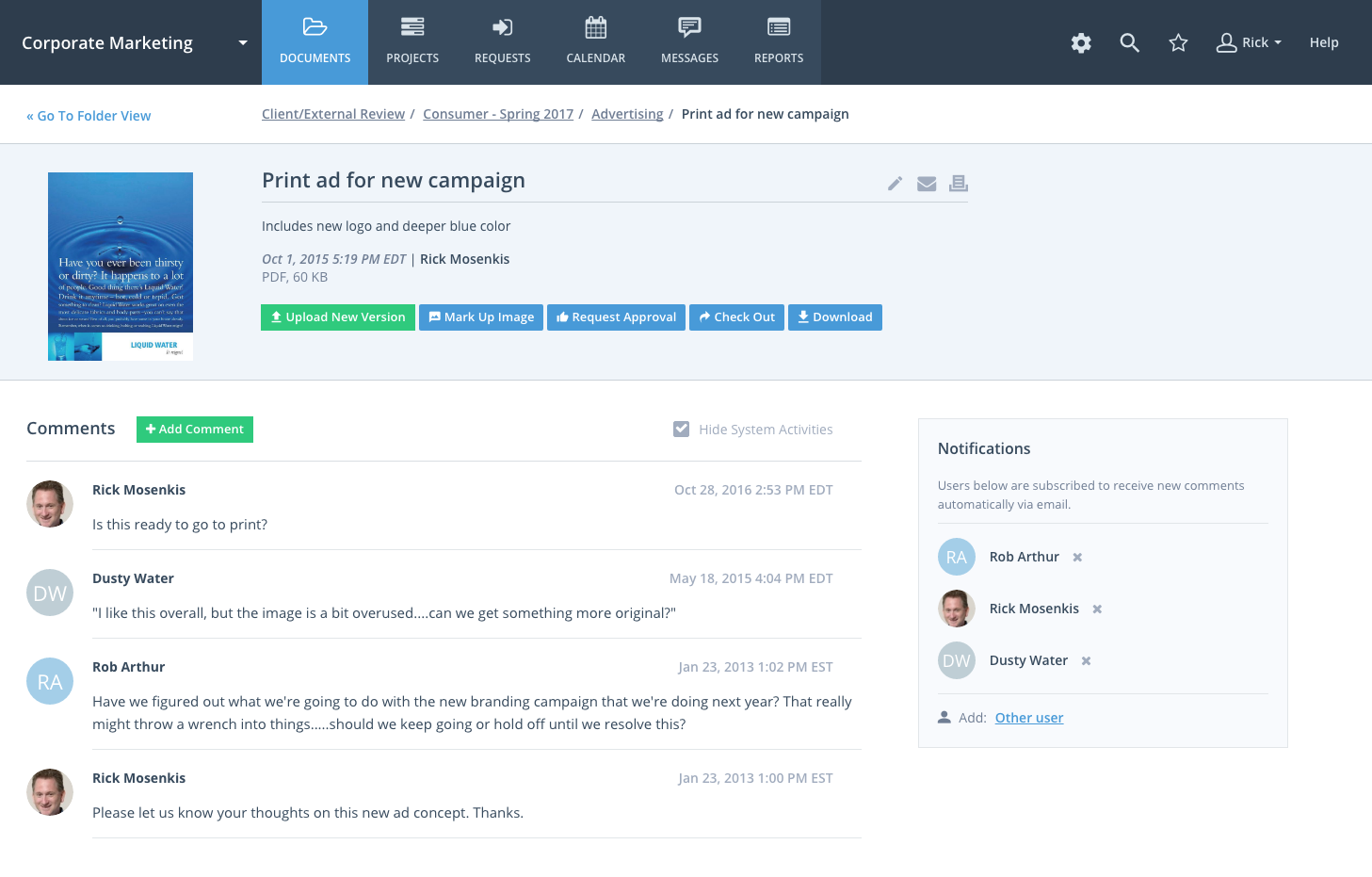
    Screenshot of Project DashboardScreenshot of Document ManagementScreenshot of Collaboration