
WEEEK vs. Whimsical
WEEEK vs. Whimsical
| Product | Rating | Most Used By | Product Summary | Starting Price |
|---|---|---|---|---|
 WEEEK | N/A | WEEEK helps managers set tasks for team members and track their productivity, and helps team members not forget about anything. The service helps users to keep track of tasks from all projects on one screen, and provides information about important events with a notification system, and so on. WEEEK is available FREE for individual usage with limitations on the amount of projects (up to 7 projects). It can also be leveraged for free in a team, with an additional limit on the number of… | $0 per month per user | |
 Whimsical | N/A | Whimsical is a visual workspace application from the company of the same name in Denver, allowing users to create collaborative wireframes, mindmaps, flowcharts, and sticky notes. | $12 per month per editor |
| WEEEK | Whimsical | |||||||||||||||
|---|---|---|---|---|---|---|---|---|---|---|---|---|---|---|---|---|
| Editions & Modules |
|
| ||||||||||||||
| Offerings |
| |||||||||||||||
| Entry-level Setup Fee | $2.90 | No setup fee | ||||||||||||||
| Additional Details | WEEEK is totaly free for teams of up to 5 people. | 17% discount for annual billing on Pro and Business plans. | ||||||||||||||
| More Pricing Information | ||||||||||||||||
| WEEEK | Whimsical |
|---|
| WEEEK | Whimsical | |
|---|---|---|
| Small Businesses |  Stackby Score 9.0 out of 10 | Stackby Score 9.0 out of 10 |
| Medium-sized Companies |  InEight Score 8.3 out of 10 | InEight Score 8.3 out of 10 |
| Enterprises | InEight Score 8.3 out of 10 | InEight Score 8.3 out of 10 |
| All Alternatives | View all alternatives | View all alternatives |
| WEEEK | Whimsical | |
|---|---|---|
| Likelihood to Recommend | - (0 ratings) | 9.0 (0 ratings) |
| Usability | - (0 ratings) | 8.0 (0 ratings) |
| Support Rating | - (0 ratings) | 5.7 (0 ratings) |
| WEEEK | Whimsical | |
|---|---|---|
| Likelihood to Recommend |  No answers on this topic | 
|
| Pros | No answers on this topic |
|
| Cons | No answers on this topic |
|
| Usability | No answers on this topic |
 Sarah Littlefield Chief Strategy Officer (CSO), UX design |
| Support Rating | No answers on this topic |
 Brianne Matthias Member Services Administrator |
| Alternatives Considered | No answers on this topic |
 Vincent Po MD & Head of Global Marketing |
| Return on Investment | No answers on this topic |
|
| ScreenShots | WEEEK Screenshots  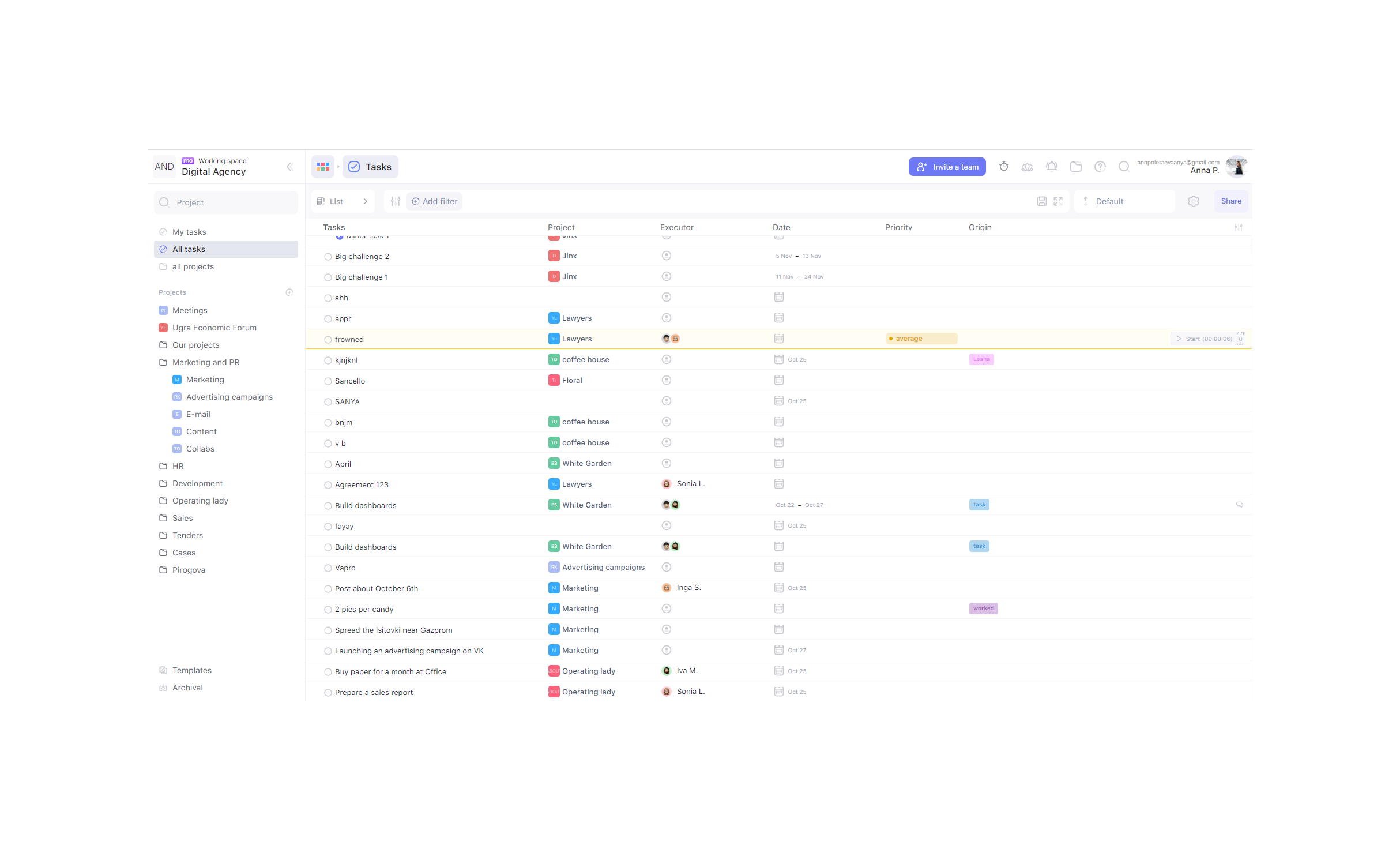   |