WebinarJam is designed to allow users to host online events with HD streaming, interactive features like polls and chat, integrations, analytics, and payment processing that are intended to help maximize online growth.
$39
per month for 1 presenter and 100 attendees
Wistia
Score 9.8 out of 10
N/A
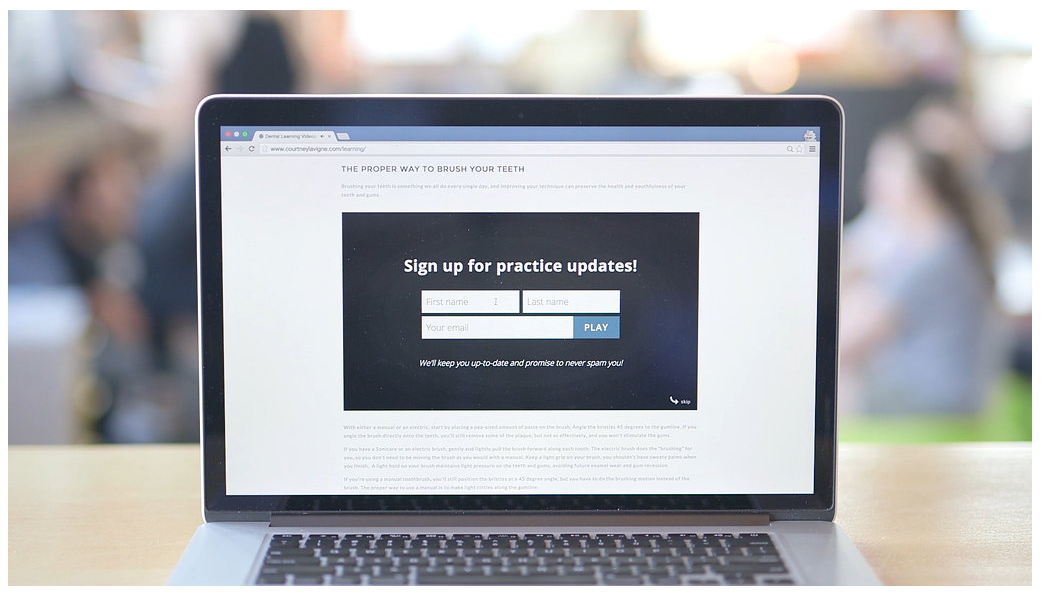
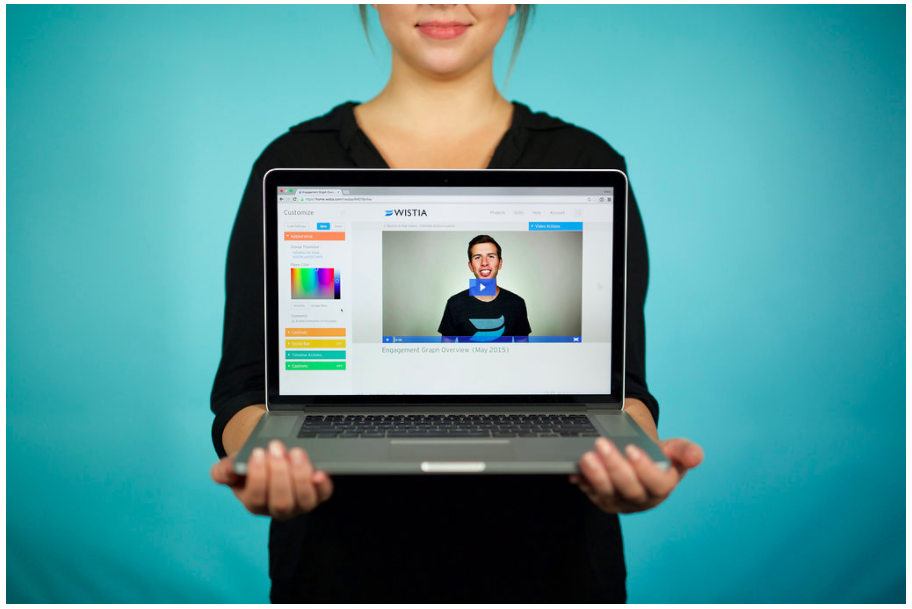
Wistia is a video marketing platform that helps teams create, host, market, and measure their videos and webinars. Wistia is used to create professional videos, host webinars, collect and send leads to a connected marketing automation platform. Wistia additionally offers customers support and educational resources.
$0
up to 10 videos
Pricing
WebinarJam
Wistia
Editions & Modules
Starter
$39
per month for 1 presenter and 100 attendees
Basic
$79
per month for 2 presenters and 500 attendees
Professional
$229
per month for 4 presenters and 2000 attendees
Enterprise
$379
per month for 6 presenters and 5000 attendees
Free
$0
up to 10 videos
Plus
$24
per month
Pro Plan
$99
per month
Advanced Plan
$399
per month
Offerings
Pricing Offerings
WebinarJam
Wistia
Free Trial
Yes
Yes
Free/Freemium Version
No
Yes
Premium Consulting/Integration Services
No
No
Entry-level Setup Fee
No setup fee
No setup fee
Additional Details
—
20% discount for annual pricing.
More Pricing Information
Community Pulse
WebinarJam
Wistia
Features
WebinarJam
Wistia
Reporting & Analytics
Comparison of Reporting & Analytics features of Product A and Product B
WebinarJam
4.8
Ratings
44% below category average
Wistia
-
Ratings
Dashboards
2.50 Ratings
00 Ratings
Data exportability
7.20 Ratings
00 Ratings
Performance & Compatibility of Online Events Software
Comparison of Performance & Compatibility of Online Events Software features of Product A and Product B
WebinarJam
9.0
Ratings
12% above category average
Wistia
-
Ratings
High quality audio
9.90 Ratings
00 Ratings
Mobile support
8.10 Ratings
00 Ratings
Online Meetings / Events
Comparison of Online Meetings / Events features of Product A and Product B
WebinarJam
6.1
Ratings
28% below category average
Wistia
-
Ratings
Calendar integration
8.00 Ratings
00 Ratings
Record meetings / events
3.20 Ratings
00 Ratings
Slideshows
9.90 Ratings
00 Ratings
Event registration
3.20 Ratings
00 Ratings
Online Events Collaboration
Comparison of Online Events Collaboration features of Product A and Product B
WebinarJam
7.3
Ratings
13% below category average
Wistia
-
Ratings
Audience polling
10.00 Ratings
00 Ratings
Q&A
4.70 Ratings
00 Ratings
Online Events Security
Comparison of Online Events Security features of Product A and Product B
WebinarJam
10.0
Ratings
19% above category average
Wistia
-
Ratings
Participant roles & permissions
10.00 Ratings
00 Ratings
Confidential attendee list
10.00 Ratings
00 Ratings
Online Events Marketing
Comparison of Online Events Marketing features of Product A and Product B
WebinarJam is a great tool if you are a small to mid-sized company and want to set up/schedule webinars and let the software do its job (capture your presentation and analytics). It looks professional, is used by many professionals/leaders, and is a fraction of the cost of other well-known brands. If cost doesn't matter to you, then you might as well go with a higher paying product. Also, WebinarJam audio is only accessed via the internet, there is not a conference call phone line system
It's so awesome to see my videos come up on Google Search. A click brings viewers right to my website!!! Incredibly powerful. If I were just posting on YouTube, visitors would end up there and then off to the next best cat video instead of taking action with me on my website.
Landing pages. The designs are pretty limited and repetitive, our company is always using our own designs.
Text limitations. You don't have a lot of room when it comes to text and webinar descriptions during the setup. If you stay away from long titles you should be good.
Pricing. The tool is definitely not cheap. If you're not planning to have regular webinars on it, you should look into something smaller and more budget-friendly.
Obtaining embed codes for a significantly large number of videos can be very time consuming as there is no way to automatically pull a report.
Within a project, there is no way to set the list to show a specific number of videos and you may only have a certain number of videos shown unless you click to expand the list and continue to do so.
Once the list is expanded and you click in to a video, when clicking back, the list reloads and you must expand the entire list again which can become very time consuming.
Wistia is super easy to use and very reliable, anytime a video needs to be updated, the existing media can be replaced, but the url remains the same so anywhere this media is shared or embedded, it is immediately updated. Their support is extremely helpful, and there is very rarely any issues with this product.
The platform is really hard to use and they have a habit of pushing out updates without telling their users first. The last update completely reverted all of our customizations back to the default EverWebinar layout. I only found out about this after a lead kindly send an email to the firm letting us know that [our] registration confirmation page was showing lorem ipsum script. Customization is lacking as well
I just love the interface and the way things are organized. You can find all of the various controls and have the ability to enable/disable each. You can also get to help quickly from any screen. The screens are not cluttered and have a good use of whitepace, without the need to page through controls or reload the screen.
Couldn't be happier with the overall performance of the platform. Videos load fast, rarely have loading issues, look sclean and the styling and sizing doesn't have issues. The data comes in quickly and in real time. Also, on the administrative side, the videos seem to upload well without much issue. There's always issues uploading video, but we had way less upload issues with Wistia than with Vimeo.
The support overall is good. In the early days, it wasn't the best but they have definitely stepped it up lately. If you have questions about the platform, issues, setup, etc, and don't mind waiting 24 hours to get a response then it's good. They may have faster response times now but when they updated to 4.0 it took a while as they were getting hammered with emails cause there were issues. It seems like they have worked out some of the kinks so I imagine their support can respond much faster now. There is no phone number to call so there is no way to get immediate help or answers which can be frustrating when you have issues right before or during your webinar
We have only had to reach out to Wistia support a handful of times in the 4 years we have been using Wistia. They have always been quick to respond and help us solve the problem. The system is self-service so there should be very little to no need to reach out to support on a regular basis.
WebinarJam all around gives us more options, integrations, marketing abilities, and attendance abilities and the price is reasonable for everything we get. We use Zoom for some smaller training courses and when we need to do breakout-style training but other than that, WebinarJam is out goto. We selected WebinarJam for all the above reasons and to this date haven't had any reason to switch to anything else.
Wistia is in the process of making their livestreaming way better than the free alternative like YouTube and a well known competitor like gotomeeting. It's easy to add in cohosts, interact with chat members, add in polls and other features which can be a bit clunky on gotomeeting.
WebinarJam has very little impact on our overall business objectives, as we rarely use it for the things we focus on most now.
We feel we never did get our money worth from the original purchase, so that is a negative impact on ROI.
The difficulties we encountered made us realize the importance of distinguishing the difference between using a product designed for the Marketing Industry versus the Education and Training Industries.
Doubled lead capture from lead magnet on website from one year to the next.
Increased email interaction on newsletters when embedding Wistia video thumbnail into email campaigns (10-15% links clicked bumped to 30-40% links clicked).
Can save us about 50+ hours of one-on-one client meeting time per year for pointing clients to video content rather than presenting the same info in a live setting.