Vivantio vs. Zendesk Suite

Overview
ProductRatingMost Used ByProduct SummaryStarting Price
Vivantio
Score 8.2 out of 10
Mid-Size Companies (51-1,000 employees)
Founded in 2003, Vivantio is a provider of customer service optimization software and solutions for B2B service teams. By combining enterprise-level software with the flexibility of a cloud-based solution, Vivantio provides a unified service management platform. The platform scales to meet the complex business needs of large, multi-site organizations, to optimize workflows across several departments including IT, operations and customer service.N/A
Zendesk Suite
Score 8.8 out of 10
N/A
Zendesk is a customer support solution with built-in ticketing, conversational messaging, and live chat, designed to help businesses of all sizes and industries deliver personalized service at scale. Zendesk's AI agents are trained in CX to help Service teams resolve customer issues faster and more accurately while still providing a human-centered experience. Zendesk ultimately aims to help businesses improve time to value, reduce effort per ticket, and keep costs low.
$69
per month per agent
Pricing
VivantioZendesk Suite
Editions & Modules
No answers on this topic
Suite Team
$69
per month per agent
Suite Growth
$115
per month per agent
Suite Professional
$149
per month per agent
Suite Enterprise
Contact Sales
Offerings
Pricing Offerings
VivantioZendesk Suite
Free Trial
YesYes
Free/Freemium Version
NoNo
Premium Consulting/Integration Services
NoNo
Entry-level Setup FeeRequiredOptional
Additional DetailsAccess to the Vivantio Platform always includes: 1) every available feature, 2) the user's choice of data centers, 3) in-house professional services, 4) a Customer Success Manager, 5) US and UK telephone, email, and self-service support. Pricing varies based on number of licenses: 500 system users - $59 per named license / $89 per concurrent license 200 users - $69 / $104 100 users - $78 / $118 50 users - $83 / $125 25 users - $91 / $137 15 users - $95 / $143 5 users - $99 / $149 Enterprise licensing available for teams >500. Volume discounts start at 15 users and continue to rise to 40%. Educational institutions automatically qualify for a 5% discount; non-profits for 10%. Pricing is per user, per month, paid annually.20% discount available with annual pricing.
More Pricing Information
Community Pulse
VivantioZendesk Suite
Features
VivantioZendesk Suite
Incident and problem management
Comparison of Incident and problem management features of Product A and Product B
Vivantio
7.6
Ratings
6% below category average
Zendesk Suite
8.8
Ratings
9% above category average
Organize and prioritize service tickets8.20 Ratings9.20 Ratings
Expert directory6.40 Ratings8.30 Ratings
Subscription-based notifications8.20 Ratings8.60 Ratings
ITSM collaboration and documentation7.30 Ratings8.40 Ratings
Ticket creation and submission8.20 Ratings9.30 Ratings
Ticket response7.30 Ratings9.30 Ratings
Self Help Community
Comparison of Self Help Community features of Product A and Product B
Vivantio
7.3
Ratings
7% below category average
Zendesk Suite
8.5
Ratings
8% above category average
Internal knowledge base7.30 Ratings8.50 Ratings
External knowledge base00 Ratings8.50 Ratings
Multi-Channel Help
Comparison of Multi-Channel Help features of Product A and Product B
Vivantio
6.2
Ratings
23% below category average
Zendesk Suite
9.0
Ratings
15% above category average
Customer portal6.40 Ratings9.20 Ratings
IVR4.50 Ratings8.60 Ratings
Social integration6.40 Ratings8.50 Ratings
Email support6.40 Ratings9.40 Ratings
Help Desk CRM integration7.30 Ratings9.20 Ratings
Best Alternatives
VivantioZendesk Suite
Small Businesses
Agiloft Service Desk (discontinued)
Score 9.0 out of 10
Agiloft Service Desk (discontinued)
Score 9.0 out of 10
Medium-sized Companies
Agiloft Service Desk (discontinued)
Score 9.0 out of 10
Agiloft Service Desk (discontinued)
Score 9.0 out of 10
Enterprises
SysAid
SysAid
Score 9.1 out of 10
SysAid
SysAid
Score 9.1 out of 10
All AlternativesView all alternativesView all alternatives
User Ratings
VivantioZendesk Suite
Likelihood to Recommend
8.2
(0 ratings)
9.0
(0 ratings)
Likelihood to Renew
-
(0 ratings)
10.0
(0 ratings)
Usability
9.1
(0 ratings)
8.9
(0 ratings)
Availability
-
(0 ratings)
8.6
(0 ratings)
Performance
-
(0 ratings)
8.0
(0 ratings)
Support Rating
-
(0 ratings)
5.5
(0 ratings)
In-Person Training
-
(0 ratings)
10.0
(0 ratings)
Online Training
-
(0 ratings)
7.9
(0 ratings)
Implementation Rating
-
(0 ratings)
9.0
(0 ratings)
Configurability
-
(0 ratings)
9.3
(0 ratings)
User Testimonials
VivantioZendesk Suite
Likelihood to Recommend
I’d recommend Vivantio as an ITSM platform because it combines powerful functionality with ease of use. Its customizable workflows and automation streamline IT service management, saving time and improving efficiency. The platform scales well, making it suitable for businesses of all sizes, and it integrates seamlessly with other tools, ensuring smooth operations. Vivantio also offers excellent reporting capabilities, helping teams track performance and identify areas for improvement. If you’re looking for a reliable, flexible, and user-friendly ITSM solution, Vivantio is a great choice.
Read full review
Benefits of Zendesk Suite:
Support across channels In the case of a retail company with chat, email, WhatsApp and social DMs all piling up together, agents do not have to change tabs - everything comes into one screen in the Suite.
An example could be a representative for this e-commerce company on a sale weekend when they have live chat up, and also must deal with emails and complaints on social. Zendesk Suite handled all of this interaction seamlessly.
Knowledge base + self service: A SaaS platform receiving constant flow of "how do I reset my password" questions. You set up a help centre once, and are able to deflect hundreds of tickets for months and years.
Even better when combining with Answer Bot, where the bot begins suggesting articles without even a human interacting with the tickets.
Scaling customer service teams: A startup that has just expanded from 5 customer service representatives to 50 customer service representatives. Zendesk Suite automates routing, SLAs, macros, and analytics, when it could never work with Google Workspace + sticky notes.
This is especially helpful when managers want to be able to report or analyze ticketing conversations to see trends in perhaps their backlog, or a customer service representative is running into consistent workflows.
Globalization: A company with support teams that are spread across time zones and languages. Zendesk Suite enables for business hours, language packs, and localized help centers. It even comes with routing either by skill or region
Read full review
Pros
  • Incident Tracking
  • Reporting
  • Customisation
Read full review
  • UI/UX; mature macros and automations, slick and well thought out UI.
  • Reporting, reporting, reporting. With user, org, and ticket level tags, we can track every aspect of our ticket flow.
  • Extensibility; the app marketplace is a great resource for expanding functionality from the baseline offering.
Read full review
Cons
No answers on this topic
  • The development of messaging out of the earlier Chat module is clunky and still has limitations for multi language flows.
  • When creating queries in Explore, you can't search for 'or' conditions, only 'And', meaning you have to build multiple queries and manually add them.
  • You can't download the charts in the reports, they come down as tables and then you have to make your own charts.
Read full review
Likelihood to Renew
No answers on this topic
Zendesk is super easy to use and navigate. I really enjoy the sleek layout, the ability to tailor tickets, the macro option, and the quick key guide they have to make your use of time even more effective. My whole team loves working with Zendesk and rarely ever has problems.
Read full review
Usability
i find the system easy to navigate and customise
Read full review
I used to work without a ticketing service, and everything was handled on an email provider, this made it very difficult to track, no integrations to the software complicating the use of internal tools or other software like Guru, Zendesk Suite wasn't hard to learn, in fact it was very easy, very straightforward, and I was an admin learning to use several tools at the same time.
Read full review
Reliability and Availability
No answers on this topic
In the past year, I'd say I have only noticed maybe two hours total of downtime in my own usage. Very minimal.
Read full review
Performance
No answers on this topic
There has been minor performance degradation on a very few days out of the two years I have been using the product.
Read full review
Support Rating
No answers on this topic
We rarely need to contact their support team, but when we do they are responsive. However there have been notable times when communication between myself and the support rep was challenging despite me providing clear explanation of the issue, screenshots, and a thorough explanation of the goal we hope to achieve. It took several back and forth attempt, on a few occasions, to get resolution on an otherwise simple request
Read full review
Online Training
No answers on this topic
Zendesk has tons of available material for training - videos, webinars, articles, etc. The only reason this is not a 10 is because it can be hard to figure out how to navigate to these things and find what you are looking for.
Read full review
Implementation Rating
No answers on this topic
There is not a lot of implementation, it's all setup and you just start using it. We did do some email to ticket setup and that worked really well. The only thing that didn't work for us was the Salesforce integration, maybe your mileage will vary.
Read full review
Alternatives Considered
Vivantio's extensive customization features ensure it always balances in its favor by allowing businesses to tailor workflows, forms, and processes to their unique needs. This flexibility means the platform adapts to your organization, not the other way around, enabling seamless alignment with changing requirements and maximizing efficiency over time.
Read full review
Even these two have a ticketing system but that I also used previously but Zendesk Suite has a very clear ticketing system - it does not take much time to understand and use it, the interface is easy and the automation system also works up to the expectation, it is not just easy for the users but for us from the backed support as well, it is so user-friendly.
Read full review
Scalability
No answers on this topic
WHY we will use Zendesk in HR and PD internally
Read full review
Return on Investment
  • Positive - Reporting
Read full review
  • Customer Success looks at ticket resolution surveys as part of their CSAT scores and either thanks their customer for a positive review or reaches out if it's a negative review.
  • Sales uses Zendesk to make sure their new prospects are getting POCs properly set up quickly and fix any issues while they do a trial of our tool.
  • Onboarding uses Zendesk to quickly make sure new customers implementations and user access are set up to help them start implementation faster.
Read full review
ScreenShots

Vivantio Screenshots

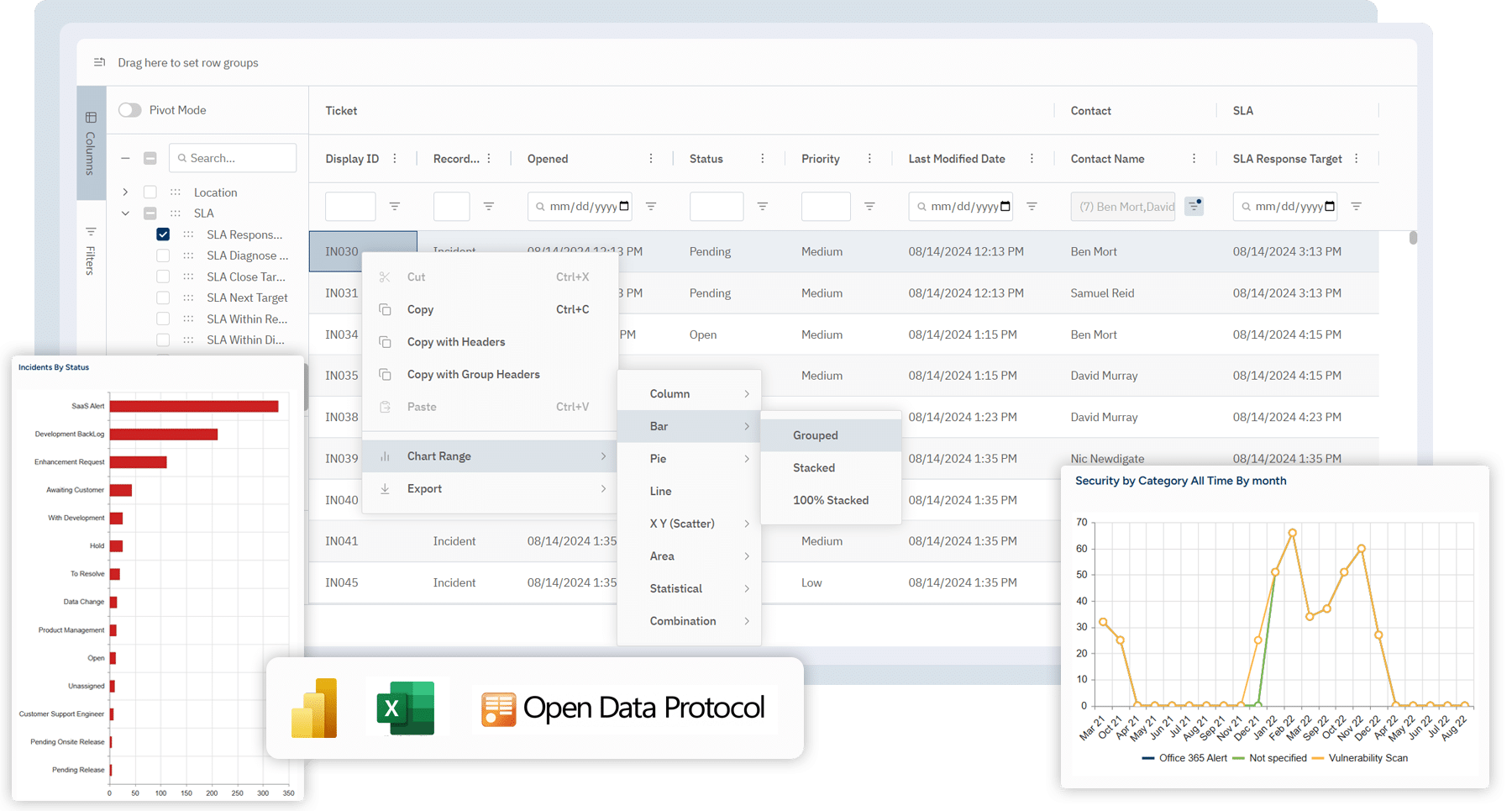
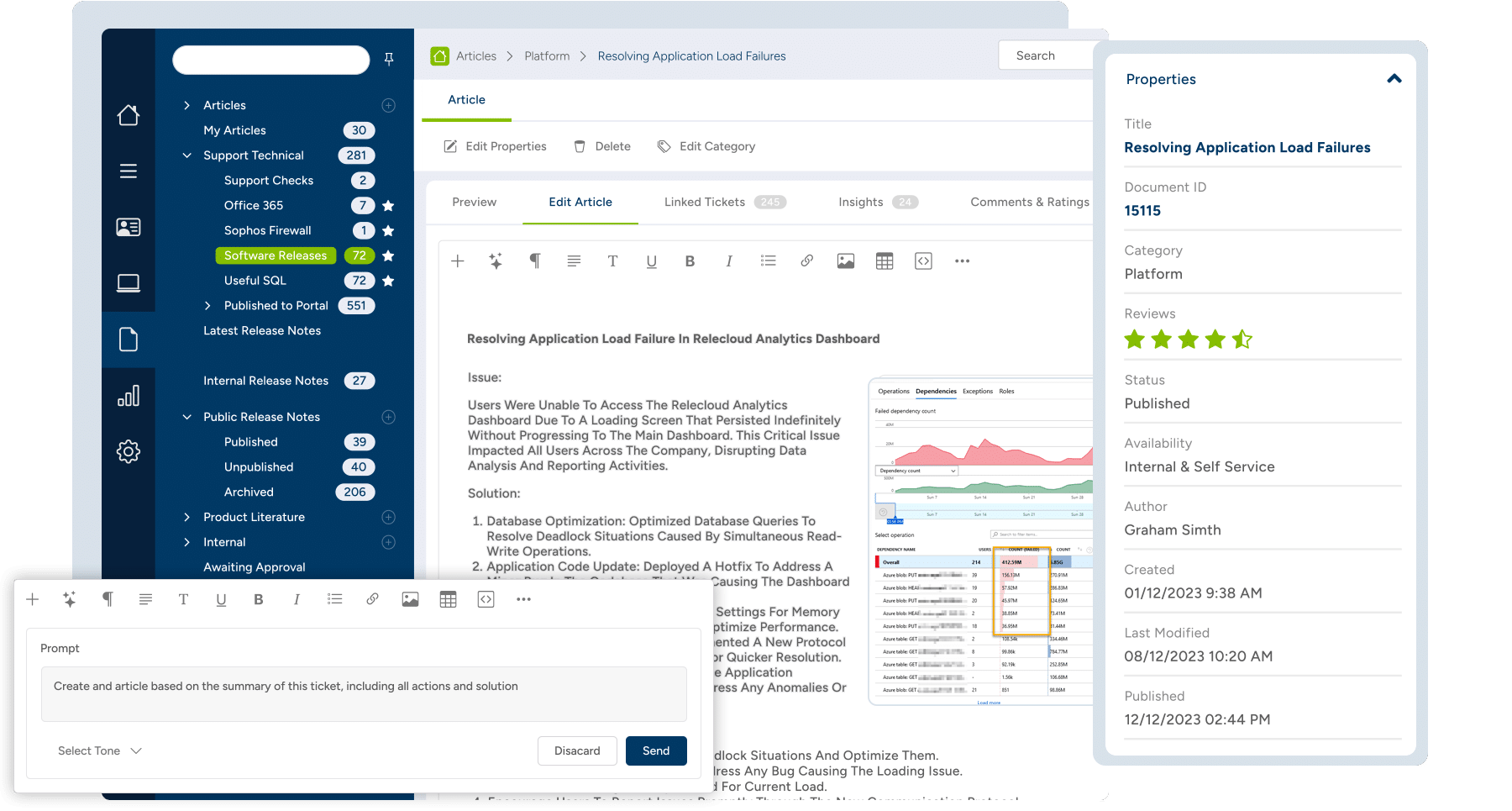
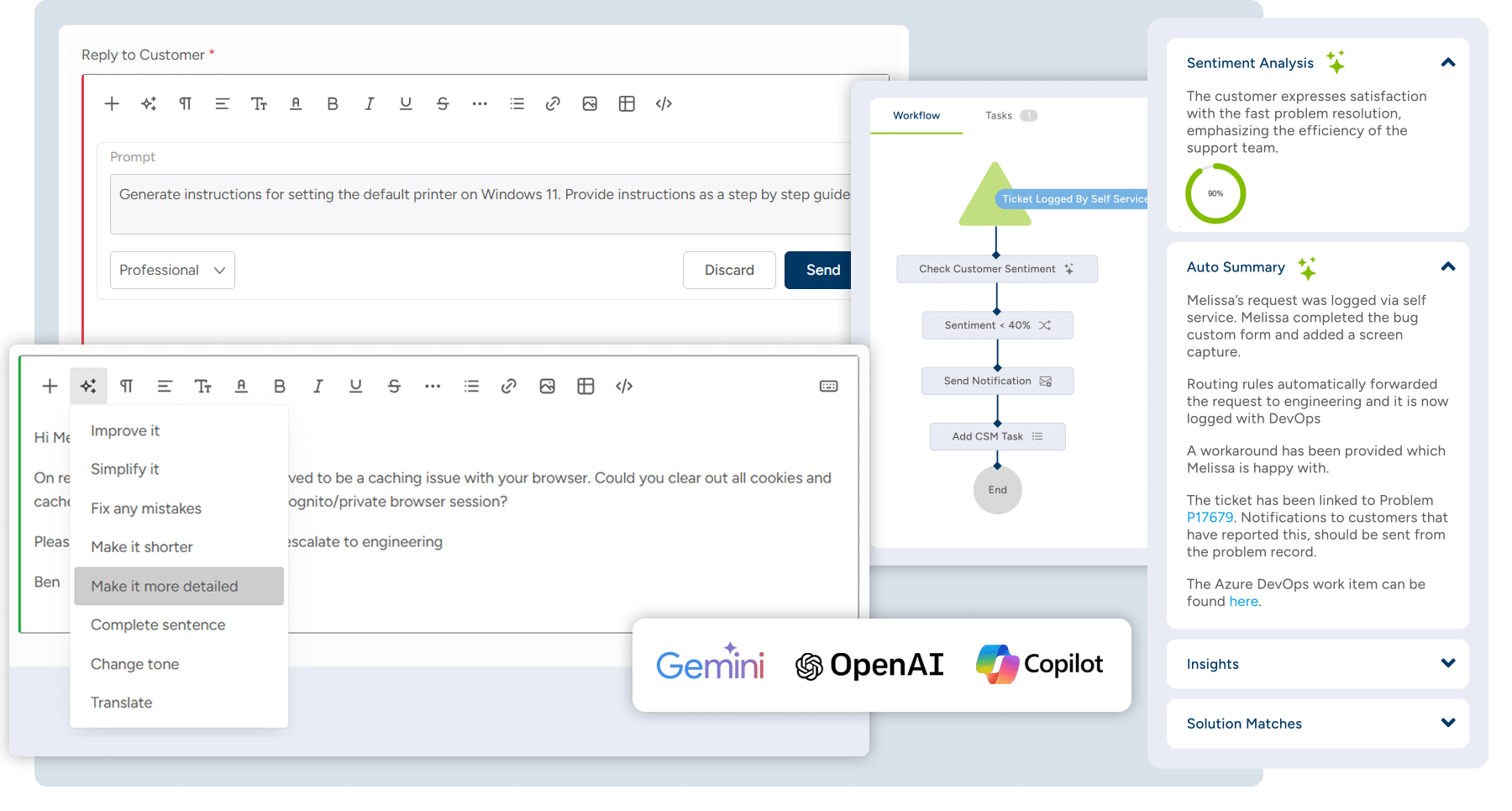
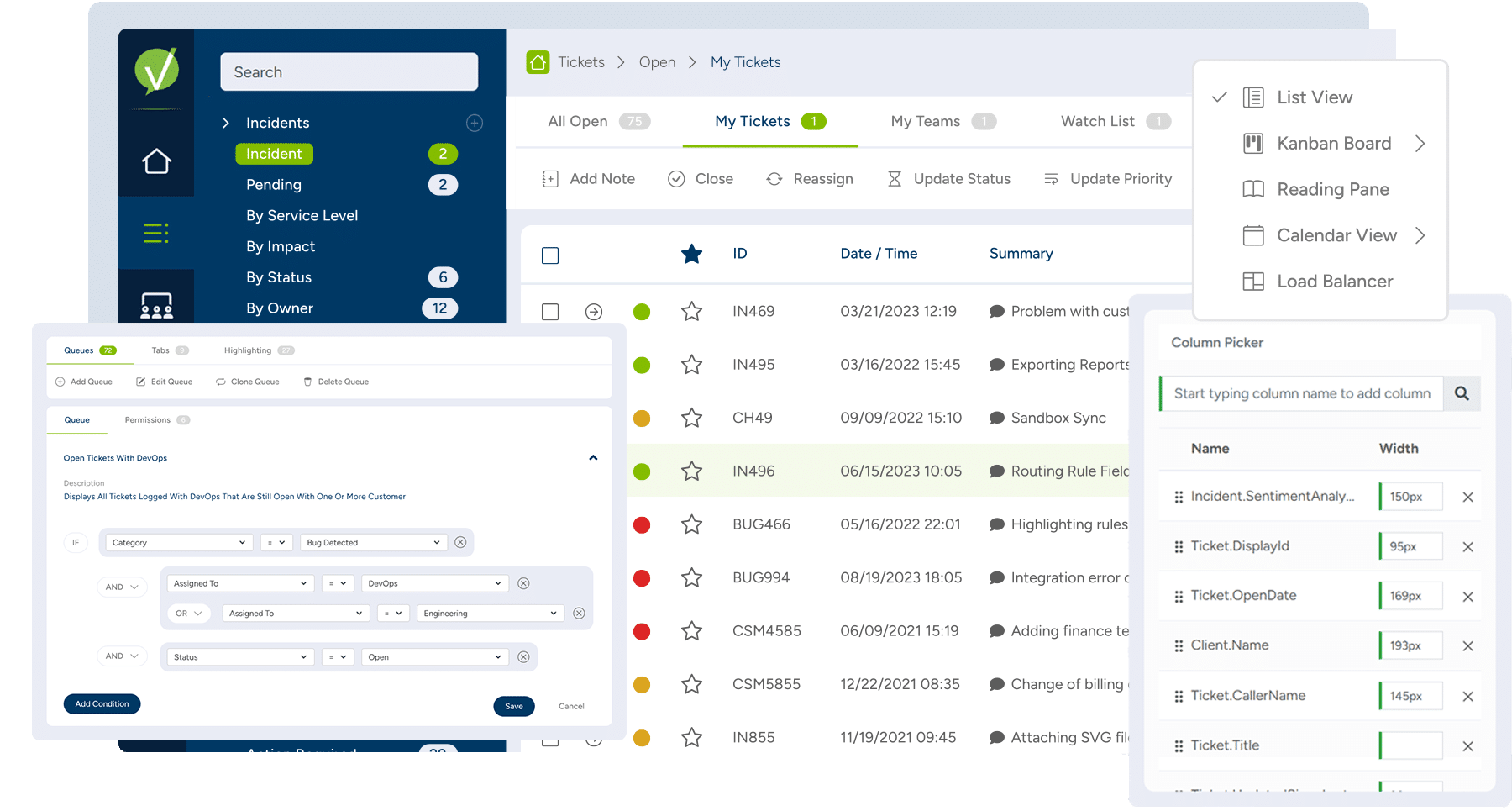
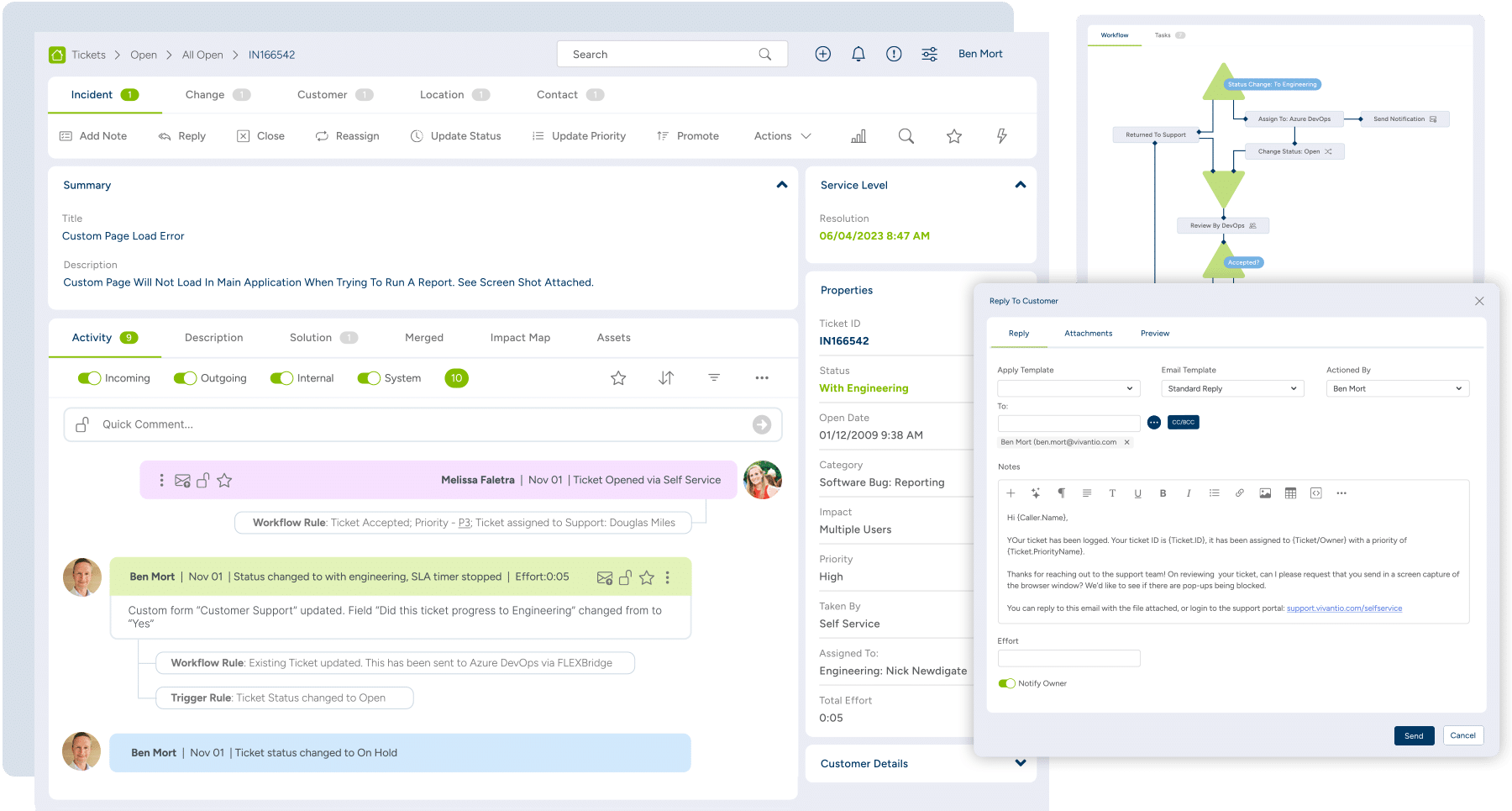
Screenshot of Reporting & Analytics: Reports surface business-critical insights like overall customer sentiment and expected EoL for employee machines using dashboards, reports, Vivantio FLEXGrid or through oDataScreenshot of Knowledge Base: For internal private articles to aid service delivery team, or public articles to help customersScreenshot of Integrated AI: Generates AI feedback from across the knowledge base, analyzes customer sentiment, or helps write detailed feedback to customersScreenshot of Queues: For managing incidents, problems, service requests, change management, and more in customized interfaces based on ticket type or team, ensuring the most important information is always at agents’ fingertipsScreenshot of Ticketing: For unlimited ticket types that can be used by teams, each with a dedicated configuration (categories, priorities, custom forms, and fields)

Zendesk Suite Screenshots

Screenshot of the Zendesk Agent WorkspaceScreenshot of Omnichannel MessagingScreenshot of Zendesk TicketingScreenshot of Bots powered by Zendesk AIScreenshot of Tone shift with Zendesk AIScreenshot of Zendesk ticketing side conversations