Usersnap vs. UserVoice

Overview
ProductRatingMost Used ByProduct SummaryStarting Price
Usersnap
Score 7.5 out of 10
N/A
Collect in-product feedback, measure customer satisfaction and learn how you can improve. Get ratings, visitor's screen view and sentiment feedback from customers now.
$99
per month
UserVoice
Score 9.5 out of 10
N/A
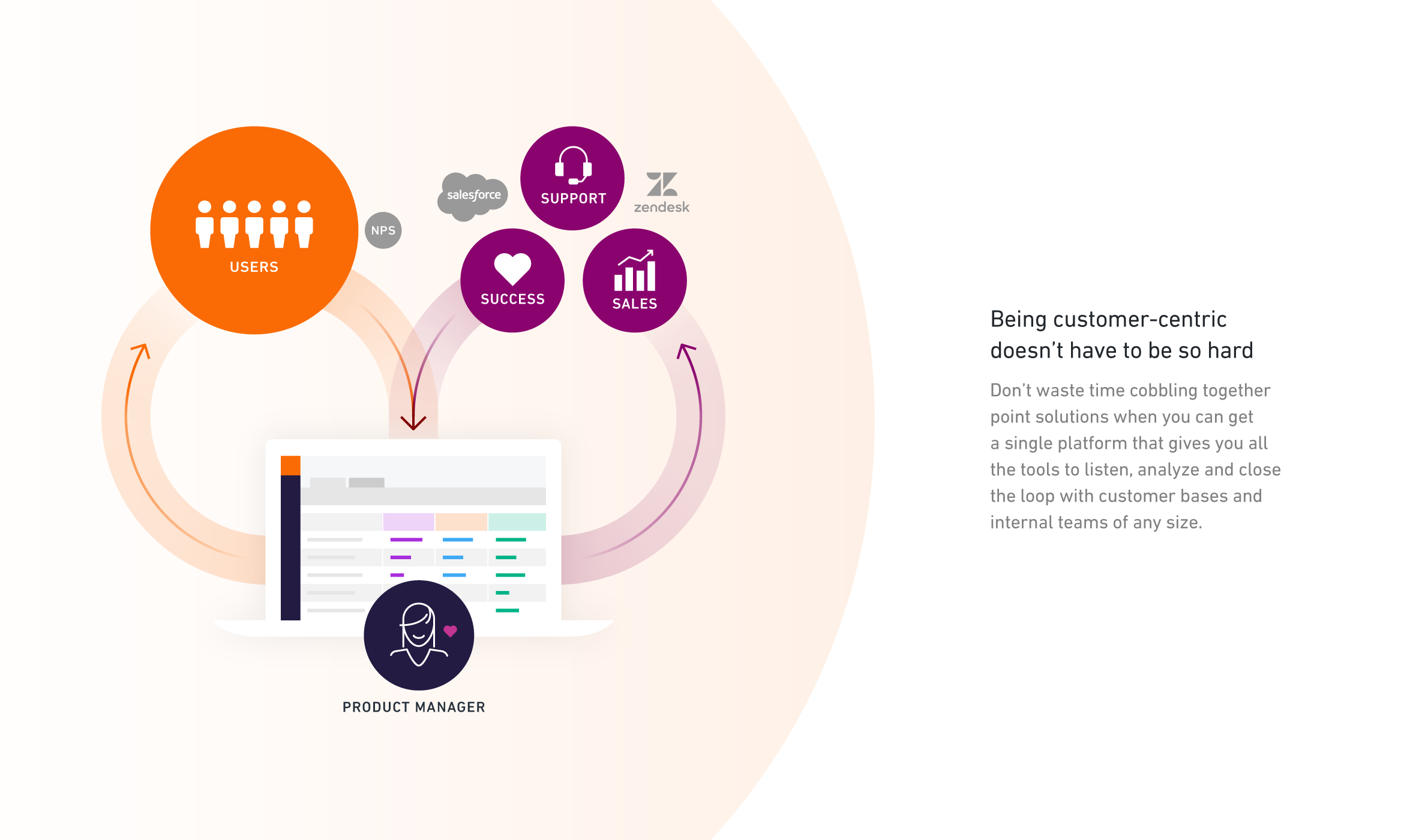
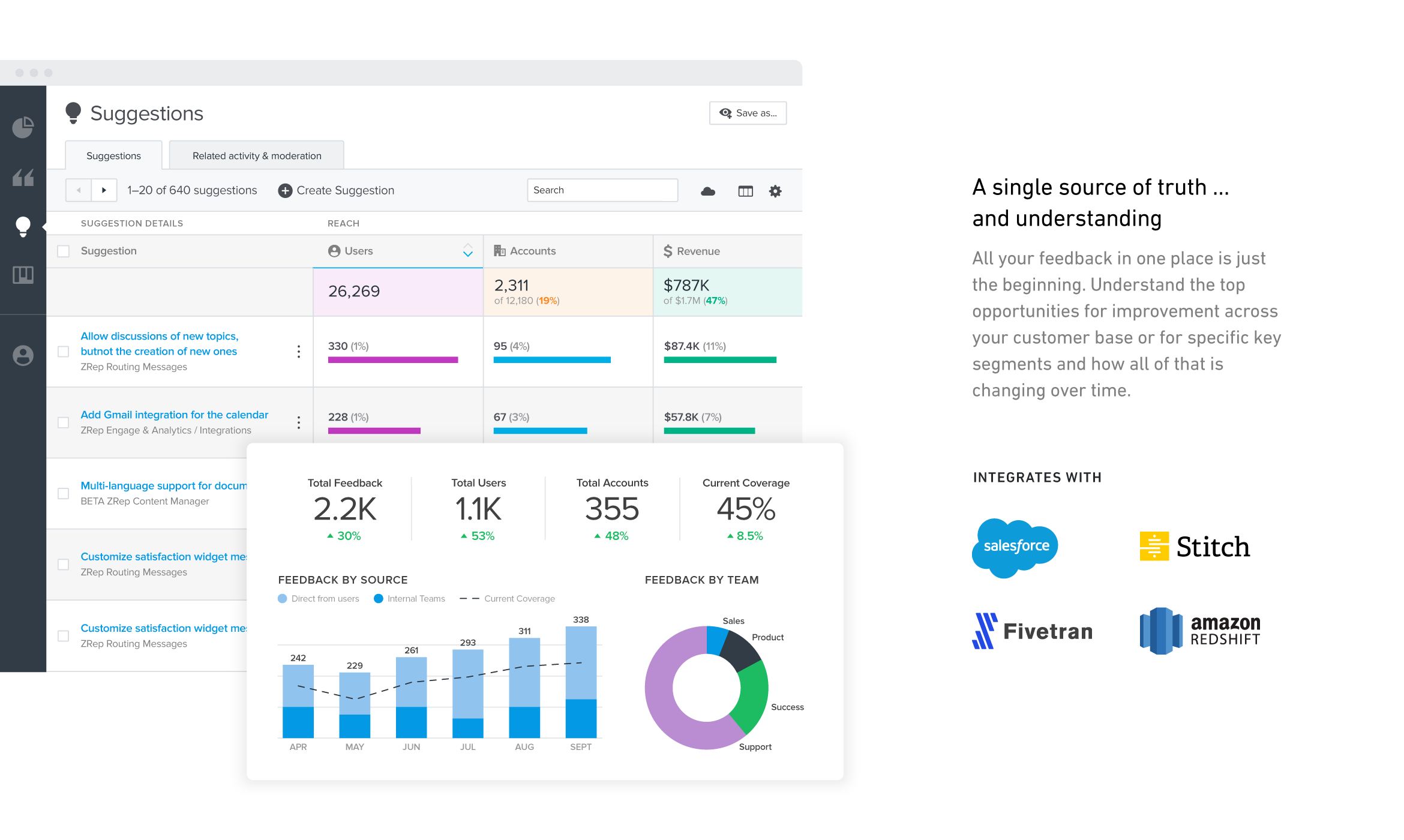
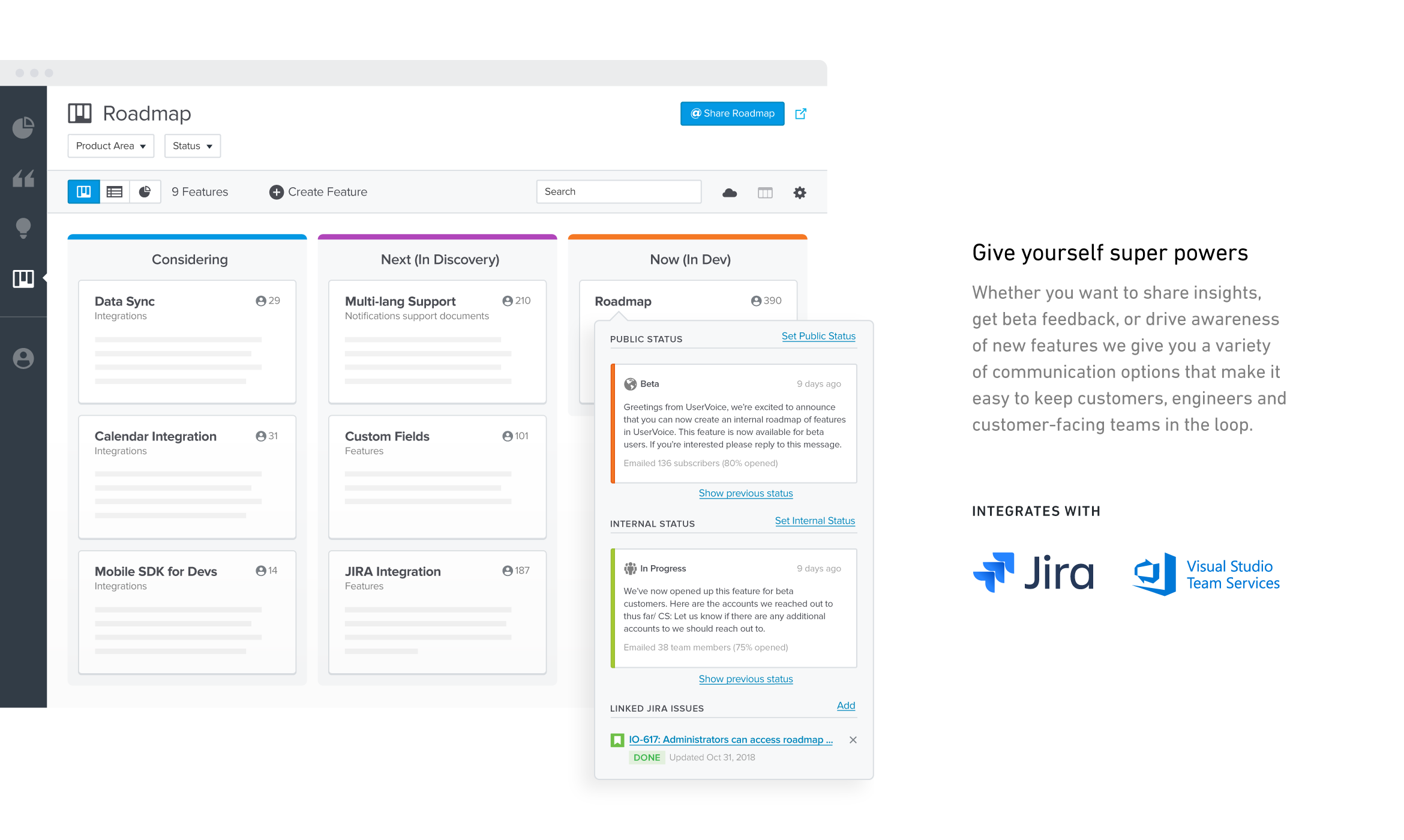
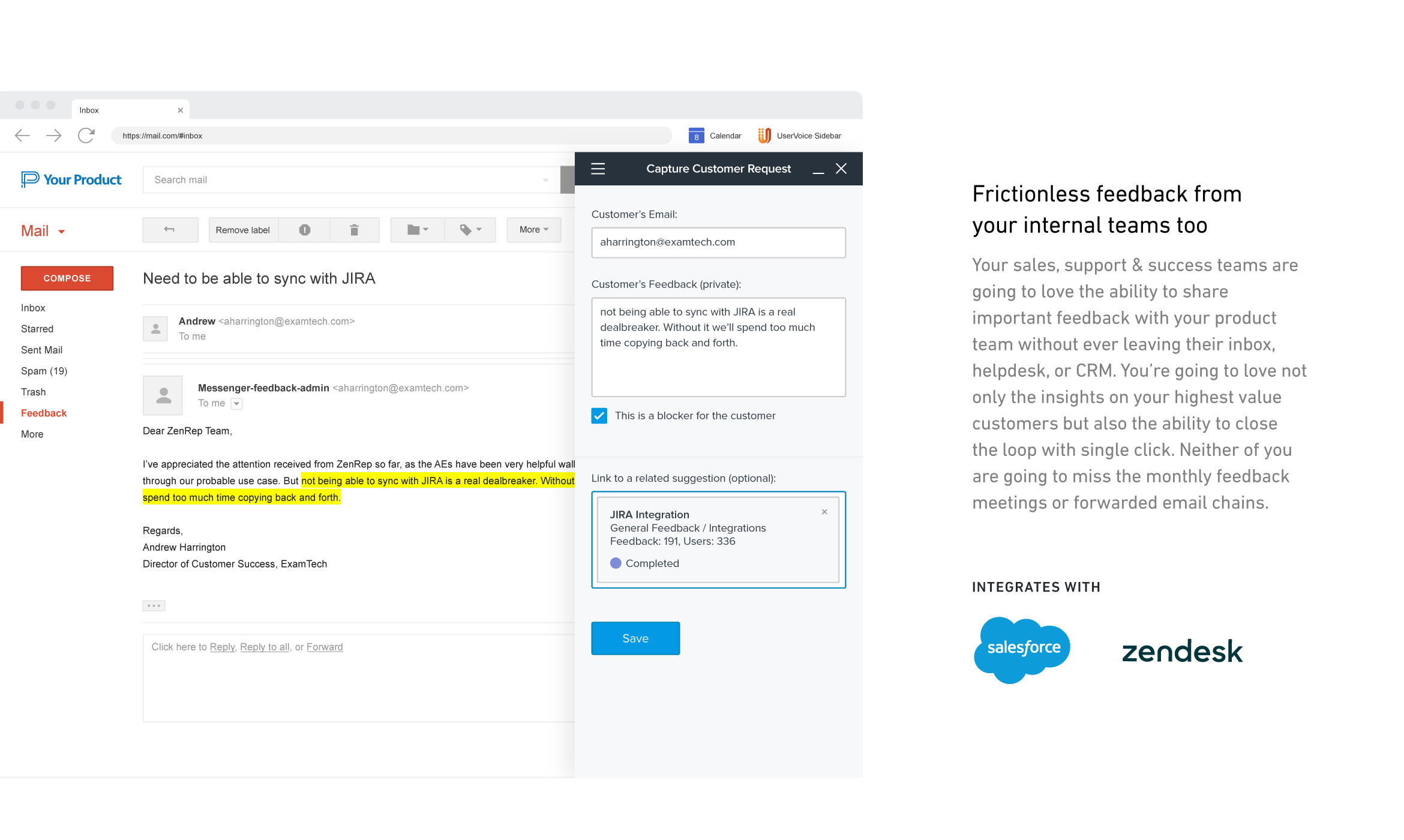
UserVoice collects and organizes feedback from multiple sources to provide a clear, actionable view of user feedback for product teams. With a customizable feedback portal, in-app widget, and direct integrations with your email client, CRM or support tool, it’s easy for your customers and internal team members to share feedback at anytime. The UserVoice platform allows you to manage all this feedback in a single view, analyze your data to make product decisions based on customer…N/A
Pricing
UsersnapUserVoice
Editions & Modules
Startup
$99
per month
Company
$189
per month
Premium
$329
per month
Enterprise
$2,379
per month
No answers on this topic
Offerings
Pricing Offerings
UsersnapUserVoice
Free Trial
YesYes
Free/Freemium Version
NoNo
Premium Consulting/Integration Services
NoNo
Entry-level Setup FeeNo setup feeNo setup fee
Additional DetailsDiscount available for annual pricing.
More Pricing Information
Community Pulse
UsersnapUserVoice
User Ratings
UsersnapUserVoice
Likelihood to Recommend
8.4
(0 ratings)
10.0
(0 ratings)
Likelihood to Renew
-
(0 ratings)
9.7
(0 ratings)
Usability
-
(0 ratings)
8.0
(0 ratings)
Support Rating
7.0
(0 ratings)
9.0
(0 ratings)
Implementation Rating
-
(0 ratings)
9.0
(0 ratings)
User Testimonials
UsersnapUserVoice
Likelihood to Recommend
Usersnap is well suited for web applications that are maintained/developed in house, to provide a means of communicating with end-users directly without the need to develop an in-house solution. It allows end-users to provide rich information about an issue they're experiencing, even providing information about the user's browser, session, and desktop environment, which is invaluable when trying to debug or troubleshoot an issue.
Read full review
UserVoice is well suited if you field a lot of feedback and ideas from clients. If you are a company who is building your software based on customer feedback, it is important to have a place to store and organize this feedback. I think UserVoice is ideal for a company whose feedback comes into one team but needs to be passed along to another (i.e Support to Product). UserVoice is also great for companies that are growing and growing their product quickly.
Read full review
Pros
  • Organize customer feedback.
  • Provide an easy to use, feature-rich widget that allows users to highlight, comment and even draw on a screenshot of your application.
  • Screenshots that are sent to you include meta-data like the browser user agent, browser console data, screen resolution, etc.
Read full review
  • Customer feedback - gives intense insight about what you should build next
  • Customer service interface - easy to use, helps users find help without contacting us
  • Admin interface - easy and quick to help customers
Read full review
Cons
  • When you go into the list of Usersnap feedback you have submitted, there isn't search functionality or filtering so that you can see the feedback of a certain type at a time, or see if you submitted that feedback already.
Read full review
  • Doesn't always catch obvious spam/we have to do a fair amount of blacklisting
  • Doesn't have multiple language options
  • No online/email tech support available. You have to call if you have an issue.
Read full review
Likelihood to Renew
No answers on this topic
I just really liked UserVoice.
Read full review
Usability
No answers on this topic
The day-to-day usability is good. More technical settings require a bit more effort.
Read full review
Support Rating
I am unsure how to rate the support of Usersnap as I did not contact support yet. The tool works well as is. The agency we work with that used the tool didn't need to contact Usersnap support as well. I'm sure the user support on the tool is adequate.
Read full review
Always very responsible and helpful when an issue happened. They eat their own cooking when it comes to using their products.
Read full review
Implementation Rating
No answers on this topic
Have clear goals and owners established before you start using any tool like this. Very important to get accounts and rights setup so that there's no lag time in customer response once things go live. Make sure IT is involved if you plan to use the Single-Sign On (SSO) or any of the access control tools.
Read full review
Alternatives Considered
I haven't used anything else. I just used email and Google Docs before and that's hard to keep straight what you are talking about within a document to what it actually is on the website. Also, more phone calls are required to explain what you mean and need.
Read full review
I like the ease of integration into web and mobile apps for UserVoice. It's also a comprehensive bug reporting, user feedback, and knowledge base tool.
Read full review
Return on Investment
  • Fewer errors on-site QA
  • Less time wasted in the site QA
Read full review
  • Has allowed us to more quickly answer learner questions
  • Has allowed us to more easily manage our FAQs page/front facing support information
  • Has provided us with a tool to gather daily feedback from our users
Read full review
ScreenShots

UserVoice Screenshots

Screenshot of Screenshot of Screenshot of Screenshot of Screenshot of Screenshot of