Tipalti automates critical financial processes to drive efficiency, including accounts payable, mass payments, procurement, and expenses, all on one global finance automation platform that grows with the organization, automating, de-risking and simplifying finance.
$129
per month
Zoho Books
Score8.9 out of 10
N/A
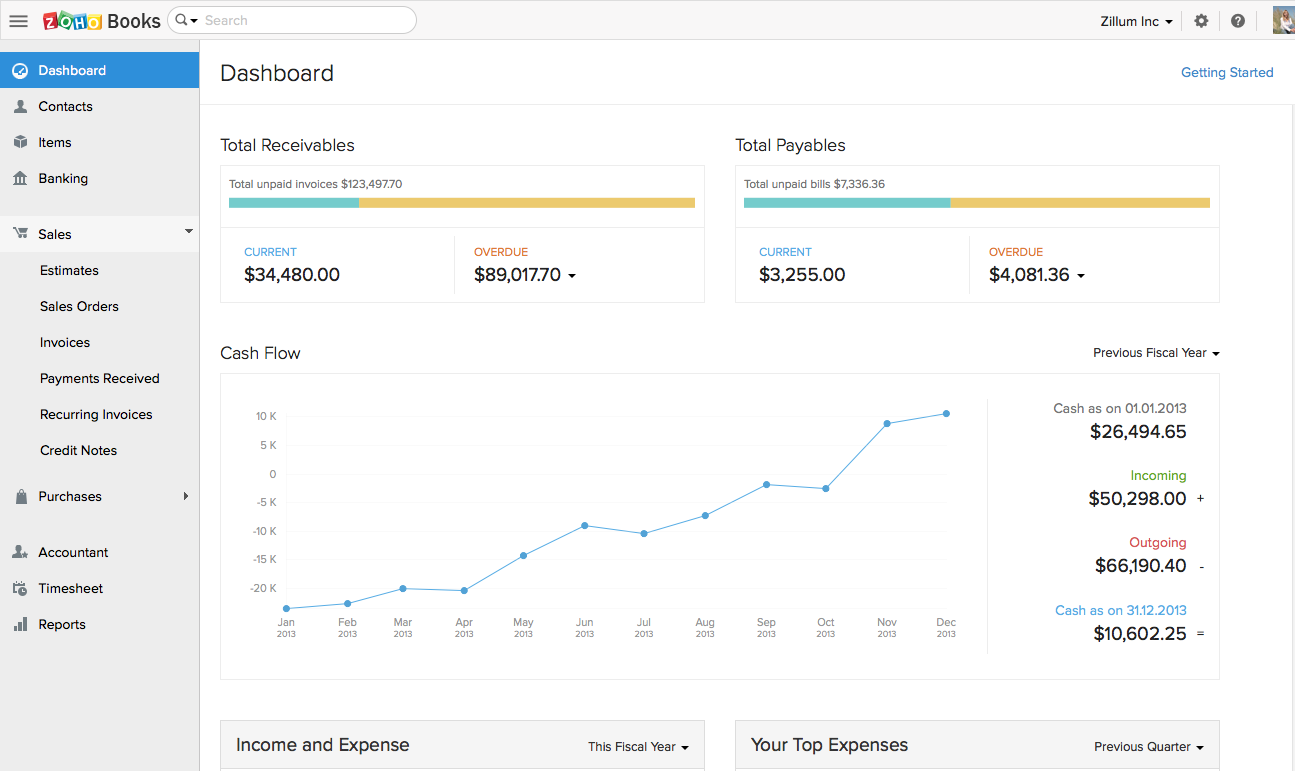
Zoho Books is an accounting solution that is designed to help small businesses manage their finances. This solution includes dashboards and a wide variety of reports. Business users can automate tasks and set up custom workflows.
Zoho offers a 14 day free trial.
$20
per month
Pricing
Tipalti
Zoho Books
Editions & Modules
No answers on this topic
Free
$0
For businesses with turnover <50K USD per annum
Standard
$20
per month per org
Professional
$50
per month per org
Premium
$70
per month per org
Offerings
Pricing Offerings
Tipalti
Zoho Books
Free Trial
No
Yes
Free/Freemium Version
No
Yes
Premium Consulting/Integration Services
Yes
No
Entry-level Setup Fee
Required
No setup fee
Additional Details
Pricing starts at $149 per month for the platform fee. Users can upgrade to Tipalti's more advanced capabilities as their businesses gets more complex.
The Tipalti pricing model is designed to grow with the user's company. Advanced features such as W-8 tax forms, international tax IDs, or multi-entity payables are available as needed.
Zoho Books is available for both monthly and yearly plans. Users who sign up for the annual plan get a discount.
I would tell them that it manually syncs to ERPS. Additionally I would include the fact that you can pay multiple entities in one pay run allowing to be very efficient. I would also include that they can add rules to bill approvals or set up auto payments for certain vendors. Lastly, there are many reports you can run providing you will very informational data in seconds.
A de minimis incentive was given to thank the reviewer for their time. The incentive was not used to bias or drive a particular response, nor was the incentive contingent on a positive endorsement. More Info
If using other cloud applications and you wish to create Zoho Books transactions via APIs, Zoho Books is great. The overall UI and flow of the application are great. If you need a detailed job cost accounting solution and robust reporting there is some room for improvement here.
A de minimis incentive was given to thank the reviewer for their time. The incentive was not used to bias or drive a particular response, nor was the incentive contingent on a positive endorsement. More Info
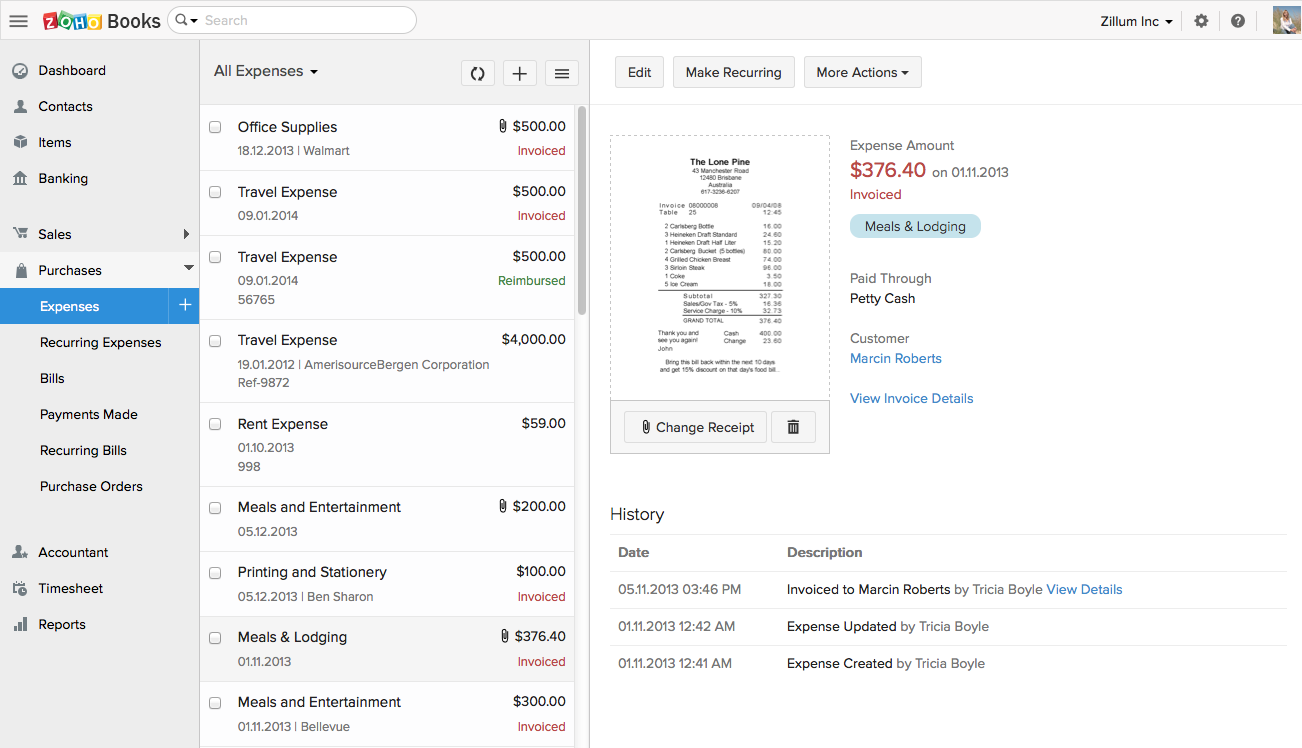
Zoho Books invoicing and receipting features are second to none. We find it easy to quickly invoice clients and add items to their bills and also for our own receipting internally.
The accounting features are great for our accounting team to be able to see where we are financially and how the business is doing.
The ability to add contacts and run a mini CRM channel with clients within Zoho is invaluable. Since we use this in conjunction with our other CRM channels, it helps to have a centralized place to follow up and see through a sales funnel.
Zoho Books allows us to take payments from clients around the globe a feature we didn't have when we used another accounting system.
The pricing for Zoho Books is fairly reasonable for an SME organization which is a great for us as it pays itself back many times over every month.
A de minimis incentive was given to thank the reviewer for their time. The incentive was not used to bias or drive a particular response, nor was the incentive contingent on a positive endorsement. More Info
The report that provides the "Not payable" vendors does not work well for us, particularly because the sync to our ERP goes both ways, which means all of the employees also sync over to Tipalti and remain as Not Payable. So the list is very long, and I don't find a good use for it.
Zoho Books is only available in Texas and California. There is no integration allowed for paying employee expenses. The absolute worst aspect is the fact that if you make even the slightest error in data input there is no backing up. You cannot undo an error.
The system does not allow change once implemented, so you must get every one of your beginning balances perfect. The practice of Journal Entries is cumbersome. When reconciling, Zoho Books has adopted a number of required steps that significantly overcomplicate reconciliation using practices that are not consistent with general accounting principles in the US.
On the customer side, you must look in two places to see the beginning balance and the current receivables that might exist for current invoicing.
The way the system works, you must avoid having much trust with the balances depicted. So far, it appears that Zoho Books uses what we called in school "that new math."
It would be terrifying to rely on this bookkeeping system to support an IRS Audit. The system violates too many fundamental accounting principles.
The software is used by so few people that there is concern that we might never find a skilled bookkeeper.
Solid system performance. Suits our needs and solution provider very inclined to accept feedback and involve users in developing the solution to serve both the provider and the ultimate user. Tipalti has streamlined our process that was previously very manual and prone to error. Now there is transparency of information and role.
A de minimis incentive was given to thank the reviewer for their time. The incentive was not used to bias or drive a particular response, nor was the incentive contingent on a positive endorsement. More Info
Two-time Tipalti selector, implementor, and user. The payment features in the app saves many steps in the payment process. No longer do you have to set-up or upload payment information to your bank and then go back to your accounting system and mark items as paid. Tipalti does all of this with a click of a mouse. The payment feature is the stand out feature. Many vendors can process your invoices. Look at how at the payment process of others.....you will see.
A de minimis incentive was given to thank the reviewer for their time. The incentive was not used to bias or drive a particular response, nor was the incentive contingent on a positive endorsement. More Info
Customization is the biggest struggle for us and most of the time we need to involve a tech person. The chat support is a great feature and very helpful. It would be great to be able to customize and create invoices and correspondence (templates) such are reminders in multiple languages within one organization. The currency (USD) would be the same. We have clients in different countries that don't speak English but pay in USD.
A de minimis incentive was given to thank the reviewer for their time. The incentive was not used to bias or drive a particular response, nor was the incentive contingent on a positive endorsement. More Info
Since I also work in customer support, I often have to contact Tipalti's team with questions from our users. Tipalti's support team has always been exceptionally helpful and it was a pleasure to communicate with them. I have always received prompt responses to any inquiries and they are excellent at solving our customers' issues within a short time
A de minimis incentive was given to thank the reviewer for their time. The incentive was not used to bias or drive a particular response, nor was the incentive contingent on a positive endorsement. More Info
The support team feels very disjointed. We have filtered through a number of "lead" contacts and are frequently spammed by other Zoho members. Once getting an appropriate support contact on the phone - the team is very helpful, it just takes a lot of hoop jumping to get there. We actually unsubscribed from their support package as we were not getting the value we were looking for.
A de minimis incentive was given to thank the reviewer for their time. The incentive was not used to bias or drive a particular response, nor was the incentive contingent on a positive endorsement. More Info
A de minimis incentive was given to thank the reviewer for their time. The incentive was not used to bias or drive a particular response, nor was the incentive contingent on a positive endorsement. More Info
From initial implementation through to user experience, Tipalti has been able to exceed our expectations in terms of its functionality and useability. We have found with other systems implemented in the past they did not match our expectations which resulted in us terminating these services.
A de minimis incentive was given to thank the reviewer for their time. The incentive was not used to bias or drive a particular response, nor was the incentive contingent on a positive endorsement. More Info
We had a lot of problems with Exact Online, support-wise and price-wise. So Zoho Books wins on every point there. While Exact offers way more options, it tends to be really slow... and complex. Again Zoho Books wins. If you want an easy-to-use tool and not pay a lot of money, or if you are a small administration office with a few clients, this tool will be perfect for you.
A de minimis incentive was given to thank the reviewer for their time. The incentive was not used to bias or drive a particular response, nor was the incentive contingent on a positive endorsement. More Info
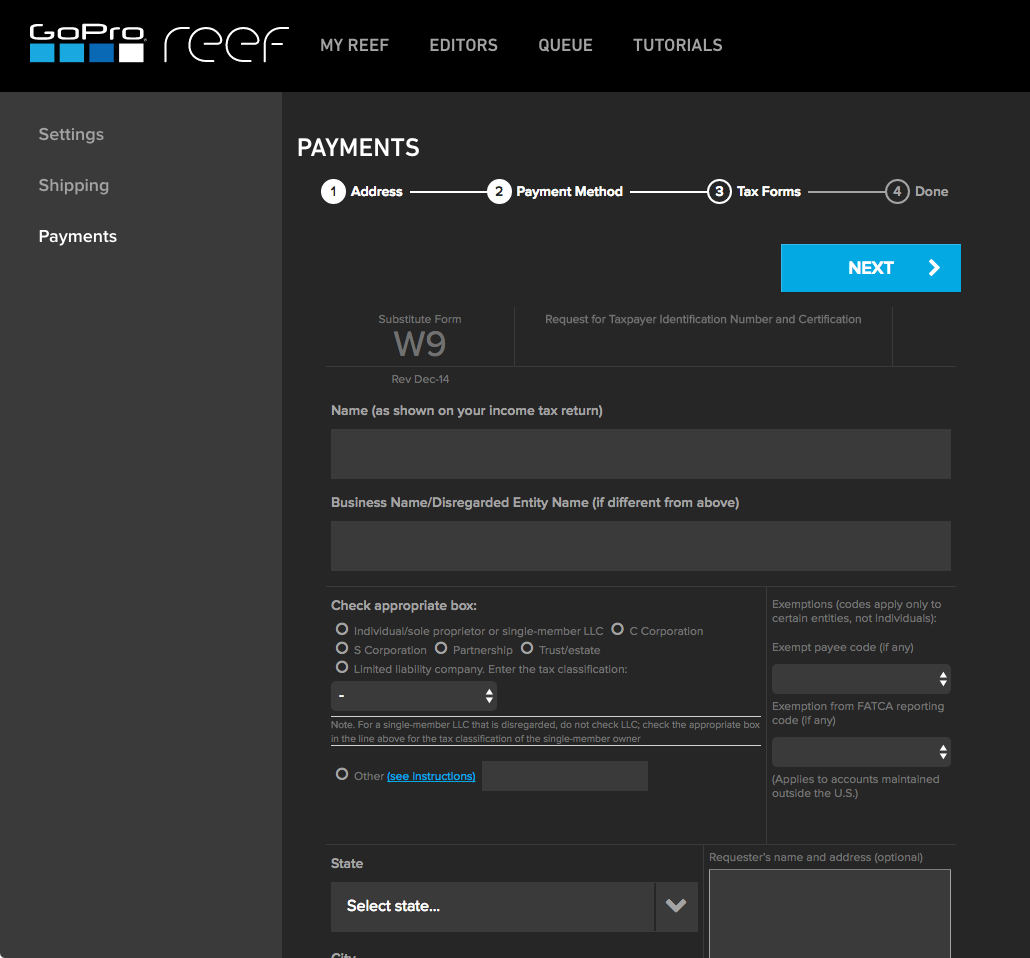
Vendor onboarding has taken the responsibility from one person to the Vendor directly. This provides the vendor with the ability to enter their own banking information for payments and upload their Federal W9 form.
Vendors can upload their own invoices to the system, taking the possibility that our AP team did not receive an emailed or mailed invoice to upload. This also increases payment efficiency as the vendor's invoice is processed in a more timely manner.
AP can review invoices for accuracy and concentrate on how to code an invoice, rather than be a paper pusher or a data entry clerk. AP doesn't spend time searching for invoices that might be a duplicate, the system will communicate this on the software review process and if AP has uploaded by email the same invoice multiple times, an email will be sent to AP to indicate that the invoice was not uploaded due to duplication.
A de minimis incentive was given to thank the reviewer for their time. The incentive was not used to bias or drive a particular response, nor was the incentive contingent on a positive endorsement. More Info
Integration: Zoho Books offers out of the box integrations to extend the functionality and connect with the applications you love like MailChimp, Microsoft Outlook, PandaDoc, and Quickbooks, etc.
Flexibility makes Zoho Books great!
Since I can use forecast reports, I can create customizable sales forecast data from the dashboard to accurately measure revenue forecasts and establish sales quotas.
A de minimis incentive was given to thank the reviewer for their time. The incentive was not used to bias or drive a particular response, nor was the incentive contingent on a positive endorsement. More Info