SugarSync is a cloud storage and backup solution designed for small businesses.
$7.49
per month
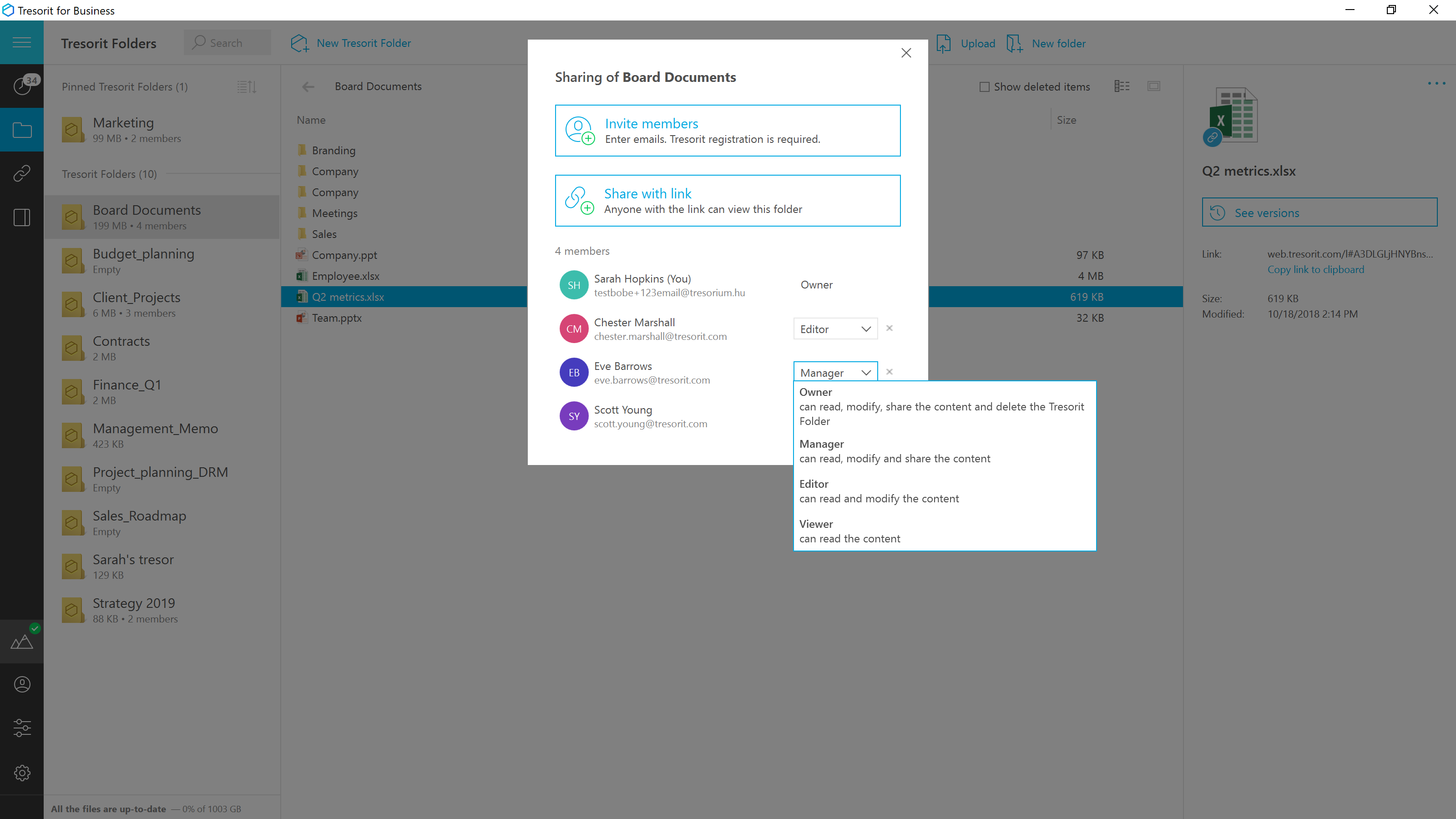
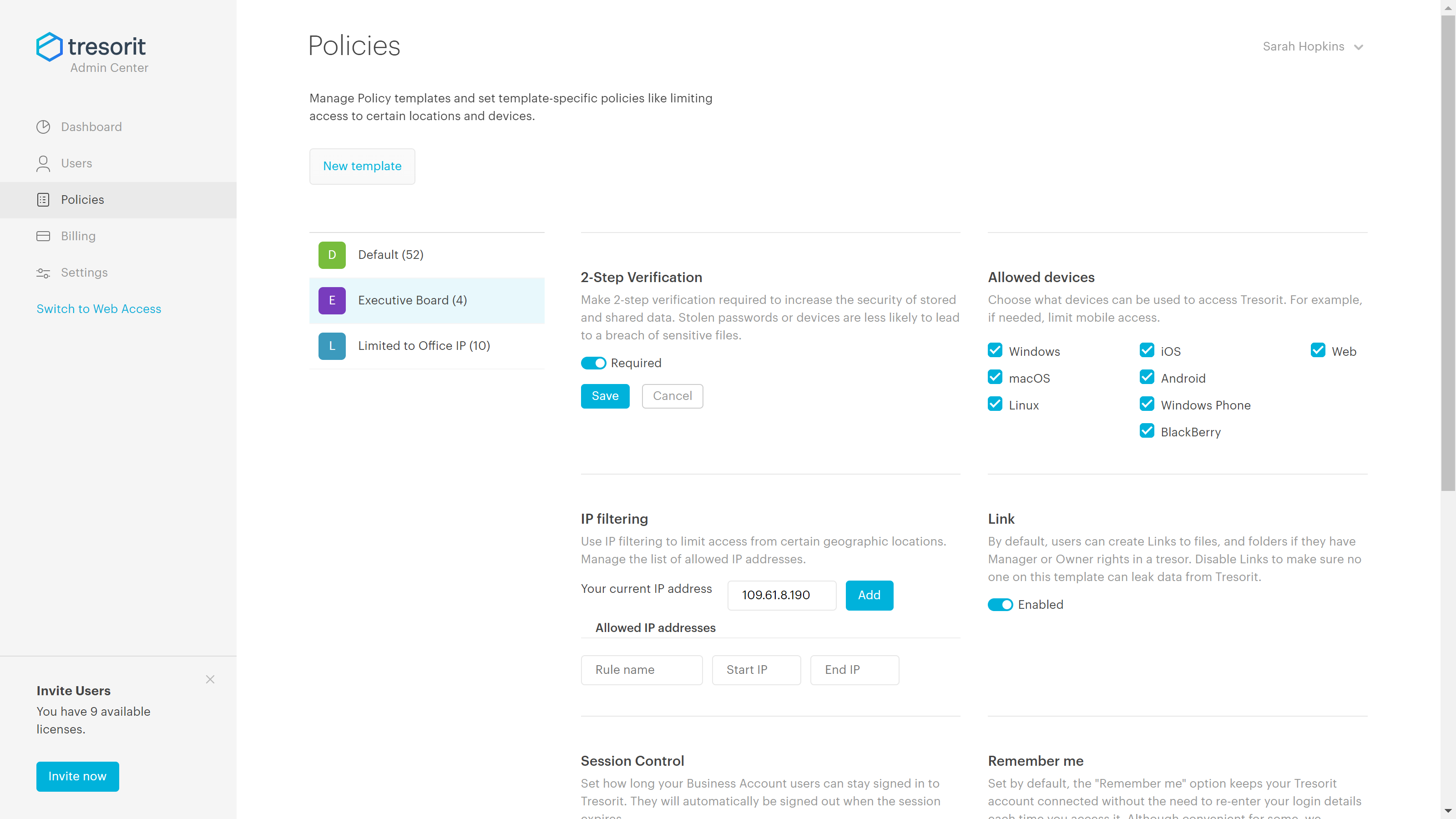
Tresorit
Score 6.2 out of 10
N/A
Tresorit offers end-to-end encrypted file
sync & sharing. The vendor promises an ultra-secure place in the cloud to store,
sync and share files easily from anywhere, anytime. The vendor says Tresorit is powered by
end-to-end encryption and enhanced with a flexible permission system, therefore
it seals your files away from internal data breaches and hackers. All the data
is securely stored according to the GDPR in Europe in Microsoft Azure
datacenters.
Tresorit promises to help secure…
$13.99
per month 1TB of encrypted storage
Pricing
SugarSync
Tresorit
Editions & Modules
100 GB
$7.49
per month
250 GB
$9.99
per month
500 GB
$18.95
per month
Personal
$13.99
per month 1TB of encrypted storage
Business Standard
$18
per month 1TB of encrypted storage
Business Plus
$24
per month per user (2TB of encrypted storage per user)
Professional
$33.99
per month 4TB of encrypted storage
Enterprise
Custom
Starts from 50 users
Offerings
Pricing Offerings
SugarSync
Tresorit
Free Trial
Yes
Yes
Free/Freemium Version
No
No
Premium Consulting/Integration Services
No
No
Entry-level Setup Fee
No setup fee
No setup fee
Additional Details
—
Discount for annual pricing.
More Pricing Information
Community Pulse
SugarSync
Tresorit
Features
SugarSync
Tresorit
File Sharing & Management
Comparison of File Sharing & Management features of Product A and Product B
SugarSync
9.4
Ratings
11% above category average
Tresorit
4.7
Ratings
56% below category average
Versioning
8.00 Ratings
00 Ratings
Video files
9.00 Ratings
2.00 Ratings
Audio files
10.00 Ratings
2.00 Ratings
Document collaboration
10.00 Ratings
2.00 Ratings
Access control
10.00 Ratings
2.00 Ratings
File search
9.00 Ratings
10.00 Ratings
Device sync
10.00 Ratings
10.00 Ratings
Cloud Storage Security & Administration
Comparison of Cloud Storage Security & Administration features of Product A and Product B
SugarSync
9.7
Ratings
11% above category average
Tresorit
7.7
Ratings
12% below category average
User and role management
10.00 Ratings
9.00 Ratings
File organization
9.00 Ratings
5.00 Ratings
Device management
10.00 Ratings
9.00 Ratings
Cloud Storage Platform
Comparison of Cloud Storage Platform features of Product A and Product B
As with all file sharing, remote teams - the combination of being able to work alongside colleagues - or remotely (including "on a plane" / without Internet) - but always have your files saved locally makes it very easy to adopt.
Good scenario: Wanting to have your files stored by an independent group that specializes in secure file storage. The ability to have files stored on servers that are not domestic is a big plus too. We had issues in the past with a solution that went down when the US AWS East Coast servers had an issue; Tresorit is insulated from these problems and appears to handle load balancing as well. Not good scenario: If you want to have outside parties, upload files/share files with you within your Tresorit environment. There is no way of doing this, and this is a real operational problem.
It’s a subtle but important difference in how it works because we have to manage the process a little bit more but it also means also SugarSync can possibly fit better into
your productivity work style, especially if you’ve got a really good system of file
management, stuff that you already use whereas in Dropbox, if you have a file system, management system you already use and you want to share those files, you have to move them into Dropbox which might break your system
SugarSync requires just a little bit more forethought.
Exceptionally responsive. This is something we needed from our storage provider. We are continuously accessing the information, and downtime or technical issues would be and are unacceptable. We have had no downtime issues so far, and Support has been responsive to us whenever needed. Exactly what we needed from their service.
SugarSync has solid security. It uses AES 256-cycle to scramble your records extremely still and the TLS show to get them coming. I can open the actual document and I can work on it, save it, and now it’s the same on my notebook as it is in the sync in the Cloud and here on my desktop. So it works very simply and effectively from that perspective. Before I finish though, I do want to show you mobile access because mobile access is increasingly important for all of these different services that we’re talking about. For SugarSync, having access to our iPhone, iPad, or our Android device is also crucial. So here we see my iPhone is up and I’m going to go into my Productivity tab here
Secure and independently operated. We selected Tresorit for its secure file storage capabilities that the other services (except SpiderOak) did not provide. Tresorit is a zero-knowledge system, which gives us a lot of comforts when it comes to secure data storage. SpiderOak was a close alternative, but they have been in continuous development to provide competitive features, and still haven't provided what we needed (SpiderOak has promised features for several years at this point).