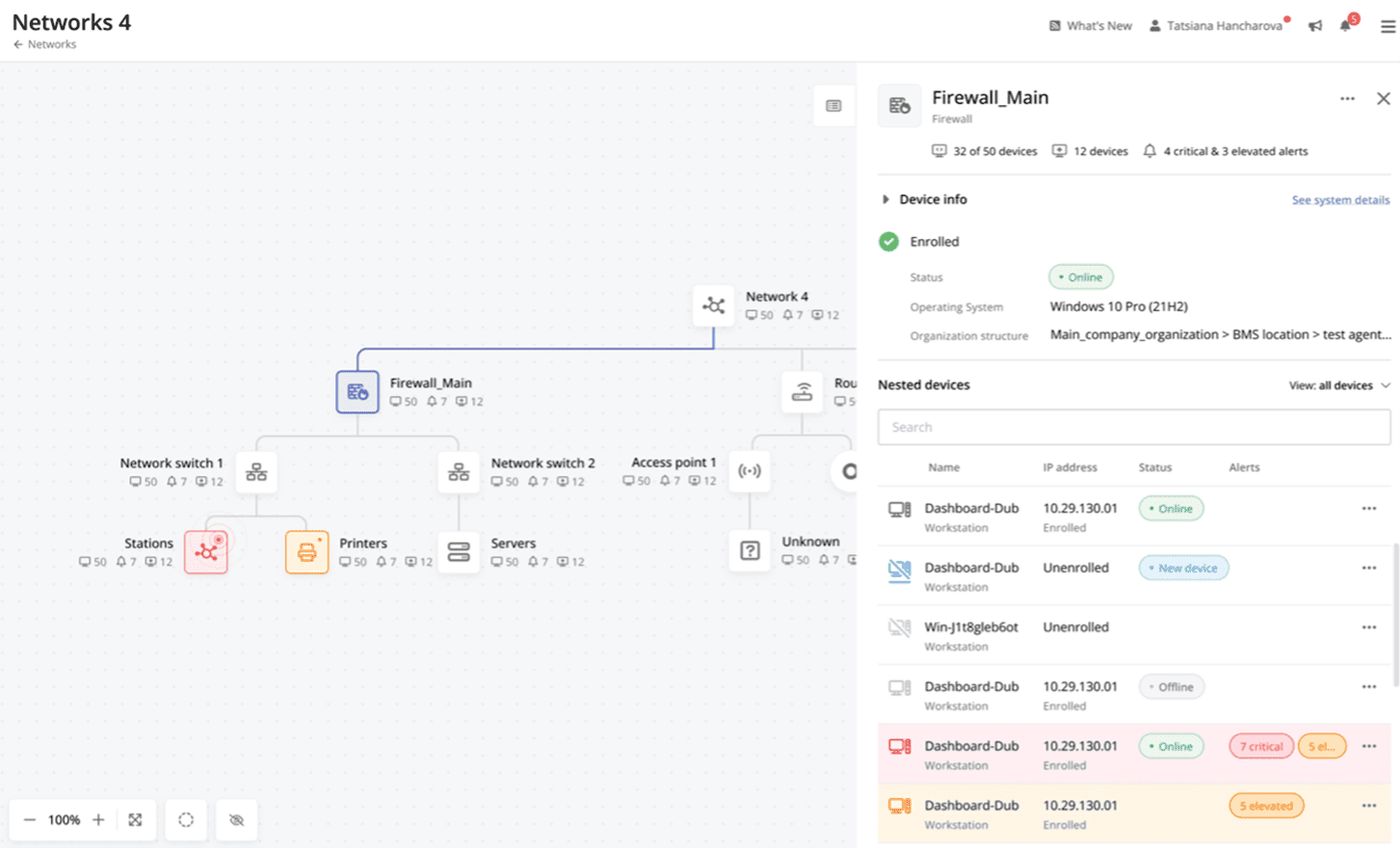
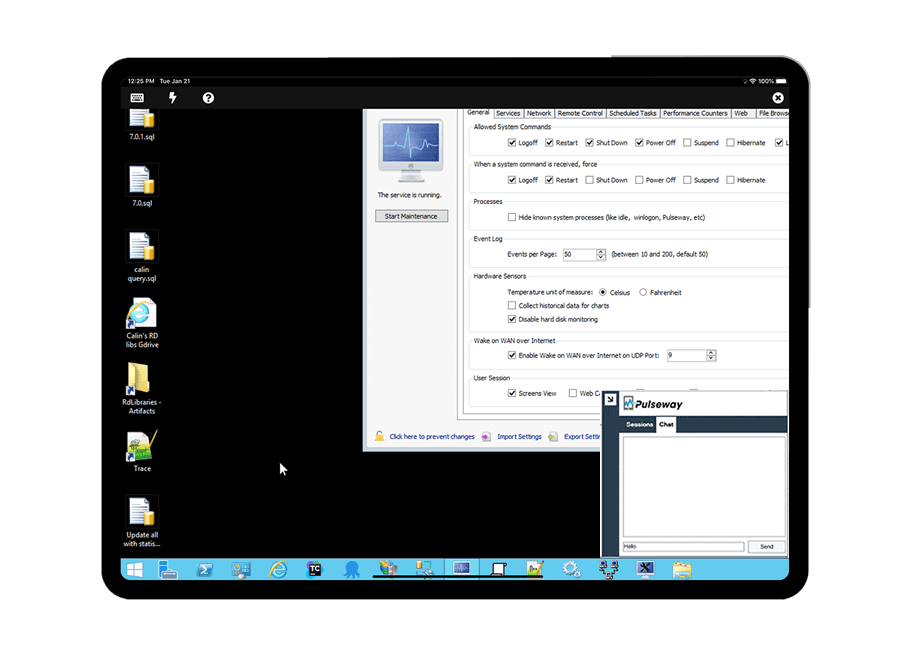
Pulseway is an IT monitoring and management solution that enables users to monitor, manage and control all systems and servers from a smartphone, tablet or browser. For system administrators, Pulseway sends a notification, so they can see an issue and sort it in seconds. Pulseway features: Automation: Auto-remediation workflows, so that IT issues are fixed before users even notice them. Mobile Access: Customers can monitor, manage, connect with…
$0.80
per month per installation
Spiceworks Cloud Help Desk
Score6.8 out of 10
N/A
Spiceworks offers a set of free tools for IT network management and help desk support ticketing. The inventory management system essentially provides comprehensive device information for asset management.
$0
(free for 1-5 Seats)
Pricing
Pulseway
Spiceworks Cloud Help Desk
Editions & Modules
Enterprise
$0.80
per month per installation
Core Plan
$0
Premium
$6
per month per user
Offerings
Pricing Offerings
Pulseway
Spiceworks Cloud Help Desk
Free Trial
Yes
No
Free/Freemium Version
Yes
Yes
Premium Consulting/Integration Services
Yes
No
Entry-level Setup Fee
No setup fee
No setup fee
Additional Details
No hidden fees or contracts. Term-based discounts.
A de minimis incentive was given to thank the reviewer for their time. The incentive was not used to bias or drive a particular response, nor was the incentive contingent on a positive endorsement. More Info
Spiceworks Ziff Davis
No answer on this topic
Key User Insights
Would buy again
No answers on this topic
No answers on this topic
Delivers good value for the price
No answers on this topic
No answers on this topic
Happy with the feature set
No answers on this topic
No answers on this topic
Lived up to sales and marketing promises
No answers on this topic
No answers on this topic
Implementation went as expected
No answers on this topic
No answers on this topic
Features
Pulseway
Spiceworks Cloud Help Desk
Incident and problem management
Comparison of Incident and problem management features of Pulseway and Spiceworks Cloud Help Desk
Feature
Pulseway
-
Ratings
Spiceworks Cloud Help Desk
8.5
55 Ratings
6% above category average
Organize and prioritize service tickets
00 Ratings
8.054 Ratings
Expert directory
00 Ratings
8.047 Ratings
Subscription-based notifications
00 Ratings
9.042 Ratings
ITSM collaboration and documentation
00 Ratings
6.045 Ratings
Ticket creation and submission
00 Ratings
10.054 Ratings
Ticket response
00 Ratings
10.053 Ratings
Self Help Community
Comparison of Self Help Community features of Pulseway and Spiceworks Cloud Help Desk
Feature
Pulseway
-
Ratings
Spiceworks Cloud Help Desk
7.0
52 Ratings
11% below category average
External knowledge base
00 Ratings
7.048 Ratings
Internal knowledge base
00 Ratings
7.048 Ratings
Multi-Channel Help
Comparison of Multi-Channel Help features of Pulseway and Spiceworks Cloud Help Desk
If you have to manage a large number of computers, especially spread over multiple clients or a large physical area. This is one of the main products that allows us to act as a Managed Service Provider (MSP) and actually manage our clients devices and not just react to issues as clients call them in. Clients really love the proactive approach it allows us to take.
A de minimis incentive was given to thank the reviewer for their time. The incentive was not used to bias or drive a particular response, nor was the incentive contingent on a positive endorsement. More Info
It's a great helpdesk solution - we currently have five years of data within it, roughly 25,000 tickets. The older edition is a great inventory and software license tracking tool. It is easy for users to use the interface and submit tickets and requests on the web, and its email integration is solid. The new version is a below-average system monitoring tool, only giving up/down status and a few other metrics.
A de minimis incentive was given to thank the reviewer for their time. The incentive was not used to bias or drive a particular response, nor was the incentive contingent on a positive endorsement. More Info
It monitors computers and notifies us of any issues with any computer.
It allows remote control of computers, such as requesting a computer to reboot itself.
It is very highly configurable to monitor exactly what we need to monitor. For example, on server, we can have it notify us any time the server is shutdown or rebooted. On the other hand, for a desktop computer, we don't have to be bothered with notifications when a user decides to reboot his computer.
A de minimis incentive was given to thank the reviewer for their time. The incentive was not used to bias or drive a particular response, nor was the incentive contingent on a positive endorsement. More Info
A de minimis incentive was given to thank the reviewer for their time. The incentive was not used to bias or drive a particular response, nor was the incentive contingent on a positive endorsement. More Info
A de minimis incentive was given to thank the reviewer for their time. The incentive was not used to bias or drive a particular response, nor was the incentive contingent on a positive endorsement. More Info
A de minimis incentive was given to thank the reviewer for their time. The incentive was not used to bias or drive a particular response, nor was the incentive contingent on a positive endorsement. More Info
Spiceworks is a free tool, so there would be no hesitation if we are required to upgrade it. We have installed Spiceworks on a dedicated server with more than enough resources to get the most from this tool, so we will have this running in our department for years to come.
A de minimis incentive was given to thank the reviewer for their time. The incentive was not used to bias or drive a particular response, nor was the incentive contingent on a positive endorsement. TR verified that a representative sample of customers was invited. More Info
The tool is easy to use however it is can be daunting with the amount of features available in it. Last I checked, their knowledge base was not very expansive and they relied a lot on the changelog for how to do some stuff. This can make it hard to learn how to do some more advanced things like the automation.
A de minimis incentive was given to thank the reviewer for their time. The incentive was not used to bias or drive a particular response, nor was the incentive contingent on a positive endorsement. More Info
Spiceworks is user friendly and easy to set up. It can be customized to suit your needs. If there are any problems, you can go to the community forums for support and be in contact with many IT Pros, as well as the Spiceworks support staff and development teams who are always happy to help users out
A de minimis incentive was given to thank the reviewer for their time. The incentive was not used to bias or drive a particular response, nor was the incentive contingent on a positive endorsement. More Info
A de minimis incentive was given to thank the reviewer for their time. The incentive was not used to bias or drive a particular response, nor was the incentive contingent on a positive endorsement. More Info
I have never had to use the support for Pulseway. However, when initially starting out, we would receive emails every so often asking how we are doing and if there is any support that they can provide. I would imagine that any request would be supplied with the same great support!
A de minimis incentive was given to thank the reviewer for their time. The incentive was not used to bias or drive a particular response, nor was the incentive contingent on a positive endorsement. More Info
Spiceworks has been working out of the box, and some of the basic customizations have been successful with just our internal staff handling. We don't have any other issues with the tool. It provides us with the inventory information we want in a quick and concise report in a variety of formats for our team.
A de minimis incentive was given to thank the reviewer for their time. The incentive was not used to bias or drive a particular response, nor was the incentive contingent on a positive endorsement. More Info
If you can spin up a VM to run it on, you'll thank yourself later. If you have remote sites, set up a local server (or dedicated computer) at each site and set them up as remote collectors for the main site. You'll save time and bandwidth
A de minimis incentive was given to thank the reviewer for their time. The incentive was not used to bias or drive a particular response, nor was the incentive contingent on a positive endorsement. More Info
Pulseway has the most features, the best looking app with the best design and better usability than any others we evaluated. We liked the uniformity of the app design across all platforms (Windows, Android, Apple) and the notifications displayed on each platform. The price was a major contributor to our selection of Pulseway compared to the competition.
A de minimis incentive was given to thank the reviewer for their time. The incentive was not used to bias or drive a particular response, nor was the incentive contingent on a positive endorsement. More Info
EGroupware UI is clunky and hard to use, Jira is great but the pricing is expensive in comparison with spice works that has a free version and you can test it out properly before buying and make a correct decision based on your business plan and company objectives with the right software.
A de minimis incentive was given to thank the reviewer for their time. The incentive was not used to bias or drive a particular response, nor was the incentive contingent on a positive endorsement. More Info
Problems can be dealt with more rapidly because I have access to systems from anywhere. I don't have to carry a computer with me nor do I have to find a location with potentially non-secure wifi to gain access to my systems.
I can handle 99% of my system admin tasks using Pulseway and never have to touch a system or connect to the console.
Pulseway gives so much control over a system that I don't need to spend extra money on other software to perform management tasks.
A de minimis incentive was given to thank the reviewer for their time. The incentive was not used to bias or drive a particular response, nor was the incentive contingent on a positive endorsement. More Info
A de minimis incentive was given to thank the reviewer for their time. The incentive was not used to bias or drive a particular response, nor was the incentive contingent on a positive endorsement. More Info