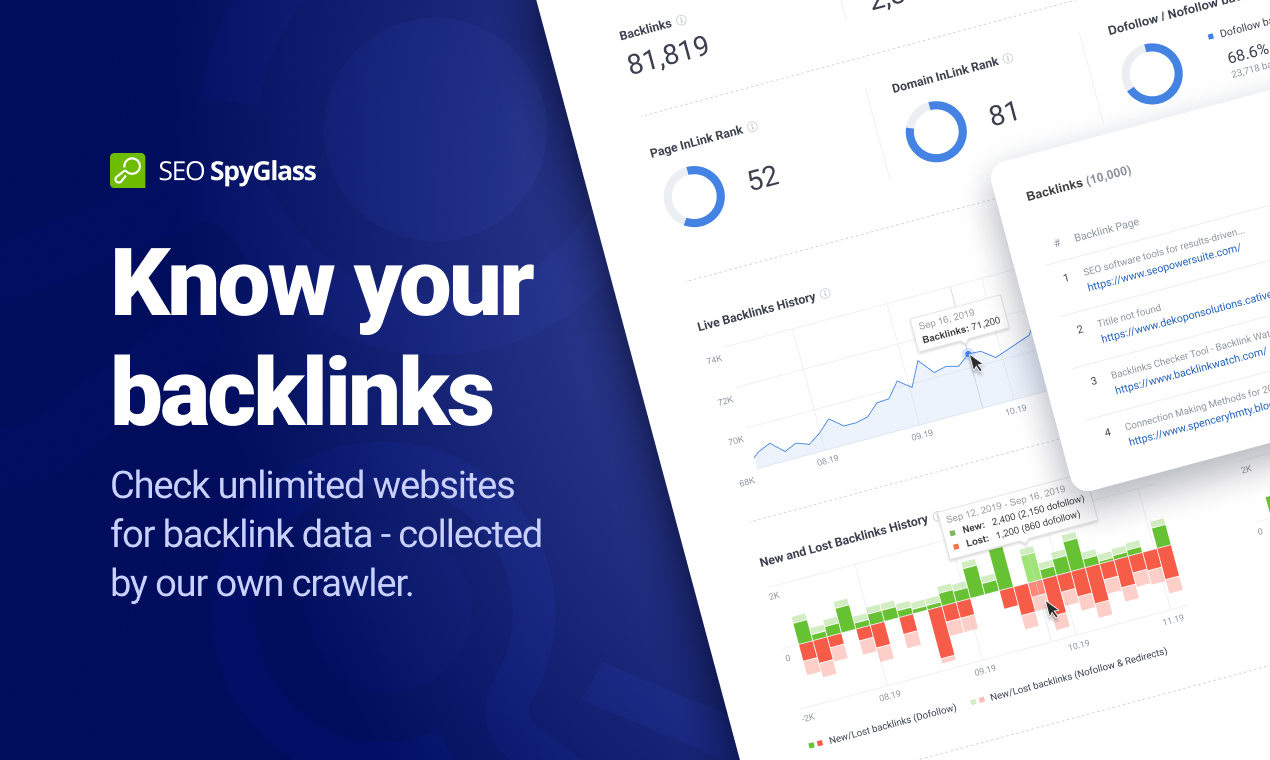
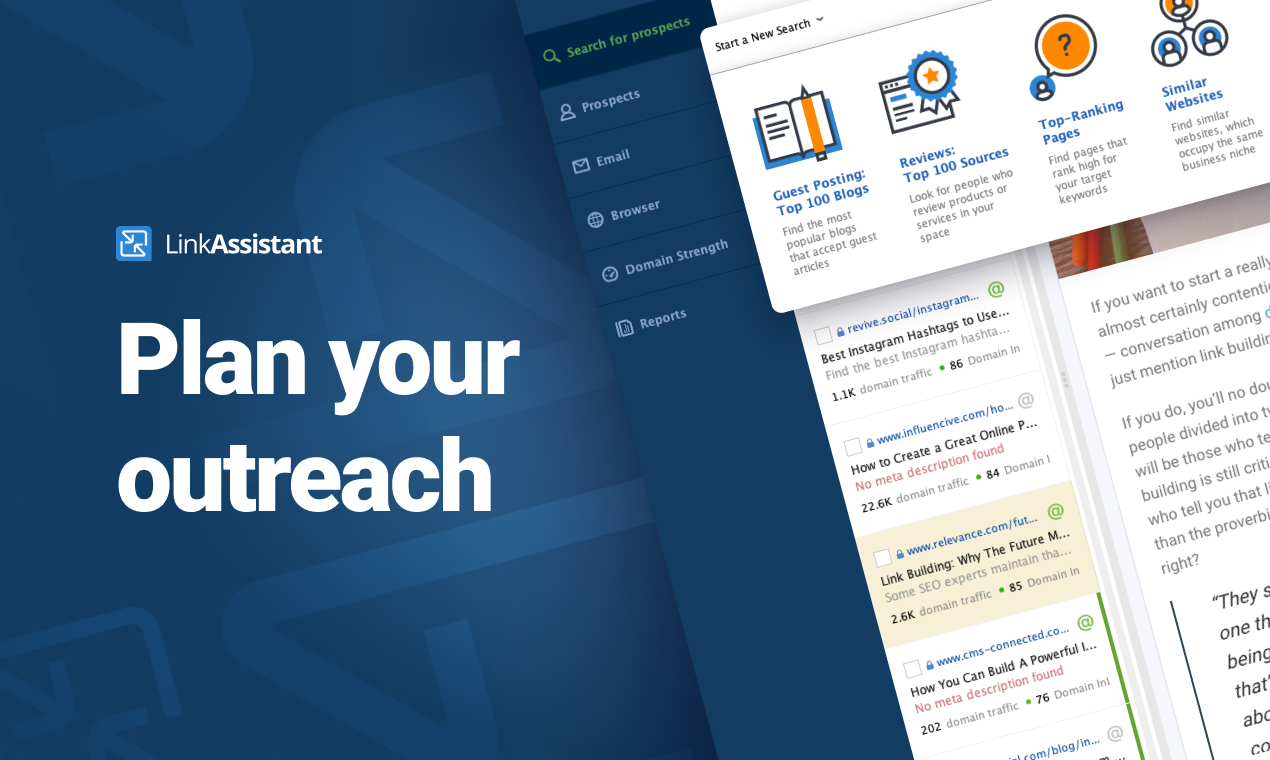
SEO PowerSuite is a SEO software tookit that includes 4 applications - Rank Tracker, WebSite Auditor, SEO SpyGlass, and LinkAssistant. Each application helps website owners and SEOs focus on a specific aspect of search engine optimization. With Rank Tracker, the user can set up rank monitoring, analyze competitors, look for new keyword ideas and organize them in relevant keyword groups. WebSite Auditor helps to run sitewide audits for technical issues, as well as get actionable recommendation…
$299
per year
Yoast
Score9.3 out of 10
N/A
Yoast offers a set of tools developed by Joost de Valk and team, founder of yoast.com and Wordpress enthusiast. These tools are designed to help content rank higher and are subsumed under the Yoast Complete pack, which includes Video SEO for rank climbing with embedded videos in a Wordpress site, WooCommerce SEO for the WP ecommerce plugin, News SEO for rank climbing in Google news, Local SEO for (as the name implies) climbing in local listings with more complete information so can be located…
Online Music marketeer in Marketing at Music-Mindset (Music, 1-10 employees)
Chose SEO PowerSuite
In many ways, SEO PowersSuite is so powerful that I keep coming back to it everytime. All other software is a. Online and b. Often limited in ways (even in the paid versions) that breaks the productivity. Not a super bad thing per-se, but if you have to work on various websites …
A de minimis incentive was given to thank the reviewer for their time. The incentive was not used to bias or drive a particular response, nor was the incentive contingent on a positive endorsement. More Info
CEO (Chief Executive Officer) in Information Technology at Curl Labs (Computer Software, 51-200 employees)
Chose Yoast
Yoast Wordpress SEO Plugins are very easy to get started. Its suggestion for focus keywords and readability score based on the content helps us to quickly publish search engine-friendly web pages. Unlike other popular SEO products, Yoast plugins are integrated into WordPress …
A de minimis incentive was given to thank the reviewer for their time. The incentive was not used to bias or drive a particular response, nor was the incentive contingent on a positive endorsement. More Info
Owner Principal in Marketing at Montana SEO Services, LLC (Marketing & Advertising, 1-10 employees)
Chose Yoast
It does not appear to be on the list, but the one SEO plugin that we have tested against Yoast is All In One SEO Pack. After comparing the two we decided on Yoast as we felt that overall it just did a better job. If we didn't have Yoast that would be our second choice. In …
A de minimis incentive was given to thank the reviewer for their time. The incentive was not used to bias or drive a particular response, nor was the incentive contingent on a positive endorsement. More Info
Verified User
Chose Yoast
Yoast is unique in the sense that it makes implementing SEO recommendations that we pull from the other comparable tools a real breeze! It's simple to use and saves hours that would ordinarily be used for training and can be used for the implementation of recommendations. No …
A de minimis incentive was given to thank the reviewer for their time. The incentive was not used to bias or drive a particular response, nor was the incentive contingent on a positive endorsement. More Info
After starting your online business, you have to use SEO PowerSuite to start up. You want to know where you have to go in terms of SEO journey, what keywords you need to use, who your competition is and which locations are the most important to you. Also, you need to know the power of your website, how well it performs now and how it can be improved. If you just want to start blogging for fun, about stuff that interests you and only you, you might find this program a bit over the top. It has way too many features to "just" see how many visitors you get on your website. A simple plugin will probably do the job.
Yoast Wordpress SEO Plugins is really great for any application - home pages, blogs, etc. It saves a lot of time researching keywords, but it is time-consuming crafting content, which I think is a necessary evil. I wasn't really seeing the immediate results I had hoped for, but there could be a variety of reasons for that (cookies, caches, etc.). Overall, if you have the time to dedicate and utilize the tool, it's awesome!
A de minimis incentive was given to thank the reviewer for their time. The incentive was not used to bias or drive a particular response, nor was the incentive contingent on a positive endorsement. More Info
A de minimis incentive was given to thank the reviewer for their time. The incentive was not used to bias or drive a particular response, nor was the incentive contingent on a positive endorsement. More Info
A de minimis incentive was given to thank the reviewer for their time. The incentive was not used to bias or drive a particular response, nor was the incentive contingent on a positive endorsement. More Info
The software is not strong with processing large amounts of data. So, it is really good for small and medium size businesses, but can be cumbersome for large projects.
Due to large number of settings it takes time to learn it.
Need to purchase proxies or captcha solution. I think those can be provides as part of the package already.
Density: Because even the free, basic Yoast SEO tool has SO MANY FEATURES, if you're brand new to SEO as a concept/practice, you might feel a little overwhelmed at first. Just go watch the training videos!
Bulk Title Editing: I'm sure this tool can be useful, but I've never found it to be particularly intuitive or helpful.
Limitations: I'm grasping at straws here, but it would be nice if some of the premium (paid) features- specifically the social media previews- were available in the free version. Like I said, grasping.
A de minimis incentive was given to thank the reviewer for their time. The incentive was not used to bias or drive a particular response, nor was the incentive contingent on a positive endorsement. More Info
I gave SEO PowerSuite a two because our company did not renew our subscription. The pricing was too complicated and having multiple platforms made it more difficult to use. We dropped our subscription to SEO PowerSuite and implemented Moz. Moz gave us a full view of all of the metrics we were looking for on one web-based platform. Plus, the pricing model was simple so it was easier to get senior management to cosign on.
A de minimis incentive was given to thank the reviewer for their time. The incentive was not used to bias or drive a particular response, nor was the incentive contingent on a positive endorsement. More Info
It's super easy to use. Really, it requires little-to-know tutorials or walkthroughs at all — it explains everything you need to know in the description and tooltips built straight into the tool. I've never had to google a how-to or tutorial to use Yoast — it just works, and it works well
A de minimis incentive was given to thank the reviewer for their time. The incentive was not used to bias or drive a particular response, nor was the incentive contingent on a positive endorsement. More Info
I have had several interactions with support at SEO PowerSuite. Each time I have been quite pleased with the response. I have interacted with billing and tools support and have found them to both be on top of things. they follow up well and they get the issue resolved in a timely manner. I have no complaints here.
A de minimis incentive was given to thank the reviewer for their time. The incentive was not used to bias or drive a particular response, nor was the incentive contingent on a positive endorsement. More Info
There are plenty of amazing articles published on their site, however, I don't rate their actual support team as being particularly helpful. I made multiple points of contact regarding the internal link counter not working and even though they began troubleshooting I think when it became too hard it was just forgotten about and so is still unresolved.
A de minimis incentive was given to thank the reviewer for their time. The incentive was not used to bias or drive a particular response, nor was the incentive contingent on a positive endorsement. More Info
SEO Powersuite has a lot of training videos online, combined with some live streaming tutorials. Also, they have a guide that comes with their software to outline the basics of your SEO workflow. This will get you on the right track right from the start. Their guides and tutorials are easy to follow and detail every possible option you have when doing work with SEO Powersuite. Even if you want to switch to different software, the courses are easy to implement in all other tools too! Very recommended if you want to get started in the SEO world, or want to expand your knowledge.
It works in combination with all of them, the closest would be a combination of Ahrefs, Majestic, and Screaming Frog. However, where this tool steps up its game, is when you integrate it with Google Search Console and then tie them both into Google Data Studio. When you get this right, you can show your client how much money they would need to spend on PPC to get the same 'value' of traffic. This changes the way they look at optimization, now the cost of a term in PPC is also used as a reason to optimize the customer journey.
This is my go-to plugin for SEO. It is easy, and I trust Yoast will give me solid results. In a short time period, our website has seen measurable results in organic search traffic. Our previous website didn't use page level SEO tools to this extent. We are systematically updating each page using the Yoast WordPress SEO Plugin. We are pleased with the results
A de minimis incentive was given to thank the reviewer for their time. The incentive was not used to bias or drive a particular response, nor was the incentive contingent on a positive endorsement. More Info
SEO PowerSuite is a one-time payment SEO software which shortens the time it takes for you to optimize websites in terms of SEO, content, visibility and conversions which can improve your ROI if used wisely.
Can be used on multiple platforms and scales nicely. An Enterprise license allows multiple people to run the software, and it's easy to set up. It's updated regularly which means zero maintenance.
BuzzBundle and LinkAssistant can increase your brands reach, potentially increasing the number of prospects and leads.
A de minimis incentive was given to thank the reviewer for their time. The incentive was not used to bias or drive a particular response, nor was the incentive contingent on a positive endorsement. More Info
Yoast Wordpress SEO Plugin along with other SEO investments we have made with our new website has extremely paid off on new business opportunity creation. Since August 2018 we have added over $100K of new business opps solely sourced from SEO searches on pages and posts that Yoast has helped us optimize.
Yoast Wordpress SEO Plugin saves our marketing team a lot of time. Since the plugin lives in WordPress and provides live tips we can make to the page or post, our team doesn't have to guess on what keyword, or meta-tag, or how many internal and external links a page or post should have using an additional platform. It is just conveniently there for us to use regularly.
Yoast Wordpress SEO Plugin cannot be the only piece of software your website relies on to obtain SEO optimization with search engines. It is a piece of the puzzle, and you can only maximize its' value by making sure your website is scam free, the code under the hood is healthy, and the load time and page weight is light.
A de minimis incentive was given to thank the reviewer for their time. The incentive was not used to bias or drive a particular response, nor was the incentive contingent on a positive endorsement. More Info