SecurID vs. Univention Corporate Server (UCS)

Overview
ProductRatingMost Used ByProduct SummaryStarting Price
SecurID
Score 9.0 out of 10
N/A
SecurID, a company and solution suite from RSA, is an identity and access management suite supporting access management, authentication, and identity governance.
$2
per year per user
Univention Corporate Server (UCS)
Score 8.2 out of 10
N/A
Univention Corporate Server (UCS) is an open integration platform which, with Nubus, offers centralized Identity and Access Management with a web portal for easy access to applications and enables the management of heterogeneous IT domains through comprehensive Active Directory functions. - Portal with Single Sign- On - Integrated Identity and Access Management - Packaged integrations - App Center with enterprise applications - Active Directory…
$0
per installation
Pricing
SecurIDUnivention Corporate Server (UCS)
Editions & Modules
Cloud
$2
per year per user
Cloud Plus
$4
per year per user
Cloud Premier
$6
per year per user
UCS Core Edition
$0.00
per installation
UCS Core Edition
$0.00
per installation
UCS Base Subscription
$382.00
per installation
UCS Base Subscription
$382.00
per installation
UCS Standard Subscription
$1295.00
per installation
UCS Standard Subscription
$1295.00
per installation
UCS Premium Subscription
$2250.00
per installation
UCS Premium Subscription
$2250.00
per installation
Offerings
Pricing Offerings
SecurIDUnivention Corporate Server (UCS)
Free Trial
YesNo
Free/Freemium Version
NoYes
Premium Consulting/Integration Services
NoNo
Entry-level Setup FeeNo setup feeOptional
Additional DetailsThe core edition of UCS is free, but does not offer a great deal of support. There are three different subscription options (for either On-Premise- or SAAS deplyoment) which include the installation of UCS and apps, support and maintainance via phone, security updates and hotfixes, domain services and much more.
More Pricing Information
Community Pulse
SecurIDUnivention Corporate Server (UCS)
Features
SecurIDUnivention Corporate Server (UCS)
Identity Management
Comparison of Identity Management features of Product A and Product B
SecurID
8.7
Ratings
7% above category average
Univention Corporate Server (UCS)
8.2
Ratings
1% above category average
ID-Management Access Control8.60 Ratings8.20 Ratings
ID Management Single-Sign On (SSO)8.60 Ratings8.20 Ratings
Multi-Factor Authentication9.00 Ratings8.20 Ratings
Password Management8.70 Ratings00 Ratings
Account Provisioning and De-provisioning8.30 Ratings8.20 Ratings
ID Management Workflow Automation8.60 Ratings00 Ratings
ID Risk Management8.60 Ratings00 Ratings
Best Alternatives
SecurIDUnivention Corporate Server (UCS)
Small Businesses
Dashlane Password Manager
Score 8.9 out of 10
Dashlane Password Manager
Score 8.9 out of 10
Medium-sized Companies
OneLogin by One Identity
Score 9.6 out of 10
OneLogin by One Identity
Score 9.6 out of 10
Enterprises
OneLogin by One Identity
Score 9.6 out of 10
OneLogin by One Identity
Score 9.6 out of 10
All AlternativesView all alternativesView all alternatives
User Ratings
SecurIDUnivention Corporate Server (UCS)
Likelihood to Recommend
8.2
(0 ratings)
8.2
(0 ratings)
Likelihood to Renew
8.0
(0 ratings)
-
(0 ratings)
Usability
9.0
(0 ratings)
-
(0 ratings)
Support Rating
8.0
(0 ratings)
-
(0 ratings)
User Testimonials
SecurIDUnivention Corporate Server (UCS)
Likelihood to Recommend
Works well in a large organization with many employees and devices but may not work so well in smaller organizations due to alternatives that are cheaper and are already provided (such as Microsoft's Azure MFA). Using the soft token is easy and convenient. For a large environment, It has allowed us to have a single app used for authentication for all of our various users, and using the soft token is easy and convenient.
Read full review
Univention Corporate Server is well suited:
  1. If an Organization would like to use it as a complete Active Directory Server.
  2. If an Organization wants to deploy other applications which are important like SSO, Mail Server, 2FA etc., as with one click all these Apps will be integrated magically thus reducing the Admin job considerably.
  3. Web based management which will be quite useful for the Admins who are from Windows background only.
  4. Univention as a company which has close to 2 decades of experience.
Read full review
Pros
  • RSA SecurID allows me to access network files from remote locations (hotels, other businesses, working from home). This allows me greater productivity and helps me with a work-life balance as I can work later at night or not get so backed up when I'm traveling.
  • RSA SecurID keeps information secure by limiting access to network files
  • RSA SecurID is easy to use with a soft token - one less item to carry around in my travel bag
Read full review
  • Complete replacement for MS Active Directory Server.
  • Univention App Center - awesome concept with which Apps can be installed for the Domain.
  • App Center can be compared to Google Play Store or Apple Play Store - Organizations can gain tremendous advantages.
  • Plethora of Apps which are both free and paid and excellent apps for the Organizations.
Read full review
Cons
  • The Android application cannot be easily returned to the original code (if you chose to move to the next code).
  • If misconfigured, it can lock an administrator out of a server.
  • The look and feel of the RSA control center status bar application have a dated feel.
Read full review
  • As Univention is from Germany, lot of informative articles are in German but English articles are also good but less in number.
Read full review
Likelihood to Renew
Long story short, does the job. Can use company credentials to setup and access the account for SecurID. Easy to setup and implement. Doesn't have a high learning curve.
Read full review
No answers on this topic
Usability
Using it very frequently, it's important that its straight forward and I do not have to go through unnecessary hoops to achieve something seemingly simple. Can setup using the company credentials and do not have to setup up a separate account. Setup was fast and easy. GUI is very straight forward and quick.
Read full review
No answers on this topic
Support Rating
Their support for onboarding and set-up is quite good. The only issues we tend to have are obtaining new user devices. These need to be planned ahead of time.
Read full review
No answers on this topic
Alternatives Considered
RSA SecureID is still widely deployed and the de facto industry standard for 2nd factor authentication. Microsoft Azure offers alternative 2nd factor auth but the price was too high. We are still testing Citrix NetScaler offering with CloudBridge for 2nd factor auth and SMS code to user mobile device so it is yet to be seen as a viable alternative to RSA.
Read full review
We have evaluated Zentyal and ClearOS but we found out that UCS is more suited to every Organization.
Read full review
Return on Investment
  • We are pleased with our implementation of RSA Authentication Manager. The deployment process went smooth without many issues.
  • Administration and troubleshooting are very easy using the GUI console.
  • There is enough good quality documentation, training, and online forums are available for our team to refer to in case of any technical issues.
Read full review
  • As a partner, we have gained lot of respect from our customers as UCS is rock solid.
  • UCS is truly Open Source.
  • UCS has surpassed our expectations.
Read full review
ScreenShots

Univention Corporate Server (UCS) Screenshots
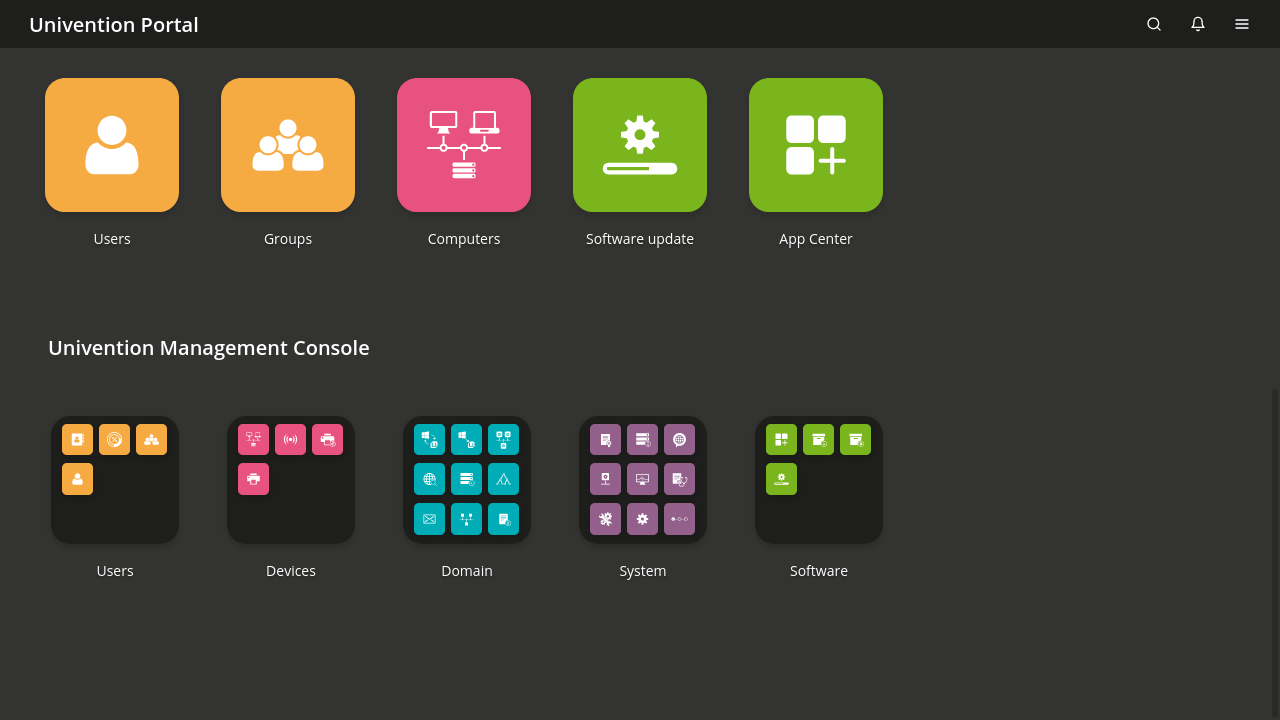
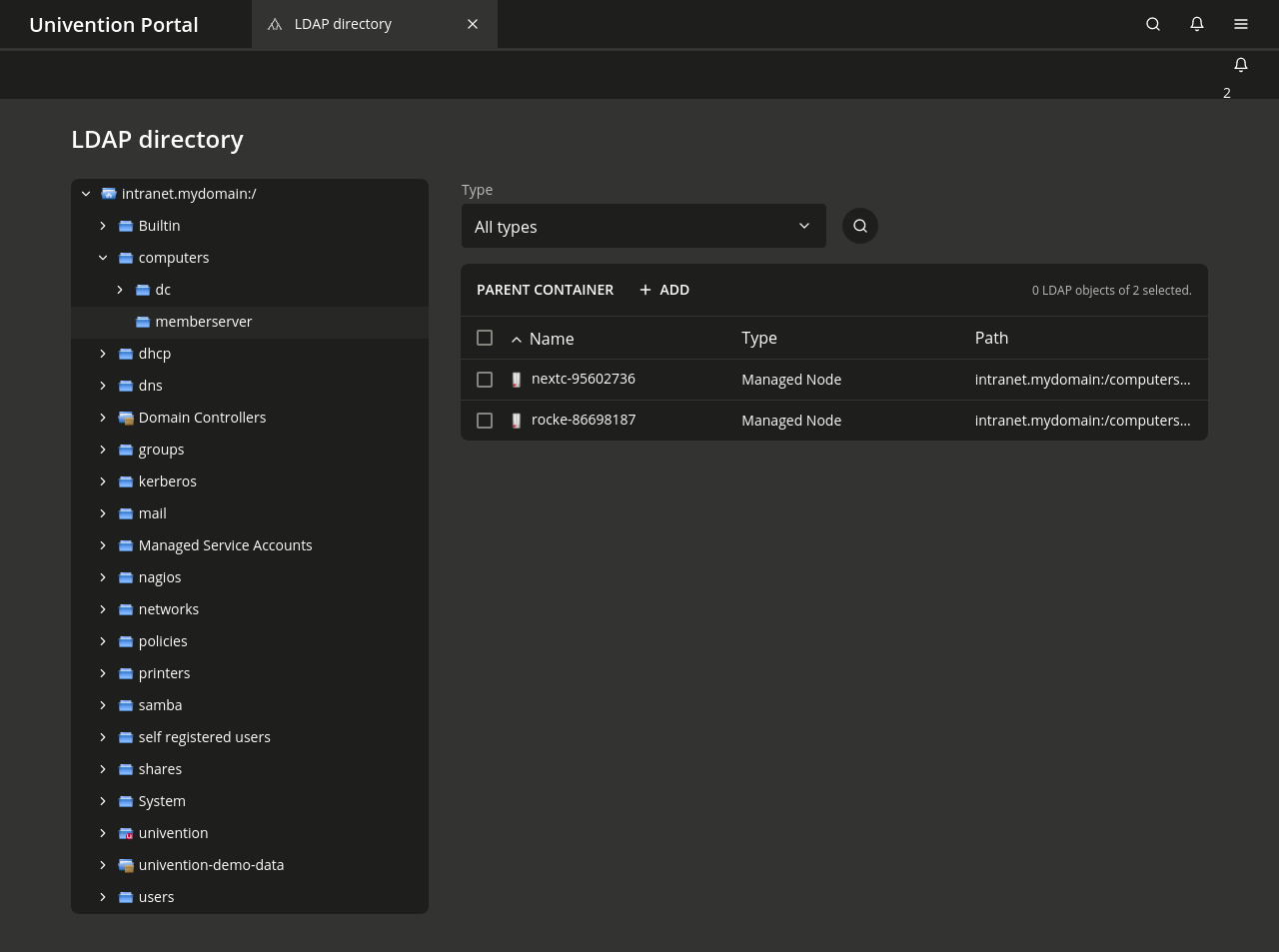
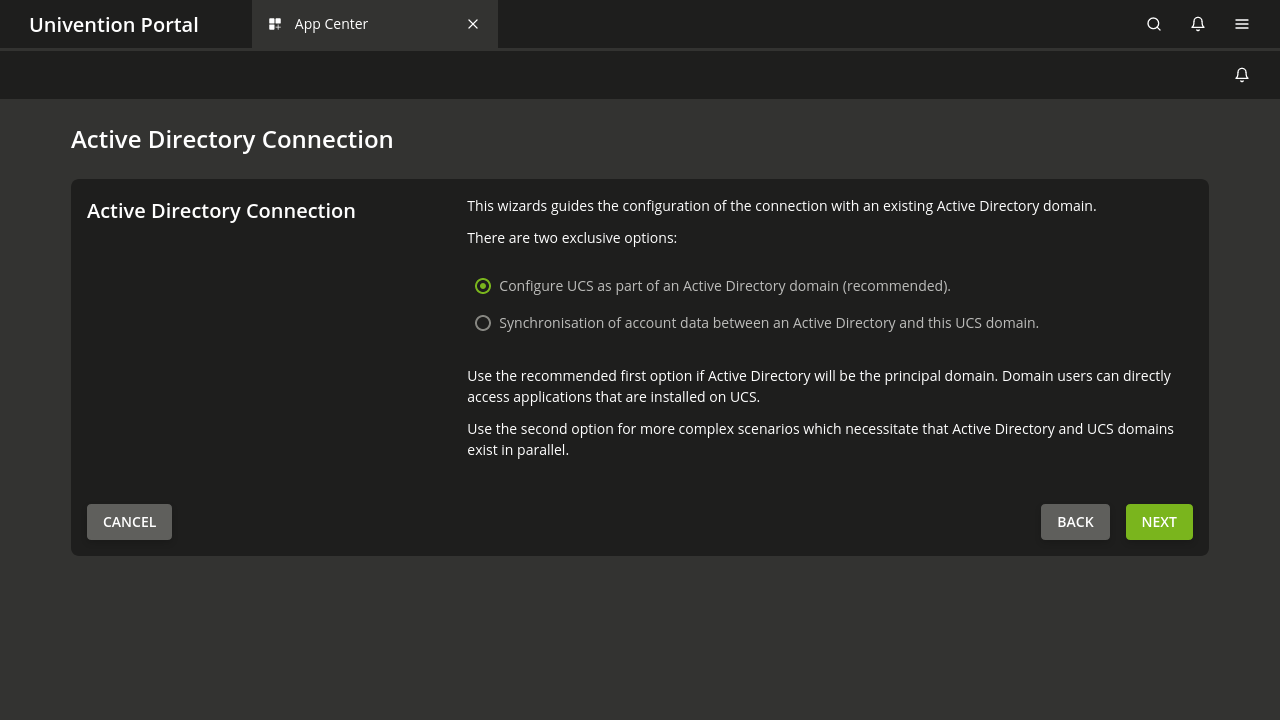
Screenshot of an overview of the UCS Management ConsoleScreenshot of the UCS App Center displaying a few of the available appsScreenshot of user administration in UCSScreenshot of a view of the OpenLDAP directory in UCSScreenshot of the establishment of an Active Directory connection with UCS