Microsoft Power Automate is an advanced automation platform offering a range of features, including AI-powered automation, robotic process automation (RPA), business process automation (BPA), digital process automation (DPA), and process/task mining. The platform aims to empower organizations to securely automate their operations at scale by leveraging low-code and AI technologies.
$15
per month per user
SAP Signavio Process Transformation Suite
Score7.6 out of 10
N/A
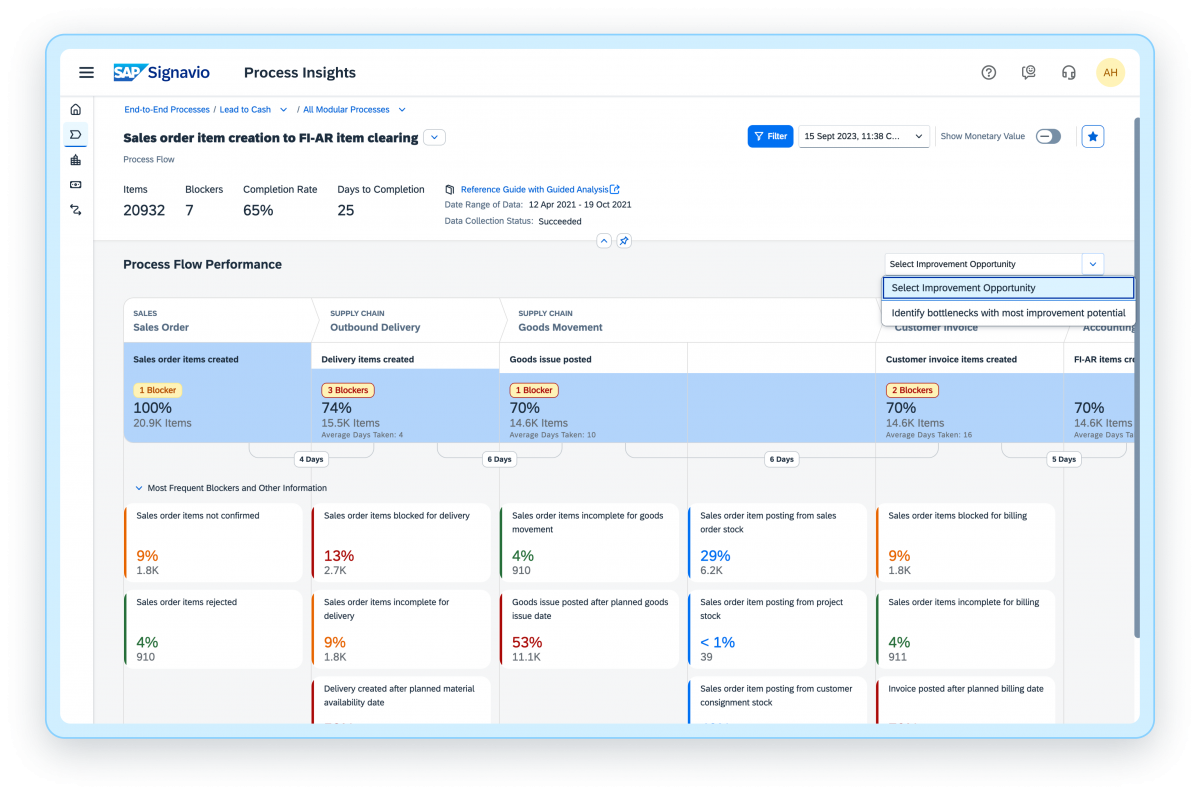
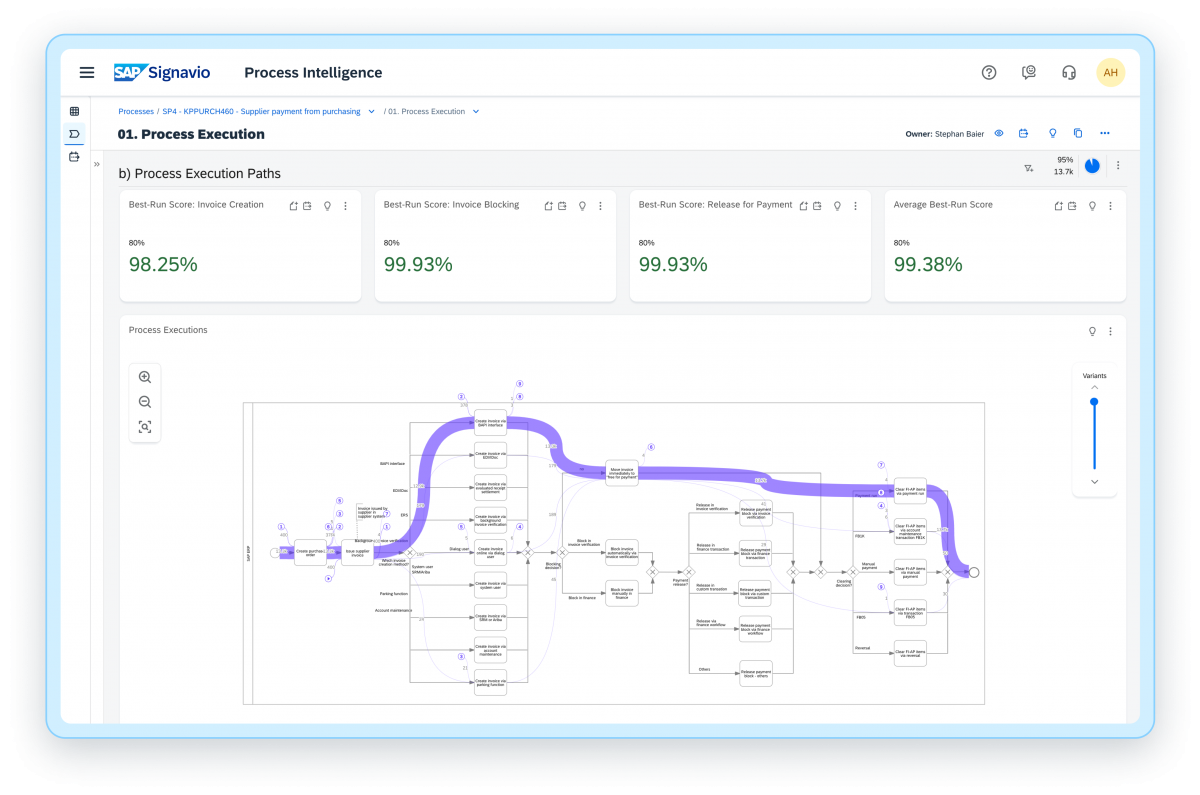
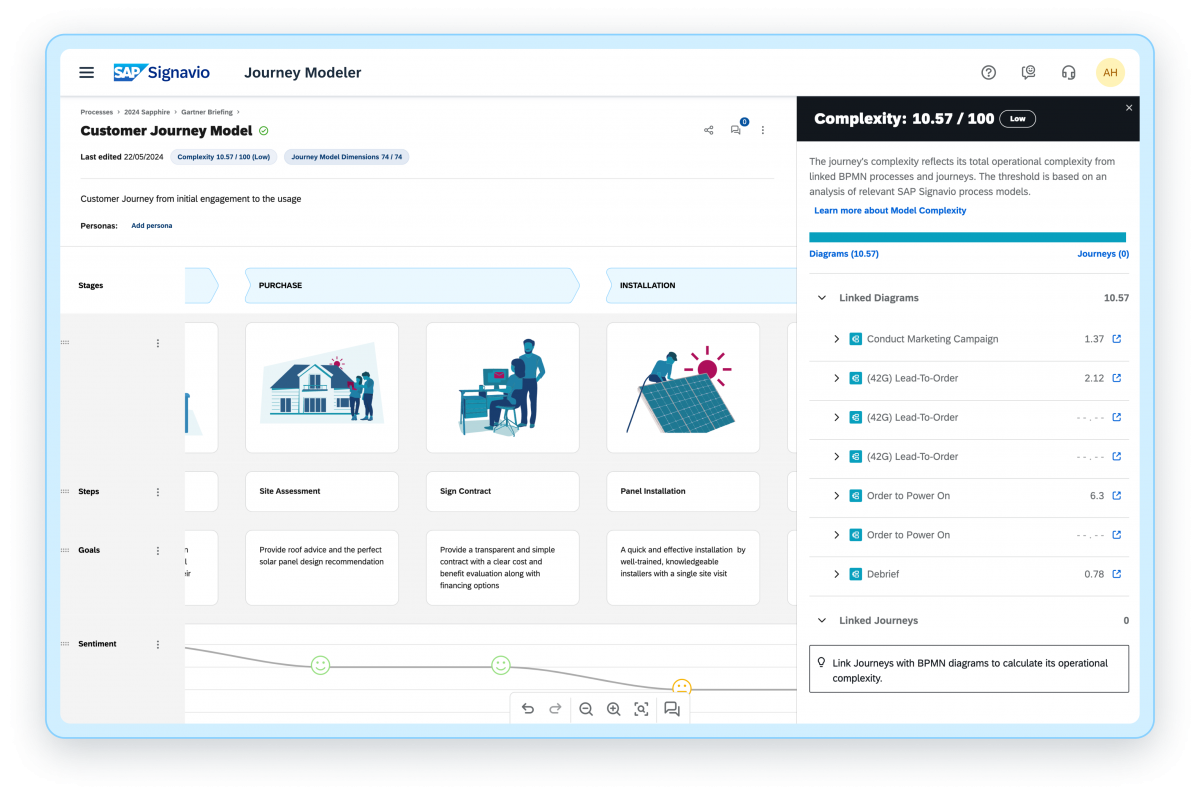
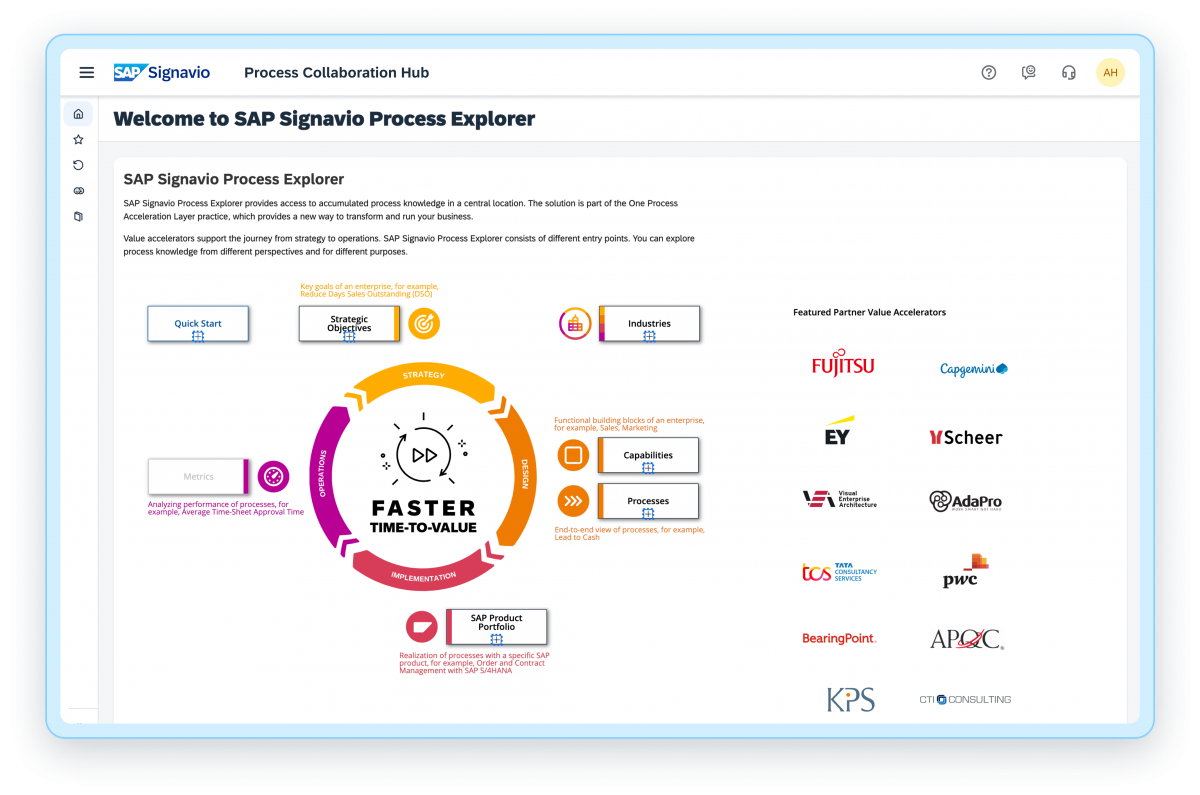
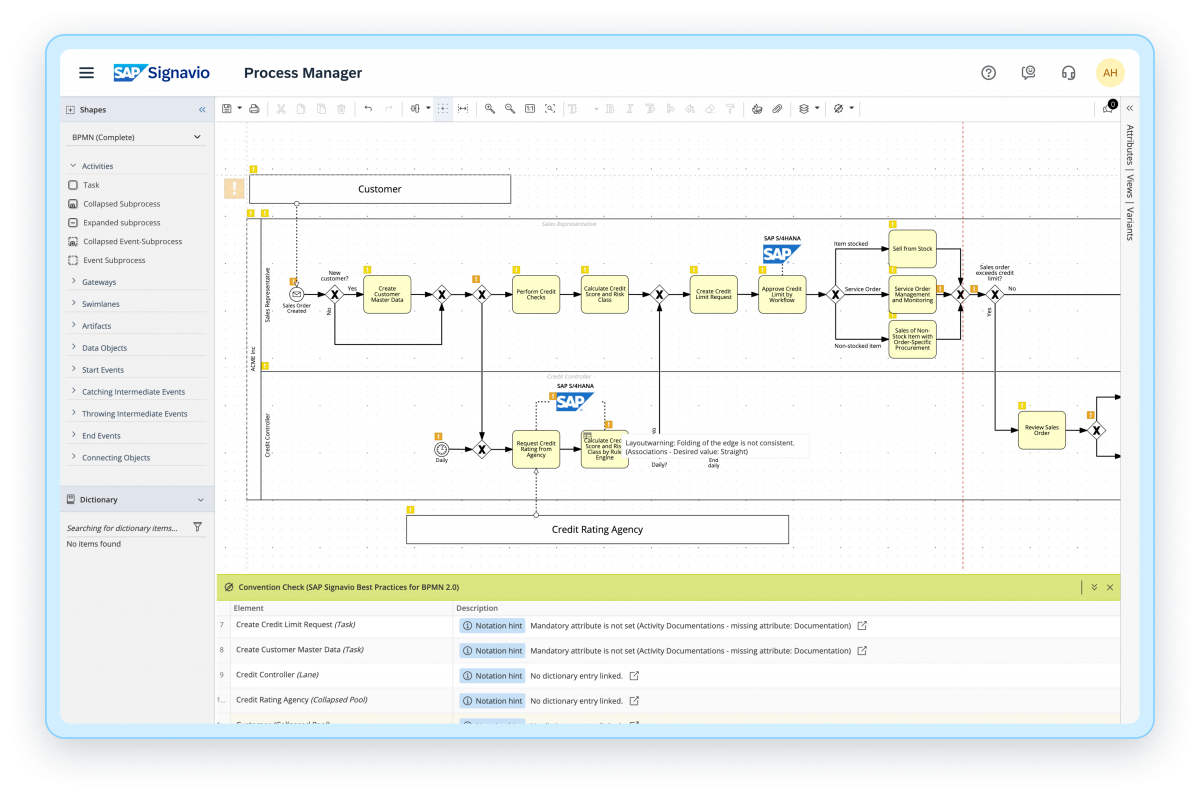
The SAP Signavio portfolio offers an integrated platform that helps usersto realign the organization and bring changes, with a suite of products that support business processes. The SAP Signavio portfolio offers a range of business transformation solutions to serve the emerging practice of customer excellence (CEX). SAP Signavio solutions bring together a full 360-degree view of outside-in and inside-out thinking, translating experiences into operational reality by putting the customer at the…
N/A
Pricing
Microsoft Power Automate
SAP Signavio Process Transformation Suite
Editions & Modules
Power Automate Premium
$15
per month per user
Power Automate Process
$150
per month per bot
Hosted RPA add-on
$215
per month per bot
Process Mining add-on
$5,000
per month per tenant
No answers on this topic
Offerings
Pricing Offerings
Microsoft Power Automate
SAP Signavio Process Transformation Suite
Free Trial
Yes
Yes
Free/Freemium Version
Yes
No
Premium Consulting/Integration Services
No
Yes
Entry-level Setup Fee
No setup fee
Optional
Additional Details
—
—
More Pricing Information
Community Pulse
Microsoft Power Automate
SAP Signavio Process Transformation Suite
Considered Both Products
Microsoft
No answer on this topic
SAP
Verified User
Chose SAP Signavio Process Transformation Suite
We are involved in a sap erp implementation and signavio was the easiest choice, the team appreciate mostly the collaboration hub.
A de minimis incentive was given to thank the reviewer for their time. The incentive was not used to bias or drive a particular response, nor was the incentive contingent on a positive endorsement. More Info
If you are in a team that needs to develop automated solutions but have no coding experience and no access to a developer, Power Automate is one of the best places to start. It is incredibly flexible and likely has triggers and actions that can connect with your platforms, especially if you use the Microsoft stack. Additionally, using webhooks, you can connect to many different endpoints to get systems working together.
A de minimis incentive was given to thank the reviewer for their time. The incentive was not used to bias or drive a particular response, nor was the incentive contingent on a positive endorsement. TR verified that a representative sample of customers was invited. More Info
Pros: 1. It reduces technical debt and accelerates a smooth transition, while harmonizing across data migration regions which replaces the legacy customization that are not for S4/HANA. 2. It cuts operational cost by 30% - 40% and improves SLA adherence, while process intelligence identifies duplicate or redundant approval steps when we know SAP ecosystems ties all modules together for better data insights. Cons: 1. Complicated and costly for small businesses. 2. Mature process required for better data feeding and data insights. 3. If non-SAP system data feed might cause misleading and incomplete data insights
A de minimis incentive was given to thank the reviewer for their time. The incentive was not used to bias or drive a particular response, nor was the incentive contingent on a positive endorsement. TR verified that a representative sample of customers was invited. More Info
A de minimis incentive was given to thank the reviewer for their time. The incentive was not used to bias or drive a particular response, nor was the incentive contingent on a positive endorsement. More Info
Location agnostic (or home office agnostic) collaboration in virtual workshops
Internally within the team or with clients, I can prepare, gather materials, and lead during a workshop or meeting with SAP Signavio Process Transformation Suite and feel incredibly positioned as the facilitator. Whether in real time or in an asynchronous manner.
The combination of highly adaptable and visual work with collaborative tools like forms, comments, timers, and point voting transforms it into a tool I use frequently.
A de minimis incentive was given to thank the reviewer for their time. The incentive was not used to bias or drive a particular response, nor was the incentive contingent on a positive endorsement. More Info
I REALLY wish I could just drop in a block of python or PowerShell code sometimes. The visual low-code things are great for moving around data but sometimes it would be faster if I could just tap out some code.
The DOM (Document Object Model) is not entirely apparent and takes a lot of trial and error, and sometimes it's even different between different connectors. I would love to be able to just see the path to access some specific variables from earlier processes.
A de minimis incentive was given to thank the reviewer for their time. The incentive was not used to bias or drive a particular response, nor was the incentive contingent on a positive endorsement. TR verified that a representative sample of customers was invited. More Info
For businesses looking to improve their current business processes, I think SAP Signavio Process Transformation Suite is incredibly well-suited.
In my opinion, SAP Signavio Process Transformation Suite excels in sectors with strict regulatory requirements.
I think SAP Signavio Process Transformation Suite is the best option when teams from several departments must work together on process design or improvement initiatives because of its real-time collaboration capabilities.
A de minimis incentive was given to thank the reviewer for their time. The incentive was not used to bias or drive a particular response, nor was the incentive contingent on a positive endorsement. More Info
The tool is very useful when used with its various native connectors, taking great advantage of the integration between the components and systems of the Office365 universe. However, its cost is still high, and automation using more advanced components containing AI resources becomes unfeasible for some companies. Due to the financial crisis that many companies are currently experiencing, investment in automation systems or tools is taking a back seat.
A de minimis incentive was given to thank the reviewer for their time. The incentive was not used to bias or drive a particular response, nor was the incentive contingent on a positive endorsement. More Info
A de minimis incentive was given to thank the reviewer for their time. The incentive was not used to bias or drive a particular response, nor was the incentive contingent on a positive endorsement. TR verified that a representative sample of customers was invited. More Info
Power Automate features a clean and intuitive user interface that allows users to create, manage, and monitor workflows easily. The UI is designed to be accessible to both technical and non-technical users, with drag-and-drop functionality for building workflows. Power Automate supports integration with a wide range of Microsoft and third-party applications. This flexibility in integration allows users to automate workflows across various systems, enhancing overall productivity and efficiency.
A de minimis incentive was given to thank the reviewer for their time. The incentive was not used to bias or drive a particular response, nor was the incentive contingent on a positive endorsement. TR verified that a representative sample of customers was invited. More Info
A de minimis incentive was given to thank the reviewer for their time. The incentive was not used to bias or drive a particular response, nor was the incentive contingent on a positive endorsement. TR verified that a representative sample of customers was invited. More Info
A de minimis incentive was given to thank the reviewer for their time. The incentive was not used to bias or drive a particular response, nor was the incentive contingent on a positive endorsement. TR verified that a representative sample of customers was invited. More Info
A de minimis incentive was given to thank the reviewer for their time. The incentive was not used to bias or drive a particular response, nor was the incentive contingent on a positive endorsement. TR verified that a representative sample of customers was invited. More Info
both Community support and Microsoft official support typically respond to (and resolve) reported issues in a VERY expedient manner, usually going above and beyond for education and bugfixing. I have been thoroughly impressed with the level of support I had been provided in the past.
A de minimis incentive was given to thank the reviewer for their time. The incentive was not used to bias or drive a particular response, nor was the incentive contingent on a positive endorsement. More Info
A de minimis incentive was given to thank the reviewer for their time. The incentive was not used to bias or drive a particular response, nor was the incentive contingent on a positive endorsement. TR verified that a representative sample of customers was invited. More Info
after reviewing the main features of Power Automate, the Microsoft trainer focused on some of our real life use cases implementation, from simple to more advanced.
A de minimis incentive was given to thank the reviewer for their time. The incentive was not used to bias or drive a particular response, nor was the incentive contingent on a positive endorsement. TR verified that a representative sample of customers was invited. More Info
A de minimis incentive was given to thank the reviewer for their time. The incentive was not used to bias or drive a particular response, nor was the incentive contingent on a positive endorsement. TR verified that a representative sample of customers was invited. More Info
although it was productive, it is more difficult to stay focused and in a 7 hours a day online training (including screen share issues and the fact that the trainer just can't precisely show the exact location of your mistake)
A de minimis incentive was given to thank the reviewer for their time. The incentive was not used to bias or drive a particular response, nor was the incentive contingent on a positive endorsement. TR verified that a representative sample of customers was invited. More Info
A de minimis incentive was given to thank the reviewer for their time. The incentive was not used to bias or drive a particular response, nor was the incentive contingent on a positive endorsement. TR verified that a representative sample of customers was invited. More Info
I was part of the migration of classic SharePoint workflows and Nintex workflows. We didn't spend much time learning the new platform because of its user-friendly interface and intuitive drag-and-drop functionality. We have mostly O365 E1 and E3 licensed users, so they can participate in our Citizen Development program and utilize Power Automate to build day-to-day business processes.
A de minimis incentive was given to thank the reviewer for their time. The incentive was not used to bias or drive a particular response, nor was the incentive contingent on a positive endorsement. TR verified that a representative sample of customers was invited. More Info
Training is taking way longer than expected. We have had more than 50 hours of training and still do not feel proficient enough to do anything meaningful with Process Intelligence. The Process Insights are pretty intuitive but does take a willingness to dig in and explore, but in general good right out of the box.
A de minimis incentive was given to thank the reviewer for their time. The incentive was not used to bias or drive a particular response, nor was the incentive contingent on a positive endorsement. TR verified that a representative sample of customers was invited. More Info
I have many years of experience with Nintex applications and it stands up very well against Microsoft Power Automate. I hope Microsoft Power Automate can become the better workflow application. With the Integrated AI builder and continuous updates I expect they can become the better one in a few years.
A de minimis incentive was given to thank the reviewer for their time. The incentive was not used to bias or drive a particular response, nor was the incentive contingent on a positive endorsement. TR verified that a representative sample of customers was invited. More Info
We were able to end the use of archive versions thanks to SAP Signavio Process Transformation Suite, and everyone has access to the most recent archive. Mac and Windows users can collaborate on a single document. A design tool that spans the concept phase, design phase, and delivery to engineering
A de minimis incentive was given to thank the reviewer for their time. The incentive was not used to bias or drive a particular response, nor was the incentive contingent on a positive endorsement. More Info
A de minimis incentive was given to thank the reviewer for their time. The incentive was not used to bias or drive a particular response, nor was the incentive contingent on a positive endorsement. TR verified that a representative sample of customers was invited. More Info
A de minimis incentive was given to thank the reviewer for their time. The incentive was not used to bias or drive a particular response, nor was the incentive contingent on a positive endorsement. TR verified that a representative sample of customers was invited. More Info
A de minimis incentive was given to thank the reviewer for their time. The incentive was not used to bias or drive a particular response, nor was the incentive contingent on a positive endorsement. TR verified that a representative sample of customers was invited. More Info
Microsoft's professional services provide hands-on support throughout the implementation lifecycle of Power Automate.This includes initial setup, configuration, integration with existing systems, testing, and deployment. They ensure that workflows are correctly designed, optimized for performance, and aligned with security best practices.
A de minimis incentive was given to thank the reviewer for their time. The incentive was not used to bias or drive a particular response, nor was the incentive contingent on a positive endorsement. TR verified that a representative sample of customers was invited. More Info
A de minimis incentive was given to thank the reviewer for their time. The incentive was not used to bias or drive a particular response, nor was the incentive contingent on a positive endorsement. TR verified that a representative sample of customers was invited. More Info
With the help of Signavio, we are now much more operationally efficient, which saves money and makes better use of our resources.
The software's emphasis on collaboration has encouraged innovation within our teams, resulting in original solutions and better project outputs.
Compliance is crucial for our sector. We have lowered the danger of regulatory problems by maintaining stringent compliance standards with the aid of Signavio.
A de minimis incentive was given to thank the reviewer for their time. The incentive was not used to bias or drive a particular response, nor was the incentive contingent on a positive endorsement. More Info