
Sage Accounting vs. Workday Workforce Management
| Product | Rating | Most Used By | Product Summary | Starting Price |
|---|---|---|---|---|
 Sage Accounting | Score9.1 out of 10 | N/A | Sage Accounting is online accounting software made to simplify life for small business owners, entrepreneurs, and freelancers by providing the functions needed to take care of daily business to-dos. Users can create and send professional quotes and invoices, track income and expenses and know where the business' financials stand. Every Sage Business Cloud Accounting subscription includes unlimited access to support as well as automatic backups and product updates. | $19 per month |
 Workday Workforce Management | Score8.9 out of 10 | N/A | Workday Workforce Management is a workforce operations software that integrates HR, time, and scheduling data, to eliminate disjointed processes that halt day-to-day operations. Consistent with a worker-first approach, Workday provides mobile-first access to personalized pay, time, and schedules, giving workers frictionless on-the-go access. This helps overcome difficulties in retaining workers and keeps them engaged in a competitive labor… | N/A |
| Sage Accounting | Workday Workforce Management | |||||||||||||||
|---|---|---|---|---|---|---|---|---|---|---|---|---|---|---|---|---|
| Editions & Modules | No answers on this topic | No answers on this topic | ||||||||||||||
| Offerings |
| |||||||||||||||
| Entry-level Setup Fee | No setup fee | No setup fee | ||||||||||||||
| Additional Details | Versions and pricing listed are for CA products. Versions available and pricing may vary by country. * 2 months free to start, or free for 1 month to try, then $19/$43/$62 +tax/mo (tier depending). Offer valid for new customers only on monthly subscriptions of Sage Business Cloud Accounting. After the promotional period, the monthly subscription rate will renew at the then current rate. May not be combined with any other offers or discounts. To ensure continuous service the subscription plan is an automatically renewing plan. Subsequent months will automatically be billed to the same credit card each month on the anniversary date of purchase. Plans can be terminated at any time prior to the renewal data and not charged for renewal. | — | ||||||||||||||
| More Pricing Information | ||||||||||||||||
| Sage Accounting | Workday Workforce Management | |
|---|---|---|
| Considered Both Products | No answer on this topic | No answer on this topic |
| Key User Insights | ||
| Would buy again | ||
94% Would buy again 46 Answers | No answers on this topic | |
| Delivers good value for the price | ||
92% Delivers good value for the price 44 Answers | No answers on this topic | |
| Happy with the feature set | ||
94% Happy with the feature set 46 Answers | No answers on this topic | |
| Lived up to sales and marketing promises | ||
93% Lived up to sales and marketing promises 39 Answers | No answers on this topic | |
| Implementation went as expected | ||
93% Implementation went as expected 38 Answers | No answers on this topic | |
| Sage Accounting | Workday Workforce Management | |||||||||||||||||||||||||||||||||||||||||||||||||||||||||||||||||||
|---|---|---|---|---|---|---|---|---|---|---|---|---|---|---|---|---|---|---|---|---|---|---|---|---|---|---|---|---|---|---|---|---|---|---|---|---|---|---|---|---|---|---|---|---|---|---|---|---|---|---|---|---|---|---|---|---|---|---|---|---|---|---|---|---|---|---|---|---|
| Payroll Management |
| |||||||||||||||||||||||||||||||||||||||||||||||||||||||||||||||||||
| Customization |
| |||||||||||||||||||||||||||||||||||||||||||||||||||||||||||||||||||
| Security |
| |||||||||||||||||||||||||||||||||||||||||||||||||||||||||||||||||||
| Reporting & Analytics |
| |||||||||||||||||||||||||||||||||||||||||||||||||||||||||||||||||||
| General Ledger and Configurable Accounting |
| |||||||||||||||||||||||||||||||||||||||||||||||||||||||||||||||||||
| Inventory Management |
| |||||||||||||||||||||||||||||||||||||||||||||||||||||||||||||||||||
| Order Management |
| |||||||||||||||||||||||||||||||||||||||||||||||||||||||||||||||||||
| Sage Accounting | Workday Workforce Management | |
|---|---|---|
| Small Businesses |  Zoho Books Score8.9 out of 10 |  OnPay Score9.9 out of 10 |
| Medium-sized Companies |  MYOB Score7.7 out of 10 |  APS Score1.4 out of 10 |
| Enterprises |  Microsoft Dynamics GP Score6.8 out of 10 |  ADP Streamline Payroll Score6.4 out of 10 |
| All Alternatives | View all alternatives | View all alternatives |
| Sage Accounting | Workday Workforce Management | |
|---|---|---|
| Likelihood to Recommend | 9.9 | 10.0 |
| Likelihood to Renew | 8.5 | - |
| Usability | 9.9 | 10.0 |
| Availability | 8.7 | - |
| Performance | 9.2 | - |
| Support Rating | 9.9 | - |
| In-Person Training | 9.1 | - |
| Online Training | 9.1 | - |
| Implementation Rating | 9.5 | - |
| Configurability | 9.2 | - |
| Contract Terms and Pricing Model | 9.3 | - |
| Ease of integration | 9.3 | - |
| Product Scalability | 8.8 | - |
| Professional Services | 10.0 | - |
| Vendor post-sale | 9.3 | - |
| Vendor pre-sale | 9.3 | - |
| Sage Accounting | Workday Workforce Management | |
|---|---|---|
| Likelihood to Recommend |
|
|
| Pros |
|
|
| Cons |
|
|
| Likelihood to Renew |
| No answers on this topic |
| Usability |
|
|
| Reliability and Availability |
| No answers on this topic |
| Performance |
| No answers on this topic |
| Support Rating |
| No answers on this topic |
| In-Person Training |
| No answers on this topic |
| Online Training |
| No answers on this topic |
| Implementation Rating |
| No answers on this topic |
| Alternatives Considered |
|
|
| Contract Terms and Pricing Model |
| No answers on this topic |
| Scalability |
| No answers on this topic |
| Professional Services |
| No answers on this topic |
| Return on Investment |
|
|
| ScreenShots | Sage Accounting Screenshots      | Workday Workforce Management Screenshots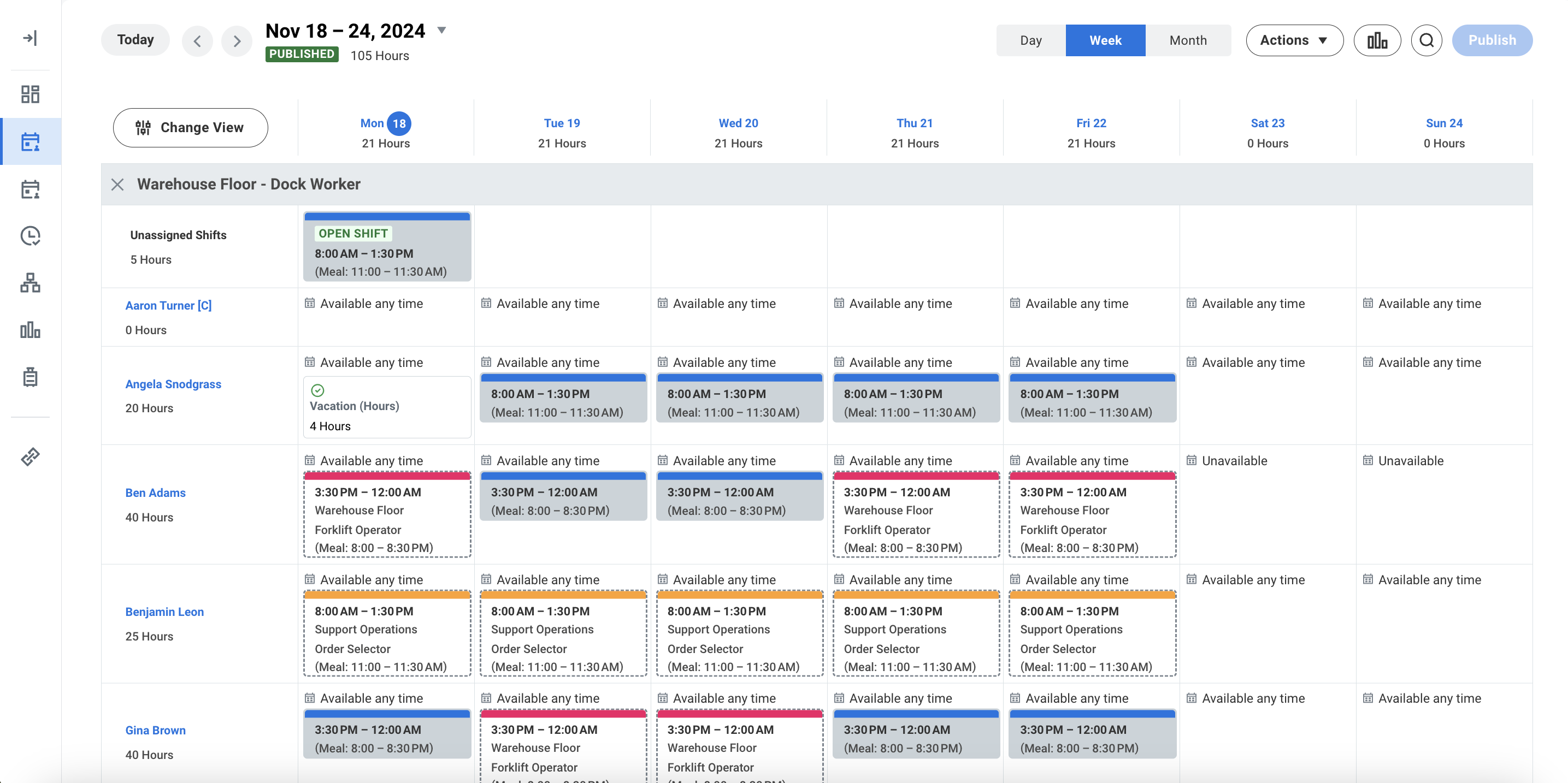 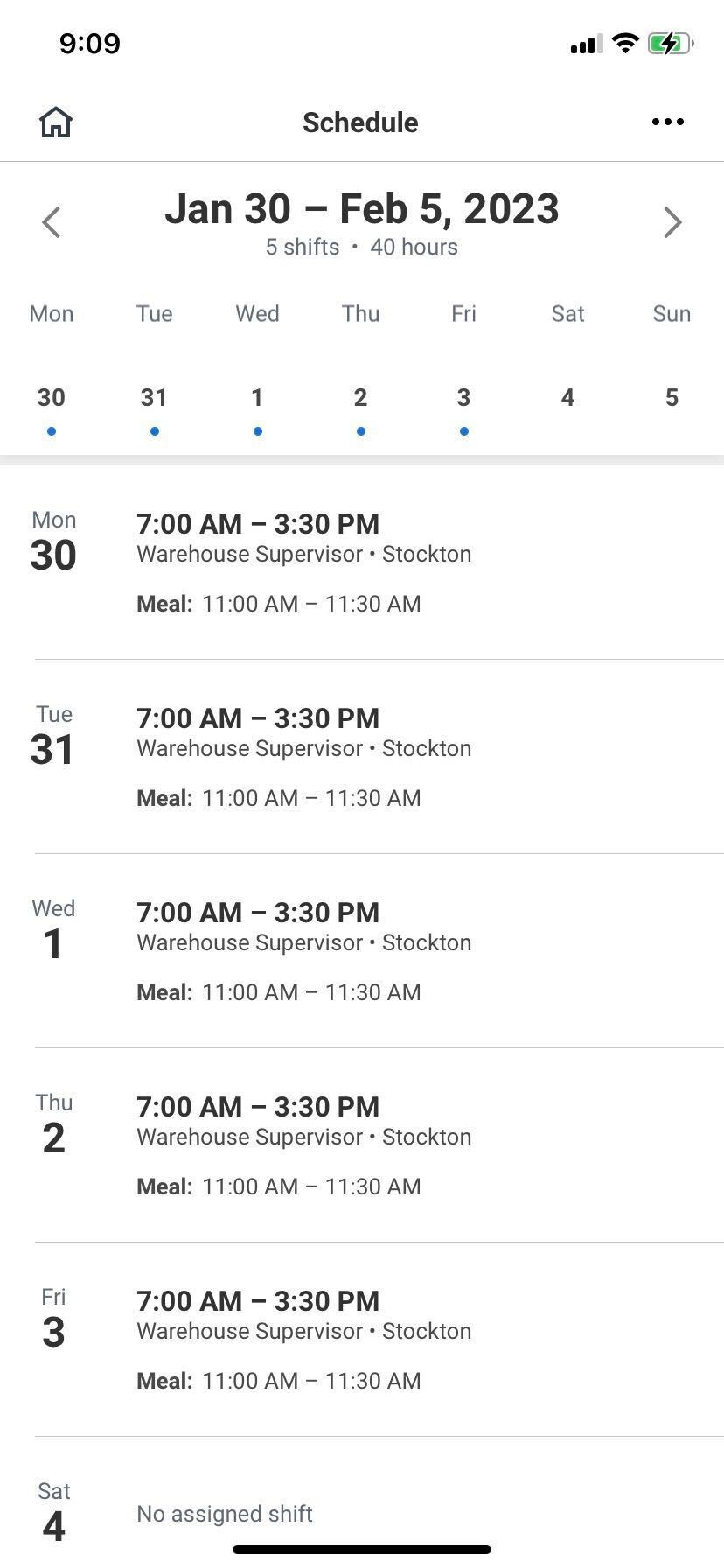 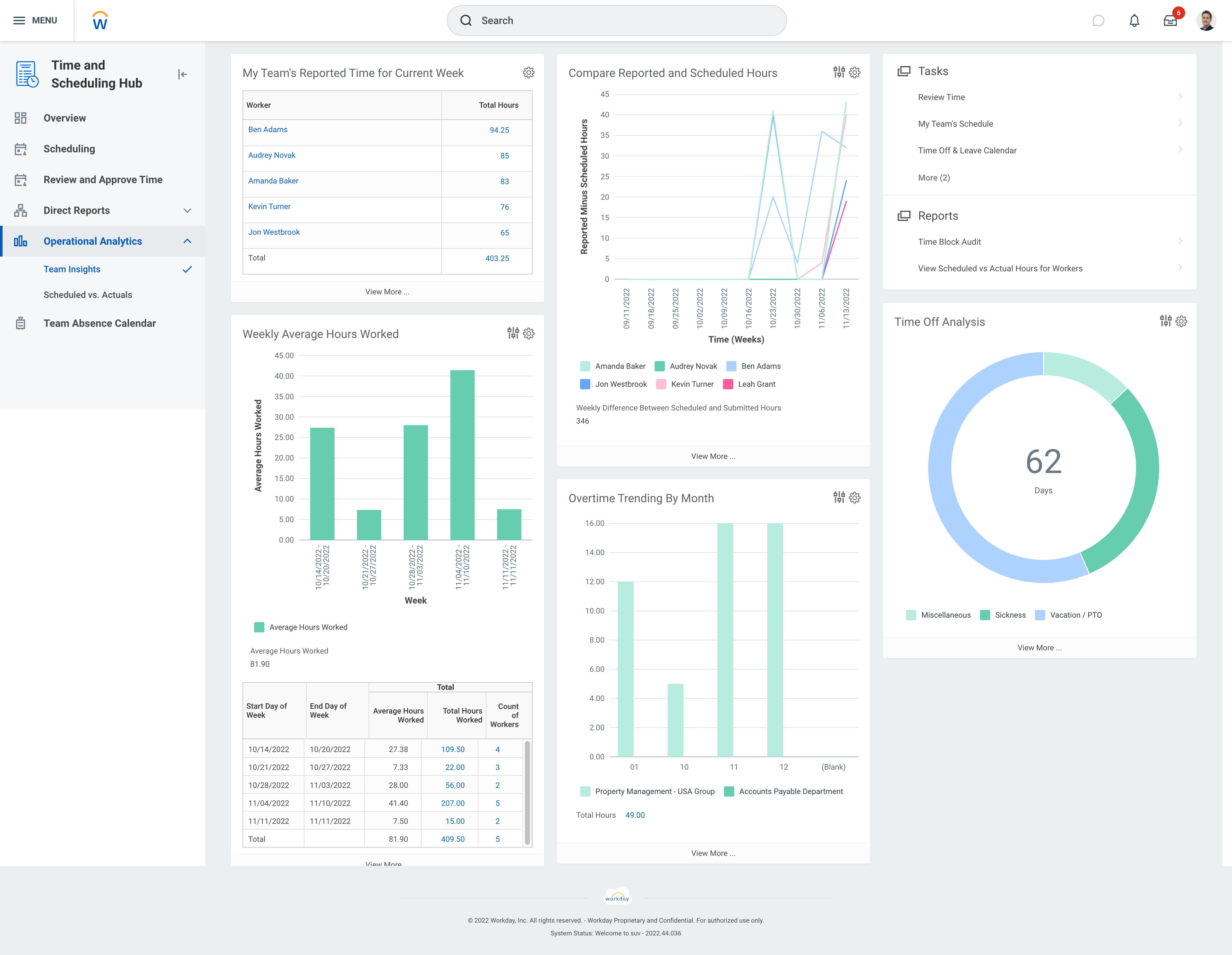 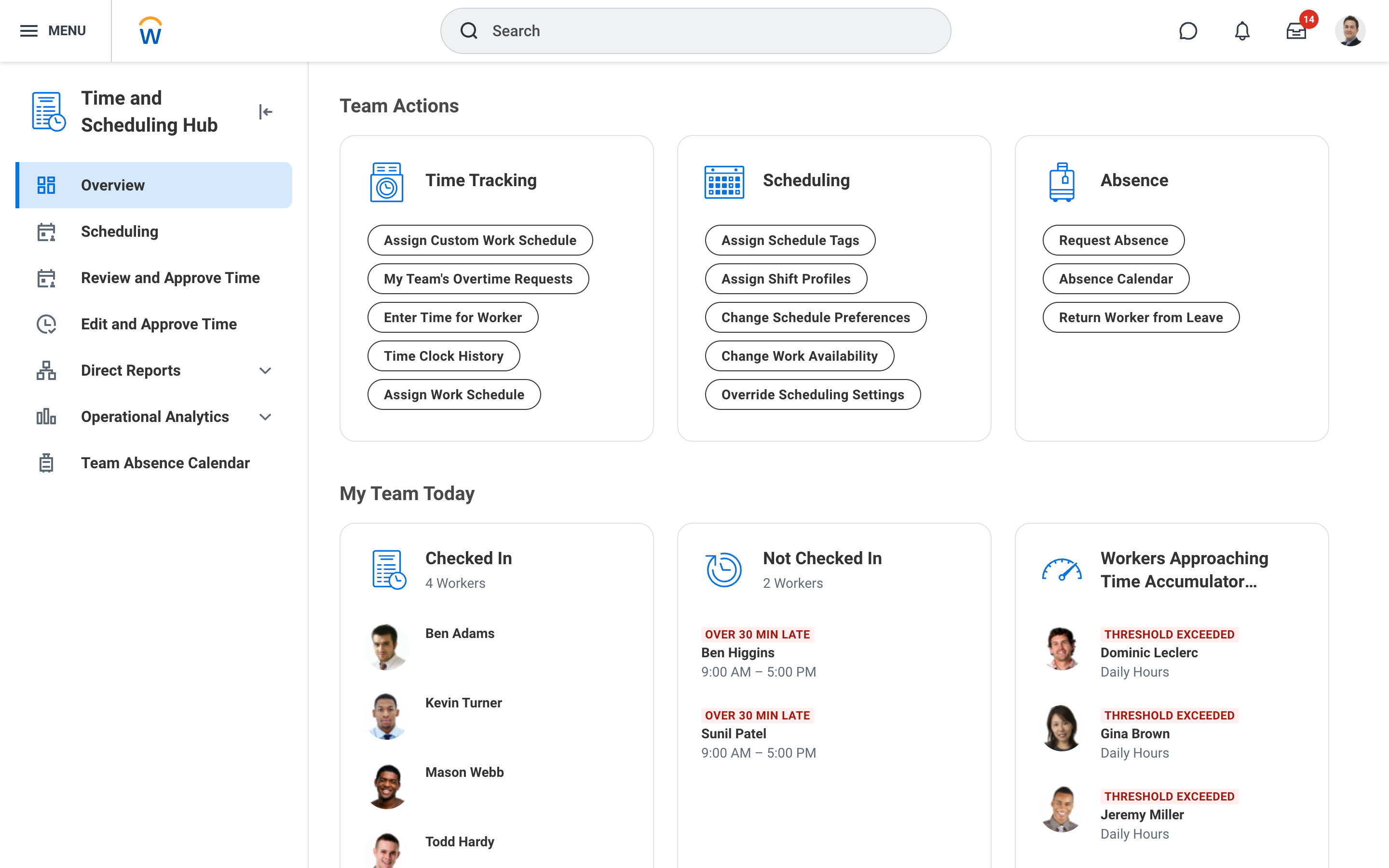 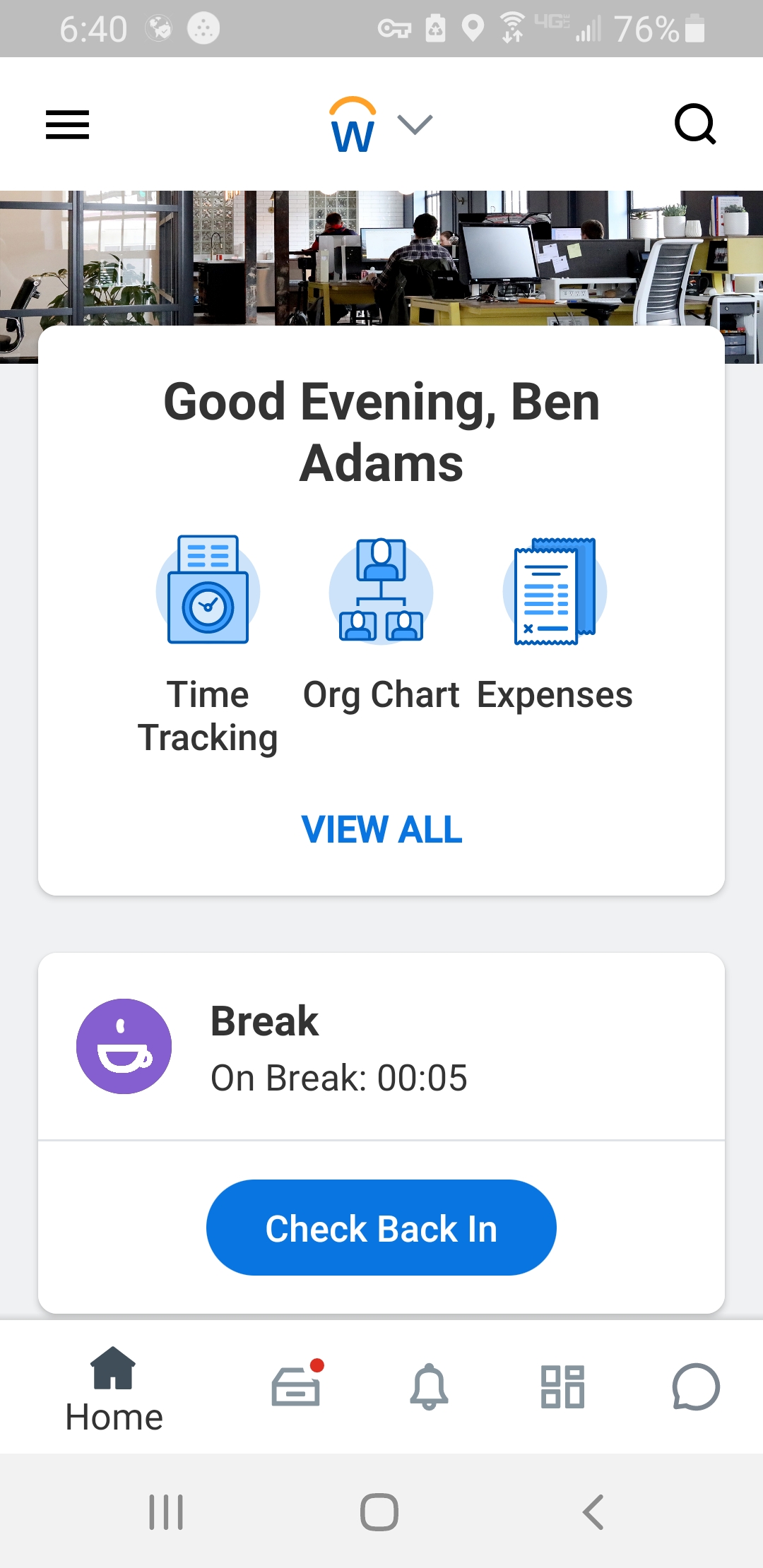 |




