Workday Workforce Management

Overview
ProductRatingMost Used ByProduct SummaryStarting Price
Workday Workforce Management
Score 8.8 out of 10
N/A
Workday Workforce Management is a workforce operations software that integrates HR, time, and scheduling data, to eliminate disjointed processes that halt day-to-day operations. Consistent with a worker-first approach, Workday provides mobile-first access to personalized pay, time, and schedules, giving workers frictionless on-the-go access. This helps overcome difficulties in retaining workers and keeps them engaged in a competitive labor…N/A
Pricing
Workday Workforce Management
Editions & Modules
No answers on this topic
Offerings
Pricing Offerings
Workday Workforce Management
Free Trial
No
Free/Freemium Version
No
Premium Consulting/Integration Services
No
Entry-level Setup FeeNo setup fee
Additional Details
More Pricing Information
Features
Workday Workforce Management
Payroll Management
Comparison of Payroll Management features of Product A and Product B
Workday Workforce Management
9.3
Ratings
12% above category average
Pay calculation9.90 Ratings
Support for external payroll vendors8.90 Ratings
Off-cycle/On-Demand payment9.80 Ratings
Benefit plan administration9.90 Ratings
Direct deposit files9.90 Ratings
Salary revision and increment management9.90 Ratings
Reimbursement management7.00 Ratings
Best Alternatives
Workday Workforce Management
Small Businesses
Dayforce Powerpay
Dayforce Powerpay
Score 9.5 out of 10
Medium-sized Companies
Paypro Workforce Management
Score 9.7 out of 10
Enterprises
Infor Human Resources
Score 7.1 out of 10
All AlternativesView all alternatives
User Ratings
Workday Workforce Management
Likelihood to Recommend
10.0
(0 ratings)
Usability
10.0
(0 ratings)
User Testimonials
Workday Workforce Management
Likelihood to Recommend
Workday is well suited as am employee because it allows me to easily access pay and goal-setting information at a large org. It also made the process of getting hired and initially onboarded simple. I imagine it could be less helpful at a smaller organization where people have more direct access to folks in payroll
Read full review
Pros
  • payroll
  • timecard edits
  • mobile ability
Read full review
Cons
  • The tasks function is somewhat clunky, and its hard to see who the task is sent to next in order to follow up with them.
  • In-process referrals don't always show up in the "My Referrals" tab
  • Filters on tasks don't always work.
Read full review
Usability
Workday Payroll and Workforce Management hasn't given me any issues. I love that you can customize your profile with icons, the color scheme, and etc. It makes it feel more personable. In addition, you can customize which icons that you use frequently to complete tasks. I would recommend it to anyone who wants a platform that has high usability and versatility.
Read full review
Alternatives Considered
Workday Payroll and Workforce Management in my opinion does as great job of letting staff know beforehand what they are going to get paid on a weekly or bi-weekly basis. I found that Gusto does not provide that insight. It would be nice though to have a feature in those platforms where you could do a "what if" feature to determine how much you could make if you were single, married, or made a higher salary or lower. This is a feature that I have used in webBASIS, and it was extremely helpful.
Read full review
Return on Investment
  • Faster processes
  • Accuracy
  • Salary for increased personnel
Read full review
ScreenShots

Workday Workforce Management Screenshots
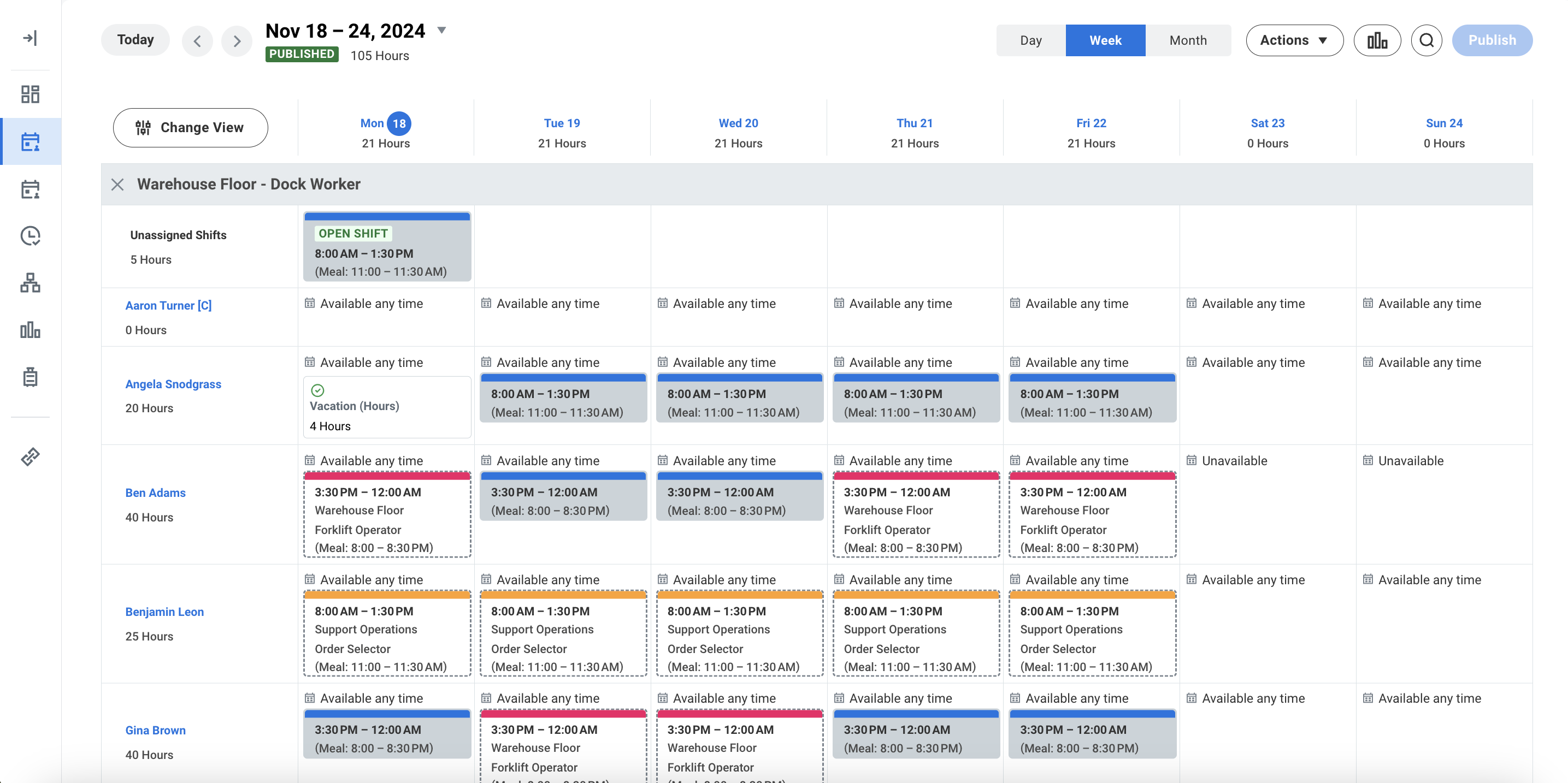
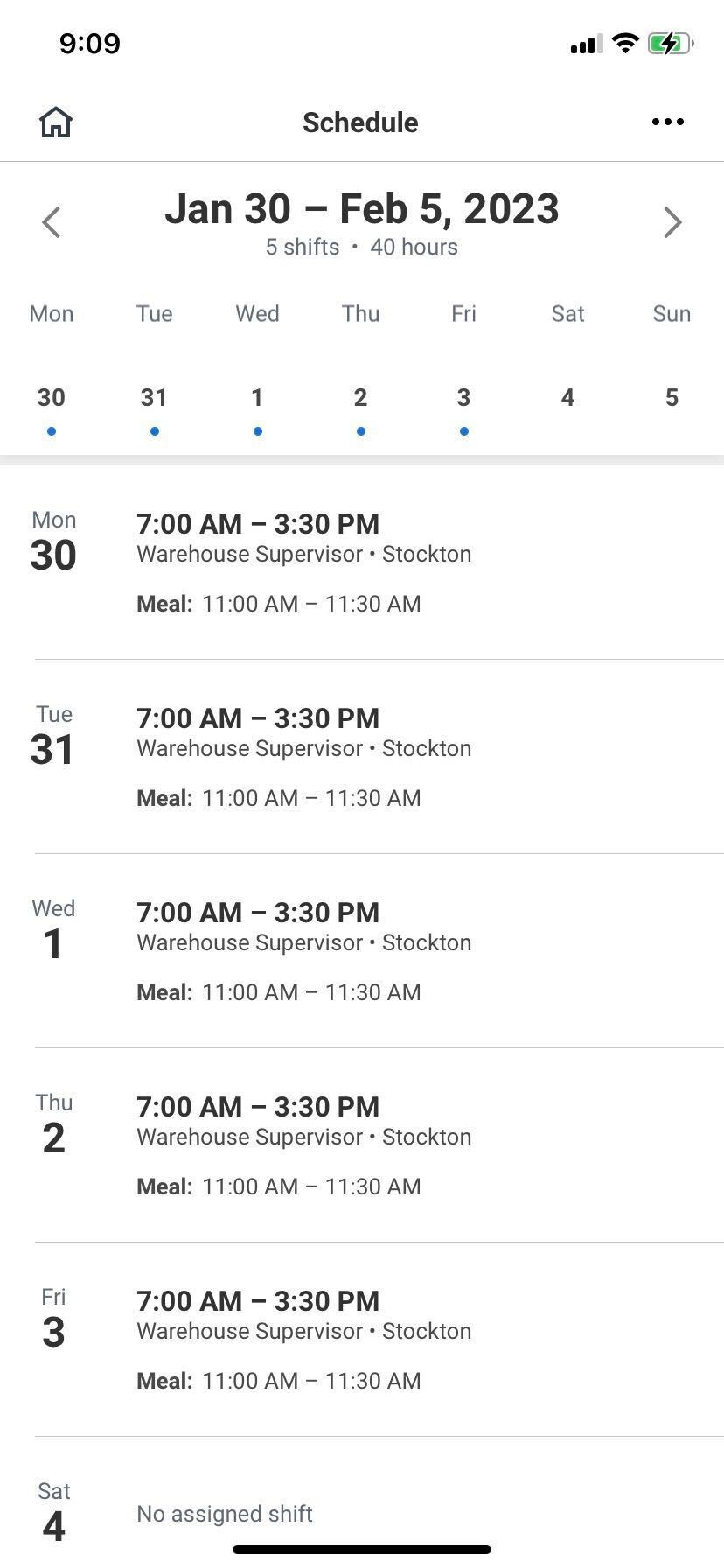
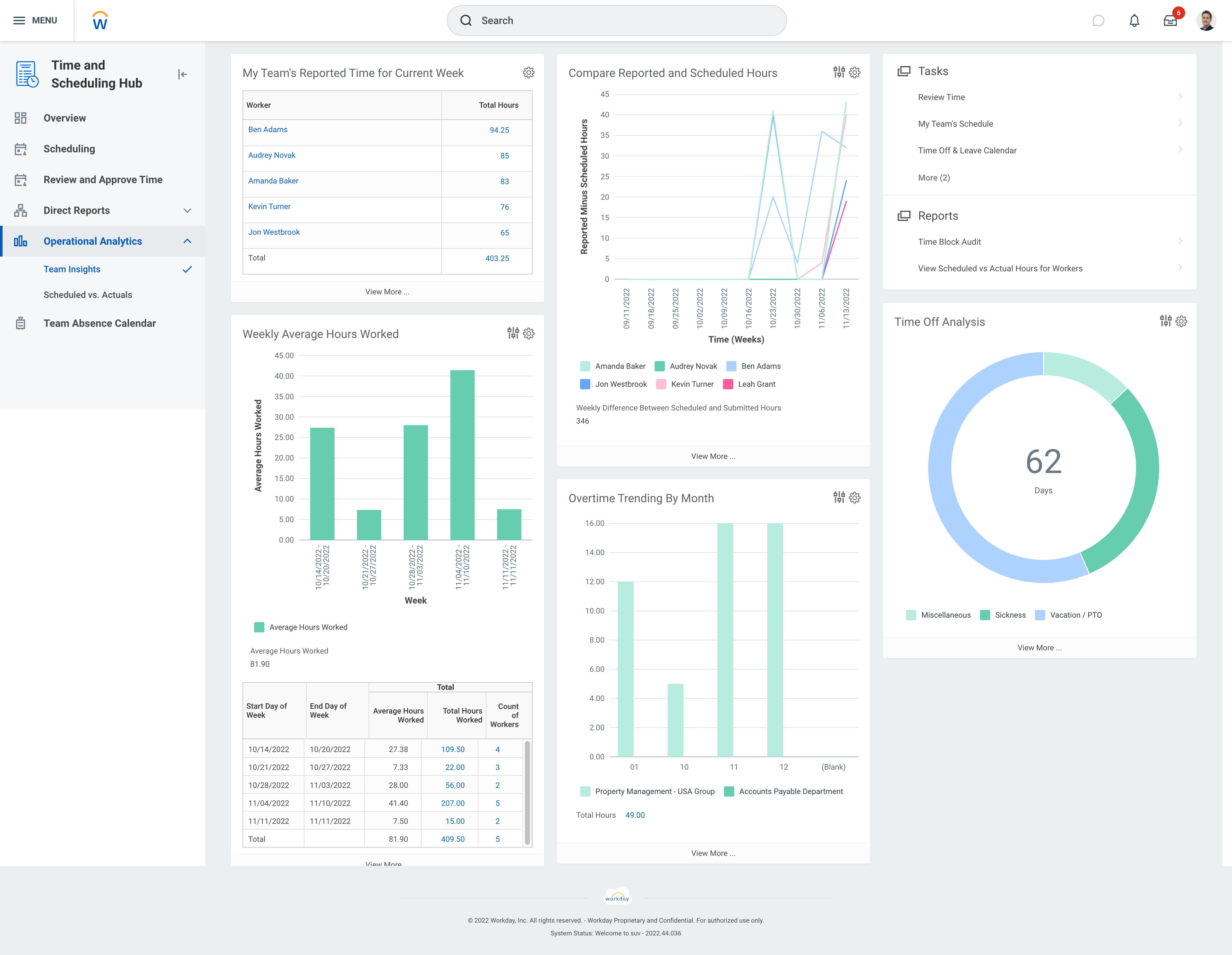
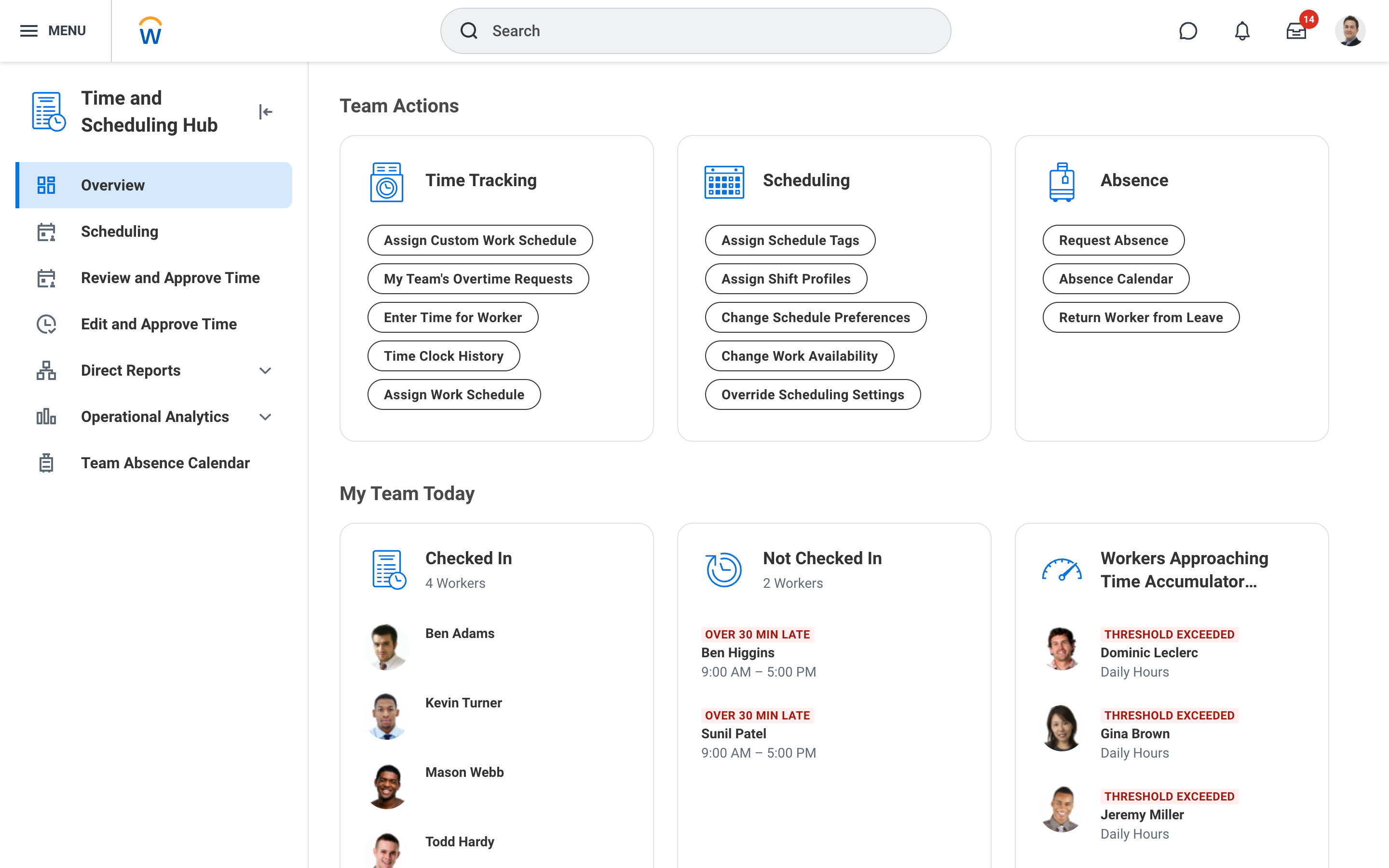
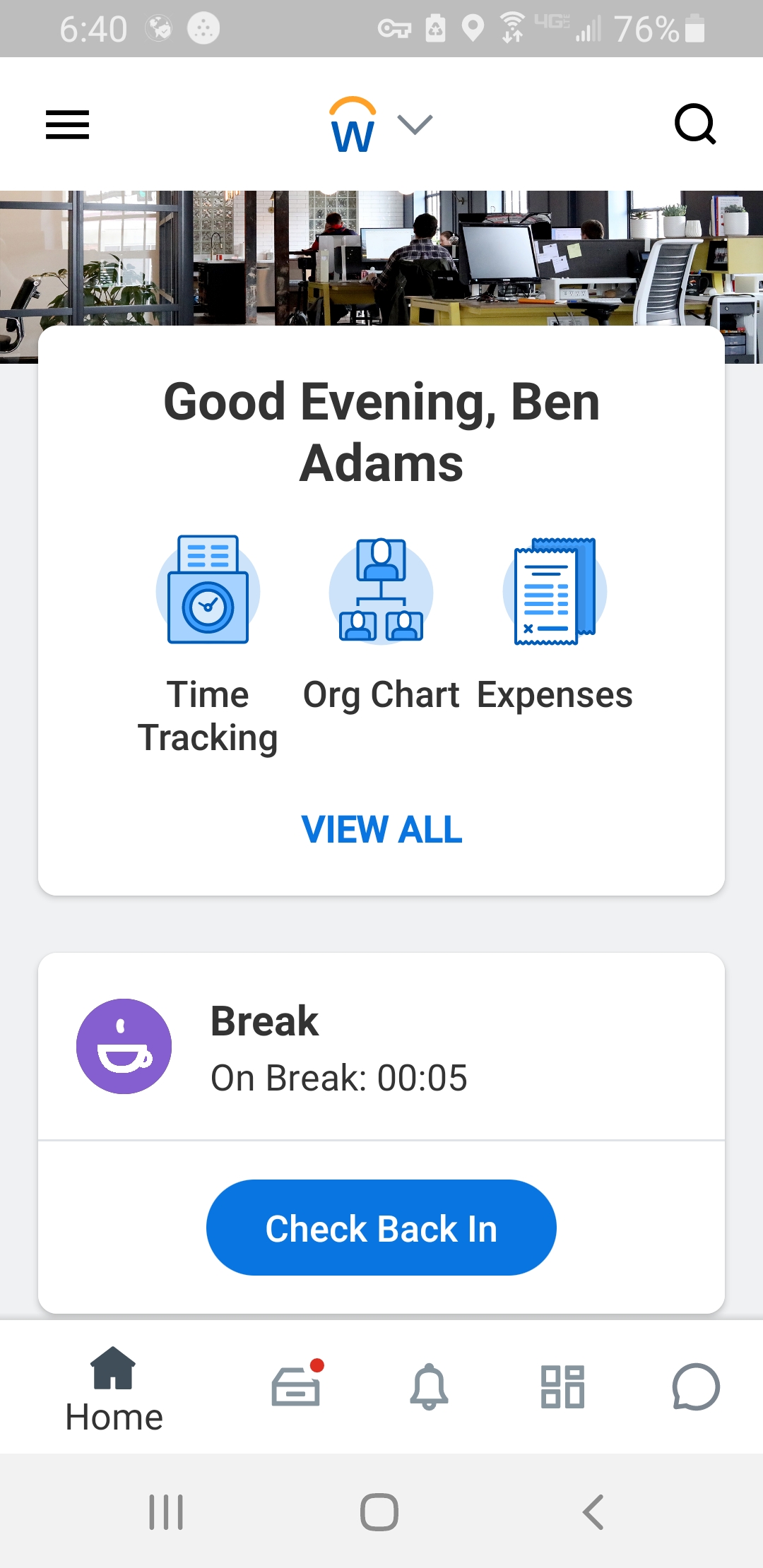
Screenshot of Workday Workforce Management ScheduleScreenshot of Workday Workforce Management Schedule (Mobile)Screenshot of Workday Workforce Management Team InsightsScreenshot of Workday Workforce Management Time and Scheduling HubScreenshot of Workday Workforce Management Time (Mobile)