RFP360, from Responsive (formerly RFPIO) is used by organizations to request information, respond to requests and connect, aiming to make the RFP and proposal process more efficient, effective, collaborative, consistent and repeatable for everyone.
N/A
Pricing
Qvidian RFP & Proposal Automation
RFP360
Editions & Modules
No answers on this topic
No answers on this topic
Offerings
Pricing Offerings
Qvidian RFP & Proposal Automation
RFP360
Free Trial
No
Yes
Free/Freemium Version
No
No
Premium Consulting/Integration Services
No
No
Entry-level Setup Fee
Optional
No setup fee
Additional Details
—
Pricing is based on use case and client requirements.
More Pricing Information
Community Pulse
Qvidian RFP & Proposal Automation
RFP360
Features
Qvidian RFP & Proposal Automation
RFP360
Proposal Creation & Organization
Comparison of Proposal Creation & Organization features of Product A and Product B
Qvidian RFP & Proposal Automation
7.6
Ratings
5% below category average
RFP360
9.0
Ratings
12% above category average
Proposal branding
7.90 Ratings
00 Ratings
Proposal templates
8.00 Ratings
8.20 Ratings
Proposal content library updates
8.00 Ratings
9.20 Ratings
Guided proposal creation
7.10 Ratings
8.70 Ratings
Searchable proposal database
7.00 Ratings
9.80 Ratings
Proposal Collaboration & Workflow
Comparison of Proposal Collaboration & Workflow features of Product A and Product B
Qvidian RFP & Proposal Automation
7.1
Ratings
13% below category average
RFP360
9.5
Ratings
16% above category average
RFP management & response
7.10 Ratings
9.80 Ratings
Proposal collaboration & approval
8.00 Ratings
9.60 Ratings
User permissions/proposal editing controls
7.00 Ratings
9.50 Ratings
Sales proposal workflow
7.20 Ratings
9.30 Ratings
Proposal automation user interface
6.20 Ratings
9.30 Ratings
Proposal Delivery
Comparison of Proposal Delivery features of Product A and Product B
Functionality and support are my two main areas. I want to be able to speak to someone when I have an issue. To Quvidian's defense, my company didn't see the value in sending someone to NH for the training. I'd used an RFP machine before so they thought that was sufficient. It was a poor decision on the company's part because although it was similar, it was not the same.
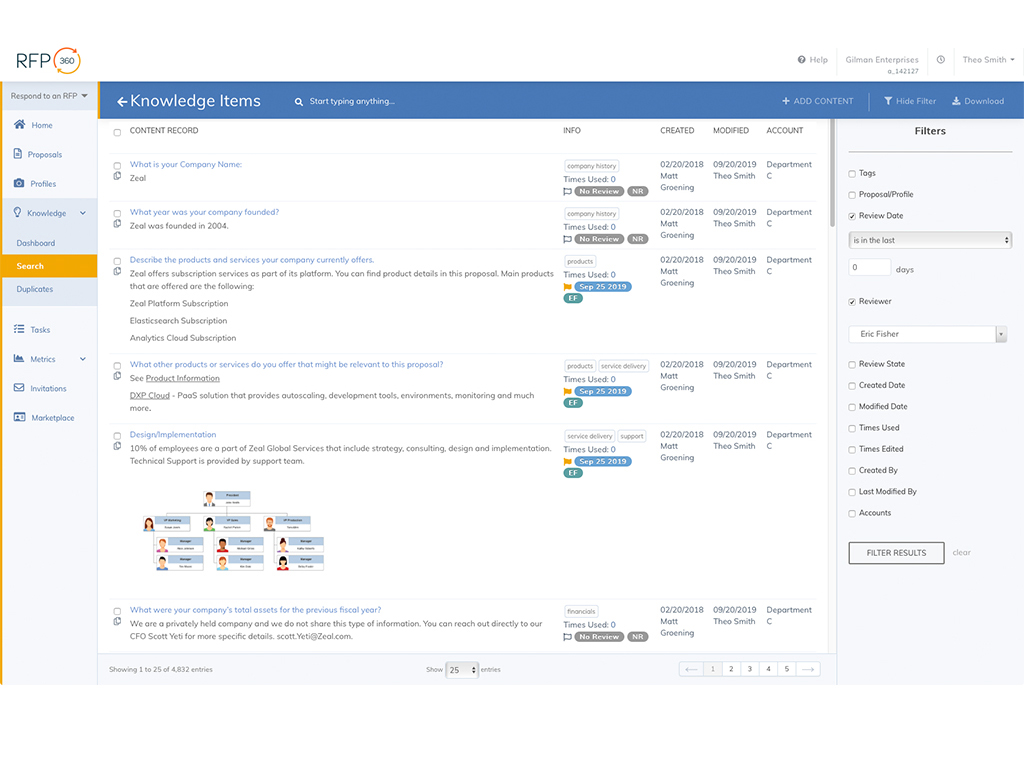
Massive RFP workload- juggling several at a time, filling out answers that are similar. This works incredibly if you have past RFPs to load into the answer bank. It cuts out the time required for completing new ones, while keeping things organized and at forefront. RFP360 streamlines the entire process, giving you at a glance what you need to do when. The Google Chrome add on extension works very well, as well as the microsoft word and excel plugins. The tools given in RFP360 allow one to fill things out at a much quicker pace while having all past answers available, making it easy to update new ones.
The search function ranks information based upon usage and is adaptive, learning/improving rankings with every search. This makes finding the right piece of information quick and easy.
The tool offers flexibility to build various types of sales documents (proposals, presentations, case studies). This drastically reduces the time it takes to put together a client-facing document.
The content management functionality allows for various content formats and related content can be connected. This simplifies tracking content updates by knowing which other pieces of information may also need review and update when a change is made outside the normal update cycle.
This is a weird one but when adding content to the 'Q' the tab in word sometimes disappears. Not sure why that happens and we haven't really tried to trouble shoot yet. My solution at the moment is just closing it and re-opening it. Sometimes it works and sometimes I have to do it a few times.
While being a great place to keep content for our team to access, there is always the thought of whether the information is still accurate. Especially when comes to statistics and facts. We at times get so used to just using what is in our boilerplate that we forget to question whether information is accurate or not. This is more of an observation for users rather than an issue with 'Q' however the information is only as good as it's accuracy.
Analysis Tools: although what is provided is quite good, there is definitely room for improvement. For instance it would be nice if it were easier/quicker for each evaluator to record their notes/comments when scoring, and to be able to search through those notes/comments later. Also, it would be really helpful to be able to annotate/mark-up the actual responses (highlight, underline, circle, call-out notes, etc.), with such mark-up tracked by evaluator, and with the option to hide/show mark-up.
Results Analysis, Reporting, and Presentation: in my opinion, this is the only area of weakness in RFP360. There are very limited options, after scoring/evaluation of responses is completed, for generating reports, graphs, charts, etc. to be used in evaluating results and presenting to the end client. I've always had to export the scores and use Excel to create the necessary visuals for final analysis and presentation.
Complex Questions: RFP360's ability to handle complex RFP questions (e.g. involving tables, charts, multi-part answers, graphics, etc.) is limited, and existing capabilities in this area are fairly cumbersome to navigate and use.
We've already renewed our contract with Qvidian and plan on using it for the foreseeable future. Apart from the fact that Qvidian has all the features we need to respond to RFPs and maintain a large informational database, the time that would need to be spent researching and testing out a different piece of software just wouldn't be worth it. All of our users are well learned in Qvidian, and it's easy to teach to new users. Having to learn a brand new application when the current one works great is pointless. "If it ain't broke, don't fix it" applies here.
This tool has been fantastic as we have revamped our RFP process. We are much faster and far more efficient.Our win rate is up, but I am not 100% sure this is the cause, but I love to see it. The customer support and training are also fantastic. Thumbs up!
The shift they made in architecting documents from content to outline, is now reversed allowing outline creation first, then content which is more natural. But, due to the fact that we went through a migration of content to get to the new version, it feels less optimized than if we would have re-implemented.
End users having to configure settings more often than desired
They are very much in support of great customer service. They respond quickly with emails and in some cases phone calls to resolve any issues and often times user questions in the past when I could not figure something out.
Excellent support during the training process. Since we were onboarded, we have not had too many questions, but when we did, they were answered promptly and thoroughly. We have been very satisfied.
Live instructor training is expensive, though we have had instructors come to our offices for a ‘refresher’ before. The refresher was more of a “let us fix that for you” than a training on how to do it ourselves.
Of the competitive vendor demos I have reviewed over the years, each may have its own strength. Some may be set up to drive compelling differentiators or solutions (E.g., propLIBRARY.com). Some may be built on existing CRMs (E.g., Qorus). Some may have tablet-friendly interfaces (E.g., SAVO). Others focus on collaboration (E.g., XaitPorter). There is nothing wrong with any of these models. You will just have to perform your own gap analysis and see what best addresses your needs. For Blackboard Inc., none of the aforementioned competition offered a holistic and robust replacement for our current PA tool. We have senior writers to craft compelling differentiators. We use SFDC, not SharePoint as our EA CRM. While our strategic writing and architectural needs outweigh having the slickest tablet-friendly user interface, we still have an interface and user experience that is geared toward usability and performance while being cognizant of adoption. New collaborative tools are a big draw, especially when responding to private sector proposals with a 10-to-20 day turnaround. However, not only has this not been a pain point for us (we currently have a versioning process in place) but the conversion and adoption hurdles just for one feature where there is already a workaround in place does not justify the migration.
I was not involved in the process of selecting RFP360 for our firm, so I am largely unfamiliar with competitors. I am, however, quite pleased with RFP360 as a user, and am confident that my colleagues who were responsible for making the decision were thorough and discerning.
Our experience has been largely positive. It's allowed our RFP team to quickly and efficiently produce very professional documents. This has lead to more time being able to speak to the clients needs specifically. We've received lots of positive feedback from clients saying that the RFP looked tailored to them, and not just some content dumped in a binder. That was our goal.