
Quidget vs. Zoom Virtual Agent
| Product | Rating | Most Used By | Product Summary | Starting Price |
|---|---|---|---|---|
 Quidget | N/A | N/A | Quidget is a chat builder that helps improve customer service by automating basic support questions. It scans company data and knowledge base to provide answers to customer inquiries. It can also be used to launch an AI agent on a website in under 10 minutes without coding. By taking care of routine questions, Quidget lets support teams focus on more complex customer issues, potentially saving support… | $0 per year per plan |
 Zoom Virtual Agent | Score9.1 out of 10 | N/A | An AI chatbot which is ready 24/7 to provide quick, personalized help and boost team productivity. The AI chatbot with machine learning guides users to accurate answers fast, reducing the burden on customer service and support teams. | N/A |
| Quidget | Zoom Virtual Agent | |||||||||||||||
|---|---|---|---|---|---|---|---|---|---|---|---|---|---|---|---|---|
| Editions & Modules |
| No answers on this topic | ||||||||||||||
| Offerings |
| |||||||||||||||
| Entry-level Setup Fee | No setup fee | No setup fee | ||||||||||||||
| Additional Details | Monthly / Annual payment options available. Discount available for annual pricing. Free trial is available (no credit card required) | — | ||||||||||||||
| More Pricing Information | ||||||||||||||||
| Quidget | Zoom Virtual Agent | |
|---|---|---|
| Small Businesses |  Fin by Intercom Score8.5 out of 10 | Fin by Intercom Score8.5 out of 10 |
| Medium-sized Companies | Fin by Intercom Score8.5 out of 10 | Fin by Intercom Score8.5 out of 10 |
| Enterprises |  Azure AI Bot Service Score9.1 out of 10 | Azure AI Bot Service Score9.1 out of 10 |
| All Alternatives | View all alternatives | View all alternatives |
| Quidget | Zoom Virtual Agent | |
|---|---|---|
| Likelihood to Recommend | - | 9.1 |
| Usability | - | 9.1 |
| Quidget | Zoom Virtual Agent | |
|---|---|---|
| Likelihood to Recommend | No answers on this topic |
|
| Pros | No answers on this topic |
|
| Cons | No answers on this topic |
|
| Usability | No answers on this topic |
|
| Alternatives Considered | No answers on this topic |
|
| Return on Investment | No answers on this topic |
|
| ScreenShots | Quidget Screenshots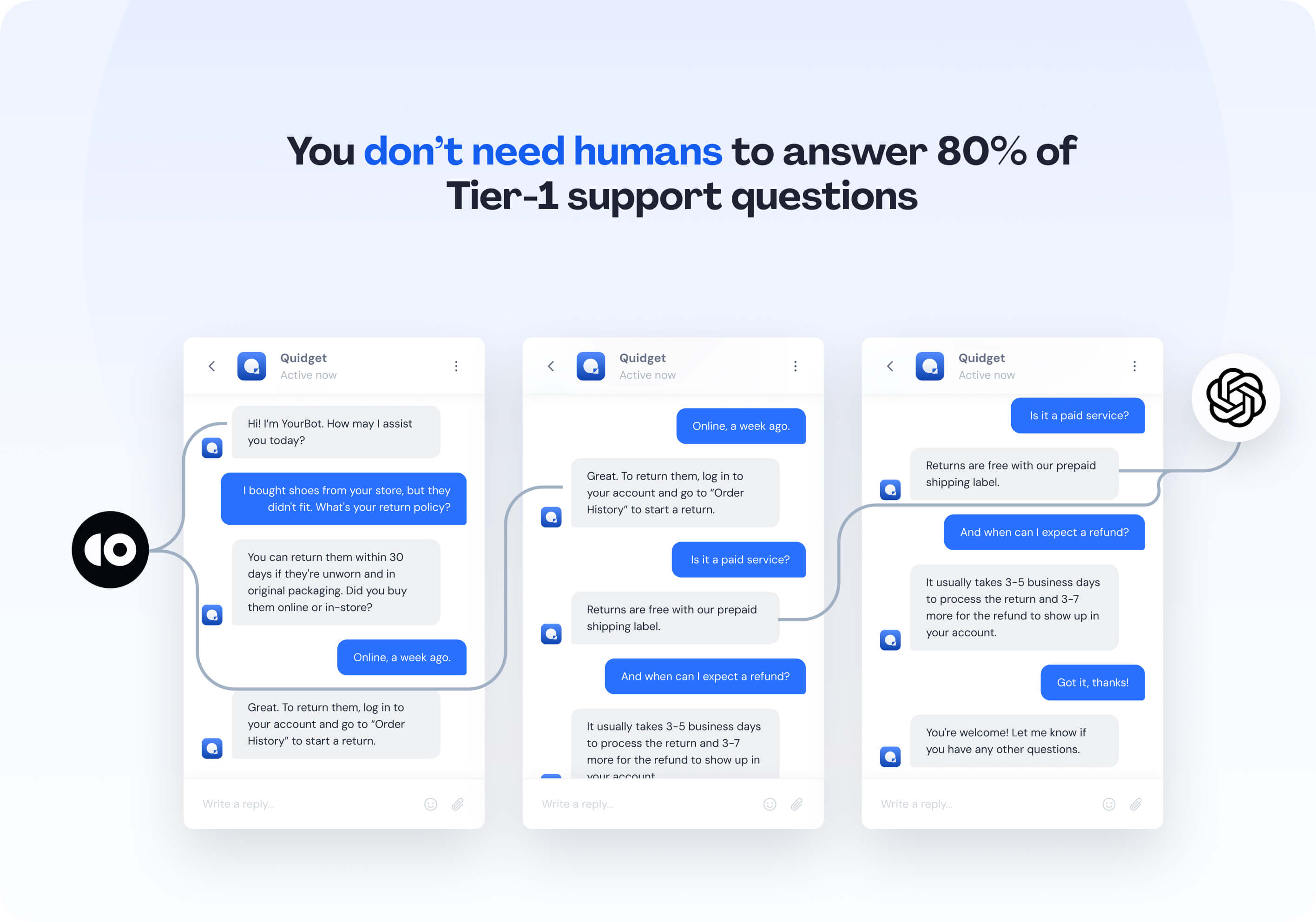 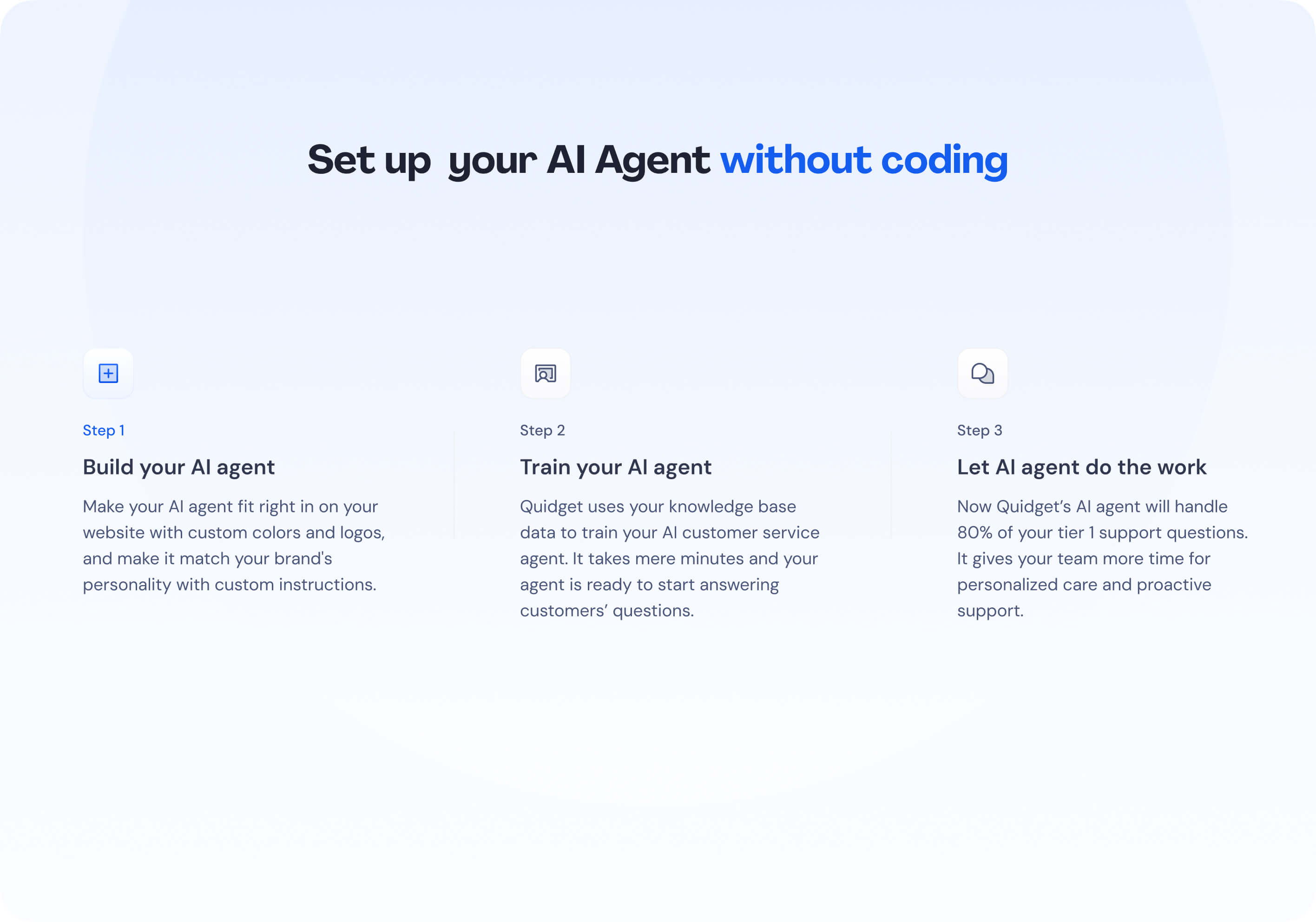 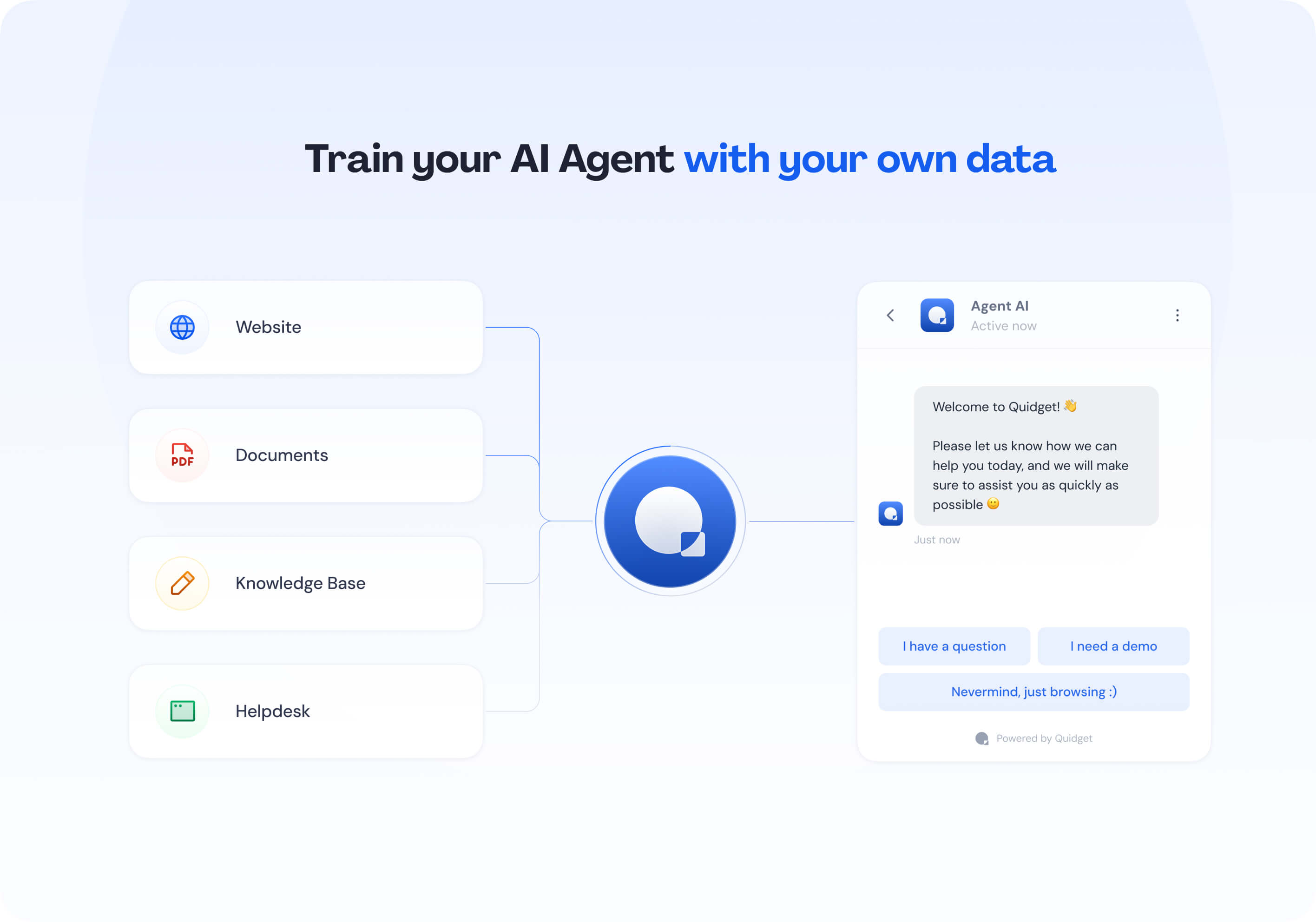 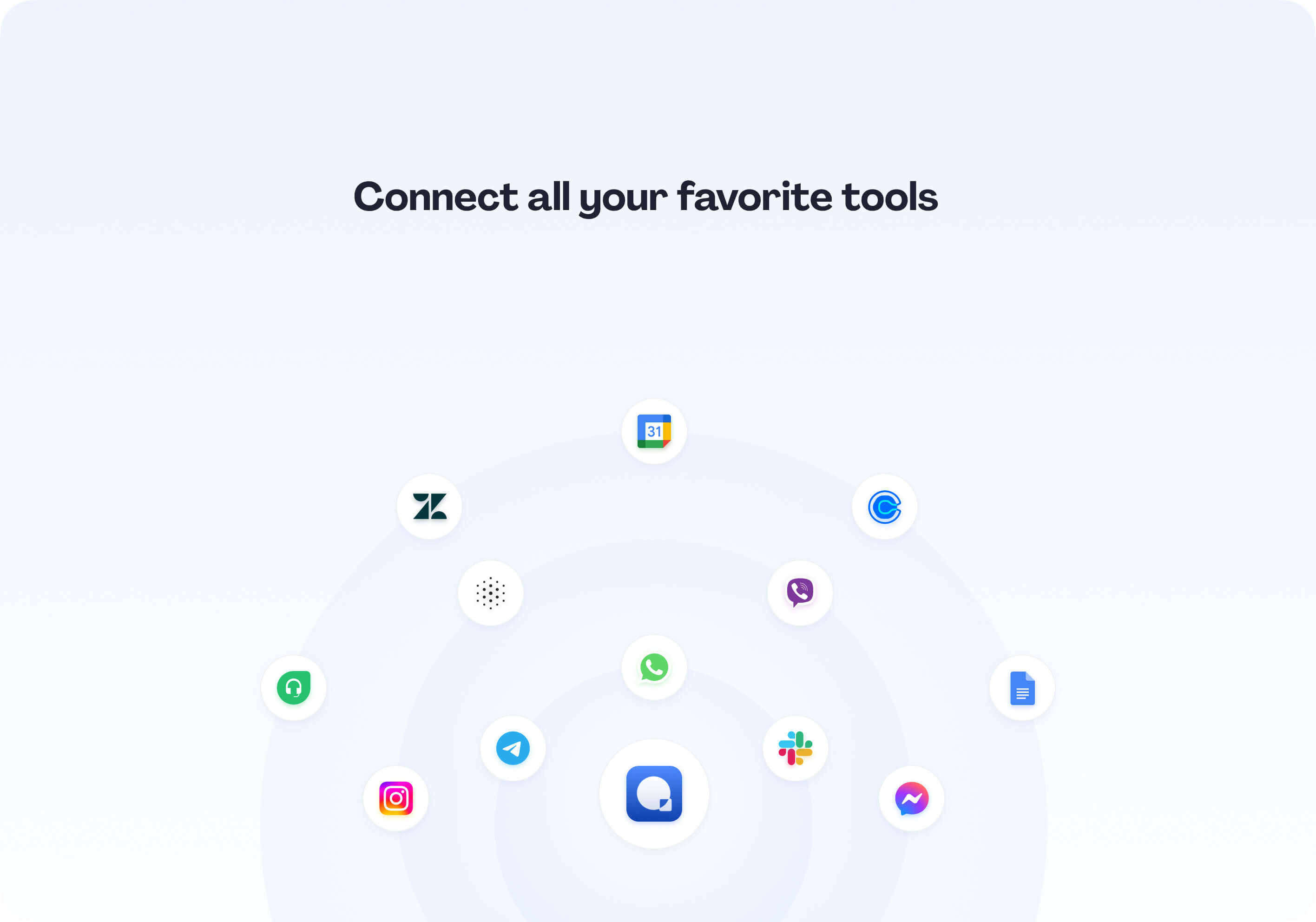 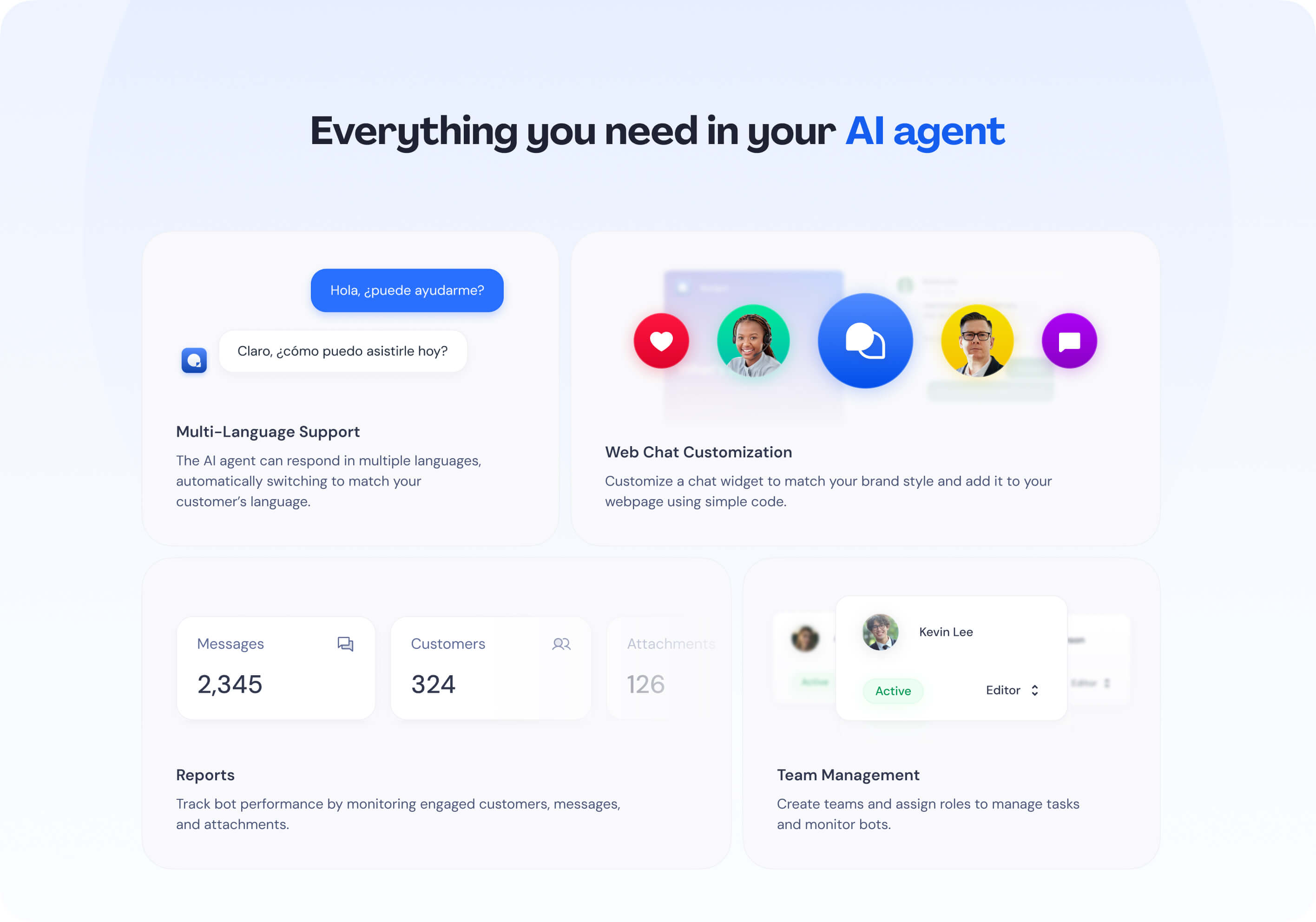 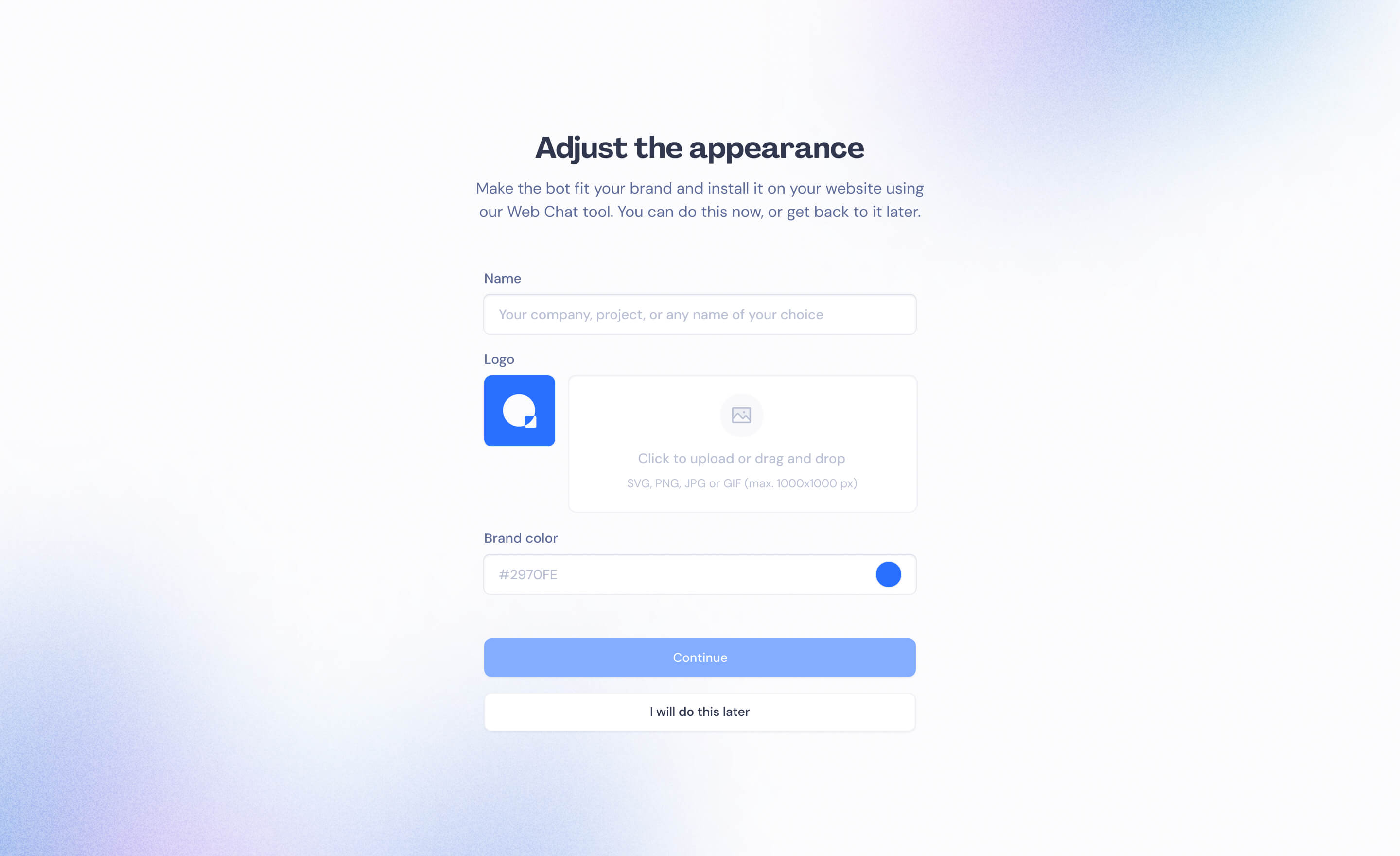 | Zoom Virtual Agent Screenshots    |