Qualtrics is software for advanced quantitative and qualitative research to design products that satisfy customers, increase market share, and build enduring brands. The platform brings sophisticated quant and qual research together with analytics in a single platform.
$1,500
per user/per year
Sogolytics
Score 9.0 out of 10
N/A
Sogolytics (formerly SoGoSurvey) is an online survey software solution that helps users create surveys quickly. The free package includes basic features for building surveys and the paid package includes advanced features.
I think Qualtrics CoreXM can be used in nearly every scenario. It is best suited for internal or external gathering of the voice of the customer through product/service satisfaction surveys, disenrollment surveys, net promoter scores, post-meeting satisfaction surveys, comparison surveys (conjoint studies), etc. It also works well as a knowledge-transfer assessment tool (for tests or quizzes). Also, as a way to capture registrations or RSVPs. It is not as well suited for managing an online community forum that relies on participants to see and react to comments/responses from other members of the online community (like social media). There are other products better suited for that use case.
We use Sogosurvey to obtain feedback from course candidates after they have attended a course. This is invaluable to us as the candidates can complete the feedback in their own time after the course is completed rather than them having to do it while attending the course. We also use SoGoSurvey to get feedback from our volunteer instructors who work for other organizations and at different hours so the ability for them to complete the surveys in their own time is invaluable.
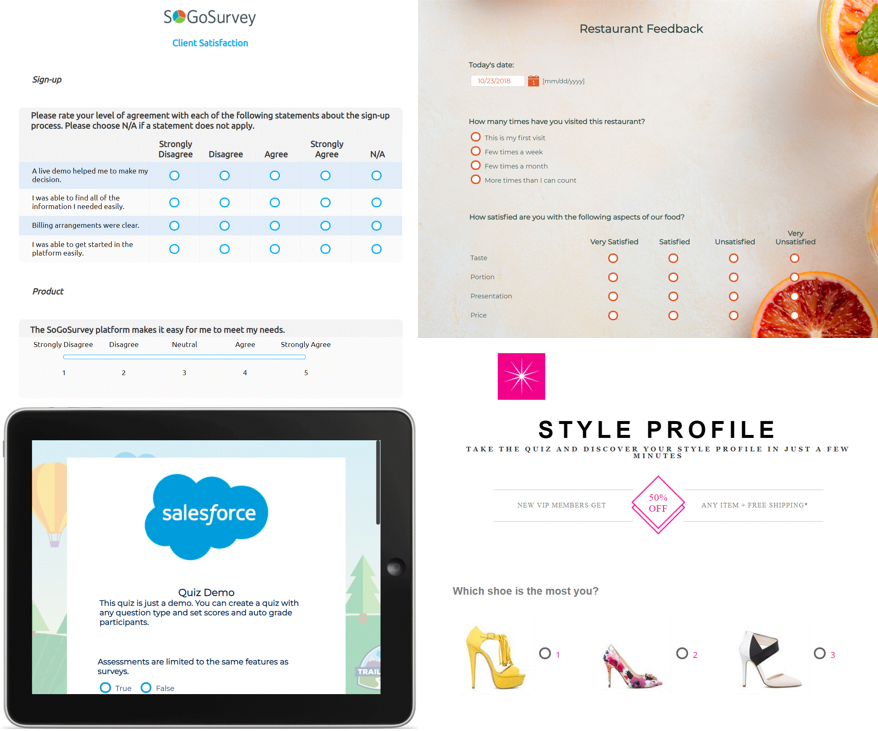
Qualtrics offers a wide range of question formats. This feature allows for uniquely styled questions that keep a students interest.
Qualtrics is very useful for sending out surveys on a particular schedule at a good time to not overload our campus IT system. The reminder feature is great in that I can set up all four reminders for the entire survey when I set up the survey.
I most value the immediate support when I run into a problem. A problem stops my work in its tracks. It is very important that I get the issue resolved quickly so I can get on with my work.
SoGoSurvey makes it easy to create a survey even for the novice. I recently gave a spare license to a peer and they were able to easily develop a survey. I offered my help if she had any questions but she said that she'd definitely ask but "... I already love that I can change the answer format with the drop down. It's the best. "
Customer support. I 'chat' with support personnel when I need to use a feature I haven't used. They are always quick to respond and answer my questions thoroughly. I can get the complete chat via email for future reference as well.
Keeping clients up-to-date. SoGoSurvey regularly hosts free training and best practices webinars that keeps the basics at the forefront and shares best practices.
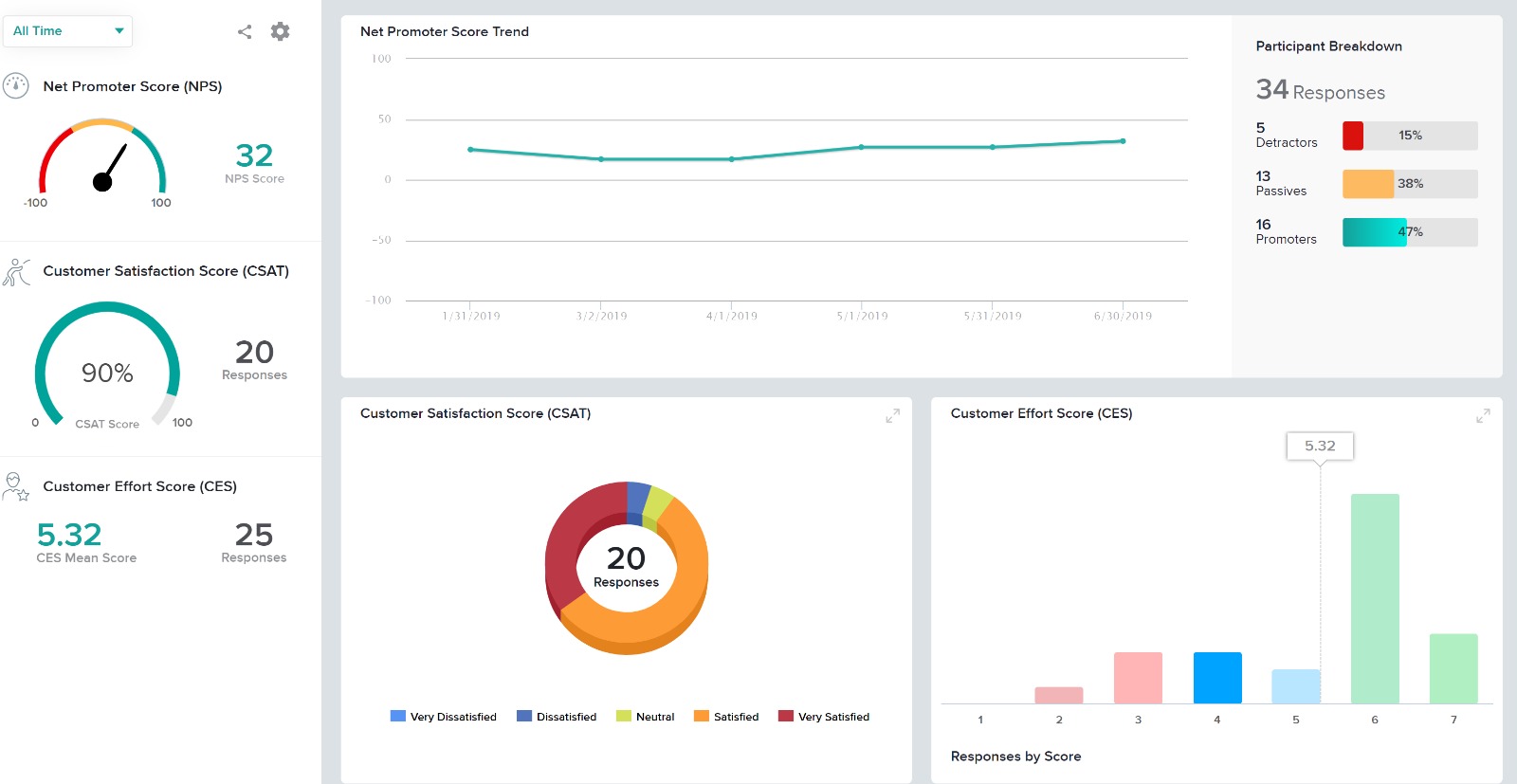
The canvas (survey metrics) is easy to create and very versatile in summarizing the survey results.
The collaborate feature can be clunky and sometimes we have to remove access and add a person back in for them to see the survey in their lists
We have a contract through our university and more than one person has created their account in the wrong place, causing some administrative headaches as that is fixed so that we can collaborate on surveys with them.
I wish it was easier to organize my surveys into folders, there should be a more efficient way to do that.
Providing users the ability to follow along a specific question example (eg. placeholder text in questions that users can see what the answer might look like)
Better media management and implementation (eg. placing images/videos/gifs/etc. as standalone assets in the survey)
Making the images added into a survey responsive to the screen they are being viewed on (eg. any images added to a survey do not adjust to the size of the screen, consequently showing up very small on mobile/tablet view)
Exporting the survey to Word looks horrible - we'd love if the survey could be exported the way it looks when live into a similar-looking Word document or template
I was impressed a couple years ago when two heads of market research at Fortune 500 companies told me about them, and I've been even more impressed with the advancements I've seen in the last year. I like where the company is headed, and I look forward to using them again in a future role.
All the menus are very user friendly and intuitive. I can always find exactly what I'm looking for and can change anything I need to with ease. All the elements of the survey are adjustable with very little effort and without confusion.
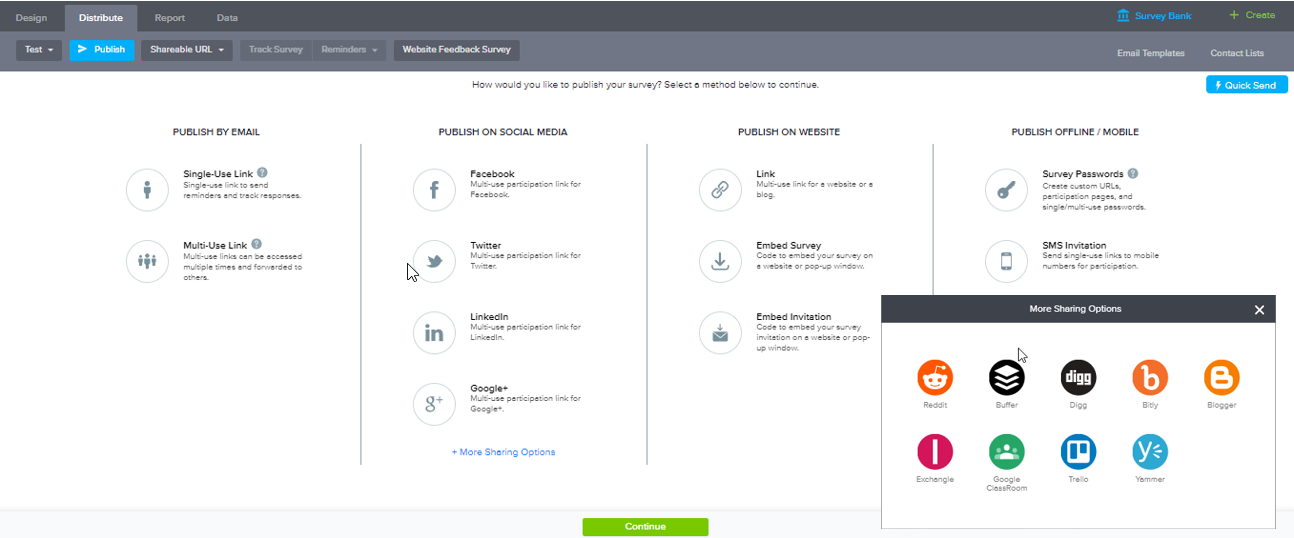
Very easy to use. My only challenge was the features offered in their Plus package didn't offer everything I would have liked (e.g. branching). The other area for improvement would be to allow an easier transition between Tracking and Reports.
Whenever we have had an issue with trying to figure out how to do something (even though the documentation is incredibly well put together) we have asked Qualtrics support and have always received our answer nearly immediately (I think in maybe 10 times, only once did a support person need to call us back). Qualtrics support is dedicated to solving customer issues right, and in the first contact, if at all possible
I had an issue whereby I used a free trial that ended, locking me out of my account. I contacted their customer service to help with this issue, which they resolved in under half an hour. I was extremely impressed with their speed and quality of service, which led me to filling out this review!
I still use it. It does everything you need an online survey to do. From heat mapping to complex skip logic and display logic. I use it weekly and it never disappoints
My institution at the time was using the free version of Qualtrics. We use UserTesting at work currently since we have licenses paid for. Qualtrics isn't bad at with the institution level of license but it could be better. Overall, the interface is not as exciting or eye catching but it does the job.
In summary, Sogolytics has proven to be the perfect fit for our pre and post-test assessments. Its seamless integration, efficient data collection, and powerful reporting capabilities have significantly improved our ability to track and communicate the impact of our programs. We highly recommend Sogolytics to organizations looking for a reliable and user-friendly data management solution.