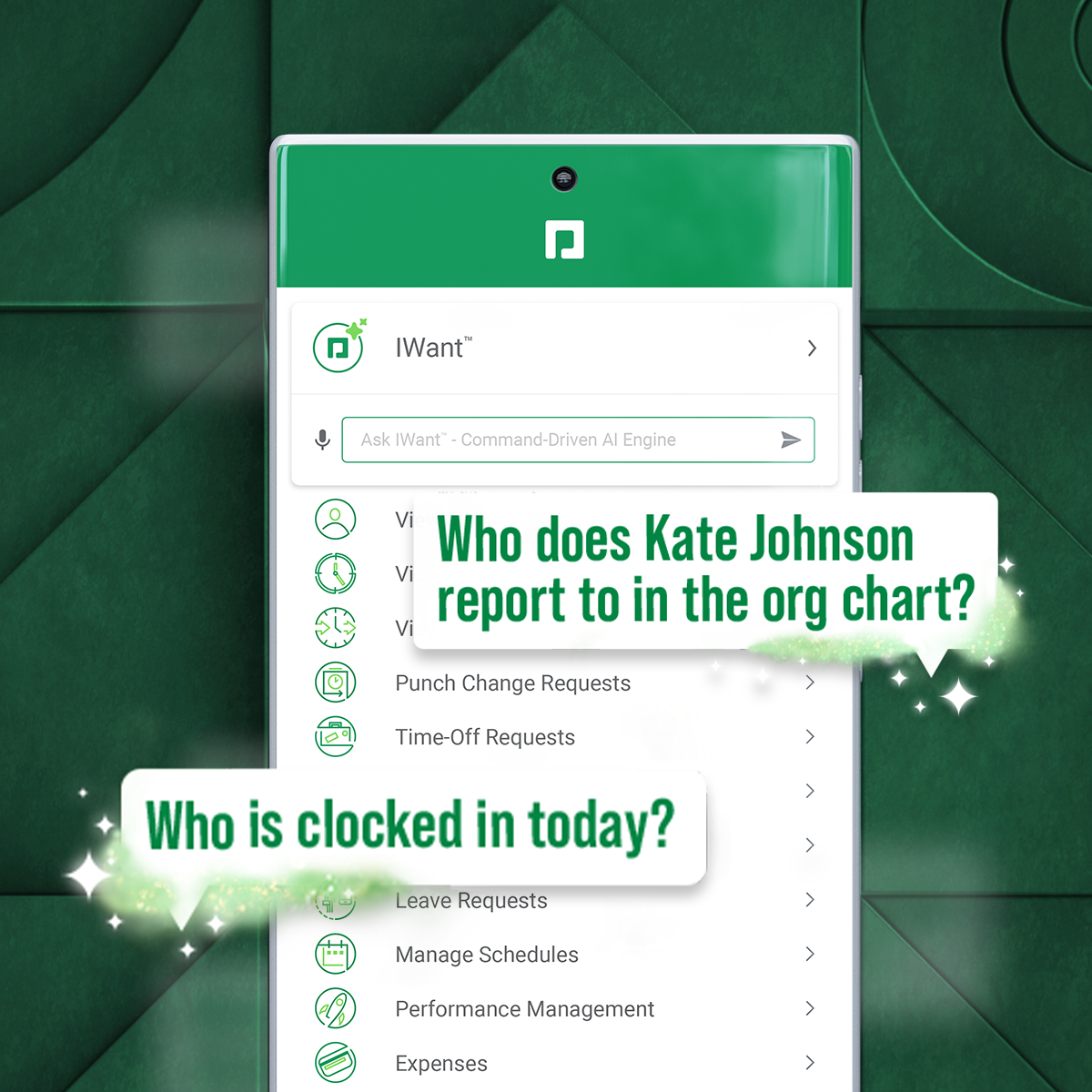
Paycom supports HR and payroll with automated, employee-first technology that supports every stage of employment. Its single database enables seamless data management, to reduce errors, endless data entry and time-consuming administrative tasks.
N/A
ScheduleFly
Score10 out of 10
N/A
ScheduleFly is an employee scheduling solution built for restaurants.
N/A
Pricing
Paycom
ScheduleFly
Editions & Modules
No answers on this topic
No answers on this topic
Offerings
Pricing Offerings
Paycom
ScheduleFly
Free Trial
No
No
Free/Freemium Version
No
No
Premium Consulting/Integration Services
No
No
Entry-level Setup Fee
No setup fee
No setup fee
Additional Details
—
—
More Pricing Information
Community Pulse
Paycom
ScheduleFly
Considered Both Products
Paycom
Verified User
Chose Paycom
We use both Paycom and SchedulFly. We use SchedulFly for our schedules and requesting time off. We use Paycom for only payments.
A de minimis incentive was given to thank the reviewer for their time. The incentive was not used to bias or drive a particular response, nor was the incentive contingent on a positive endorsement. More Info
It's very mobile friendly, especially for people that aren't tech savvy. We have an aged workforce where we were really concerned about how they would adapt, going from the comfort of using paper to a mobile and online application. But the training was really easy and the adaptation has been simple for us as a company.
A de minimis incentive was given to thank the reviewer for their time. The incentive was not used to bias or drive a particular response, nor was the incentive contingent on a positive endorsement. More Info
ScheduleFly is well suited for small or large businesses. We have around ten employees, and this works great! If you had a much smaller group to manage/schedule, you might not need something as complex and detailed. For larger groups, this would be perfect and well worth the cost for a subscription.
A de minimis incentive was given to thank the reviewer for their time. The incentive was not used to bias or drive a particular response, nor was the incentive contingent on a positive endorsement. More Info
I would say the communication post-implementation is amazing. Allie is our representative. She's amazing. Caitlin is amazing. I just met Travis last week at the office. Amazing. The communication is great and helpful, so if one of the team members don't have the answer, they can just jump in. For instance, I was on a call with Caitlin yesterday and she was like, "I'm not really sure about this answer. Let me see if I can go run it byTravis." I know he's on another call and instead of him saying blah, blah, he came over and looked at the screen and was like, do this, do this. It's a little different. So I would say the customer service is the best.
A de minimis incentive was given to thank the reviewer for their time. The incentive was not used to bias or drive a particular response, nor was the incentive contingent on a positive endorsement. TR verified that a representative sample of customers was invited. More Info
A de minimis incentive was given to thank the reviewer for their time. The incentive was not used to bias or drive a particular response, nor was the incentive contingent on a positive endorsement. More Info
I think that when we do need a response back, which is very unlikely from the contact about something that's happening or going on, it can take a little long to get back to us. Longer than we would like because obviously it's an emergency to us, but we understand they have tons of emergencies they have to solve. But I think that's the only aspect.
I know from a payroll standpoint, which I'm not really privy to because I don't work on the payroll side, there have been some little hiccups that about certain formulas used, certain credits being issued that we've already filed for tax credits that we filed for. So I know that my CFO's already on top of it and pay comes on top of it as well and it's getting resolved, but obviously that's a big issue that needs some work there.
A de minimis incentive was given to thank the reviewer for their time. The incentive was not used to bias or drive a particular response, nor was the incentive contingent on a positive endorsement. TR verified that a representative sample of customers was invited. More Info
A de minimis incentive was given to thank the reviewer for their time. The incentive was not used to bias or drive a particular response, nor was the incentive contingent on a positive endorsement. More Info
Because it has everything that we need and as we grow, we are learning how robust Paycom can actually be but we need to be willing to spend the money. It's not expensive but we, as a company, are not used to spending that much on a system for HR and payroll.
A de minimis incentive was given to thank the reviewer for their time. The incentive was not used to bias or drive a particular response, nor was the incentive contingent on a positive endorsement. More Info
The interface is very intuitive, you can navigate it pretty well. Everything's pretty much spelled out and the features just flow really well. They make it easy for you to go back and forth with the UX/UI type of interface. So I think it was built pretty well.
A de minimis incentive was given to thank the reviewer for their time. The incentive was not used to bias or drive a particular response, nor was the incentive contingent on a positive endorsement. TR verified that a representative sample of customers was invited. More Info
A de minimis incentive was given to thank the reviewer for their time. The incentive was not used to bias or drive a particular response, nor was the incentive contingent on a positive endorsement. More Info
A de minimis incentive was given to thank the reviewer for their time. The incentive was not used to bias or drive a particular response, nor was the incentive contingent on a positive endorsement. More Info
Our TSR has been wonderful to work with. Every step of the way he was quick to respond and answer any questions we had. I knew I could reach him at any time (day or night) and he would be available to assist. Implementing a new HRIS system is obviously a huge task and I contribute all our success to our rep Kurt! Of course, with any implementation, there were bumps along the way and issues. But I always knew we would work as a team to get those issues figured out. Working in the Paycom system has been smooth and easy to learn and I enjoy the employee self-service interface. Our managers have had positive things to say and are all excited about the changes we have been able to make to our organization due to Paycom being implemented.
A de minimis incentive was given to thank the reviewer for their time. The incentive was not used to bias or drive a particular response, nor was the incentive contingent on a positive endorsement. More Info
I have never had to use support directly. Still, I love that even though they seem to be a smaller group that runs it, they are very personable in their email correspondence and supply phone numbers and contact information in case we are ever in a bind. It's nice to know that we have the option to contact them and will get personal support if we need it.
A de minimis incentive was given to thank the reviewer for their time. The incentive was not used to bias or drive a particular response, nor was the incentive contingent on a positive endorsement. More Info
A de minimis incentive was given to thank the reviewer for their time. The incentive was not used to bias or drive a particular response, nor was the incentive contingent on a positive endorsement. More Info
All the online training modules were short and straight to the point. Every module teach you how to use the system. If there is one thing they know how to do is training. We did implementation during the pandemic so all had to be done online or via zoom meetings.
Not at all satisfied it was a nightmare we spent over 8 months with the implementation team having issues after issues all related to the Puerto Rico regulations (half my employees are in Puerto Rico) and at the end we were moved over from the implementation team to the production team without all the issues being resolved
We really only had Paychecks and that was our biggest problem is that with several different companies, it was very hard If you had a salary employee and didn't terminate them in the prior company, they get paid twice, so this has really been definitely a big help for us.
A de minimis incentive was given to thank the reviewer for their time. The incentive was not used to bias or drive a particular response, nor was the incentive contingent on a positive endorsement. TR verified that a representative sample of customers was invited. More Info
ScheduleFly had a lot of extra features that some of the other scheduling software didn't offer. For example, one of the big draws of ScheduleFly was the ability to switch shifts right in the app. Workers continually need to make changes to their schedules, and it can add a lot of time to our plates as we try to put the puzzle together and make sure all shifts are covered. ScheduleFly gives workers a chance to makeshift and schedule changes on their own and leave leadership out of the picture. I love the display and organization of ScheduleFly too! It just seems a lot more organized and put together than some of the other ones we explored.
A de minimis incentive was given to thank the reviewer for their time. The incentive was not used to bias or drive a particular response, nor was the incentive contingent on a positive endorsement. More Info
A de minimis incentive was given to thank the reviewer for their time. The incentive was not used to bias or drive a particular response, nor was the incentive contingent on a positive endorsement. More Info
I think our fiscal team who handles the ROI would say that it has had a negative impact just because a lot of stuff is a la carte and we weren't aware of that before we went into a business relationship with Paycom. So I think it's had a negative impact.
A de minimis incentive was given to thank the reviewer for their time. The incentive was not used to bias or drive a particular response, nor was the incentive contingent on a positive endorsement. TR verified that a representative sample of customers was invited. More Info
A de minimis incentive was given to thank the reviewer for their time. The incentive was not used to bias or drive a particular response, nor was the incentive contingent on a positive endorsement. More Info