
Parallels Desktop for Mac vs. Firework by Startpack
Parallels Desktop for Mac vs. Firework by Startpack
| Product | Rating | Most Used By | Product Summary | Starting Price |
|---|---|---|---|---|
 Parallels Desktop for Mac | N/A | Parallels® Desktop for Mac is used to run Windows on Intel or Apple silicon. Users can switch between Mac and Windows applications, while retaining the macOS appearance, or use the familiar Windows desktop aesthetic. | $99.99 per year | |
 Firework by Startpack | N/A | Firework is a program for turning web applications and websites into desktop apps, so that applications created in Firework look and function like regular programs. The vendor states applications will launch quickly and can be kept on the Taskbar or System Tray. Firework is useful for everyday web applications such as CRM systems or text editors, and Firework can be used for everyday web applications such as CRM systems or text editors. Users can customize icons and colors of apps,… | $2.99 per month per user |
| Parallels Desktop for Mac | Firework by Startpack | |||||||||||||||
|---|---|---|---|---|---|---|---|---|---|---|---|---|---|---|---|---|
| Editions & Modules |
|
| ||||||||||||||
| Offerings |
| |||||||||||||||
| Entry-level Setup Fee | No setup fee | $2.99 per user | ||||||||||||||
| Additional Details | — | — | ||||||||||||||
| More Pricing Information | ||||||||||||||||
| Parallels Desktop for Mac | Firework by Startpack |
|---|
| Parallels Desktop for Mac | Firework by Startpack | ||||||||||||
|---|---|---|---|---|---|---|---|---|---|---|---|---|---|
| Application Virtualization |
|
| Parallels Desktop for Mac | Firework by Startpack | |
|---|---|---|
| Small Businesses |  Parallels RAS Score 6.9 out of 10 | Parallels Desktop for Mac Score 9.7 out of 10 |
| Medium-sized Companies |  Nutanix AHV Score 9.0 out of 10 | Nutanix AHV Score 9.0 out of 10 |
| Enterprises | Nutanix AHV Score 9.0 out of 10 | Nutanix AHV Score 9.0 out of 10 |
| All Alternatives | View all alternatives | View all alternatives |
| Parallels Desktop for Mac | Firework by Startpack | |
|---|---|---|
| Likelihood to Recommend | 9.2 (0 ratings) | 9.6 (0 ratings) |
| Likelihood to Renew | 10.0 (0 ratings) | - (0 ratings) |
| Usability | 10.0 (0 ratings) | - (0 ratings) |
| Support Rating | 9.0 (0 ratings) | - (0 ratings) |
| Implementation Rating | 10.0 (0 ratings) | - (0 ratings) |
| Parallels Desktop for Mac | Firework by Startpack | |
|---|---|---|
| Likelihood to Recommend | 
| 
|
| Pros |
 Jonah Dempcy Web & Mobile Developer |
|
| Cons |
|
|
| Likelihood to Renew |
 Bruce Carter Senior Systems Engineer | No answers on this topic |
| Usability |
 Stefan Boeykens sr. BIM Manager | No answers on this topic |
| Support Rating |
| No answers on this topic |
| Implementation Rating |
 Denise Wade IT support specialist /Mac Support | No answers on this topic |
| Alternatives Considered |
Bruce Carter Senior Systems Engineer | No answers on this topic |
| Return on Investment |
|
|
| ScreenShots | Parallels Desktop for Mac Screenshots      | Firework by Startpack Screenshots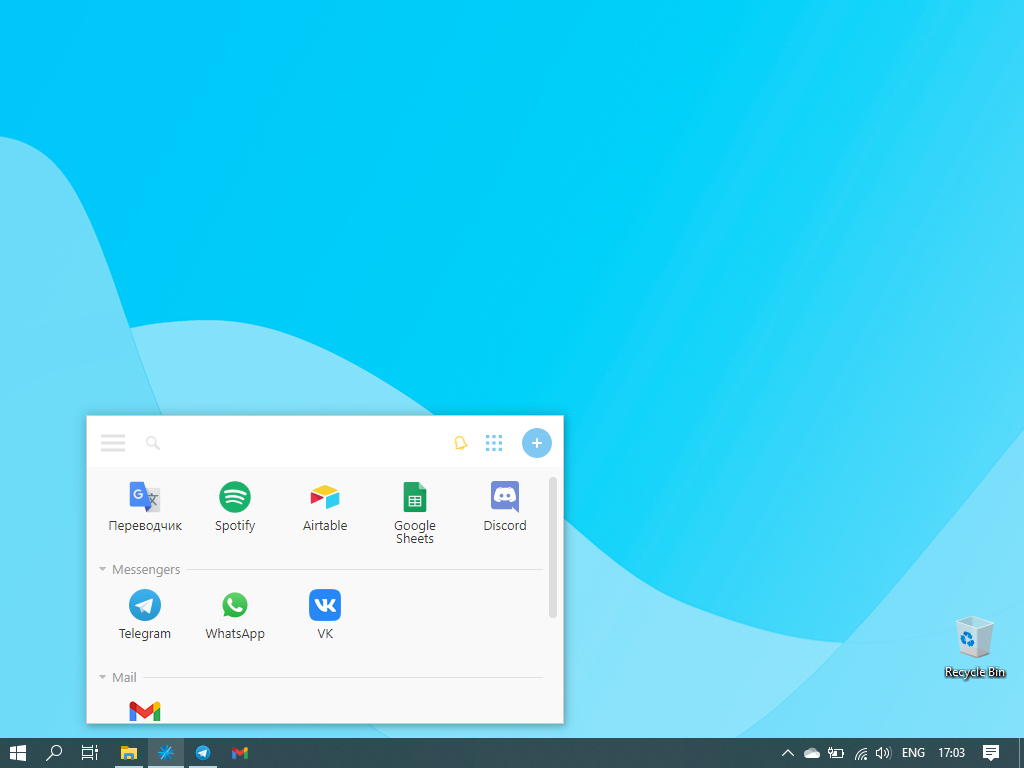    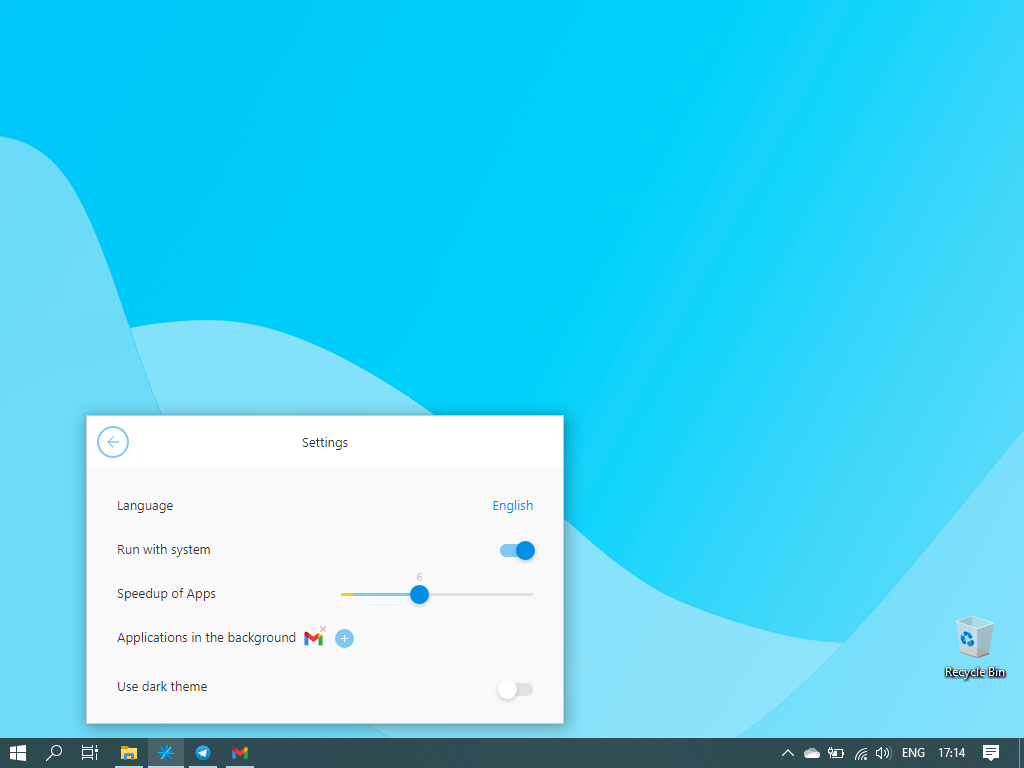  |