osTicket is an open-source help desk / ticketing platform that can create inquiries online, through email, and through phone calls.
N/A
TeamSupport
Score 8.0 out of 10
Mid-Size Companies (51-1,000 employees)
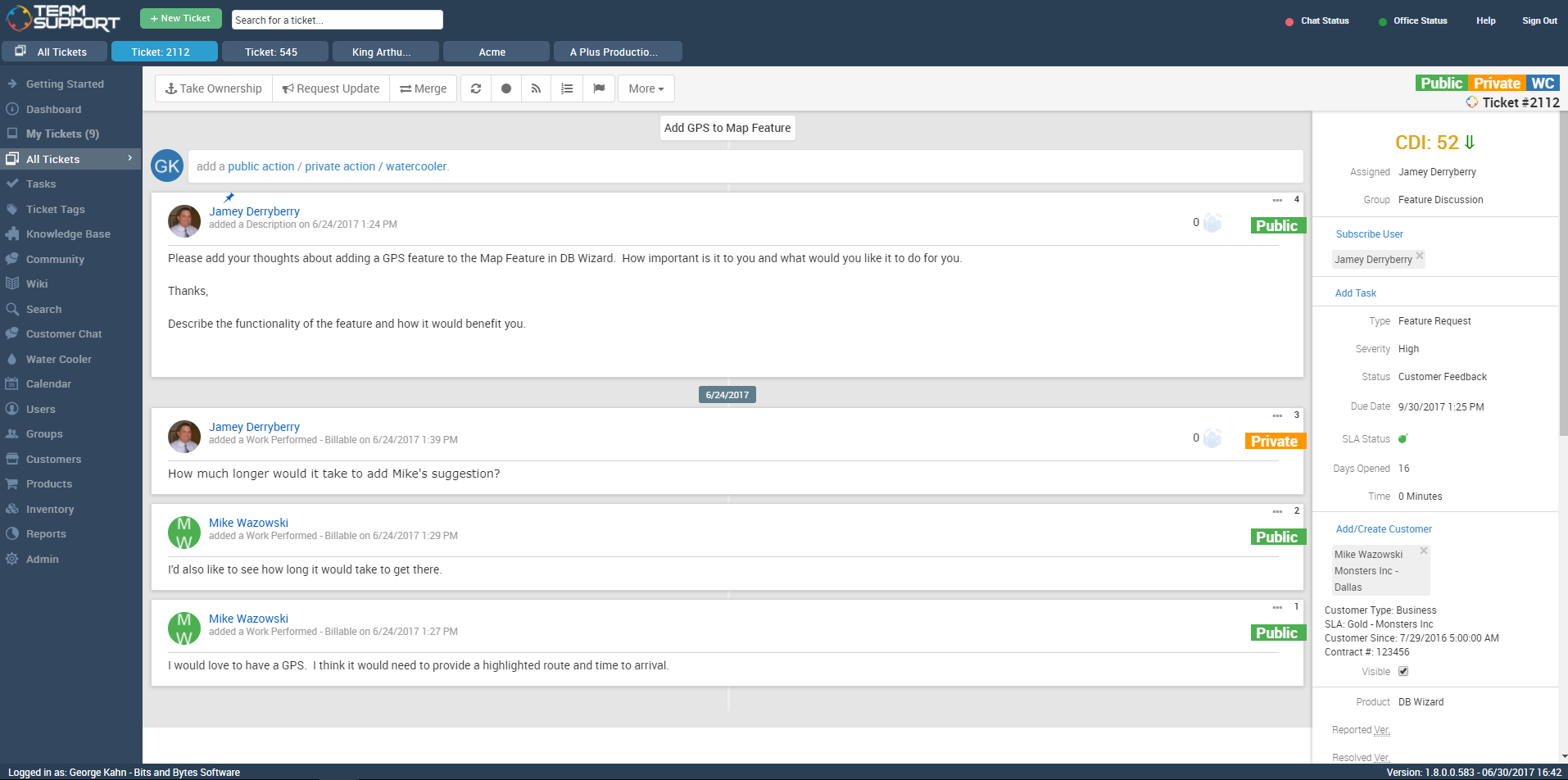
TeamSupport is customer support software built for B2B software and technology companies. The solution offers ticket management, a customer and contact database, reporting and analytics, multi-channel support, built-in collaboration tools, and many native integrations.
$45
per month per user
Pricing
osTicket
TeamSupport
Editions & Modules
No answers on this topic
Starter
$45
per month per user
Professional
$65
per month per user
Scale
$85
per month per user
Offerings
Pricing Offerings
osTicket
TeamSupport
Free Trial
Yes
Yes
Free/Freemium Version
Yes
No
Premium Consulting/Integration Services
No
No
Entry-level Setup Fee
No setup fee
Optional
Additional Details
—
Pricing is based on annual billing
More Pricing Information
Community Pulse
osTicket
TeamSupport
Features
osTicket
TeamSupport
Incident and problem management
Comparison of Incident and problem management features of Product A and Product B
osTicket
7.6
Ratings
6% below category average
TeamSupport
9.1
Ratings
12% above category average
Organize and prioritize service tickets
7.90 Ratings
9.60 Ratings
Expert directory
9.00 Ratings
7.00 Ratings
Subscription-based notifications
8.40 Ratings
10.00 Ratings
ITSM collaboration and documentation
7.20 Ratings
00 Ratings
Ticket creation and submission
6.80 Ratings
9.60 Ratings
Ticket response
6.20 Ratings
9.60 Ratings
Self Help Community
Comparison of Self Help Community features of Product A and Product B
osTicket
8.3
Ratings
6% above category average
TeamSupport
9.1
Ratings
15% above category average
External knowledge base
9.00 Ratings
8.70 Ratings
Internal knowledge base
7.50 Ratings
9.40 Ratings
Multi-Channel Help
Comparison of Multi-Channel Help features of Product A and Product B
osTicket is very well suited for small to medium environments where the budget might be tight or a complex system isn't desired. The basic pillars of osTicket being that it is simple, lightweight, reliable, open source, and best of all free really make osTicket a great alternative to higher-cost customer support systems. While osTicket does have shortfalls which would be bad for some environments—like not offering social media integration, lacking a flashy user interface, no detailed analytics (satisfaction, performance, etc.), no live chat/messaging, and any detailed customization requires PHP knowledge—osTicket is a great free and simple support system without the extra features and costs the alternatives offer.
How many departments will be using TeamSupport and how many "Groups" will I therefore need to create? The answer will impact how much you are spending on TeamSupport. The same goes for individual employees who use it. Additionally, you should ask how important uptime is and get assurance on how quickly issues will be resolved if there is downtime from TeamSupport during business hours. Finally, you should ask how the reporting component will meet your needs.
Ease of Use. TeamSupport is very well laid out and is obviously being designed by people that have their customers in mind. I can find what I need quickly and have found none of the customizable features to be confusing.
TeamSupport supports their clients well. Anytime I need help, they are an email or phone call away and I receive prompt, if not immediate assistance.
TeamSupport integrates with our Salesforce CRM well. The integration was as easy as entering a token and then choosing the fields I want to sync to Salesforce. The initial import of data from Salesforce did not give me all of my customers, but that was because of how I had Salesforce set up and after talking to TeamSupport and making a few changes, we restarted the data import and it has been smooth sailing ever since. Now my Sales Staff can see what is happening on the ticket side of their accounts without having to ask, because TeamSupport automatically updates Cases in Salesforce. Very well done feature.
osTicket's hosted version is expensive and customization is kind of hard to come by. So, unless you have programming-proficient developers on hand (we do!) you will need to accept the options that you are paying for.
osTicket's community forum has had some bugs recently as they have rolled out a new platform for it. For people who rely on the community forum extensively, this is a set back. Again, this is more of an issue for those using open source and not the SaaS version.
I would be interested in seeing a way to sort tickets under 2 filters. Example: I'd love to be able to sort my tickets oldest to newest - AND - by customer within the first filter.
I would also like to be able to customize my user profile. I think it would be cool to be able to change colors and formats.
The software is easy to use and more than fulfills our minimum requirements for a tech support database tool. TeamSupport is constantly adding new features, both that they identified themselves and that were directly requested by TeamSupport users. One of the most important things that a company does is communicate with its customers, especially when there is a problem. While we would all prefer to never have any down time, that just isn't possible. So when something happens it is critical you keep your users informed of what is going on and how long it will take to fix things. TeamSupport gets an A+ when it comes to keeping customers informed. You can make the answers in your tickets available in an FAQ. Obviously, the longer you stick with TeamSupport, the more complete and useful the FAQ will be for your customers
I am familiar with osTicket and this allow me to teach all the staff and support them whenever they have any concern regarding the usability and following processes.
I think some things could be a little more user-friendly: specifically the dashboard. Although it's fantastic and makes life so much nicer, I'd like to have more control on it's customization. I'd like to be able to default what's collapsed and what's expanded...instead of everything expanding by default each time I load it. But the portal offers great tools and guides on workarounds.
TeamSupport's communication for service issues/maintenance are always visible. They also offer many opportunities for training on the software via webinar. Additionally, their support team has been available for coaching and guidance on how to use the software more effectively. They also offer training on creating customized reports to suit our specific organizational needs.
Data import was the most difficult hurdle for us to get over. The mass import was handled through an Excel spreadsheet. TeamSupport doesn't use Microsoft Office products for the most part so they were relying on Google Docs which has limitations over Excel. Special characters and html in import cells can be a issue with importing. When creating a data export from your current system, special care needs to be taken so that the data is able to be processed into TeamSupport without issues.
This company wanted to first explore how a ticketing/support system could benefit their organization before investing [in] a solution. Firstly osTicket is open source and doesn't have a license fee and secondly, because of [its] simplicity, it is quick to implement in the organization. These were the key 2 drivers to choose osTicket. Of course, there are trial versions of the other products available but the implementation time needed is longer since their functionality suite is larger than what osTicket offers. Those extra features aren't needed (yet) so that is the third and final reason why osTicket was chosen and probably will stay until the need for more functionality arises.
We have looked into Zendesk and previously moved from Axosoft to TeamSupport. TeamSupport is definitely better than Axosoft when it comes to fuctionality and ease of use. Zendesk is probably the best and widely used but of course that comes with a price. If the organization is big and a larger customer base, then is makes sense to use Zendesk.
TS keeps adding new features without making sure the program is reliable as-is. The program is frequently offline which makes for significant frustration on my part
When we first began using TeamSupport we were also preparing for an important review of our software product. Of course, our customer service was being evaluated also. We had about 80 people involved in our review and comments about our customer service came back excellent every time. One of our main goals is to provide exceptional customer support, but we could not have done it without TeamSupport.