Oracle Digital Assistant delivers an AI platform to create conversational experiences for business applications through text, chat, and voice interfaces.
$1,160
per month 200 hrs/month
Zoom AI Companion
N/A
N/A
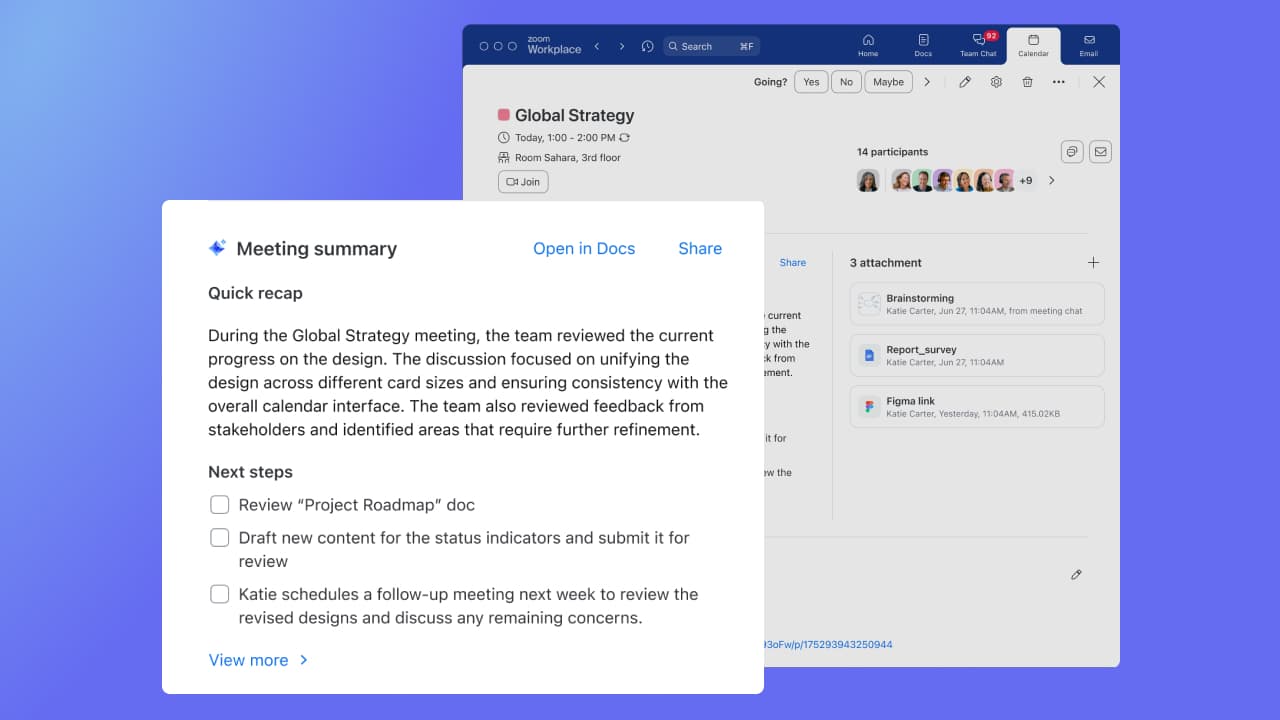
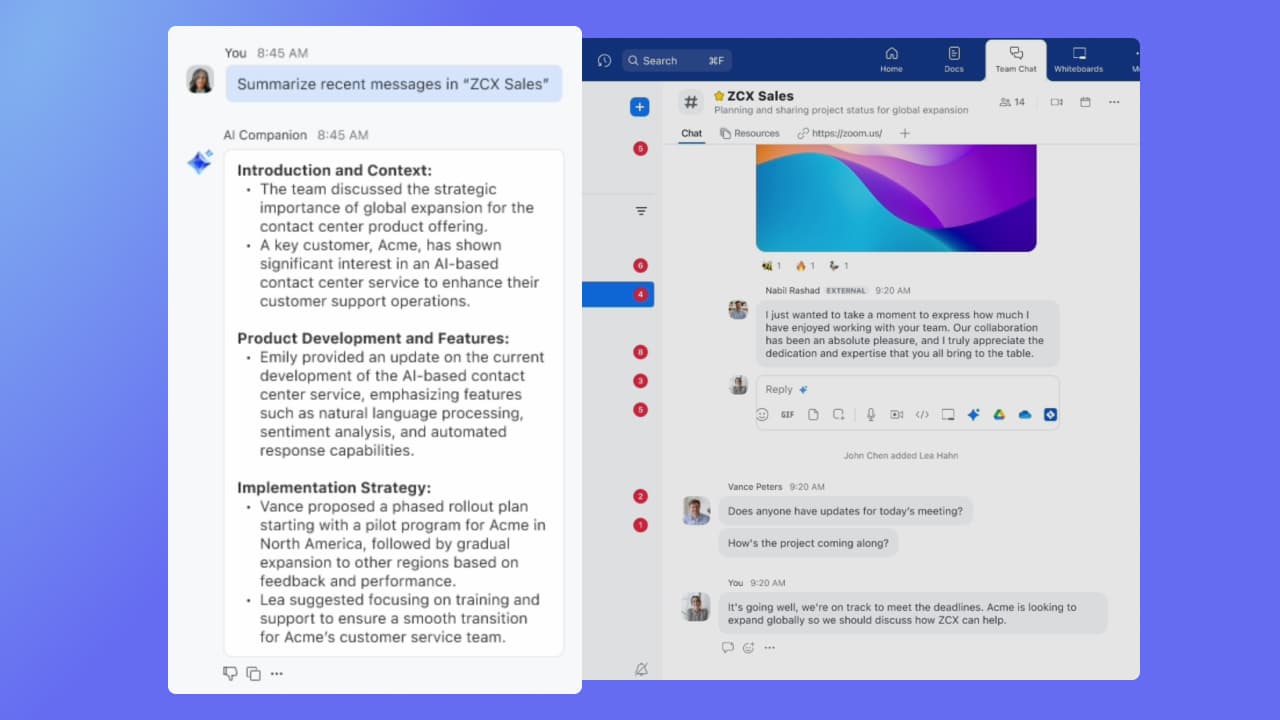
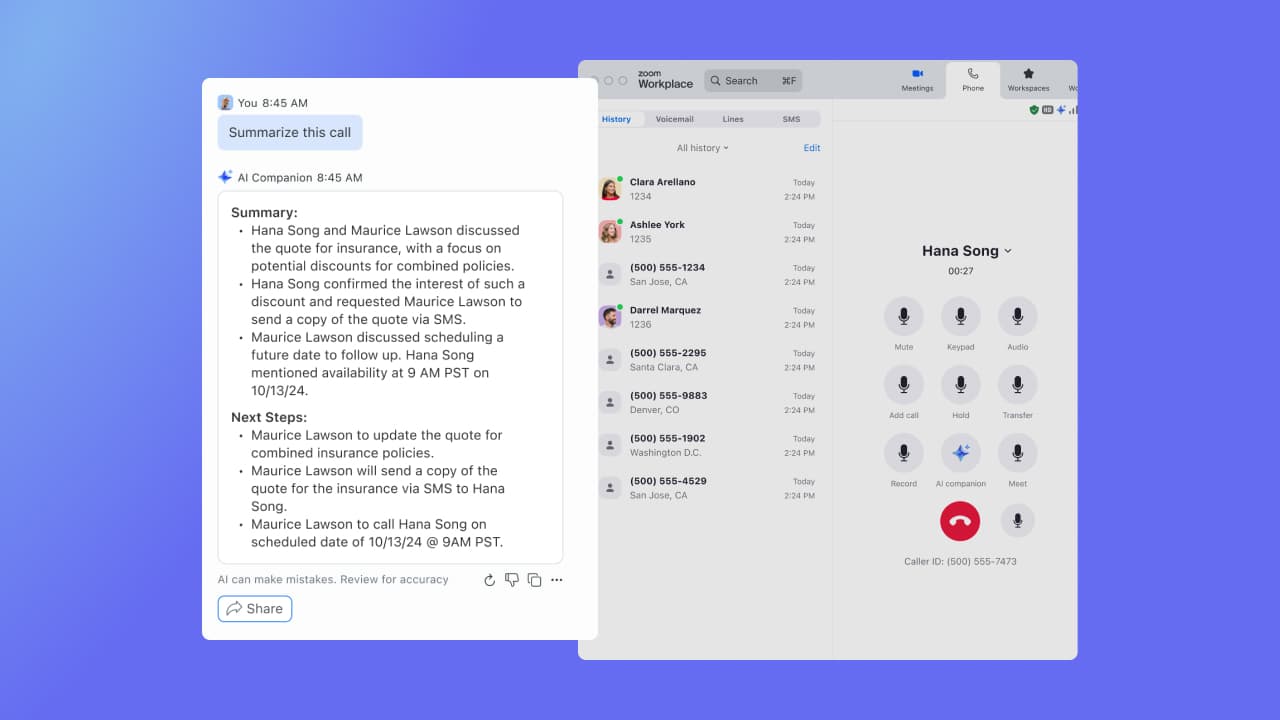
Zoom Custom AI Companion gives admins the ability to customize AI Companion outputs by accessing an organization’s internal data sources, as well as third-party applications within Zoom AI Studio for expanded knowledge, helping users drive decisions, actions, and complete tasks.
As mentioned in pros and cons, it depends on the use cases. Most of the normal chatbot use cases can be handled by ODA. If you want to build a chatbot with menu style or conversation style (it is not straight forward but it can be done), ODA can be perfect. If use cases are to also include AI with emotional intelligence to make conversational more interactive and also be able to detect through AI engine automatically what a person would like to do or perform or ask, then ODA may not fit for it. If you also are looking for virtual agents through tighter IVR integration then ODA may not be right. There are a few limitations around the number of words in the text to voice feature.
A de minimis incentive was given to thank the reviewer for their time. The incentive was not used to bias or drive a particular response, nor was the incentive contingent on a positive endorsement. More Info
If you have a colleague who is based in a remote location or is part of a remote team, Zoom is a vital collaboration tool for your day-to-day work. Zoom AI Companion is easier and more effective for working with a colleague at a remote location rather than making a call. You can share your non-verbal reactions through video, which brings a close experience to face-to-face interactions.
A de minimis incentive was given to thank the reviewer for their time. The incentive was not used to bias or drive a particular response, nor was the incentive contingent on a positive endorsement. TR verified that a representative sample of customers was invited. More Info
A de minimis incentive was given to thank the reviewer for their time. The incentive was not used to bias or drive a particular response, nor was the incentive contingent on a positive endorsement. More Info
Large meeting rooms that our marcomms team is able to navigate and problem solve with quickly and easily.
Ability to schedule meetings with internal and external team members for workshops. Provides us with several tools to communicate and share ideas without having to even turn your mic on.
AI companion to remember points that were made and provide a summary to those who were unable to attend after the meeting.
A de minimis incentive was given to thank the reviewer for their time. The incentive was not used to bias or drive a particular response, nor was the incentive contingent on a positive endorsement. More Info
A de minimis incentive was given to thank the reviewer for their time. The incentive was not used to bias or drive a particular response, nor was the incentive contingent on a positive endorsement. More Info
Although the whiteboard is nice, it's not as advanced as I'd like to be. For example, navigating it can sometimes be tricky, and it doesn't have nearly as many features as a tool like Miro.
The Zoom integration for Outlook has issues, it doesn't always sync
The React feature on Zoom calls doesn't always work and sometimes isn't visible
A de minimis incentive was given to thank the reviewer for their time. The incentive was not used to bias or drive a particular response, nor was the incentive contingent on a positive endorsement. TR verified that a representative sample of customers was invited. More Info
It's really easy to use - the AI icon is everywhere all over the place in the Zoom client so it's easy to be able to leverage AI whenever you need it, and similarly in the meeting it's easy to find and to use. I don't have complaints here that I can think of
I selected Oracle Digital Assistant against all other digital assistant platforms as this platform works like a charm with any Oracle application. It integrates well with Oracle Integration Cloud. The new beta version has an inbuilt conversation builder which can be used to build conversation without the YAML code.
A de minimis incentive was given to thank the reviewer for their time. The incentive was not used to bias or drive a particular response, nor was the incentive contingent on a positive endorsement. More Info
Zoom has better compatibility compared to Teams at our institution. It also supports a wider array of codecs. We like using Zoom despite the fact that both Teams and Zoom are supported at an enterprise level at our academic institution. Zoom also seems to have better video and audio quality and lower drop rates.
A de minimis incentive was given to thank the reviewer for their time. The incentive was not used to bias or drive a particular response, nor was the incentive contingent on a positive endorsement. TR verified that a representative sample of customers was invited. More Info
A de minimis incentive was given to thank the reviewer for their time. The incentive was not used to bias or drive a particular response, nor was the incentive contingent on a positive endorsement. More Info
A de minimis incentive was given to thank the reviewer for their time. The incentive was not used to bias or drive a particular response, nor was the incentive contingent on a positive endorsement. More Info