OptinMonster is an ecommerce popup builder and conversion tool from Wordpress plugin specialist Awesome Motive headquartered in Florida.
$7
per month billed annually
Unbounce
Score 8.1 out of 10
Mid-Size Companies (51-1,000 employees)
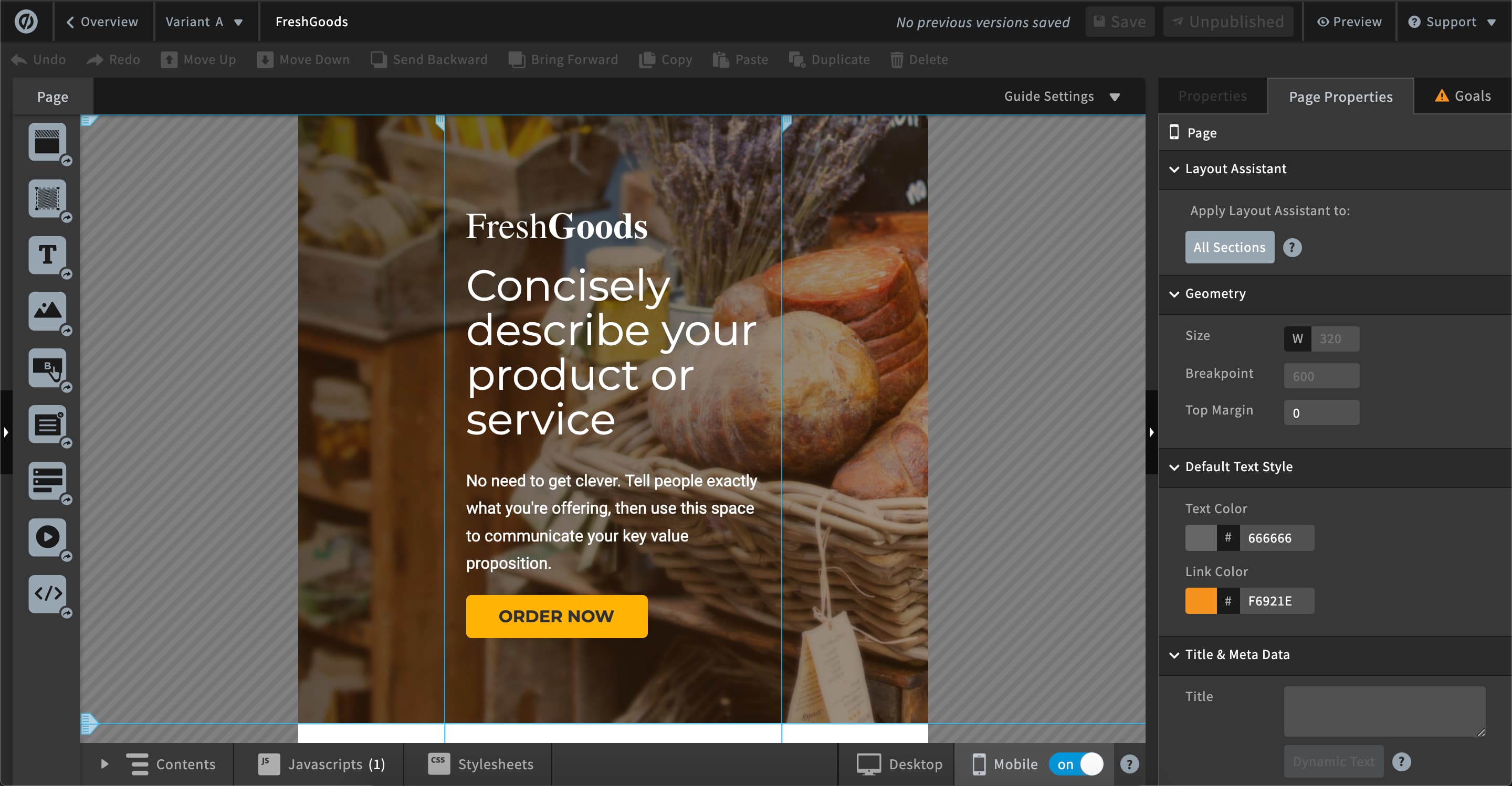
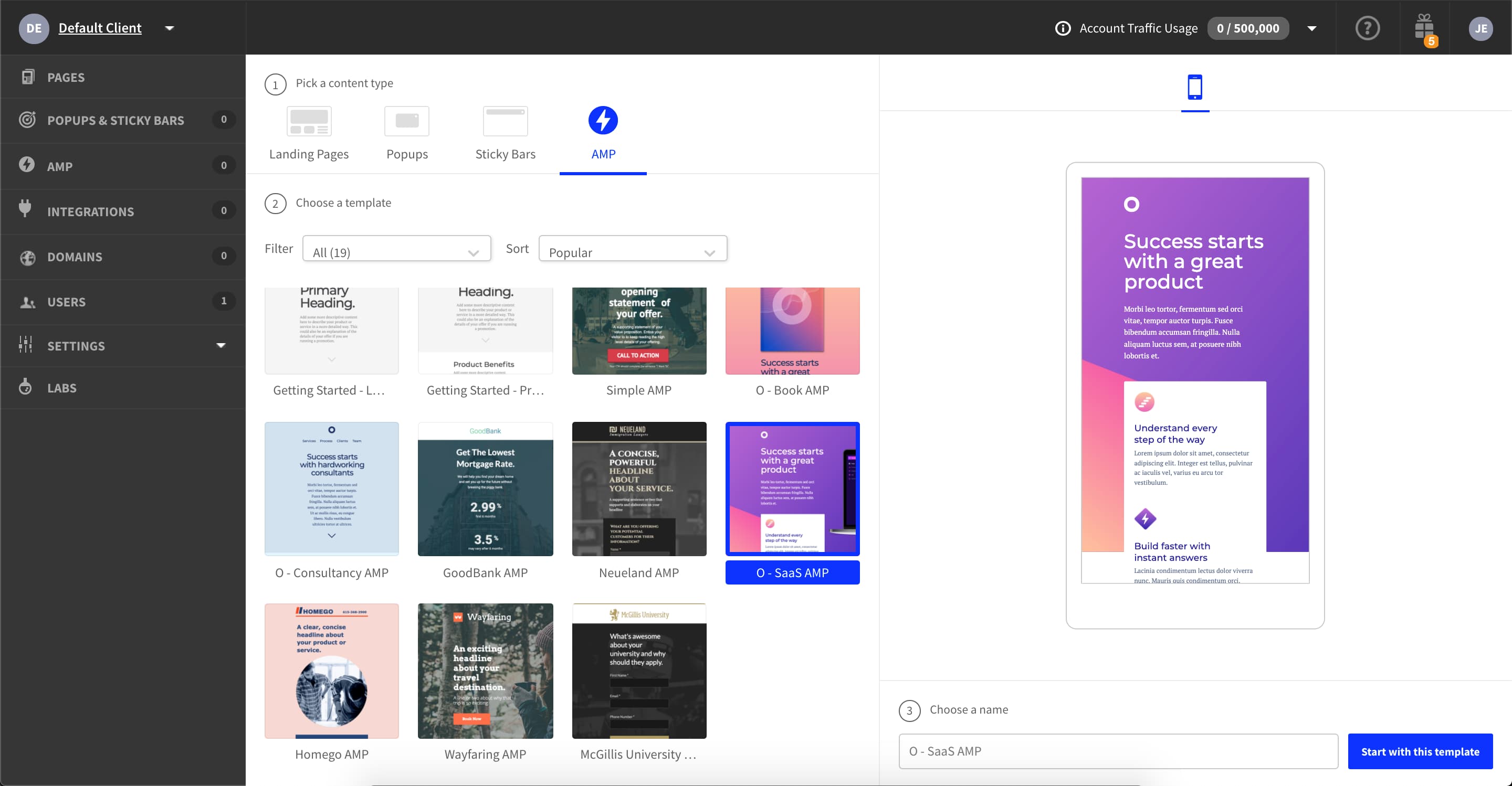
Unbounce is a landing page builder for marketers. Marketers can use the drag and drop platform to create customized, responsive landing pages for their marketing campaigns.
$99
per month
Pricing
OptinMonster
Unbounce
Editions & Modules
Basic
$7
per month billed annually
Plus
$19
per month billed annually
Pro
$29
per month billed annually
Growth
$49
per month billed annually
Build
$99
per month
Experiment
$149
per month
Optimize
$249
per month
Agency
Contact Sales
Offerings
Pricing Offerings
OptinMonster
Unbounce
Free Trial
No
Yes
Free/Freemium Version
No
No
Premium Consulting/Integration Services
No
No
Entry-level Setup Fee
No setup fee
Optional
Additional Details
—
All plans include: Unlimited conversions, Unlimited subdomains, 1000+ integrations, Built-in AI copywriting, and Customer support. Discount available for annual pricing.
More Pricing Information
Community Pulse
OptinMonster
Unbounce
Features
OptinMonster
Unbounce
SEO and Conversion Optimization
Comparison of SEO and Conversion Optimization features of Product A and Product B
OptinMonster is a perfect tool for companies that want to convert website visitors that leave without providing any information. Having more email addresses gives you more prospects to sell your products and services. You can use OptinMonster campaigns to generate leads on blog pages that normally lack a call to action, or use them to capture abandoning visitors on important product or service pages. It is generally a pop-up software, so it can't necessarily replace any plugin or software that handles web forms.
As I am using this platform for a long time, I believe I am happy with the services I am getting from this outstanding software. It has made my landing page experience better than ever without any coding knowledge to apply. It has upgraded my business in a positive direction and I believe I am using this software for many years to come.
AB testing is simple to set up. Clone a page make your changes and pit one or more against each other. Set the number of views and you're told the winner once the test is done. Simple
Tracking code is easy to add. Follow the straightforward instructions in the back end
Easy to add multiple domains to your account. So you can use the landing pages you build on numerous sites if you so desire
Analytics is probably the area for the biggest improvement. Other than showing how the number of visitors, number of conversions, and conversion rate, there isn't much else to the native analytics. It would be nice to see campaign metrics side by side. Otherwise, you have to view one campaign at a time. In the history of conversions graph, it doesn't overlay website traffic or show how the conversion rate has changed over time.
The only other area that may use improvement is their capable integrations. There are a few that are not provided, such as Kartra and Salesforce.
The reporting is very basic - pretty much only A/B test comparisons. If you need more in-depth reporting you will have to use an external system.
Page performance isn't great. When running our landing pages through Google's Page Speed analysis tool, they did not perform well compared to landing pages we created outside of Unbounce. This was big for us because, in paid search, Google looks at your landing page quality as a factor that affects what you pay per click.
Please see comparison information and other areas of my review. We have no need for Unbounce since all of its features are available in Pardot. We would have happily continued using Unbounce if we had not purchased Marketing Automation Software
It is very well designed from both a UI and UX perspective. I've never been lost in the tool and building your rule sets is very easy—you'll have no problem hitting your target.
unbounce is a really good landing page builder and is fairly easy to use and navigate. It empowers to create and see the performance of landing pages quickly and easily, so it is ideal for marketing agencies running paid media campaigns. The landing page builder, like all of these apps, can be a little slow, but I have not found a landing builder that isnt.
They are very responsive and helpful and courteous. They solve issues quickly. Aside from their tech support staff, they have a great knowledge base and OptinMonster University which has plenty of content about how to use OptinMonster to its full potential and learn digital marketing strategies and tactics. A complete package for sure.
Unbounce customer support is very strong. We have been able to connect with them via email and telephone mediums. They are very knowledgeable and can effectively help resolve difficult problems that are slowing us down. Overall Unbounce customer support is very professional. Our wait times have always been small or at least reasonable.
Choose a subdomain that is appropriate for multiple types of pages. You don't want to have to keep changing it. Think about using Google Tag Manager to manage your Google Analytics code and event tracking. Build one landing page to completion. Then make a copy of it if you need to create variant pages.
We used to be Justuno customers but their editor kept overwriting a small bit of HTML that we needed written in a certain way to work with a plugin on our site. I contacted their support team who tried their best to help, but their tool just couldn't make it work. When I asked OptinMonster support if my code could be used as-is they confidently said yes. We haven't looked back!
Despite my review for unbounce being not the greatest review or score in the world, when stacked up against its two biggest competitors, I'd prefer Unbounce over Leadpages and Instapage. Leadpages drag and drop editor, integrations, and overall UI/UX is 10x worse than unbounce and unbounce really leads in the category of nice templates and quickness to a production landing page with much better options and integrations.
For several clients that we have implemented OptinMonster for, we have had a significant increase in leads, which keeps our clients happy and we retain the business.
Campaigns are quick to set up, so it saves us significant time versus having to go to a web developer to build pop-ups or web forms. We can add something that goes "on top" of the website and turn it on and off with ease or change display rules to adjust how we want to use it.
We use this to address our graphic design needs for simple things such as landing pages, poo-ups, and announcement bars. It let's us work on these things without having to always get our designer or tech team involved.
With all of the GDPR changes we have really leaned on unbounce to help us create pages to gather list. Using landing pages to have users submit their information is super helpful and it makes it easy to automate the list building process.