ONTRAPORT offers customer relations management services that help with content management (creating and hosting webpages), lead tracking, traditional marketing approaches (e-mail, SMS, social media, direct mail), managing online payments, and workflow automation.
N/A
vCita
Score 8.5 out of 10
N/A
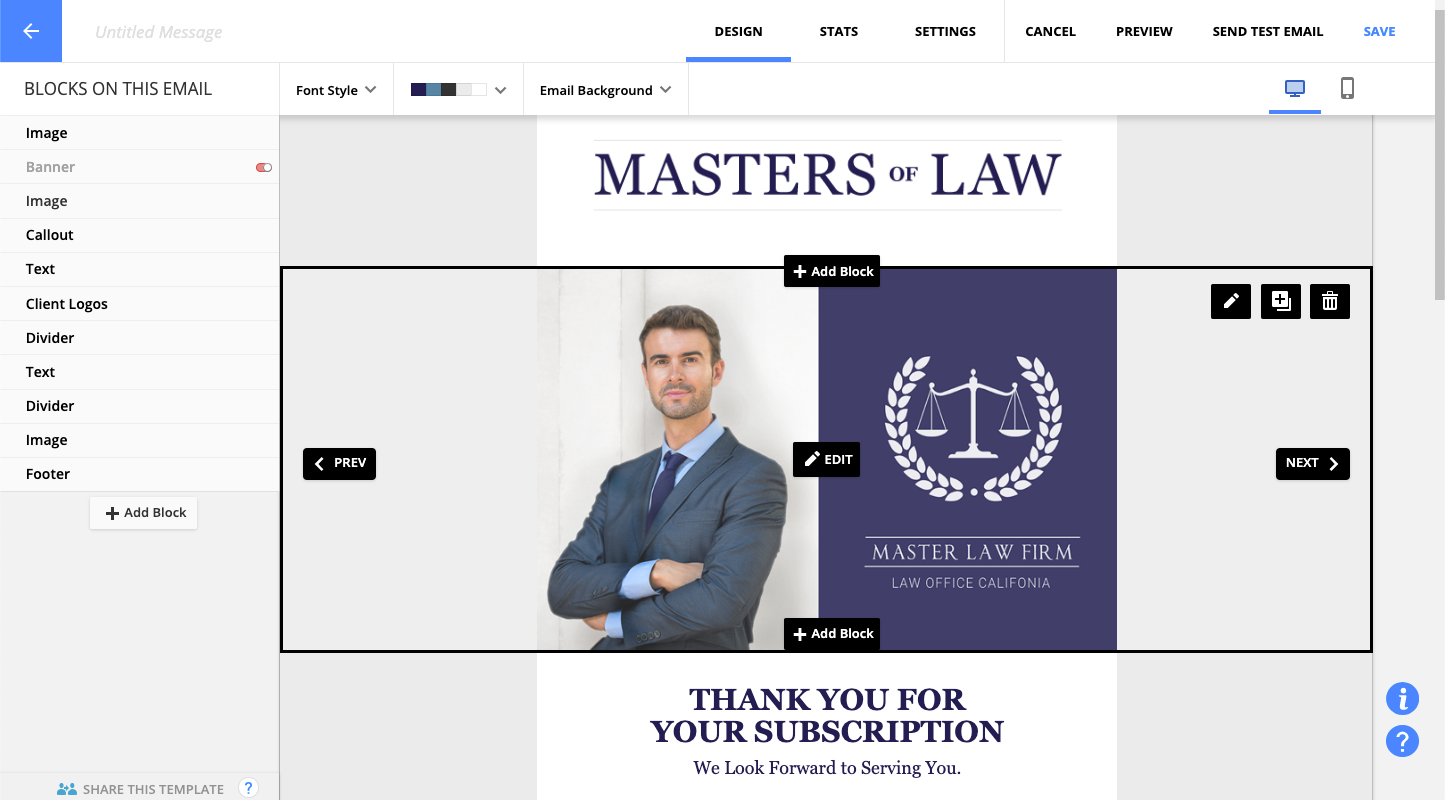
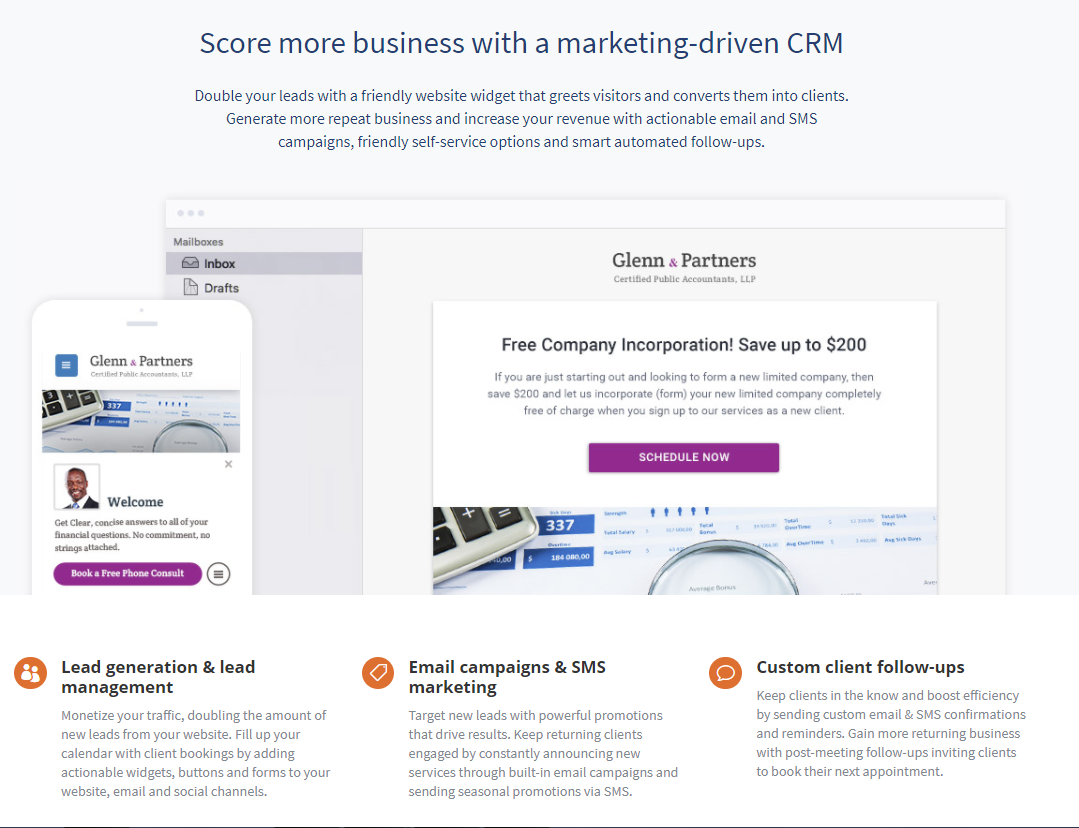
vCita is a marketing-focused CRM for service providers. According to the vendor, the product helps service providers move clients through every stage of the sales cycle: from the first point of contact to closing, upselling and follow-up. vCita is a lightweight CRM with the following features: - Manage appointments, payments, and clients - Access info & respond to clients on the go with a mobile app - Invite clients to…
$29
per month
Pricing
Ontraport
vCita
Editions & Modules
No answers on this topic
Essentials
$29
per month
Business
$59
per month
Platinum
$99
per month
Offerings
Pricing Offerings
Ontraport
vCita
Free Trial
Yes
Yes
Free/Freemium Version
No
Yes
Premium Consulting/Integration Services
No
No
Entry-level Setup Fee
Optional
No setup fee
Additional Details
Ontraport offers a variety of plans to choose from based on the features needed. Pricing adjusts with the number of contacts in the database and users in the account. Monthly or annual plans are available, and all plans start with a 14-day free trial.
Ontraport offers a Done-With-You Setup and Training Package for getting set up in the account quickly. Users can also access a free video library with step-by-step instructions on getting started and using every feature of the platform.
—
More Pricing Information
Community Pulse
Ontraport
vCita
Features
Ontraport
vCita
Email & Online Marketing
Comparison of Email & Online Marketing features of Product A and Product B
Ontraport
9.0
Ratings
17% above category average
vCita
-
Ratings
WYSIWYG email editor
8.20 Ratings
00 Ratings
Dynamic content
10.00 Ratings
00 Ratings
Ability to test dynamic content
8.30 Ratings
00 Ratings
Landing pages
10.00 Ratings
00 Ratings
A/B testing
9.90 Ratings
00 Ratings
Mobile optimization
8.40 Ratings
00 Ratings
Email deliverability reporting
6.00 Ratings
00 Ratings
List management
10.00 Ratings
00 Ratings
Triggered drip sequences
9.80 Ratings
00 Ratings
Lead Management
Comparison of Lead Management features of Product A and Product B
Ontraport
5.5
Ratings
35% below category average
vCita
-
Ratings
Lead nurturing automation
7.10 Ratings
00 Ratings
Lead scoring and grading
2.40 Ratings
00 Ratings
Data quality management
2.60 Ratings
00 Ratings
Automated sales alerts and tasks
10.00 Ratings
00 Ratings
Campaign Management
Comparison of Campaign Management features of Product A and Product B
Ontraport
7.7
Ratings
4% above category average
vCita
-
Ratings
Calendaring
6.20 Ratings
00 Ratings
Event/webinar marketing
9.30 Ratings
00 Ratings
Social Media Marketing
Comparison of Social Media Marketing features of Product A and Product B
Ontraport
7.1
Ratings
6% below category average
vCita
-
Ratings
Social sharing and campaigns
7.10 Ratings
00 Ratings
Social profile integration
7.20 Ratings
00 Ratings
Reporting & Analytics
Comparison of Reporting & Analytics features of Product A and Product B
Ontraport
9.3
Ratings
24% above category average
vCita
-
Ratings
Dashboards
10.00 Ratings
00 Ratings
Standard reports
8.00 Ratings
00 Ratings
Custom reports
10.00 Ratings
00 Ratings
Platform & Infrastructure
Comparison of Platform & Infrastructure features of Product A and Product B
Ontraport
7.3
Ratings
2% below category average
vCita
-
Ratings
API
3.00 Ratings
00 Ratings
Role-based workflow & approvals
9.00 Ratings
00 Ratings
Customizability
10.00 Ratings
00 Ratings
Integration with Salesforce.com
7.30 Ratings
00 Ratings
Integration with Microsoft Dynamics CRM
7.30 Ratings
00 Ratings
Integration with SugarCRM
7.30 Ratings
00 Ratings
Sales Force Automation
Comparison of Sales Force Automation features of Product A and Product B
Ontraport
-
Ratings
vCita
8.8
Ratings
13% above category average
Customer data management / contact management
00 Ratings
9.50 Ratings
Workflow management
00 Ratings
8.00 Ratings
Marketing Automation
Comparison of Marketing Automation features of Product A and Product B
Ontraport
-
Ratings
vCita
7.0
Ratings
8% below category average
Email marketing
00 Ratings
7.00 Ratings
CRM Project Management
Comparison of CRM Project Management features of Product A and Product B
Ontraport
-
Ratings
vCita
8.0
Ratings
5% above category average
Billing and invoicing management
00 Ratings
9.00 Ratings
Reporting
00 Ratings
7.00 Ratings
Customization
Comparison of Customization features of Product A and Product B
Ontraport
-
Ratings
vCita
6.8
Ratings
10% below category average
Custom fields
00 Ratings
6.60 Ratings
API for custom integration
00 Ratings
7.00 Ratings
Platform
Comparison of Platform features of Product A and Product B
Ontraport
-
Ratings
vCita
8.6
Ratings
16% above category average
Mobile access
00 Ratings
8.60 Ratings
Security
Comparison of Security features of Product A and Product B
Starting a business you have enough stuff to deal with. Ontraport takes the headache out of the tech side. Everything works together and you don't ever get left alone to figure things out. I would beg any new business to invest in Ontraport. Or if you want to grow and scale an existing business it would be great. I think it more for service-based business.
It makes client communication extremely easy - we can message and schedule online appointments. Clients really like those options. We also like the online payment portal. That way clients can pay at their convenience, and we don't end up with credit card information that requires PCI compliance. It also helps with payments. It would also help with invoicing, but unfortunately, there are only 3 linked payment options (Square, Stripe, and PayPal). If you don't use one of those payment processors, you cannot link to billing.
Campaign builder. The visual campaign builder is very easy to use and feels pretty modern.
CRM: customizing what type of data I'd like WHERE has been great. Custom fields, being able to move them around.
Task Management: one of the things that set ONTRAPORT apart from other similar automation platforms is the tasks. You can trigger automated tasks that cause your salespeople to take action, and the tasks stay in the queue until the salesperson takes that action and checks it off. This is great for putting together a web of accountability.
Very easy implementation of a contact/scheduling widget.
Allows for scheduling of appointments with clients. The setup is easy and the allotted times can be changed as needed. Easy for the client to use as well.
Managing communication between individual clients is easy as well.
Ontraport is a very powerful and robust system capable of a great many things. The time it takes to get to know the program is a little intimidating. Don't get me wrong, you can get started right away, but a year in I know I am still not making the most of all Ontraport can do. I am UK based so access to their advanced trainings means international travel, maybe some online events could be initiated.
My client was already using Ontraport and had a decent investment in the tool. As soon as we turn around the revenue situation with my client's products, we will be ditching OAP immediately, despite the significant re-implementation cost we are going to face moving to a new system. I am part of a high-end, professional marketing group, and the overwhelming sentiment with these other professionals is that one should run away from this as fast as humanly possible. I thought their words were just ungrounded opinion, and I deeply regret that I did not heed them more closely before sinking still more time and effort into OAP.
The software is just easy to use. The UI is fairly intuitive. The help system is pretty good. I find it is pretty quick to get my work completed and if I don't document my things well, I can always figure out how I did something when I need to make changes. When I have a problem the tech support is easy to deal with and when things need to get escalated they are resolved quickly.
Overall - easy to use. There are some missing features (like fillable pdf forms), and it also requires using certain credit card processors to link billing (otherwise it doesn't work).
Most of the time OP runs fine. But I've had to submit more support tickets this year do to messages, seq.'s or rules not running correctly. Also experienced slow response times moving in and around OP.
The techs are reasonably savvy, highly courteous and want to do right by their customers. Unfortunately, the product they are supporting is so deeply flawed that there's only so much they can do when your legitimate business requirements are simply not supported.
I do miss the days when I could easily call up a rep and talk to them about any issues I had with the service. But I still do hear back from the customer service rep during the week within 24 hours.
We used it because it was recommended by other coaching companies. It meets well the need we have which is mostly about creating different type of access based on when the clients joined our program. You can easily create automations and rules to be notified when clients evolve in the program. It allows us to send them our messages at the right moment.
vCita has been very responsive to our needs and desires for improvement in certain areas. We have appreciated the level of support we receive when a problem arises. Our biggest gain when moving was the reliability of this product's teleconferencing integration with Zoom. With OnCall we had trouble onboarding people, difficulty with the app they used going down, etc. We also had expectations about progress with Forms that we unmet.
The initial cost was high compared to other options but the features in the base level allowed even the smallest of business to grow into the paid version of the service.
The time saved with self service bookings and profile management for customers has been a big plus and made the purchase of the service worthwhile.
The constant improvements to the platform have been enough to continue to use the service as it develops into a competent CRM.