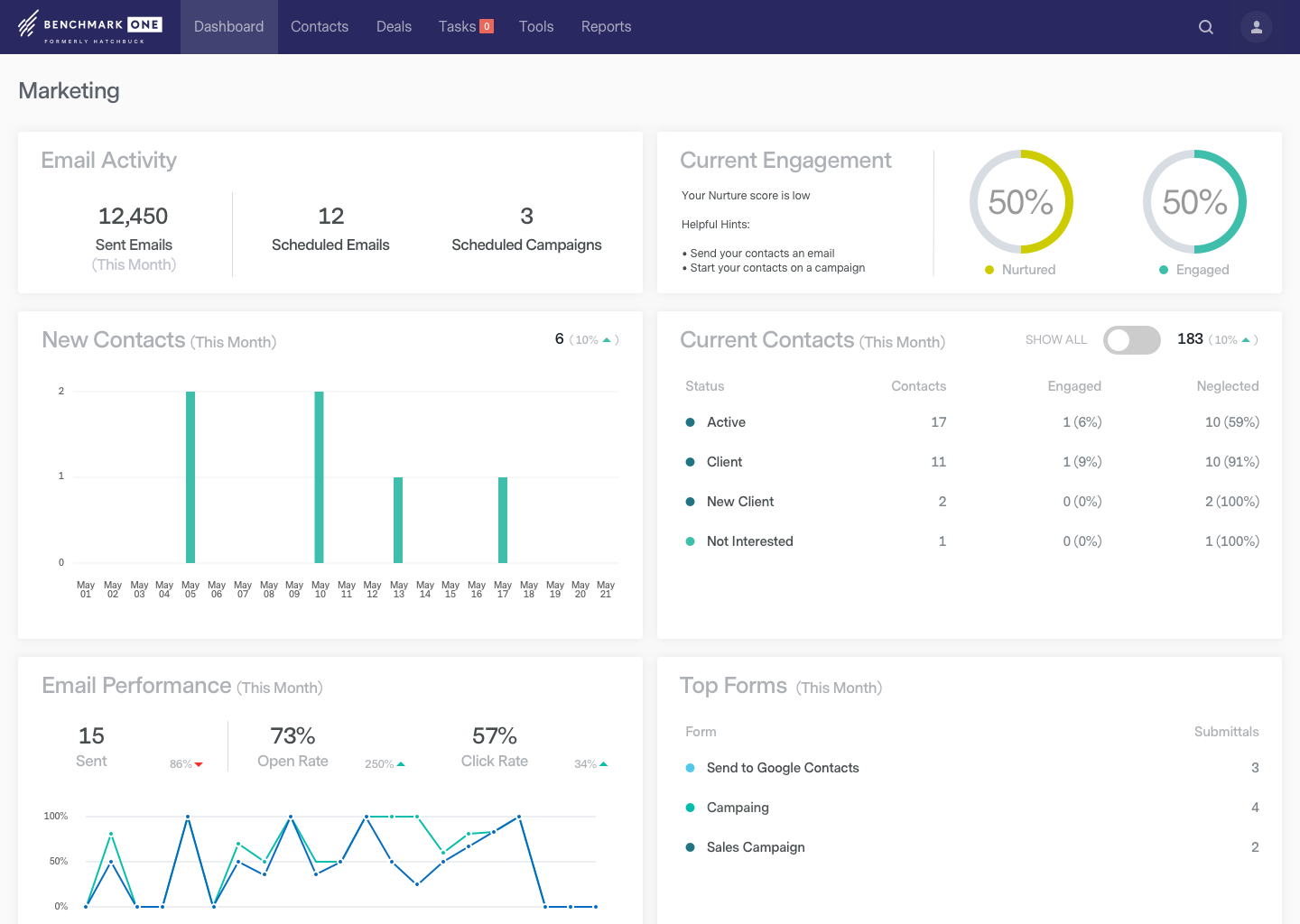
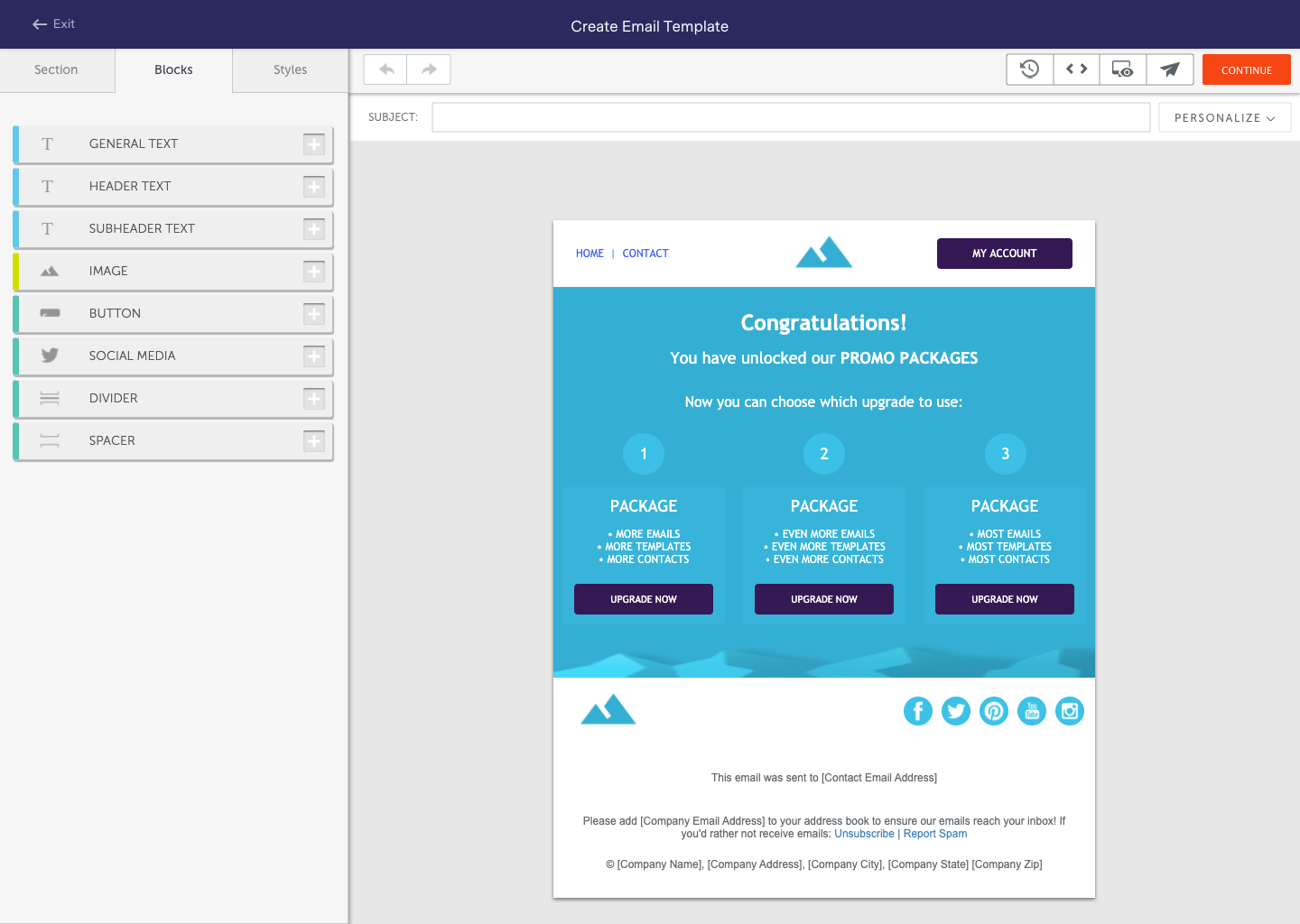
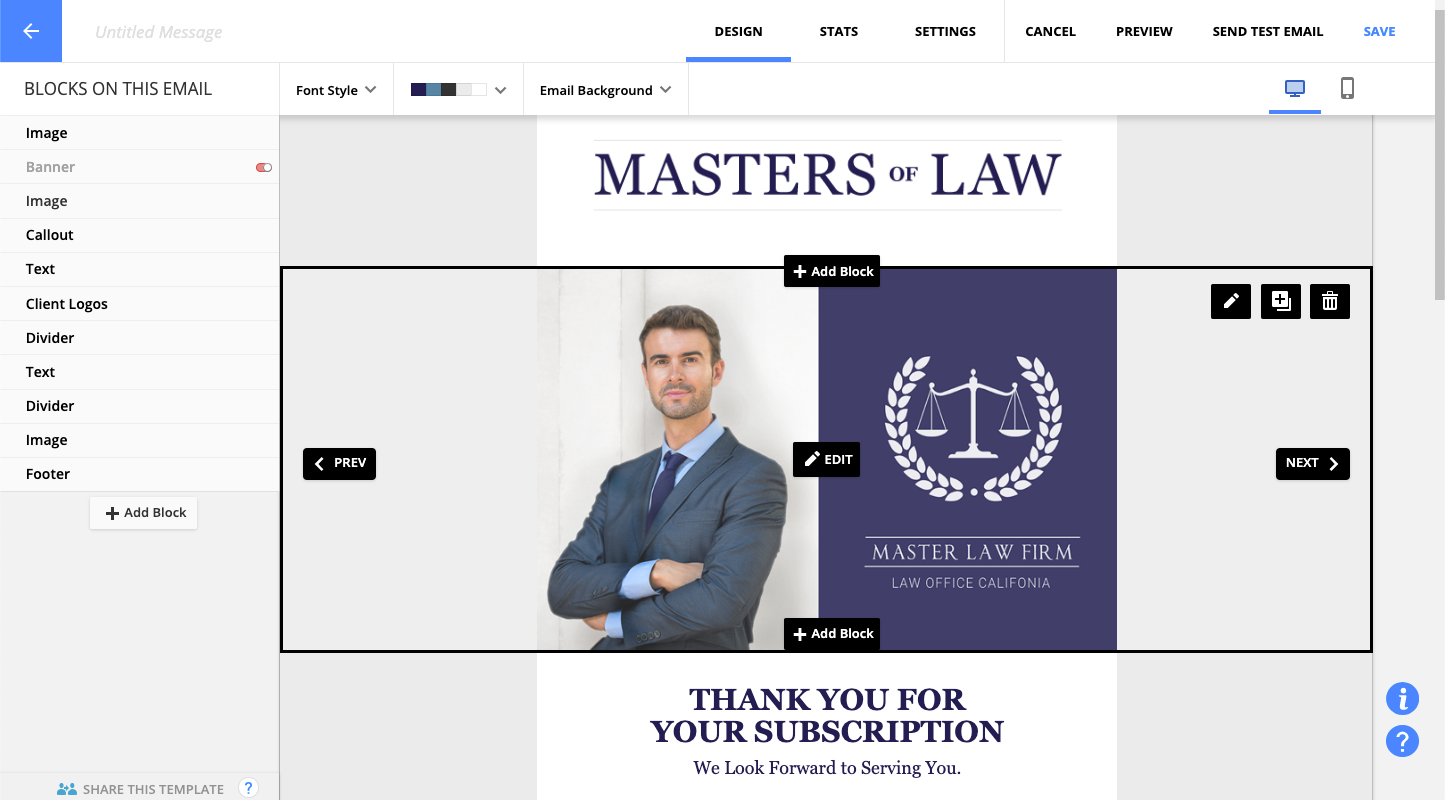
BenchmarkONE (formerly Hatchbuck) is an all-in-one sales and marketing software that includes CRM, marketing automation, and email marketing tools. Users can build online forms, manage and segment contacts, engage prospects with relevant follow-up, manage tasks, and track their pipeline.
$0
per month
Ontraport
Score 9.0 out of 10
N/A
ONTRAPORT offers customer relations management services that help with content management (creating and hosting webpages), lead tracking, traditional marketing approaches (e-mail, SMS, social media, direct mail), managing online payments, and workflow automation.
$29
per month
Pricing
BenchmarkONE
Ontraport
Editions & Modules
Lite
$0
per month
Pro
$0
Agencies
Special Pricing for Qualifying Agencies
No answers on this topic
Offerings
Pricing Offerings
BenchmarkONE
Ontraport
Free Trial
Yes
Yes
Free/Freemium Version
Yes
No
Premium Consulting/Integration Services
Yes
Yes
Entry-level Setup Fee
No setup fee
Optional
Additional Details
—
Ontraport offers a variety of plans to choose from based on the features needed. Pricing adjusts with the number of contacts in the database and users in the account. Monthly or annual plans are available, and all plans start with a 14-day free trial.
Ontraport offers a Done-With-You Setup and Training Package for getting set up in the account quickly. Users can also access a free video library with step-by-step instructions on getting started and using every feature of the platform.
For very basic CRM, email and marketing automation, Hatchbuck is a clear winner on feature set, price and ease of use. Lots of bells and whistles are great if you use them. But many of our clients don't want to learn, maintain and pay for that much technology. However, more …
Hatchbuck is great for small to mid size businesses that are really looking to keep track of their progress with their sales leads as well as their existing customers, as well as tracking the activity their customers are taking from their communications, and automate their sales and marketing funnel as much as possible. We are a SaaS company (software as a service), with sales that range from teeny tiny to very big fish so it's been an easy tool to work with to make sure we are communicating with clients based on their size and needs.
Here are some cases where Ontraport is well suited : - When writing emails, you can easily access to preview, manage the changes and go back to what you did before - When using automations, if there's an error, you can go back to a previous version of it. There are also some super tools that allows to see where a clients is on an automation without having to go through the all automation. It is less appropriate when you are several colleague that are addressing an issue on an email/automation as it doesn't allows you to be multiple person on the item.
They may be a little behind the curve when it comes to some of the advanced features, such as integrating various calendars and e-mail clients.
I would like to see them more integrated with social media platforms, such as keeping track of social media activity and adding more platforms that they track within a record.
The onboarding process was a bit bumpy and took much longer than expected.
In case you can't tell, we are in love with Hatchbuck software. Could it be improved? Of course it could, but, based on our current needs, and the needs of our existing and targeted clients so far, Hatchbuck presents the best fit option available. As a partner we are looking to grow with Hacthbuck into the future.
My client was already using Ontraport and had a decent investment in the tool. As soon as we turn around the revenue situation with my client's products, we will be ditching OAP immediately, despite the significant re-implementation cost we are going to face moving to a new system. I am part of a high-end, professional marketing group, and the overwhelming sentiment with these other professionals is that one should run away from this as fast as humanly possible. I thought their words were just ungrounded opinion, and I deeply regret that I did not heed them more closely before sinking still more time and effort into OAP.
Hatchbuck offers on-boarding, training, and has a suite of videos, which makes it super easy to get started. As with any software that is the key. Have a plan, stay focused, and get started. Once, you begin to play with Hatchbuck you will see that it is very user friendly.
The software is just easy to use. The UI is fairly intuitive. The help system is pretty good. I find it is pretty quick to get my work completed and if I don't document my things well, I can always figure out how I did something when I need to make changes. When I have a problem the tech support is easy to deal with and when things need to get escalated they are resolved quickly.
There has never been any downtime for Hatchbuck, which is very reassuring for me as I market and recruit strenuously for the University at Albany's executive Weekend MBA Program. Hatchbuck team members have also been available when I have reached out to them with questions or issues. With one exception, where one of my e-mails became lost in the Internet "black hole," they have gotten back to me in very timely fashion!
Most of the time OP runs fine. But I've had to submit more support tickets this year do to messages, seq.'s or rules not running correctly. Also experienced slow response times moving in and around OP.
I always get a response within 24 hours, unless I ask on a weekend. The team seems to work together to resolve my issues, answer my questions, and update me on changes. In fact, they have even connected [with] me to ask how they can improve the Hatchbuck software and their service. This is why I love them so much.
The techs are reasonably savvy, highly courteous and want to do right by their customers. Unfortunately, the product they are supporting is so deeply flawed that there's only so much they can do when your legitimate business requirements are simply not supported.
I have had more experience with Hatchbuck, and was introduced to it through someone who is quite familiar. My perspective is that for the money, Hatchbuck does all it needs to, and does it well. I'm sure there are comparable products, but this is the first one that I found user friendly enough to be able to use it consistently
Task management was the main thing that separated ONTRAPORT for me. Keeping things accountable. As well, I felt the campaign builder was slicker, and that the contact management was more robust. Custom fields are very customizable.
We are providing better customer service as a direct result of Ontraport. We can track where all of our customers are, what pages/sites/modules they are visiting with ease and tailor our communication accordingly.
Our marketing funnel has become vastly improved, meaning that our ROI for marketing has gone up. Sales this April are double what they were last year.
Our team works better together because we all have a better idea of what the other needs and when. The tasks that we can assign in Ontraport mean nothing gets missed, creating a better customer and employee experience.