On-Screen Takeoff® vs. SiteCapture

Overview
ProductRatingMost Used ByProduct SummaryStarting Price
On-Screen Takeoff®
Score 7.3 out of 10
N/A
On-Screen Takeoff is a construction takeoff and estimating solution. It is intended to streamline takeoff, RFI, and bidding processes.N/A
SiteCapture
Score 9.0 out of 10
N/A
SiteCapture is a mobile and cloud solution that transforms how businesses capture and communicate information from the field. SiteCapture lets companies that rely heavily on remote workers replace inefficient processes with a single, easy-to-use mobile solution that improves workforce productivity, streamlines operations, and improves levels of customer service. SiteCapture can be configured for virtually any field data collection task and integrated into existing back-office systems.
$100
per month
Pricing
On-Screen Takeoff®SiteCapture
Editions & Modules
No answers on this topic
Basic
$100.00
per month
Professional
$300.00
per month
Premium
$700.00
per month
Offerings
Pricing Offerings
On-Screen Takeoff®SiteCapture
Free Trial
YesYes
Free/Freemium Version
NoNo
Premium Consulting/Integration Services
NoNo
Entry-level Setup FeeNo setup feeOptional
Additional DetailsOn-Screen Takeoff® pricing varies based on licensing options and specific business needs. The annual subscription plans are designed to scale with project and team size. Available Subscription Options: •On-Screen Takeoff •On-Screen Takeoff with Takeoff Boost™ •On-Screen Takeoff and Quick Bid® •On-Screen Takeoff with Takeoff Boost and Quick Bid Each subscription is customized to match the subscriber's workflow requirements. A 14-day free trial is available.
More Pricing Information
Community Pulse
On-Screen Takeoff®SiteCapture
Best Alternatives
On-Screen Takeoff®SiteCapture
Small Businesses
Bluebeam
Bluebeam
Score 9.1 out of 10
Dotloop
Dotloop
Score 6.4 out of 10
Medium-sized Companies
InEight
InEight
Score 8.3 out of 10
Condo Control
Condo Control
Score 9.0 out of 10
Enterprises
InEight
InEight
Score 8.3 out of 10
Accruent Lucernex
Accruent Lucernex
Score 7.9 out of 10
All AlternativesView all alternativesView all alternatives
User Ratings
On-Screen Takeoff®SiteCapture
Likelihood to Recommend
9.0
(0 ratings)
10.0
(0 ratings)
Likelihood to Renew
10.0
(0 ratings)
-
(0 ratings)
Usability
6.0
(0 ratings)
-
(0 ratings)
Support Rating
8.2
(0 ratings)
-
(0 ratings)
Implementation Rating
7.0
(0 ratings)
-
(0 ratings)
User Testimonials
On-Screen Takeoff®SiteCapture
Likelihood to Recommend
  • I would recommend On-Screen Takeoff to any contractor that is not using it for estimating purposes. It helps the process in so many ways.
  • I guess if it was something straightforward, it might not be the most cost-effective solution. For what we do, it is indispensable.
Read full review
Any scenario where you are managing off-site work tasks, especially if those work tasks involve virtual verification and media.
Read full review
Pros
  • User-friendly and easy to learn. You can sit down and figure out how to do simple takeoffs and counts with minimal training.
  • It is very accurate and it is great that you can do several calculations for each condition you make.
  • The colors and shapes provide a great visible audit trail.
  • The layering feature helps from keeping the screen too busy if you are doing several conditions on one page.
  • The worksheet tab keeps tallies of all the takeoffs from each page nicely.
Read full review
  • Creating products that are highly configurable for the user.
  • Creating API integrations.
  • Understanding and adapting to mobile user needs.
Read full review
Cons
  • How documents are uploaded to the program. On-Screen Takeoff will locate the files from whatever path you originally save it to. Therefore, if you move the location of the document, OST will not be able to open your project until the path is redirected.
  • Taking off curved shapes.
  • If you could apply a unit cost to a quantity, it would eliminate the need to export takeoff to Excel.
  • It would be nice to be able to apply a different scale to the same page i.e. if there are two different details on a drawing at two different scales, I have to duplicate the sheet and make sure I make each sheet scale to the specific detail on the sheet.
Read full review
  • Industry/market specification.
  • Expansion and scale.
  • Look and design.
Read full review
Likelihood to Renew
It provides invaluable communication, organization, and flexibility to generate a project overview both visually and by the numbers. In addition to the overview it makes getting into the project details easy and quick, so our takeoff is accurate and correct every time
Read full review
No answers on this topic
Usability
On Screen Takeoff is a valuable tool for what it does. Across the board it can keep track of the critical data and corresponding values without extra legwork. While powerful, it is prone to user error, and the problem can compound quickly if not realized up front. Overall a great project tool, but not without limitations
Read full review
No answers on this topic
Support Rating
I have had very few issues with the software which is probably the first sign that there is a good customer support team, since I am sure they are working and fixing problems for everyone when they get a report from somewhere. The few times I have had to reach out to support they have been knowledgeable and on top of helping me quickly get my issues resolved.
Read full review
No answers on this topic
Implementation Rating
Implementation was as simple as setting up the program and creating databases. Everything else was already in use and this was a supplement to the final organization of the system
Read full review
No answers on this topic
Alternatives Considered
OST is still the most efficient and quick way of doing 2D takeoff. The software mentioned above all have their positives and negatives and they all have things which are far superior to OST. But OST really takes the cake when it comes to usability and a simple and useful interface. It's just so easy to create a condition on the fly and start taking something off. When it comes to actual 2D takeoff, OST is by far the easiest and most efficient way of getting the work done.
Read full review
No answers on this topic
Return on Investment
  • The main benefit for using this software is that our estimating takeoff productivity has gone way up from where it was before allowing us to compile bids and estimates in a quicker and more accurate way.
  • The ease of use has allowed us to reduce the time and investment we have had to put into training new hires on the software.
Read full review
  • Reduced our labor spend due to integration and automation.
  • Reduced subcontracting burdens due to advanced mobile features (i.e., eliminated the need for homework, uploading, and transcription after job completion).
Read full review
ScreenShots

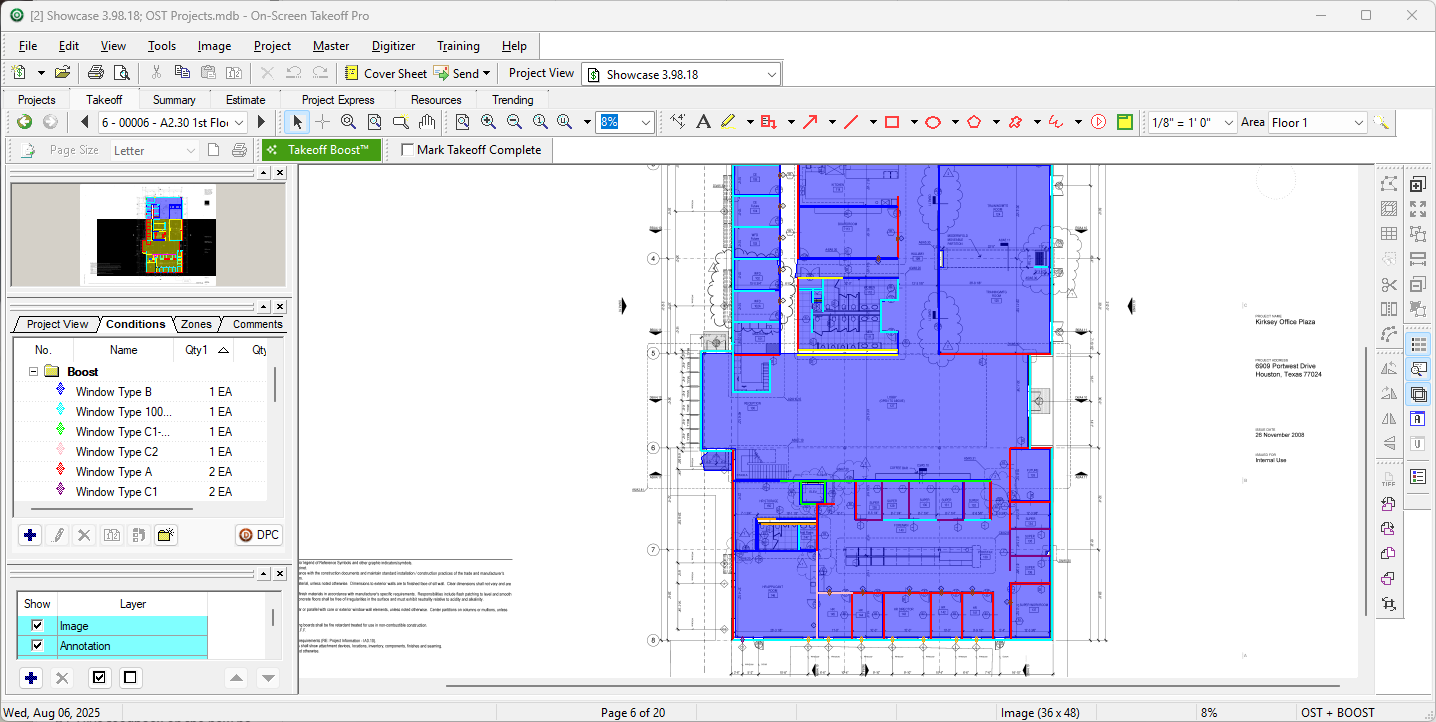
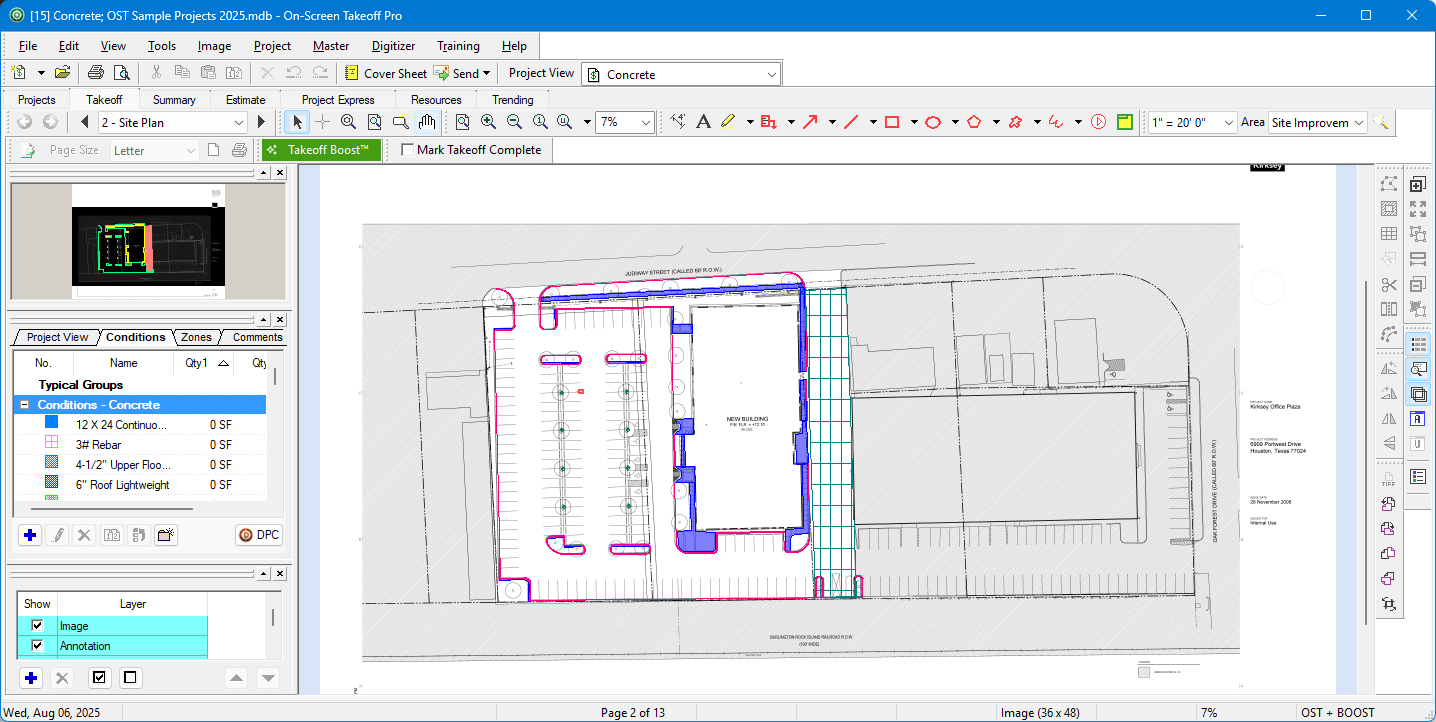
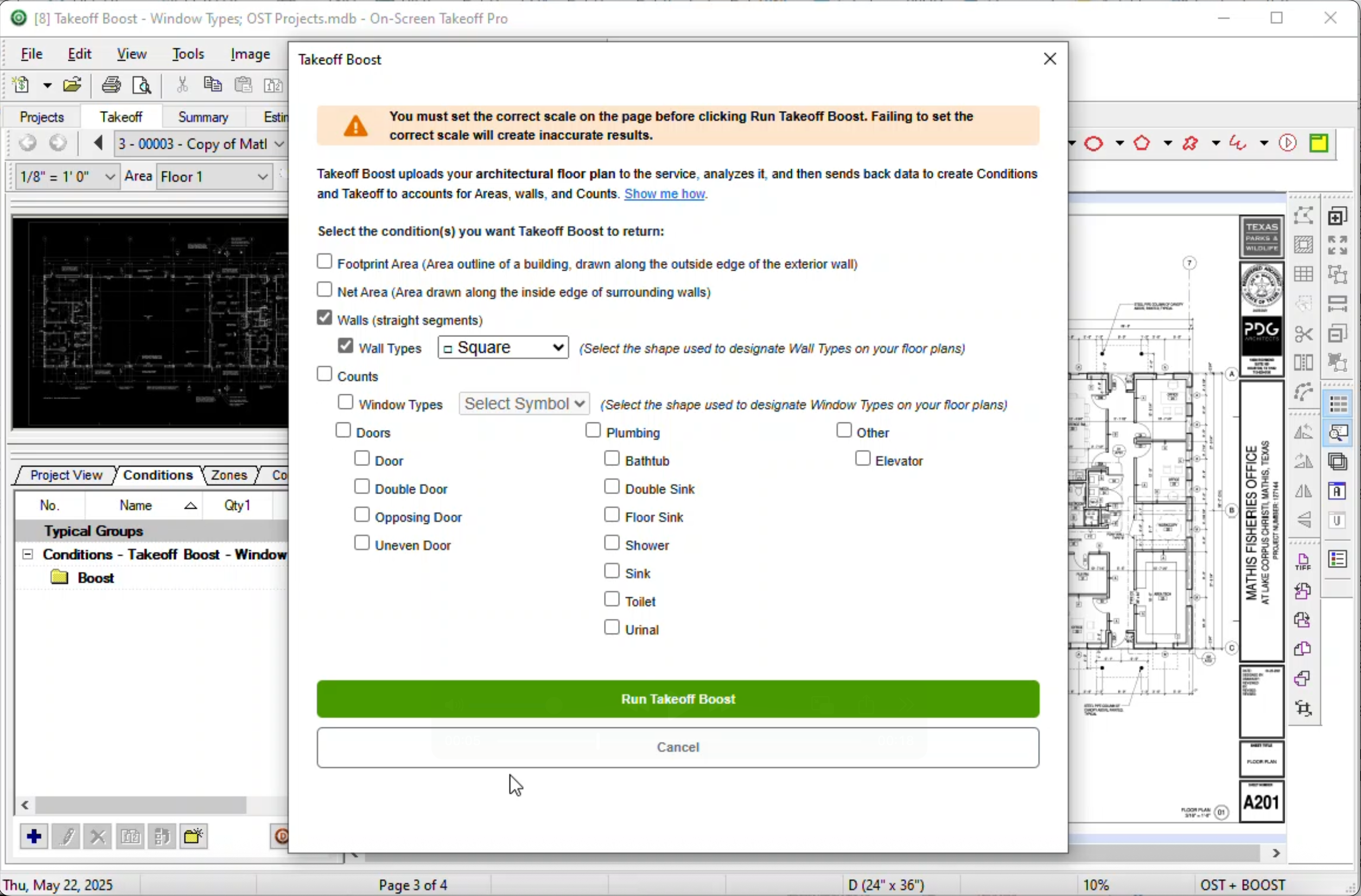
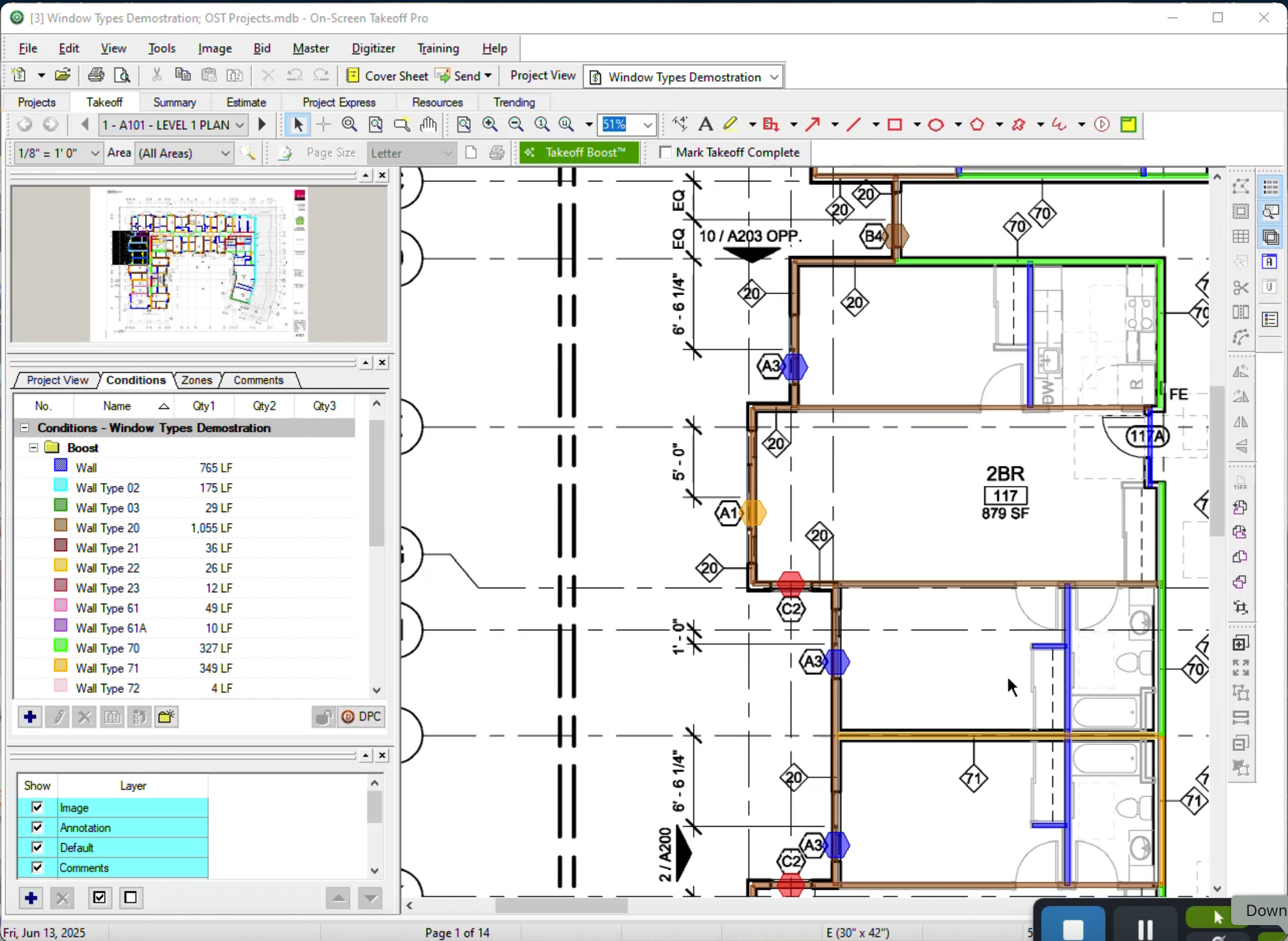
On-Screen Takeoff® Screenshots

Screenshot of Screenshot of Screenshot of Screenshot of

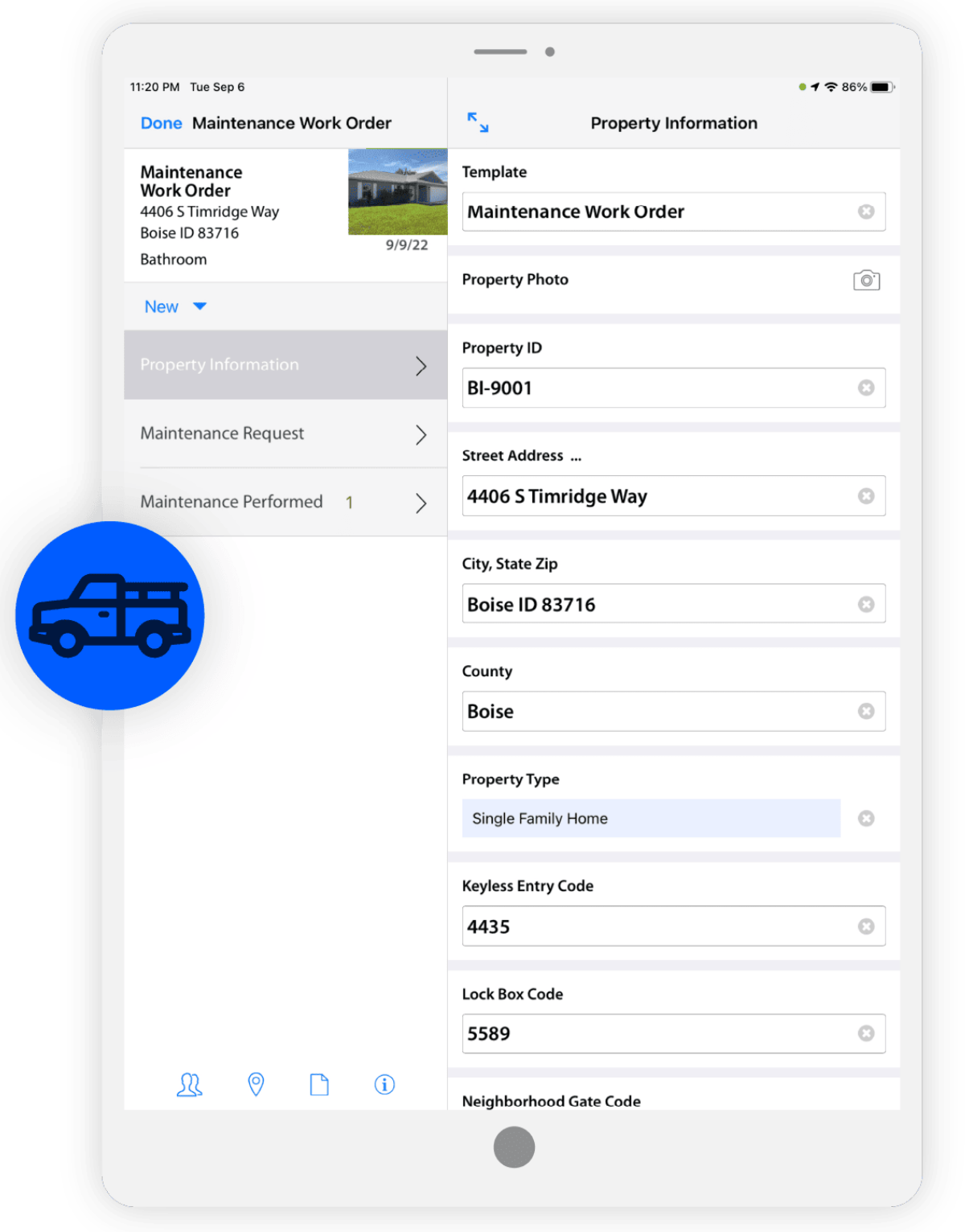
SiteCapture Screenshots

Screenshot of Field communicationScreenshot of Consumer Inspection & SurveysScreenshot of Work Order ManagementScreenshot of Photo & Data ManagementScreenshot of ReportingScreenshot of Estimating