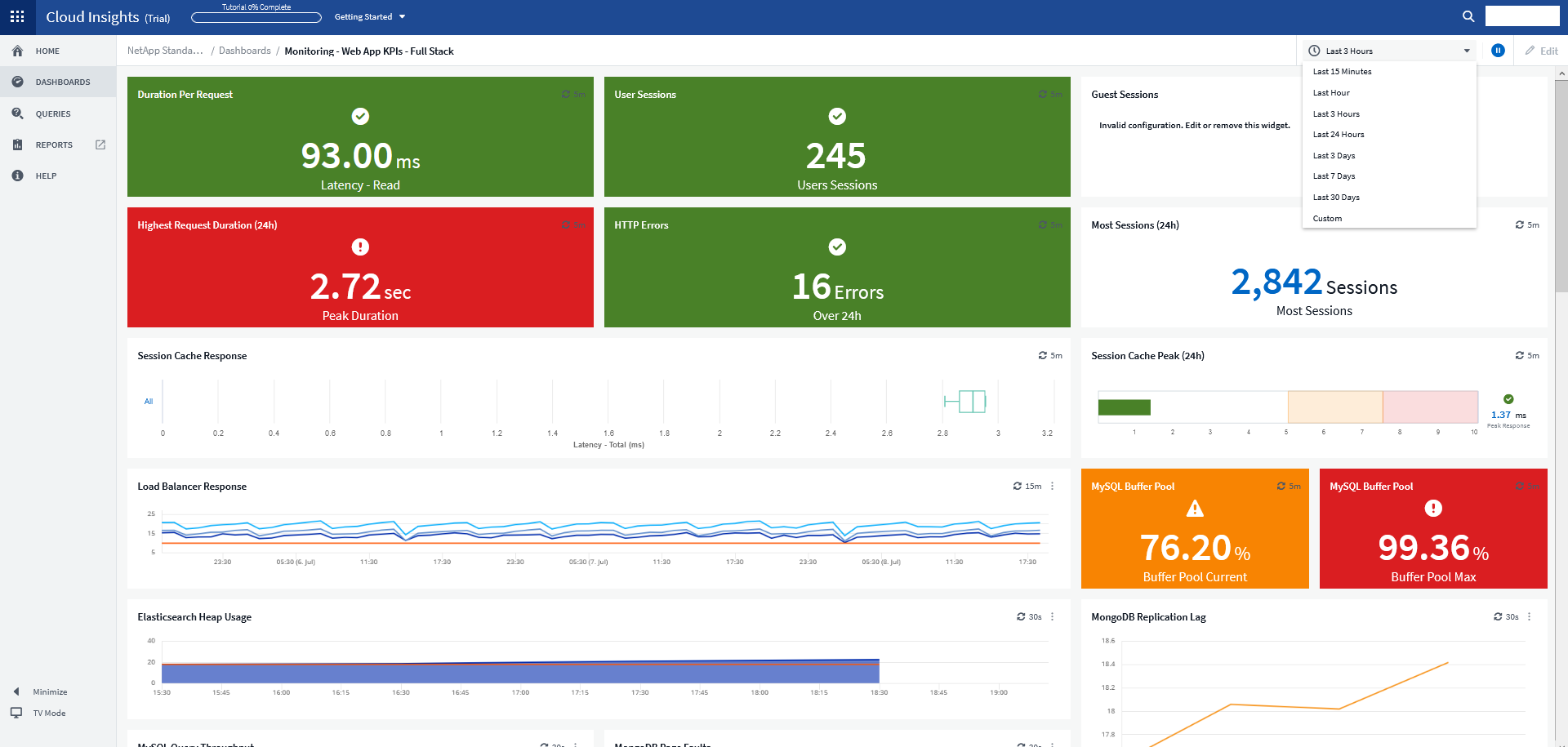
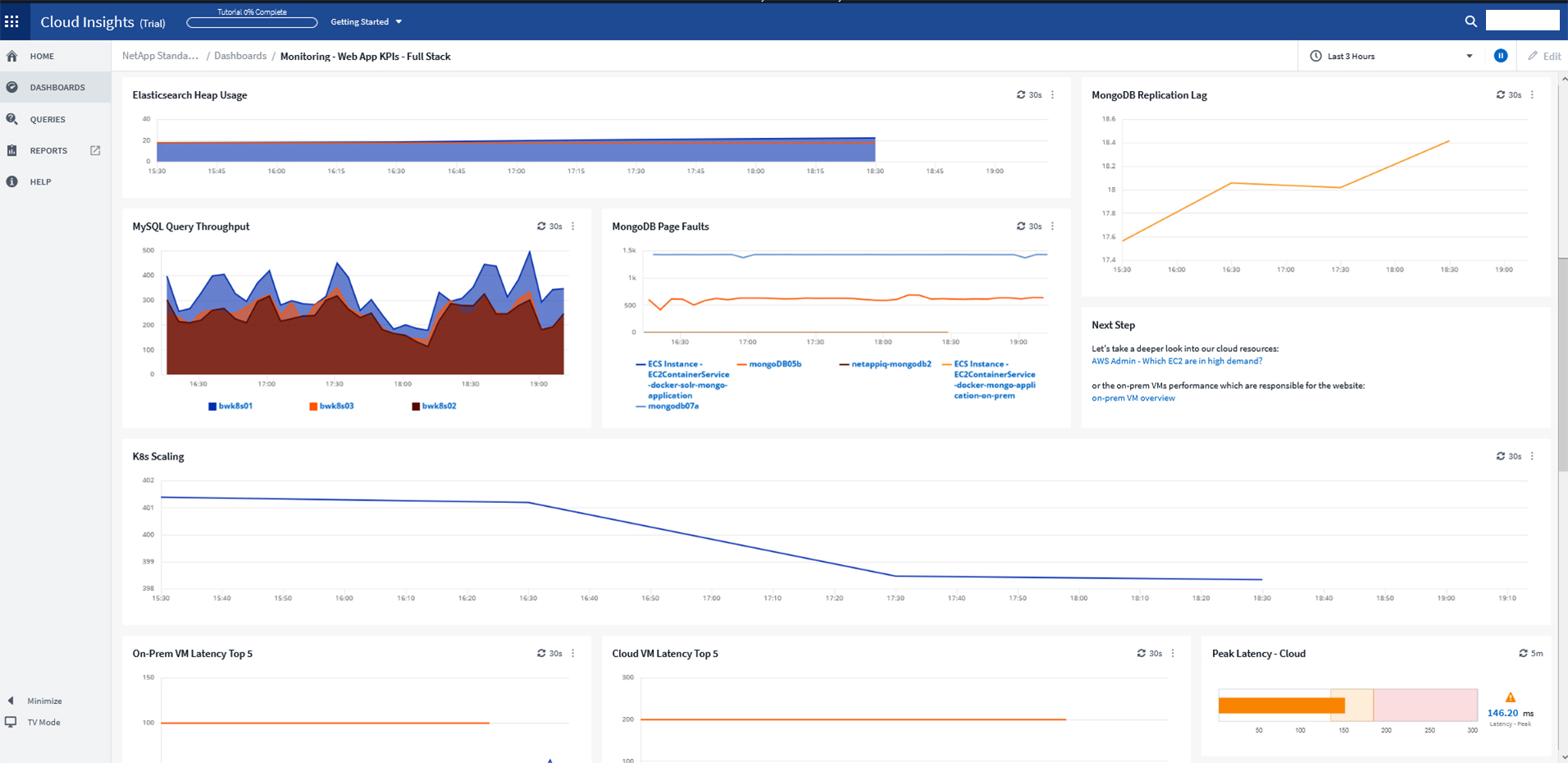
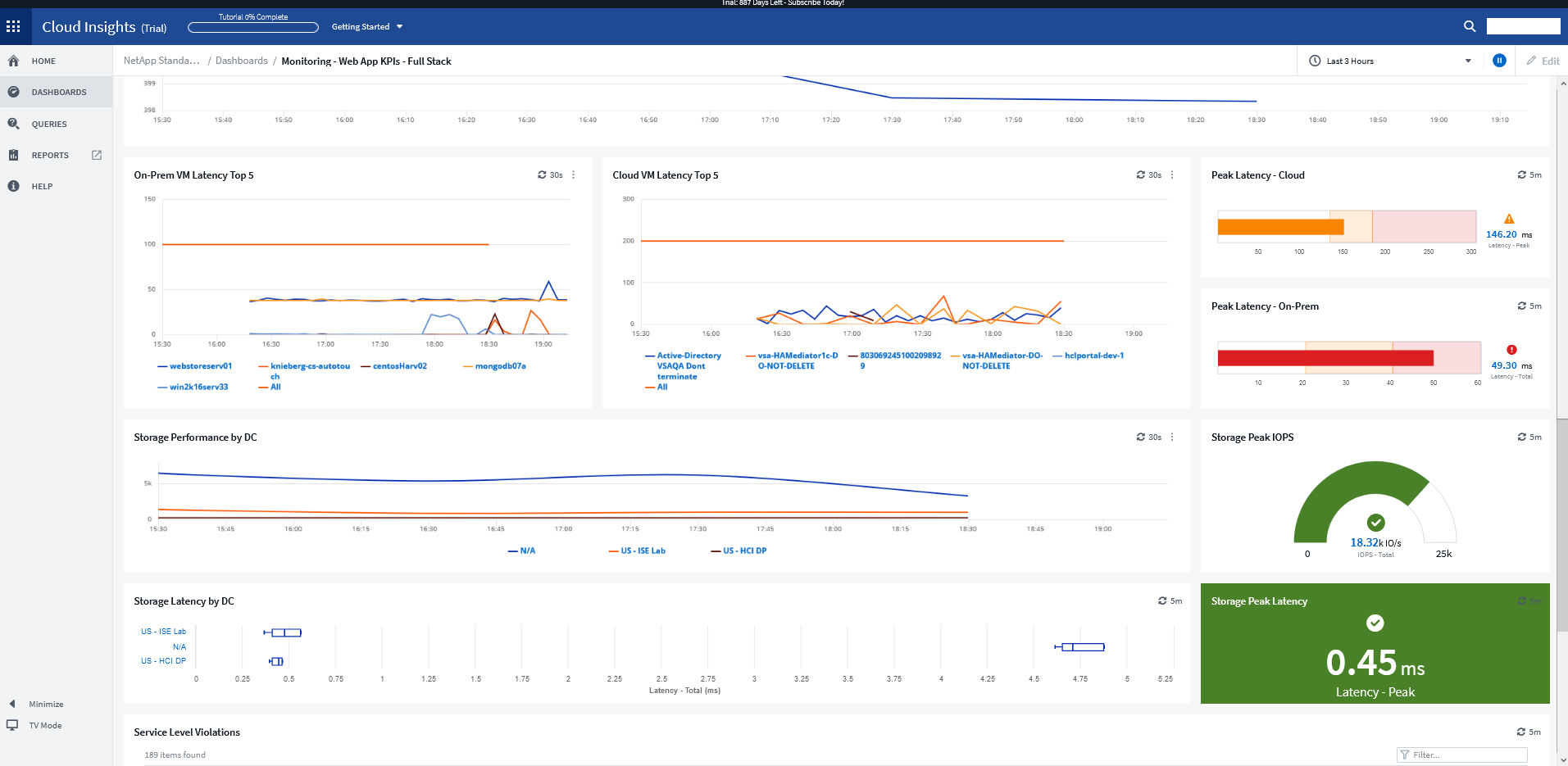
NetApp Cloud Insights is an infrastructure monitoring tool that gives
users visibility into their complete infrastructure. With Cloud Insights, users can monitor, troubleshoot and optimize all resources including
public clouds and private data centers.
N/A
SolarWinds Server & Application Monitor
Score 7.0 out of 10
N/A
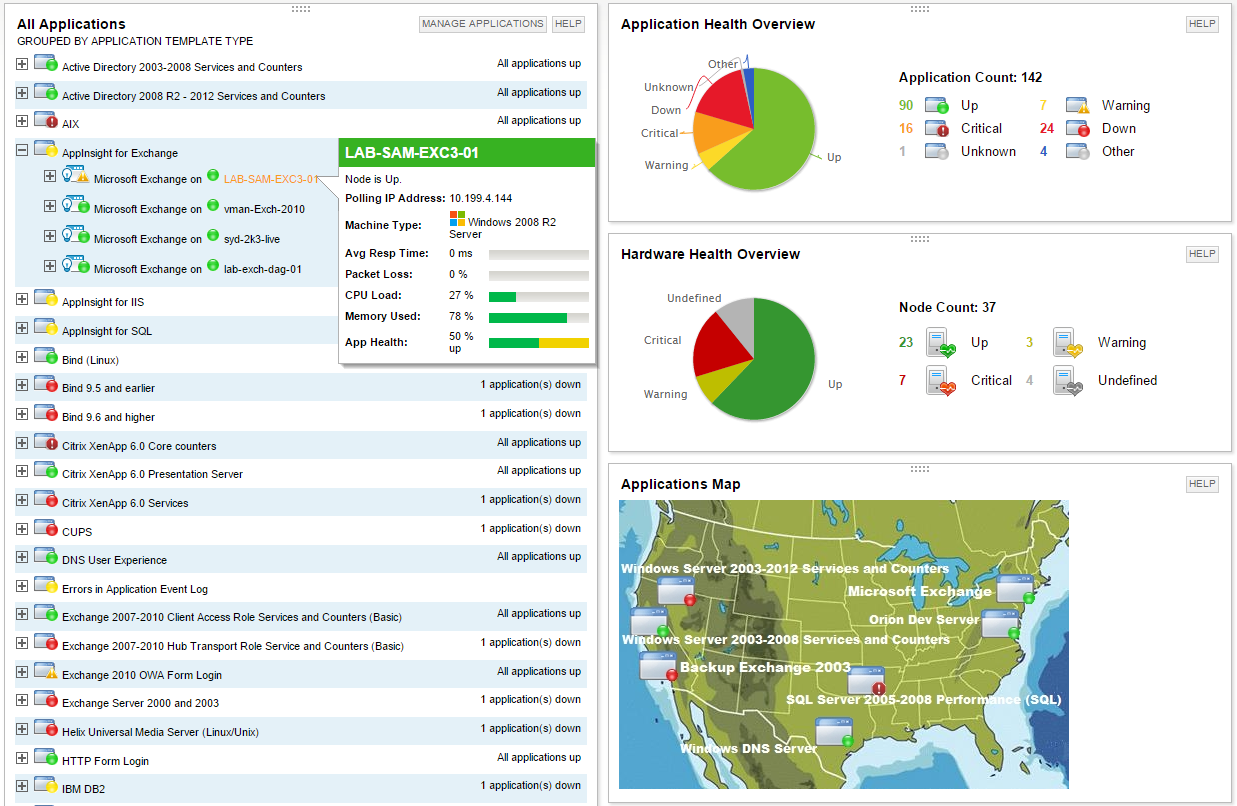
SolarWinds Server & Application Monitor (SAM) delivers application and server monitoring capabilities. SAM allows for self-service for easy setup, 1200+ monitoring templates, and customization options, as well as integrate with other SolarWinds products.
N/A
Pricing
NetApp Cloud Insights
SolarWinds Server & Application Monitor
Editions & Modules
No answers on this topic
No answers on this topic
Offerings
Pricing Offerings
NetApp Cloud Insights
SolarWinds Server & Application Monitor
Free Trial
Yes
Yes
Free/Freemium Version
Yes
No
Premium Consulting/Integration Services
Yes
No
Entry-level Setup Fee
Optional
No setup fee
Additional Details
—
SAM pricing starts at $2,995.
More Pricing Information
Community Pulse
NetApp Cloud Insights
SolarWinds Server & Application Monitor
Features
NetApp Cloud Insights
SolarWinds Server & Application Monitor
Application Performance Management
Comparison of Application Performance Management features of Product A and Product B
For example, we had an application slowdown. It looked like the slowdown was storage. However, it was a malformed SQL query that no one realized was pulling data from the storage location that also housed the application. Cloud Insights saved us hours of downtime and frustration. Cloud Insights pinpointed which system was hogging resources. What makes Cloud Insights special is the way it looks at the data collected from the data sources. The insights it provides into the flow of data; sheds new light on how things work in your environment.
For monitoring applications that run on Windows hosts on VMware or HyperV virtualization, SolarWindows offers a nice, vertical view of both the loads and the resources. In such an environment, this makes life really good! But if you have something else -- for example, Linux hosts -- you're on your own to some extent. That is, the things it does well, it does very well -- but everything else is much less polished.
Provides basic monitoring/visibility. Visibility into detailed/fine-grained issues best suited for more specialized/expensive solutions.
Licensing per monitored application rapidly uses up purchased license count.
More out-of-the-box templates or easier setup of monitoring less-common applications would make the solution more appealing given the target audience of the product.
We are heavily invested in Solarwinds products for a reason. They are generally easy to setup and run with, requiring only some interfacing with support or help articles on rare occasions. They do what we bought them to do and we can't ask for more.
I have been extremely happy with its usability. You can take thins as they are out of the box and it is useful. You can carry it as far as you want to go and every step you take improves your ROI.
SolarWinds Server & Application Monitor is quite easy to use and super versatile. It allows you to do just about anything you can through premade templates or through scripting. You can use an agent on the servers if you want to, or you can monitor through WMI or SNMP credentials. You can customize thresholds for alerting quickly, and you can configure alerts to be as complex or as simple as you want.
The graphical interface and the performance of the database leave a little to be desired, they could be better explored.Some functionality and screens do not work well depending on the browser used. The integrations never had any problems or caused crashes in other systems.
I think there was only a couple times I had to open a support case for SAM and one time they got multiple engineers on the phone to get a better idea what I was trying to monitor and was able to point me in the best direction to monitor that system.
For a while, we were using Zabbix to monitor our Kubernetes applications and microservices on our infrastructure in more than one public cloud platform. Cloud Insights has much better visualized dashboards. In addition, despite such a large number of quality features, it's still priced competitively.
It has been a while since we first purchased SolarWinds, but I looked over several other products that I can't remember now. Many other products tried to scan the network to find computers but given that our computers are located in various places across campus with other computers in our buildings that are not ours that type of network scanning was not what we needed. Other services have extra services that we had no need of and I liked the ability to add custom fields in SolarWinds so we can track the information on each computer that we need to know.
Once you install the acquisition unit and start collecting data, you can immediately begin using it. It is very self-explanatory and helpful. I could have used Cloud Insights without working with the NetApp Cloud Insights support team. I am glad I engaged them though. They helped me carry Cloud Insights to a new level and it fast-tracked the process that would have taken me time to complete.
Less time spent investigating causes of issues. We are alerted straight away and can find the root cause of the issue in less time.
We have been able to ditch all our previous individual monitoring solutions, none of which integrated with each other for a single solution which fully integrates with each of the different modules to provide a single portal for monitoring and alerting.