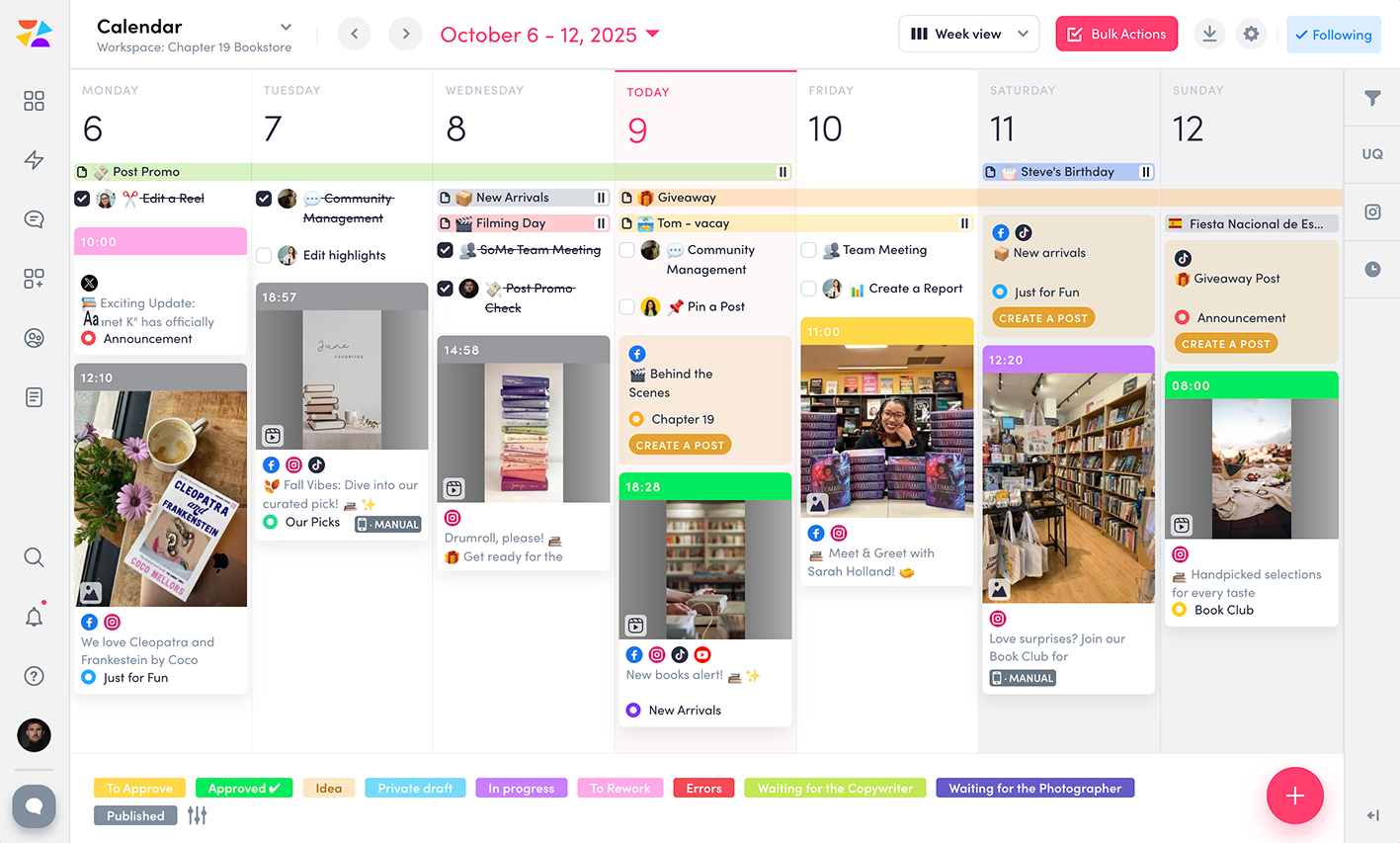
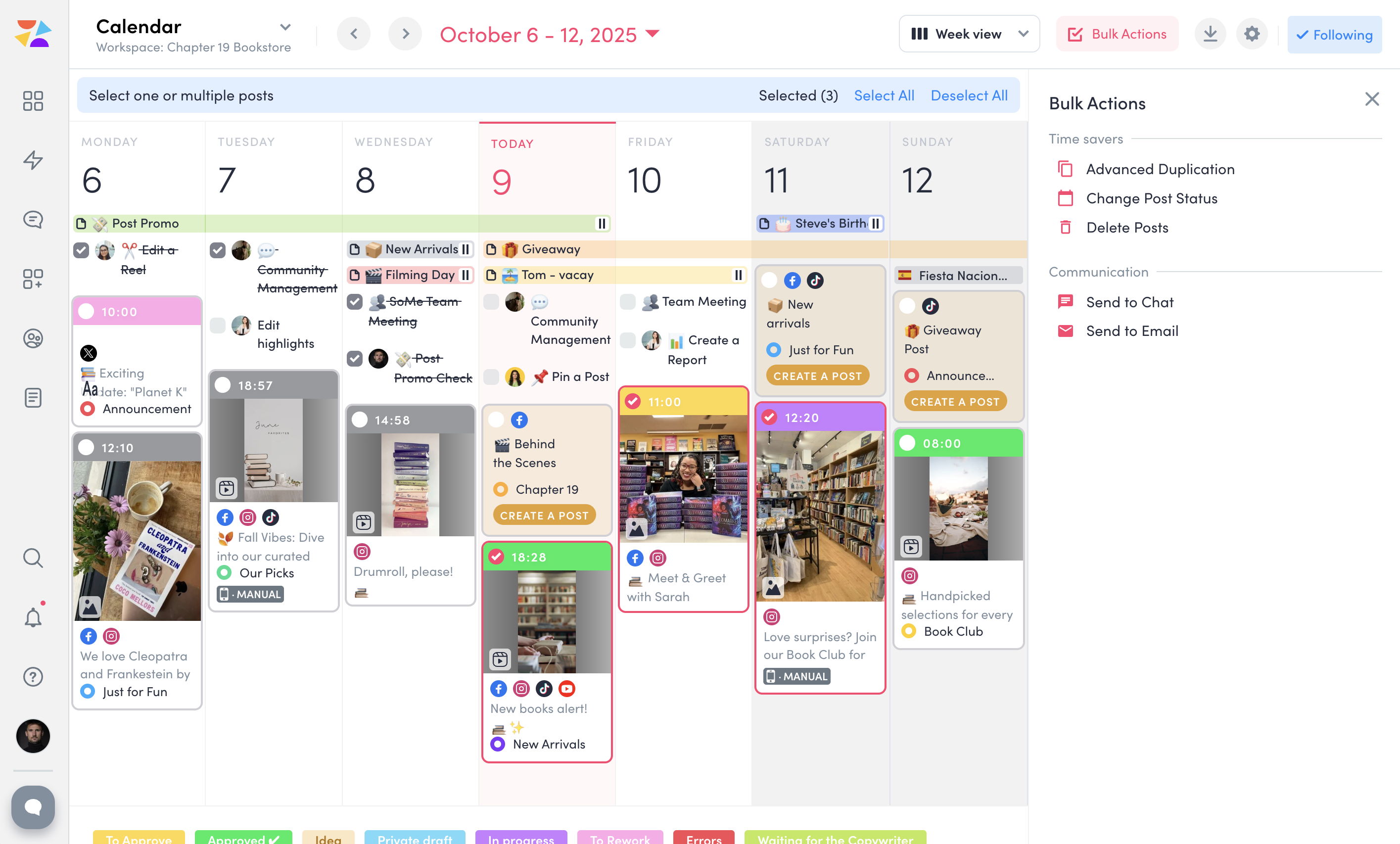
monday marketer empowers marketers and creatives to plan, execute and optimize impactful marketing initiatives in one place. From strategic planning, and digital asset management to launching effective campaigns, customize your entire workflow to any project management style.
$0
per month per seat
ZoomSphere
Score 9.1 out of 10
N/A
ZoomSphere is a social media scheduling and management solution designed for teams to plan, schedule, auto-publish, and analyze their social media content across multiple platforms.
ZoomSphere is primarily used by social media managers, marketing teams, and agencies to streamline content workflows, improve collaboration, and track performance across various social media platforms, including Instagram, Facebook, TikTok, LinkedIn, YouTube, and X. The software helps users automate…
$29
per month
Pricing
monday marketer
ZoomSphere
Editions & Modules
Individual
$0
per month per seat
Basic
$10
per month per seat
Standard
$13
per month per seat
Pro
$22
per month per seat
Enterprise
Contact Sales
Leads Manager
$29
per month
ZoomSphere
$199
per month
Offerings
Pricing Offerings
monday marketer
ZoomSphere
Free Trial
Yes
Yes
Free/Freemium Version
Yes
No
Premium Consulting/Integration Services
No
No
Entry-level Setup Fee
No setup fee
No setup fee
Additional Details
—
Two month discount available for annual billing.
More Pricing Information
Community Pulse
monday marketer
ZoomSphere
Features
monday marketer
ZoomSphere
Lead Management
Comparison of Lead Management features of Product A and Product B
monday marketer
7.6
Ratings
12% above category average
ZoomSphere
-
Ratings
Automated sales alerts and tasks
7.60 Ratings
00 Ratings
Campaign Management
Comparison of Campaign Management features of Product A and Product B
monday marketer
9.5
Ratings
15% above category average
ZoomSphere
-
Ratings
Calendaring
9.60 Ratings
00 Ratings
Event/webinar marketing
9.30 Ratings
00 Ratings
Reporting & Analytics
Comparison of Reporting & Analytics features of Product A and Product B
monday marketer
7.0
Ratings
3% above category average
ZoomSphere
-
Ratings
Dashboards
7.30 Ratings
00 Ratings
Standard reports
6.80 Ratings
00 Ratings
Custom reports
6.90 Ratings
00 Ratings
Platform & Infrastructure
Comparison of Platform & Infrastructure features of Product A and Product B
monday marketer
8.8
Ratings
31% above category average
ZoomSphere
-
Ratings
Role-based workflow & approvals
9.70 Ratings
00 Ratings
Customizability
7.90 Ratings
00 Ratings
Publishing
Comparison of Publishing features of Product A and Product B
monday marketer
-
Ratings
ZoomSphere
8.0
Ratings
0% below category average
Content planning and scheduling
00 Ratings
8.00 Ratings
Audience targeting
00 Ratings
7.00 Ratings
Workflow management
00 Ratings
9.00 Ratings
Marketing
Comparison of Marketing features of Product A and Product B
monday marketer
-
Ratings
ZoomSphere
9.0
Ratings
15% above category average
Content marketing
00 Ratings
9.00 Ratings
Channel coverage/integration
Comparison of Channel coverage/integration features of Product A and Product B
monday marketer
-
Ratings
ZoomSphere
8.4
Ratings
0% below category average
Twitter
00 Ratings
10.00 Ratings
Facebook
00 Ratings
10.00 Ratings
LinkedIn
00 Ratings
8.00 Ratings
Instagram
00 Ratings
7.00 Ratings
YouTube
00 Ratings
7.00 Ratings
Reporting/analytics
Comparison of Reporting/analytics features of Product A and Product B
monday marketer
-
Ratings
ZoomSphere
8.3
Ratings
5% above category average
Campaign success analytics
00 Ratings
8.00 Ratings
Real-time tracking
00 Ratings
7.00 Ratings
Competitor analysis
00 Ratings
10.00 Ratings
Account management
Comparison of Account management features of Product A and Product B
I think monday marketer is well suited to every organization, as it helps to track the current status of work/assignments, and helps lower down the chain of email communications for work status notifications, less use of Excel and other tools as we get all WBS like features at one place. monday marketer isn't suitable for you if you want to transfer your Excel project data which uses macros or complex formulas for any data items/columns.
ZoomSphere is suited for all companies - from small to big, for one brand or more brands within company. With ZoomSphere you can leverage your social media presence - but you need to use lot of apps ZoomSphere has. I think that ZoomSphere is not suited for company that want to use ZoomSphere for only one purpose, for example content creation and publishing. There are plenty of ways how to use ZoomSphere more complex.
Notifications are not consolidated. So if a teammate makes a new board and assigns me to a bunch of items, I get an individual notification of every single one
I like sub-items, but they aren’t always necessary so making them unremovable isn’t great
It is an easy platform to learn for new members joining the team. The useability of monday.com makes it easier to onboard stakeholders and team members, to make project management easier for everyone. Automation also makes common tasks easier by eliminating the need to focus on doing repetitive things over and over and over again.
There is always a space for improvement, but overall I see ZoomSphere as a valuable partner and tool for our business on social media. Maybe in a future rest of the apps in tool (community management, social media listening,...) will be on a same level as competitors and we will use only one tool for whole social media management. But if not, ZoomSphere is still awesome for the most of it
I gave a 10, however, I have never needed to reach out to their support. I prefer self-led training, so if I ever ran into an issue, I was able to find a solution immediately in their knowledge base. It's insane how they have created a product-led software that really doesn't require direct support or implementation help. It's just easy. That being said, I can appreciate that there is direct support on hand if needed
Whenever I contacted customer service, I had a great response within minutes. Sometimes was not easy to solve, but somehow we figured it out. I would like to reccommend more proactive communication with clients regarding product roadmap, for example "In 1Q we will launch XY,..." Client should know that before implementation - client can prepare for news, client can test something,...
We've used Microsoft Excel for the management of our marketing initiatives in the past. Microsoft provides basic collaboration features and allows us to visualize data as we needed, but it was not a true task management system that was important for all parts of our marketing processes. monday marketer allowed us capabilities such as assigning items, setting up automated notifications based on status changes to notify business stakeholders, keeping track of correspondence for each component, and more. It was an easy selection for us.
We see ZoomSphere as a better option than Kontentino. They are almost the same in way you can use the tool, but ZoomSphere has better UI and UX and also customer service. We also know that pricing levels are better with ZoomSphere than Kontentino. But both tools are quite awesome for social media management. Just book a demo, have a trial and you will see by yourself.
It has saved our team a lot of time. It allows our Creatives to quickly see what projects should be on their priority list, as well as where the other elements of each project are at.
The update feature allows our team to have focused communication regarding different tasks. It's easy to tag in team members and ask questions, provide links to finished assets, etc.
Before I joined the team, they were debating whether this software was the right choice and thinking about switching. When I joined the team, I really owned monday.com and got to learn the software. I figured out ways to make my team's boards more efficient and useful, which has in turn greatly increased the employee adoption of this software. There are now best practices and processes in place regarding this platform which has made it easier for everyone - we all want to keep monday.com now!